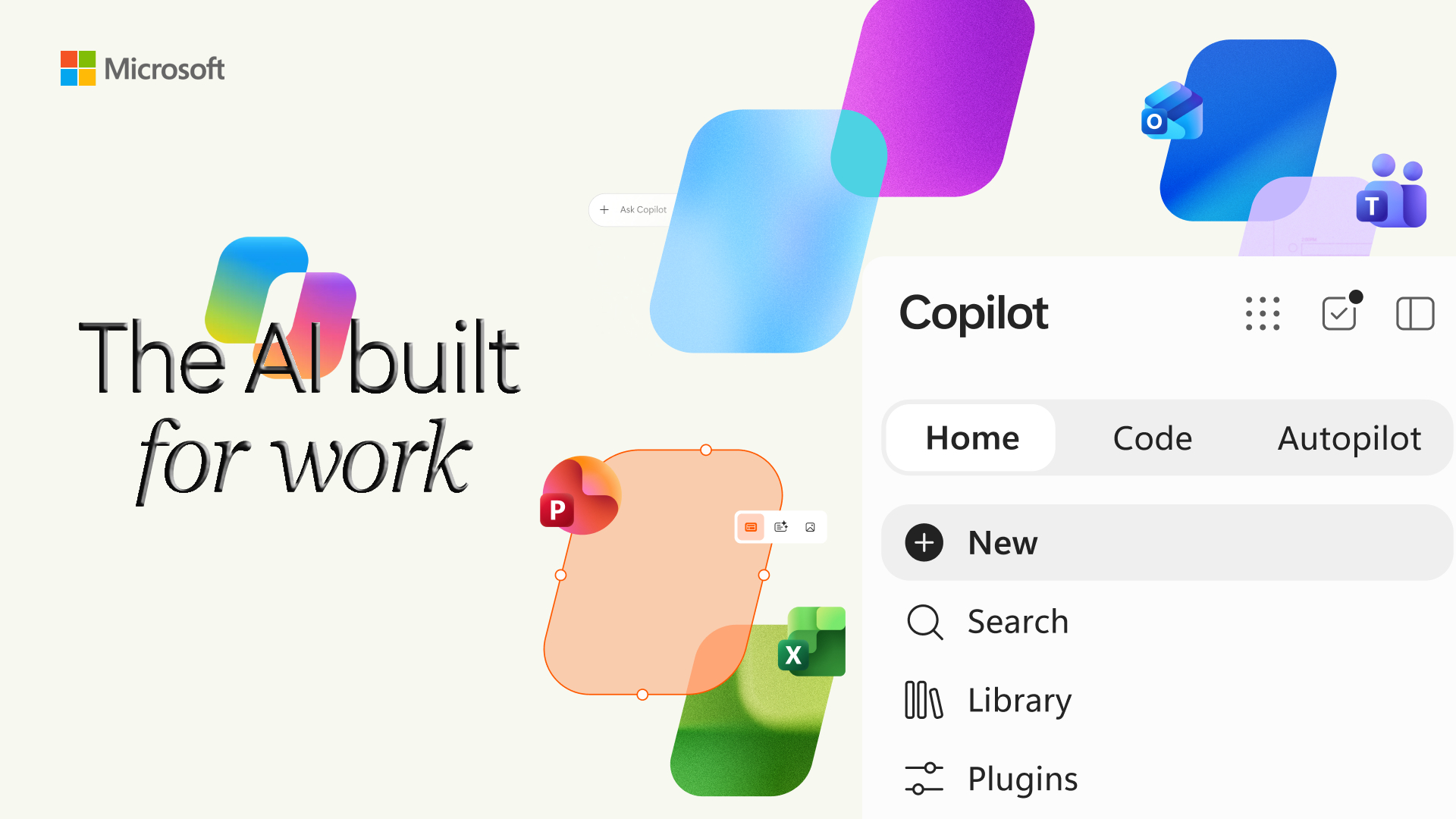
Microsoft is introducing a new Copilot experience designed to bring more ways of working with AI into one place. The new experience introduces three major capabilities: Home, Code and Autopilot.
Announced on September 25, 2026, the new Copilot is designed to help users ask questions, delegate complex work, build their own solutions, and let AI continue working on tasks in the background. Microsoft says Home and Code will begin rolling out through its Frontier program, while Autopilot is expanding to private preview.
Rather than treating AI as only a chatbot, Microsoft is positioning Copilot as a broader workspace where people can work with AI in different ways.
What Are Home, Code and Autopilot?
The 3 capabilities are designed for different types of work.
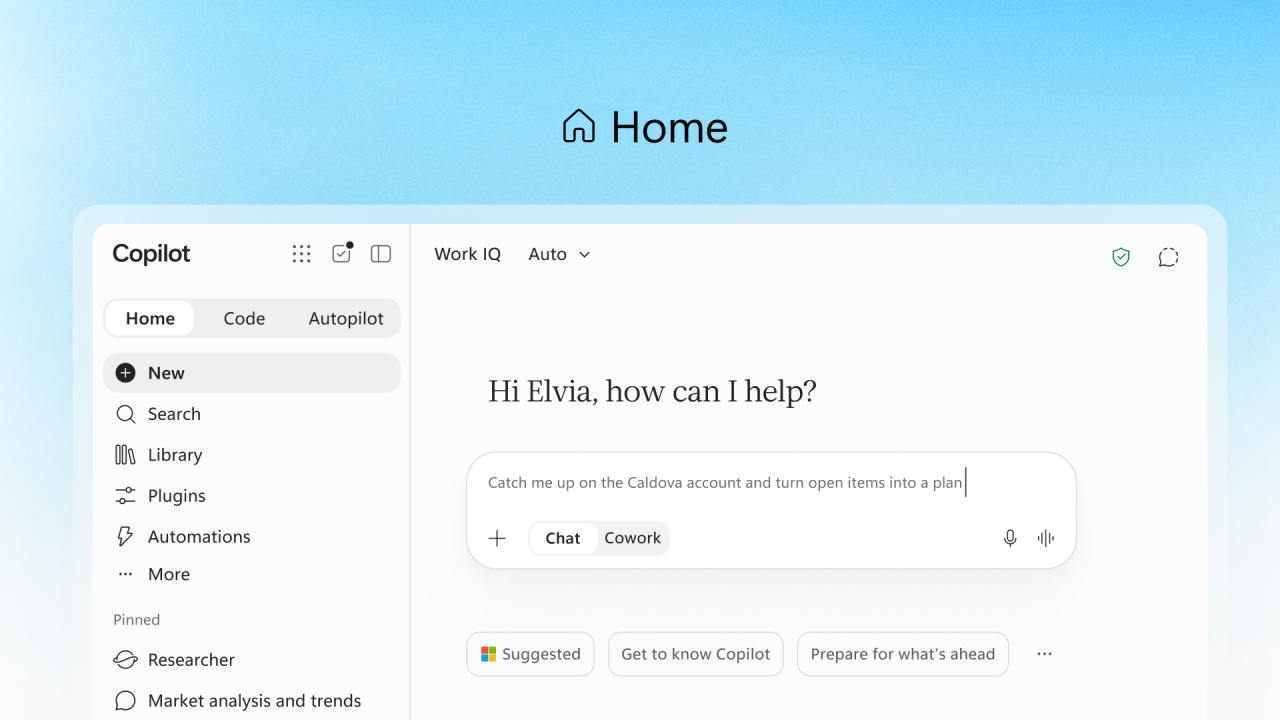
Home becomes the main starting point for Copilot. It brings Chat and Cowork together and provides access to Office experiences.
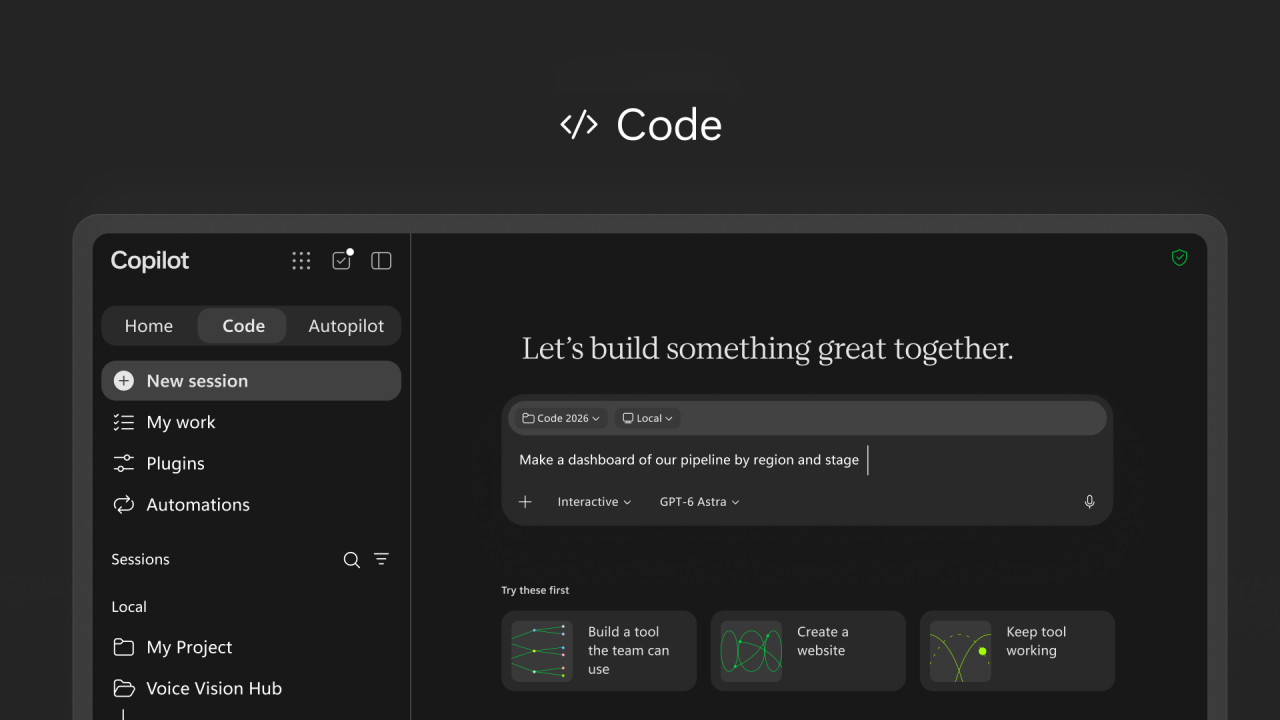
Code allows users to create small applications, dashboards, trackers, automations, and workflows using natural language.
Autopilot is designed to work as a persistent AI teammate. Users can give it a goal and boundaries, and it can continue working without waiting for another prompt.
Together, Home, Code and Autopilot represent Microsoft's attempt to make Copilot useful across more stages of everyday work.
Home: A New Starting Point for Copilot
Home is designed to become the central starting point for the new Copilot experience.
Instead of choosing between different experiences before starting work, users can begin from Home and see recent activity, suggestions, and ongoing work.
Microsoft describes Chat as the place for quick questions, lookups, drafts, and conversational tasks. Cowork, meanwhile, is designed for work that users want to delegate to AI from beginning to end.
For example, a user could ask Cowork to prepare an RFP response, create a customer briefing, develop a launch package, or work on a financial close package.
Microsoft also says Copilot will eventually be able to determine whether a task is better suited to Chat, Cowork, or Code, reducing the need for users to choose the right mode themselves.
Office Is Built Into the Copilot Experience
The new Home experience also brings Word, Excel, and PowerPoint more directly into Copilot.
Users can ask Copilot to create or update a document, spreadsheet, or presentation without constantly moving between applications.
For example, a user could ask Copilot to create a launch brief, build a budget model, or prepare a presentation. The result remains an editable Office file and can stay synchronized with the corresponding Office application.
Microsoft is also adding improvements to PowerPoint and Excel, including automatic presentation styling, easier slide customization, visibility into spreadsheet changes, and chart recommendations.
This makes Copilot less like a separate AI tool and more like another way to work with Microsoft 365.
Code: Building Small Solutions With AI
Code is perhaps the most significant change for users who are not professional developers.
Microsoft describes Code as a way for anyone to build purpose-specific solutions using natural language.
Instead of writing traditional code, users can describe what they want to create.
For example, they could ask Copilot to build:
- Internal Tracker
- Dashboard
- Workflow
- Automation
- Desktop Widget
- Small Internal Application
Copilot then chooses an approach and builds the solution.
This does not mean traditional software development is disappearing. Professional developers can continue using GitHub Copilot for their development work, while Code is intended to make smaller business solutions accessible to a much wider group of users.
Code Is Built With Security in Mind
Making it easier for employees to create applications also creates an important question: how can organizations control what gets built and how it is used?
Microsoft says Code runs in a sandboxed environment and can be hosted securely within an organization's Microsoft 365 environment.
Microsoft is also introducing Copilot Managed Runtime, which provides infrastructure for running code inside a company's Microsoft 365 environment while allowing IT teams to maintain governance.
This is important for businesses because employee-created applications may eventually connect to company data and business processes.
Autopilot: AI That Keeps Working
Autopilot takes the Copilot concept one step further.
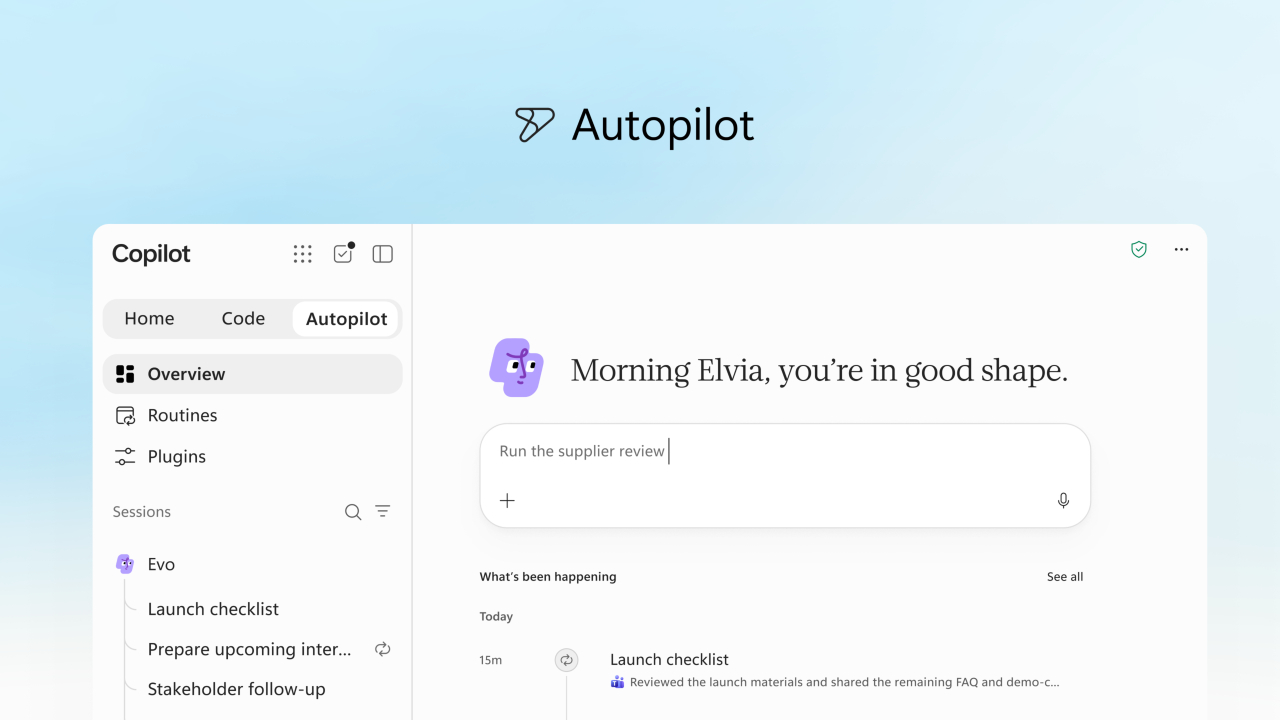
Previously called Scout, Autopilot is designed to act as a persistent digital teammate. Instead of asking AI to complete a task and then waiting for another prompt, users can give Autopilot a name, role, and goal.
It can then continue working on that responsibility over time.
Microsoft gives supplier reviews as an example. An Autopilot agent could create a schedule and work plan, prepare meetings, follow up with stakeholders, and collect updates.
Because Autopilot is cloud-hosted, it can continue working even when the user is offline or focused on something else.
Autopilot Can Work Across Microsoft 365
Autopilot is designed to work in the places employees already use, including Teams, Outlook, chats, channels, and documents.
Each Autopilot agent has its own identity, memory, computer, and workspace. Microsoft says it is also connected to Microsoft IQ, which provides business context to help the agent understand how an organization works.
Users define the objective and boundaries, while the agent handles the work within those limits. Permissions, auditing, and governance remain part of the environment.
This approach is different from simply asking an AI chatbot to generate an answer. The AI is being given an ongoing responsibility.
Microsoft IQ Connects Copilot to Business Context
Another important part of the announcement is the expansion of business context available to Copilot.
Microsoft IQ is designed to connect information about how an organization works with the knowledge and data it holds.
Microsoft says Fabric IQ can bring trusted Power BI business context into Copilot Chat and Cowork. It is also expanding Copilot's access to data and workflows from Dynamics 365 and Power Platform.
For example, when creating a sales proposal, Copilot could incorporate information such as deal history and support tickets without requiring the user to manually search for the information in different applications.
This context is important because an AI assistant becomes much more useful when it understands the organization's actual data and processes.
What This Means for Everyday Work
The introduction of Home, Code and Autopilot shows that Microsoft is changing how it thinks about workplace AI.
Previously, the main interaction with AI was often a question-and-answer conversation.
The new Copilot experience expands that model:
Home helps users organize and start their work.
Code helps them create solutions.
Autopilot helps them delegate ongoing work.
This creates a workflow where users can move from asking AI for information to asking it to create something and eventually giving it responsibility for an ongoing task.
AI Still Needs Human Direction
More capable AI does not mean people disappear from the process.
Users still need to define objectives, review important results, and establish appropriate boundaries.
This becomes particularly important when AI can access company information, communicate with other people, or perform actions on behalf of an organization.
Microsoft's approach emphasizes permissions, governance, auditing, and organizational controls alongside the new AI capabilities.
The goal is therefore not simply to give AI unlimited freedom. It is to give AI more responsibility while keeping people and organizations in control.
The Future of Microsoft Copilot
The introduction of Home, Code and Autopilot suggests that Microsoft Copilot is evolving from an AI assistant into a broader work platform.
Users will increasingly be able to ask questions, create documents, build applications, delegate complex projects, and assign ongoing responsibilities to AI from the same environment.
The rollout is still in progress, and availability will vary by feature and program. Home and Code are beginning through Microsoft's Frontier program, while Autopilot is entering private preview.
For businesses, the bigger change may be the shift from using AI as a tool to working with AI as a teammate.
Microsoft's new Copilot experience is designed around that transition, with Home providing the workspace, Code providing a way to build, and Autopilot providing AI that can continue working even when the user is not there.