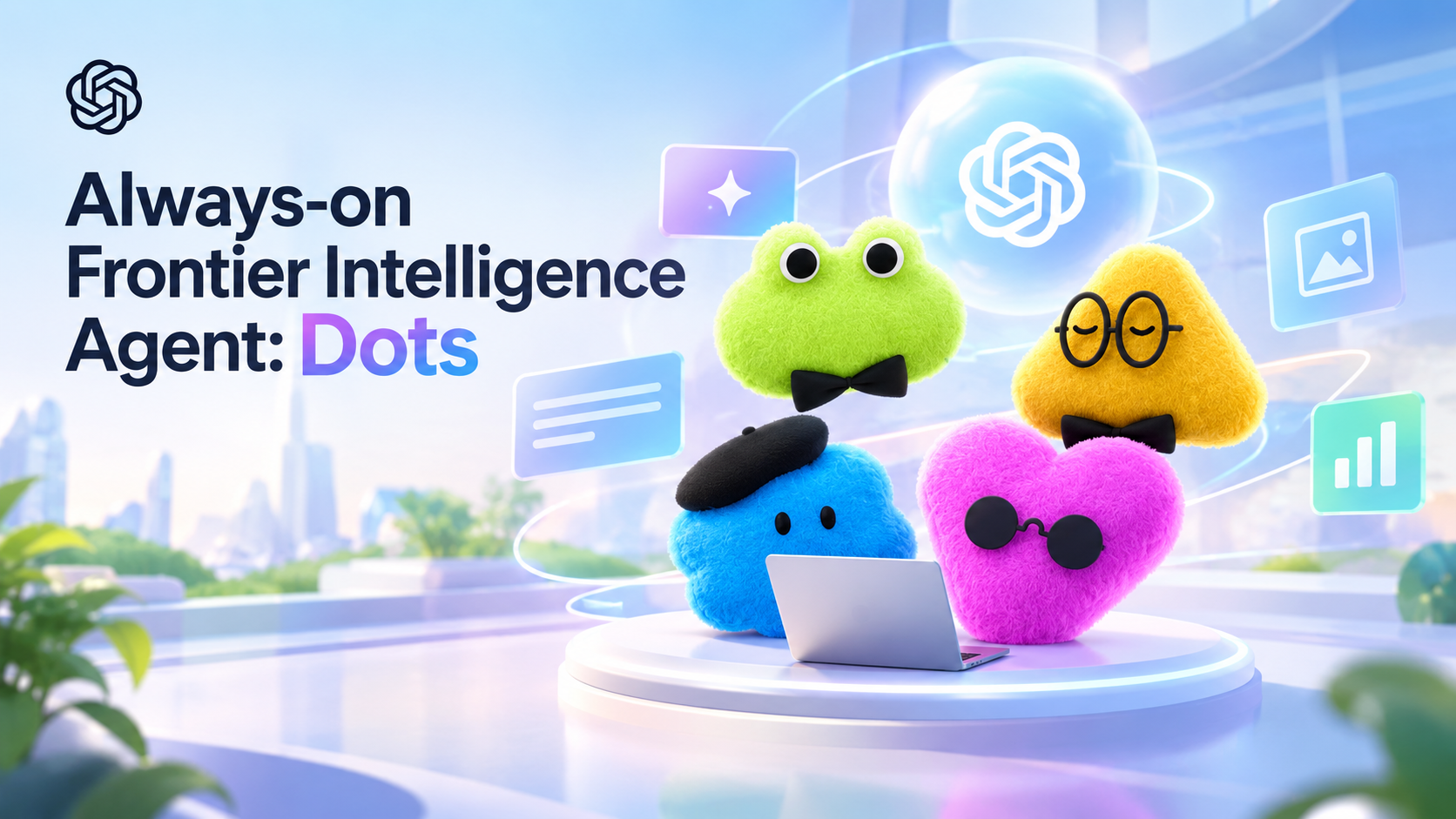
OpenAI has launched "Dots," a new type of AI agent designed to go beyond simply answering questions. Instead of waiting for a user prompt each time, Dots can handle continuous tasks, utilize connected apps, and keep working even when the user is away from their screen.
OpenAI describes Dots as “always-on” agents capable of learning individual work patterns and handling tasks that require continuous execution. This launch took place on September 29, 2026.
What is OpenAI Dots?
The easiest way to understand Dots is to view it as a personal AI assistant that can continue working after you have assigned a task.
Conventional chatbots typically wait for user questions before generating a response, whereas Dots is designed to handle a broader scope of tasks.
For example, you can assign a project to Dot and explain your requirements; Dot can then execute the steps, use connected tools to track progress, and get back to you when a decision or your assistance is needed.
OpenAI stated that Dots is powered by GPT-6 Astra and features its own cloud computing capabilities, allowing it to operate without relying solely on the user's computer.
How do Dots work?
Working with Dot begins with a conversation.
You can explain your goals, provide feedback, and specify how you want Dot to work. Over time, Dot can use this feedback to better understand your preferences and work standards.
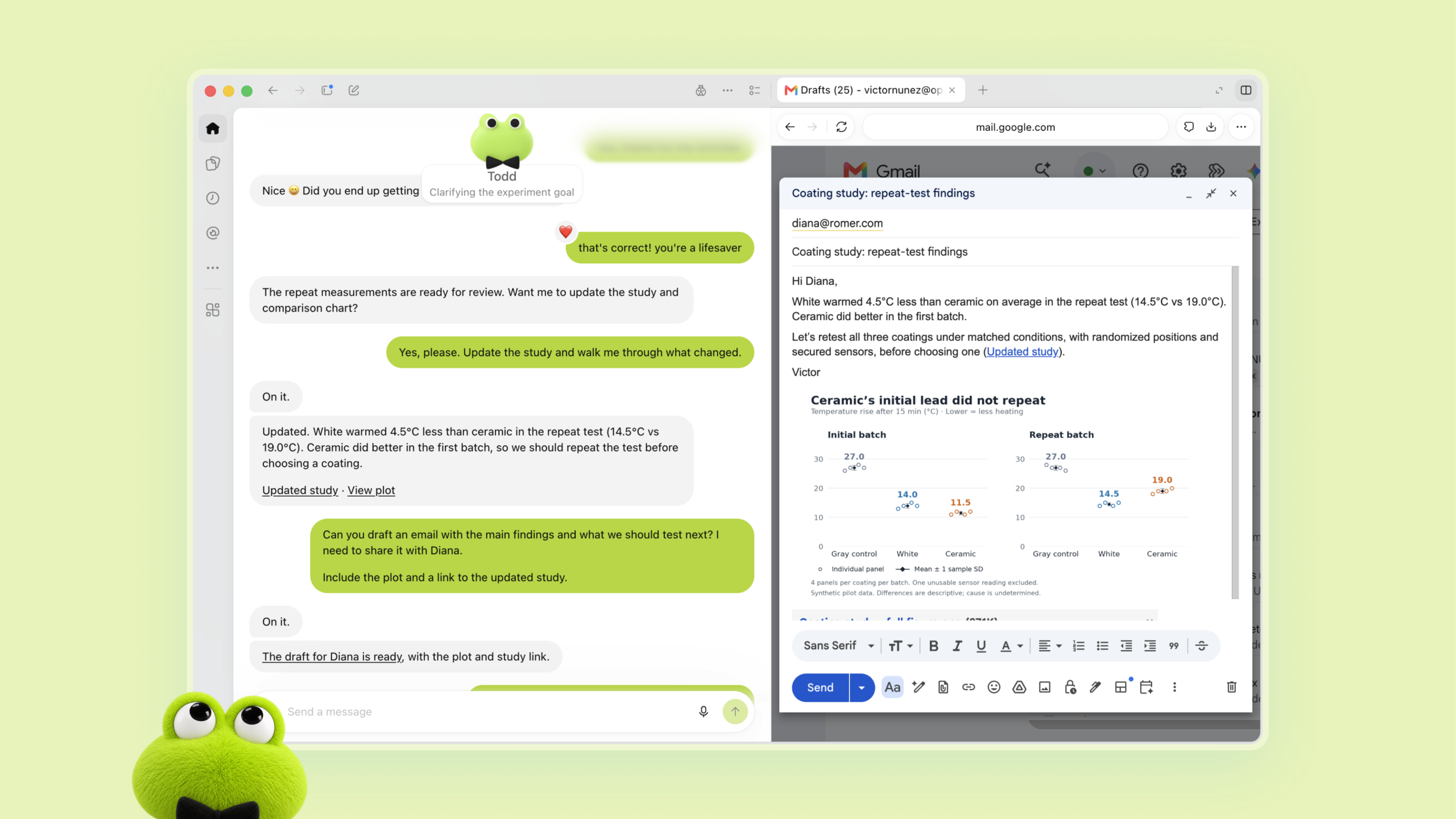
For example, a content creator can assign Dot to handle interview transcripts; Dot can help identify interesting segments, prepare show notes, and draft social media posts for the user to review.
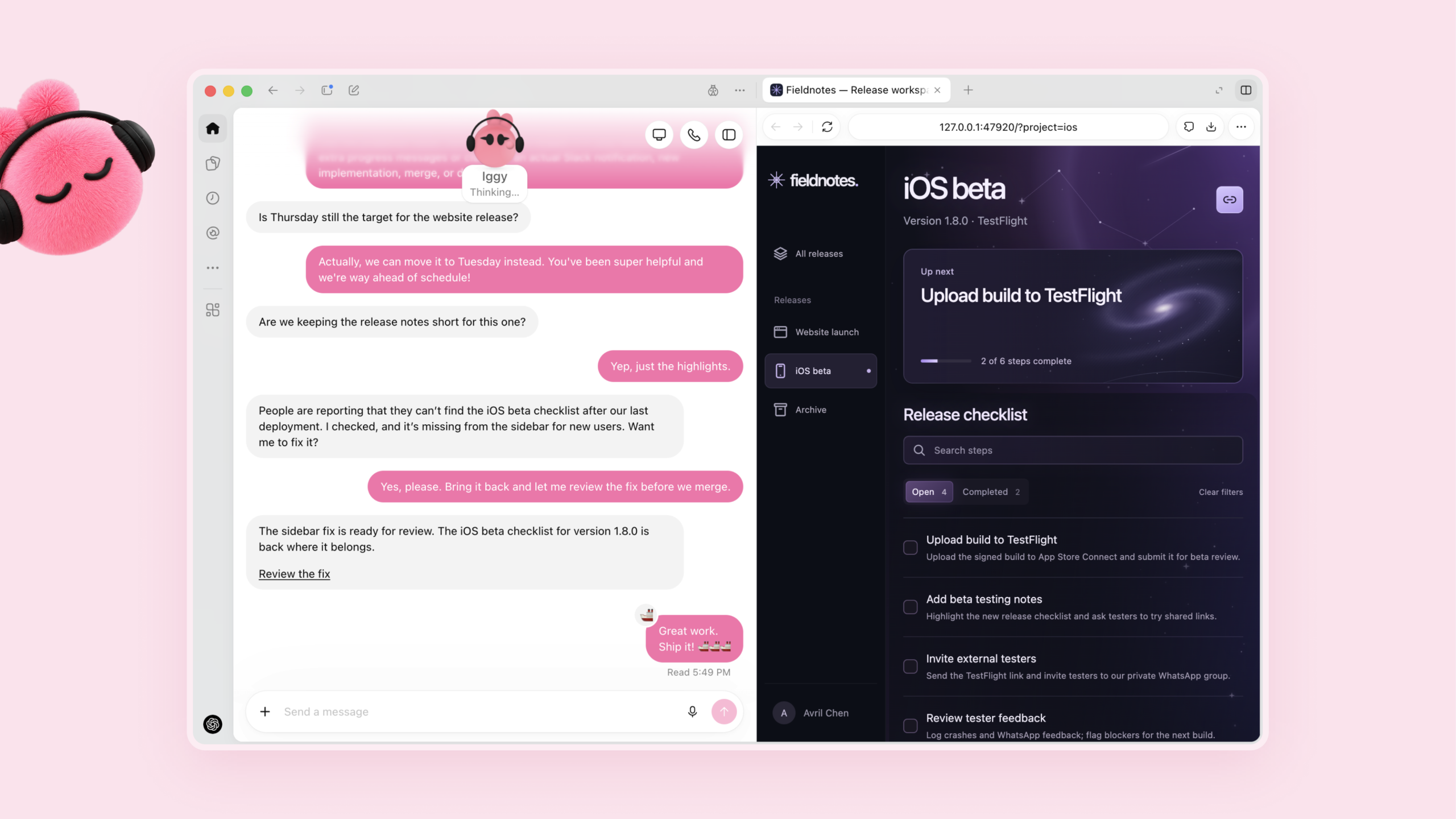
A developer might assign Dot to track customer feedback, identify recurring issues, devise solutions, conduct testing, and prepare changes for review.
The key point is that Dot is designed to work continuously toward a goal, rather than simply completing a single conversation and stopping there.
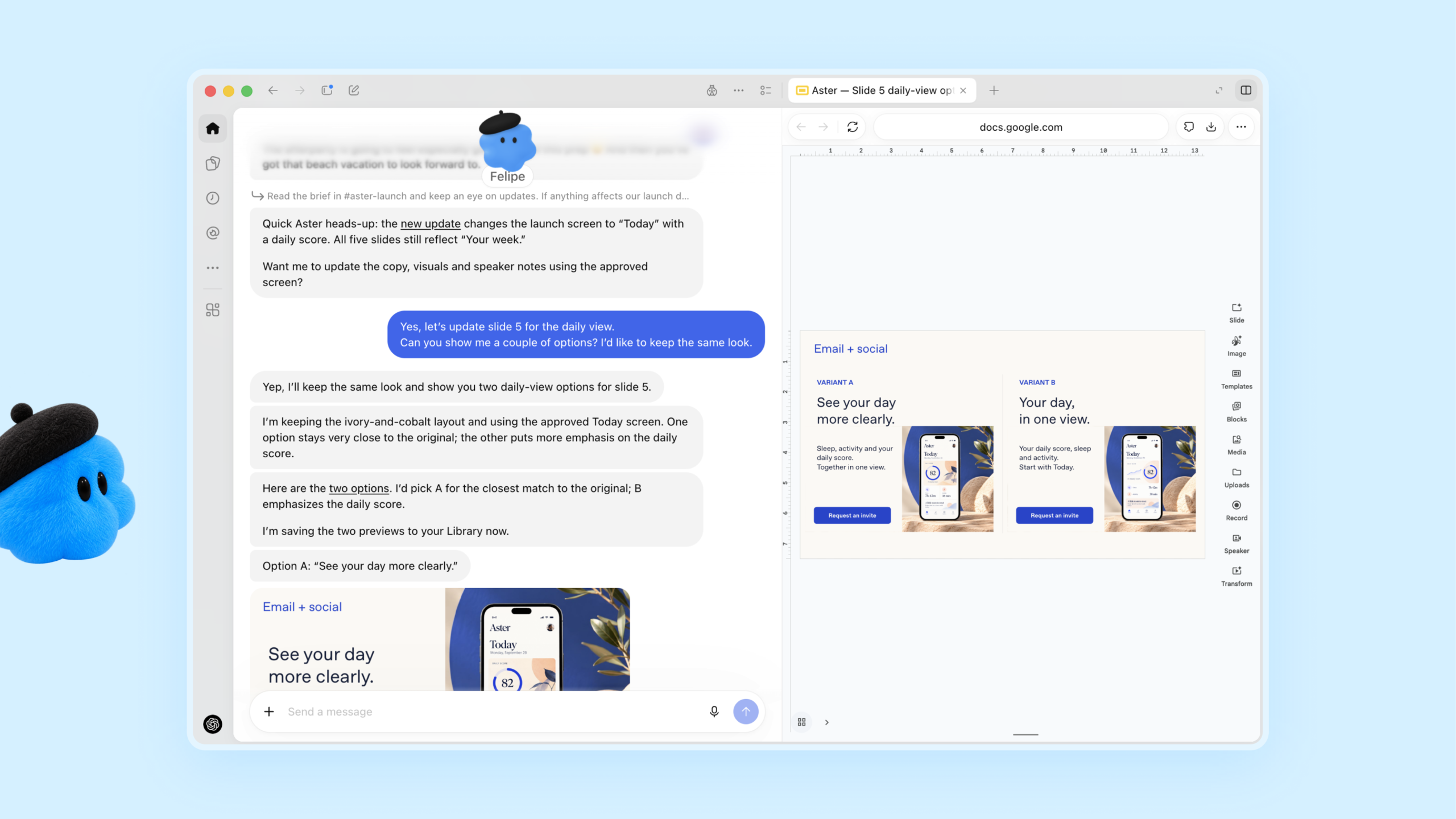
Dots can work while you are away
One of the most interesting capabilities is that Dots can continue running in the background.
Dot features its own cloud computing capabilities and browser, and utilizes connected apps to perform various tasks. Users can monitor Dot's current activities and issue new commands while it is working on other projects.
This capability is useful for tasks that do not require constant human monitoring.
For example, instead of spending hours tracking data and updating reports, users can assign these tasks to Dot and simply review the results once the work is complete.
Dots works with various Apps
Dots is not limited to just a single conversation in ChatGPT.
OpenAI states that users can communicate with Dot via ChatGPT on desktop, web, and mobile. Additionally, Dots can operate within Slack and Microsoft Teams, enabling the tracking of tasks across different communication channels.
OpenAI also stated that Dots can connect to over 4,000 apps via the plugin ecosystem.
This enables Dots to access tools users are already familiar with, without the need to move every task into a single application.
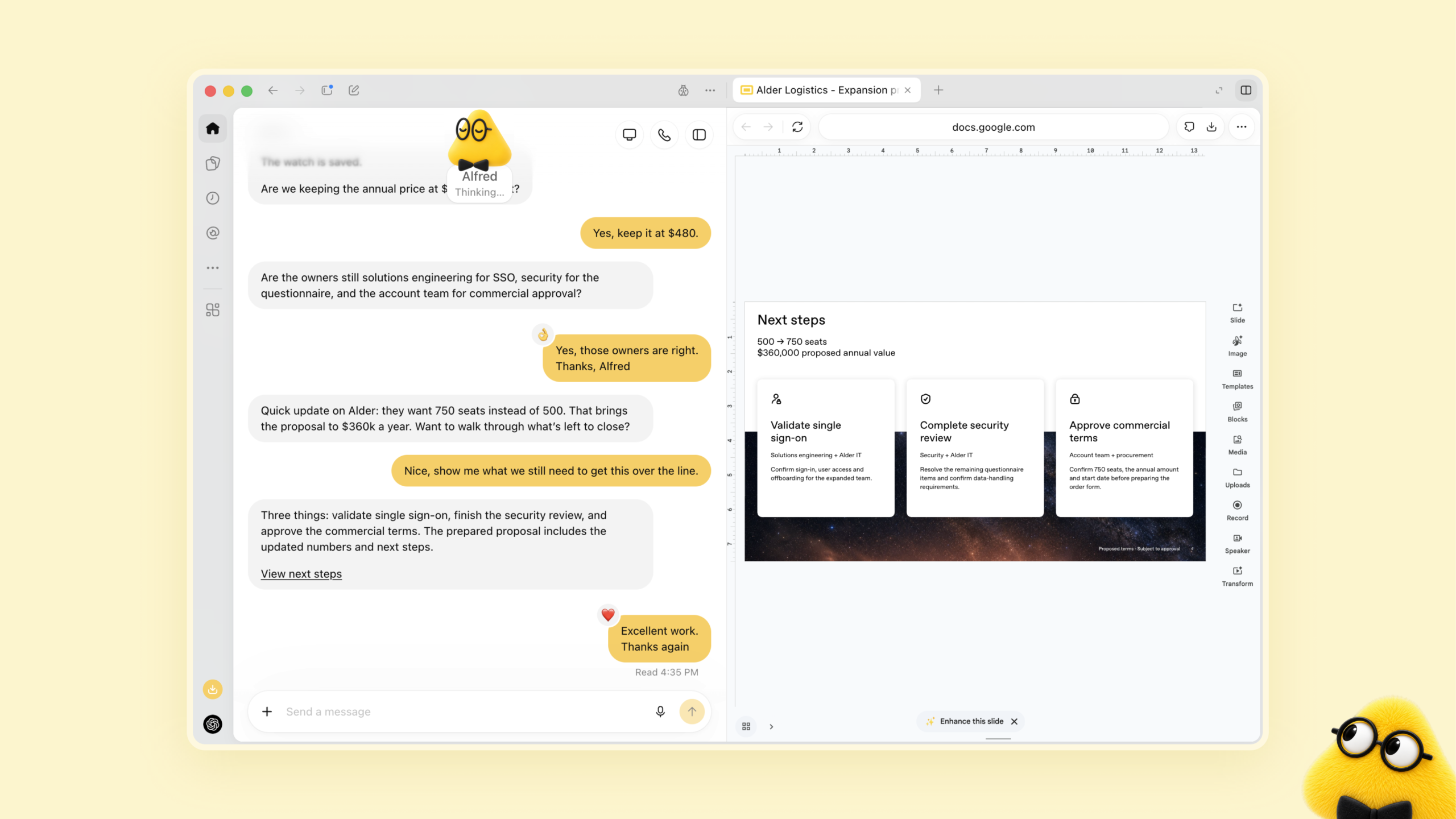
Dots can operate in a variety of ways
The use cases presented by OpenAI demonstrate that Dots is designed to support a wide range of tasks.
Software teams can use Dot to track customer feedback, prepare fixes, and test changes.
For product teams, Dot allows for the updating of launch materials whenever product requirements change.
Researchers can use Dot to analyze new data and update supporting work.
For sales teams, Dot can review customer requirements, prepare Proofs of Concept, and update proposals as new information becomes available.
These examples share one thing in common: Dot is given ongoing responsibility, rather than just a single question.
User Still Stay in Control
Giving an AI more independence also creates an important question: how much should it be allowed to do without asking?
OpenAI says Dots include controls for permissions and actions. Users can choose which apps a Dot can access and create rules that allow, require approval for, or block specific actions.
Dots also use an action-review system to check actions that could affect accounts or share information.
Some sensitive actions remain under the user's control. OpenAI specifically says actions such as changing a password stay with the user.
This is important because Dots can still make mistakes. OpenAI recommends reviewing consequential work before relying on it.
What are Specialist Dots?
OpenAI is also developing specialist Dots for organizations.
Unlike a personal Dot, a specialist Dot would have a specific responsibility inside a company. It could have its own identity, permissions, and access to the systems required for its job.
OpenAI says it is testing this approach for areas including procurement, invoice processing, email marketing, customer support, and commercial contracting.
The idea is similar to having specialized digital workers that can handle clearly defined responsibilities while people remain responsible for oversight and important decisions.
OpenAI Dots and Microsoft Agent 365
OpenAI also says it is working with Microsoft to integrate specialist Dots with Microsoft Agent 365.
The goal is to allow organizations to manage these agents using Microsoft's existing enterprise security and governance tools.
This could become particularly important as companies move from experimenting with individual AI assistants to managing larger numbers of AI agents.
When Will Dots Be Available?
OpenAI stated that Dots is gradually rolling out to eligible ChatGPT Pro and Business Premium users in supported markets.
Enterprise users—including those in the education and healthcare sectors—can try out the beta version once the Workspace Administrator enables it.
OpenAI stated that the first Dot will be included in eligible Pro and Business Premium plans. Users can create a Dot via the ChatGPT desktop app or a desktop browser and connect the apps they want the Dot to use.
However, availability and features may change as the product is rolled out more widely.

Why are dots important?
The launch of Dots reflects a major shift in the approach to developing AI assistants.
Early AI tools focused on answering questions, generating content, or helping users complete specific tasks; however, Dots is introducing a different concept: entrusting AI with the responsibility for ongoing, continuous work.
That does not mean humans will disappear from the process.
However, this approach leans closer to delegating work: the user sets goals, provides guidance, defines boundaries, and reviews key outcomes, while the AI handles the bulk of the tasks involved in those stages.
If this approach proves reliable, it could transform how people view AI in the workplace—shifting from a tool that employees must manually activate and direct to an assistant capable of independently driving projects forward.
Conclusion
Dots illustrates OpenAI's shift toward AI agents capable of continuous operation, rather than merely responding to individual prompts.
The ability to use cloud computing to connect with apps, remember working preferences, and continue tasks in the background sets Dots apart from traditional chatbots.
At the same time, this technology is still in its early stages, and granting AI greater autonomy raises questions regarding accuracy, permissions, security, and human oversight.
Therefore, the most interesting aspect of Dots may not be merely what it can do today, but the underlying concept: an AI capable of taking ownership of tasks, working continuously to drive progress, and re-engaging humans when a decision is required.