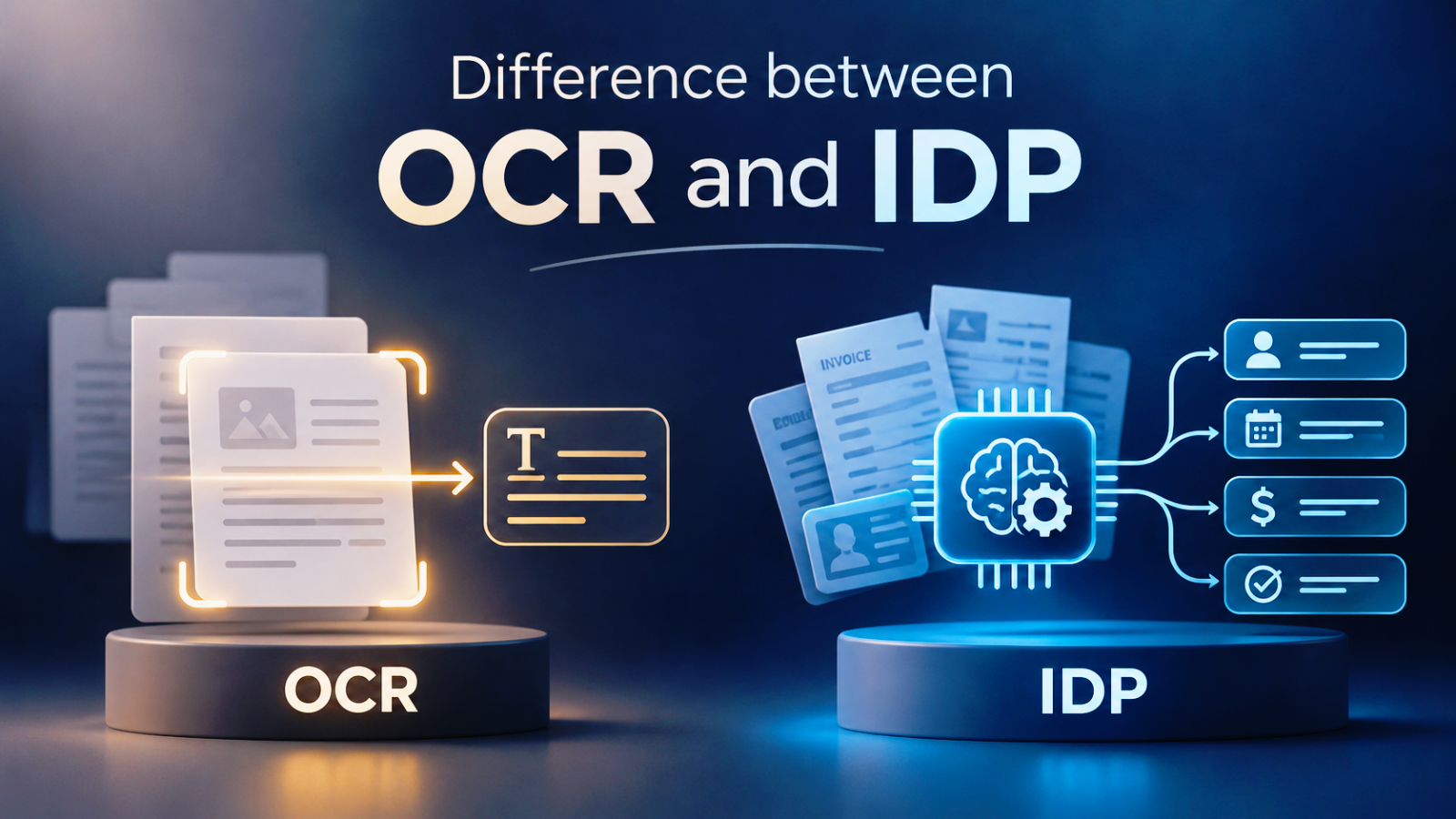
Businesses handle large volumes of documents every day, including invoices, purchase orders, receipts, contracts, application forms, and delivery notes. While traditional data entry takes time and increases the risk of human error, document automation technologies can help streamline these processes.
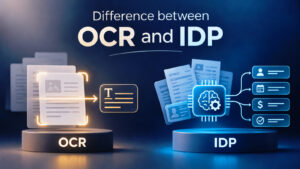
Optical Character Recognition (OCR) and Intelligent Document Processing (IDP) are two technologies that help organizations automate document handling. However, they serve different purposes. Understanding OCR and IDP is important for businesses that want to move beyond simply converting document images into text and toward automating the entire document processing workflow.
What Is OCR (Optical Character Recognition)?
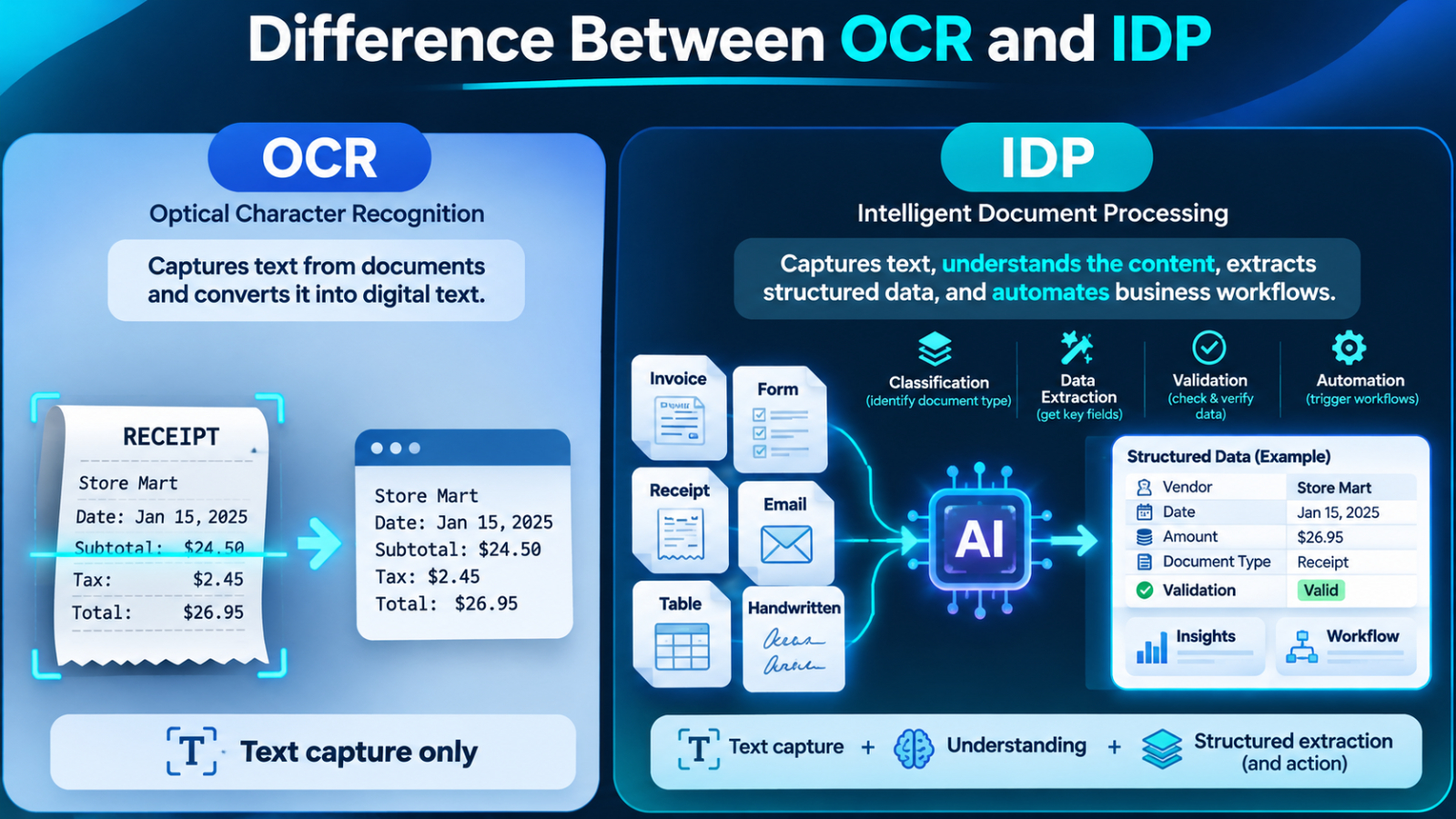
OCR is a technology that recognizes text within scanned documents, images, and PDF files and converts it into machine-readable text.
For example, when a business scans a paper invoice, OCR can identify text such as:
- Invoice number
- Customer name
- Invoice date
- Product descriptions
- Total amount
Instead of manually typing information from the scanned document, employees can retrieve the recognized text digitally.
OCR is particularly useful for digitizing paper documents, searching document contents, and reducing manual data entry.
However, traditional OCR primarily focuses on text recognition. It does not necessarily understand the meaning of the extracted information, determine the document category, or verify whether the data is correct.
What Is IDP (Intelligent Document Processing)?
Intelligent Document Processing (IDP) goes beyond basic text recognition by combining technologies such as OCR, artificial intelligence (AI), machine learning, and natural language processing to automate document workflows.
An IDP solution can identify document types, understand their structure, extract relevant information, validate data, and send the results to other business systems.
For example, when an organization receives hundreds of invoices from different suppliers, an IDP solution can:
- Classify incoming documents as invoices.
- Extract invoice numbers, dates, supplier information, and payment amounts.
- Identify relevant fields even when invoice layouts differ.
- Validate extracted information against business rules or ERP records.
- Send verified data to an accounting or ERP system.
This allows organizations to automate more than text recognition and reduce the amount of manual work required throughout the document lifecycle.
Although OCR and IDP are closely related, their capabilities and business applications are different.
Although OCR and IDP are closely related, their capabilities and business applications are different.
OCR vs. IDP: What Are the Key Differences?
Comparison Topic | OCR | IDP |
Main purpose | Recognize and convert text | Automate document processing |
Text recognition | Supported | Yes, typically through OCR capabilities |
Document Classification | Limited or requires additional tools | Supported |
Data retrieval | Text extraction | Context-aware field extraction |
Validation | Requires additional logic | Supports automated validation |
AI Capabilities | Not necessarily | Commonly uses AI and machine learning |
Automation | Requires integration | Can support end-to-end workflows |
Business Use | Document digitization | Intelligent document automation |
The key difference is that OCR answers the question, “What text does this document contain?” whereas IDP goes further by helping to answer, “What information is in this document, which parts are important, and what should be done next?”
How OCR and IDP Work Together in Document Processing
OCR and IDP are not competing technologies. In many implementations, OCR is one of the essential components within an IDP workflow.
A typical intelligent document processing workflow involves several stages.
Document Capture and Image Preprocessing
The process begins when documents enter the system through scanners, email attachments, uploaded files, or other business applications.
Image preprocessing improves document quality by correcting image rotation, removing noise, and adjusting image clarity to support more accurate recognition.
Text Recognition with OCR
The OCR engine identifies printed or handwritten text, depending on its capabilities, and converts it into machine-readable information.
This creates the foundation for subsequent processing.
Document Classification
AI Models analyze the document's content and structure to determine its category.
For example, an incoming document may be classified as an invoice, purchase order, receipt, contract, or delivery note.
Classification helps the system apply the appropriate extraction rules and processing workflow.
Intelligent Data Extraction
The IDP solution identifies and extracts relevant information based on the document type.
Unlike basic text extraction, intelligent extraction can identify relationships between fields and understand where important information appears, even when document layouts vary.
For example, it can distinguish between an invoice date, delivery date, and payment due date.
Data Validation and Human Review
Extracted information is checked against predefined business rules, reference databases, or existing business records.
If the system identifies missing information, inconsistent values, or low-confidence results, the document can be sent to an employee for review.
This human-in-the-loop approach helps improve data accuracy and reduces the risk of incorrect information entering business systems.
Integration and Workflow Automation
After validation, extracted data can be transferred to ERP, CRM, accounting software, databases, or other enterprise applications.
This reduces repetitive data entry and allows employees to focus on more valuable tasks.
When Should Businesses Choose OCR or IDP?
The right technology depends on document complexity, processing volume, and business requirements.
OCR may be sufficient when:
- The main objective is converting scanned documents into searchable text.
- Documents have simple and consistent layouts.
- Employees only need to retrieve text from images or PDFs.
- There is little need for automated classification or validation.
IDP is more suitable when:
- The organization processes multiple types of business documents.
- Documents come from different suppliers and have inconsistent layouts.
- Employees spend significant time extracting and checking information.
- Data must be validated before entering ERP or accounting systems.
- The business wants to automate document workflows from beginning to end.
For many organizations, starting with OCR and gradually expanding toward IDP can be a practical implementation strategy.
What Should Businesses Consider Before Implementing an IDP Solution?
Before investing in document automation, organizations should evaluate several factors.
- Document types and complexity: Identify which documents consume the most processing time and whether they contain structured, semi-structured, or unstructured information.
- Extraction accuracy: Evaluate recognition and extraction performance using actual business documents, including low-quality scans and different document layouts.
- Integration requirements: Determine how extracted data will connect with existing ERP, CRM, accounting, or document management systems.
- Validation and security: Establish data validation rules, access controls, audit trails, and human review procedures for sensitive business information.
- Scalability and cost: Consider document volumes, processing costs, infrastructure requirements, and the ability to support future business growth.
A successful implementation should not simply recognize text accurately. It should deliver reliable information to the right business process with minimal manual intervention.
Automate Business Document Processing with DOVA OCR
For organizations looking to move beyond manual document handling, DOVA OCR provides AI-powered OCR capabilities to help extract information from business documents and convert it into usable digital data.
Businesses can use DOVA OCR to support document digitization and data extraction processes, helping reduce repetitive manual work and improve the efficiency of document-based operations.
By incorporating OCR into broader intelligent document processing workflows, organizations can build solutions that support document classification, data validation, and integration with existing business applications.
Learn more about DOVA OCR at https://dova-ocr.com/ and explore how AI-powered document recognition can support your organization's digital transformation.
Summary
OCR and IDP play different but complementary roles in business document automation. OCR converts text from images and scanned documents into machine-readable information, while IDP uses OCR alongside AI and other technologies to classify, extract, validate, and process document data.
Understanding OCR and IDP helps businesses choose the right implementation strategy based on their operational needs. For organizations that handle large document volumes or complex workflows, combining OCR with IDP capabilities can be an important step toward more efficient, accurate, and scalable document processing.