

Microsoft 365 Copilot
Your AI assistant for tasks
Work smarter, save time, and empower every employee with AI integrated into Microsoft 365.
Trusted by teams worldwide, it integrates seamlessly with your favorite tools




Microsoft 365 Copilot Powered by Work IQ
Work IQ is an intelligent workplace system that helps copilots and agents get to know you, your job, and your company. It connects data, context, and tools to deliver insights tailored specifically for you and your agent's work.

Create with Copilot
Transform your ideas into professional business content in minutes.

Documents
Drafting proposals, reports, contracts, standard operating procedures (SOPs), and various business documents in Word.

Presentations
Create a PowerPoint presentation using simple commands or from an existing document.

Emails
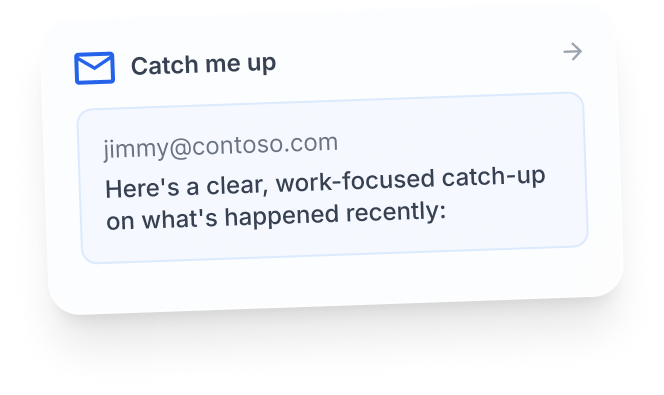
Write professional emails to respond to clients, make announcements, and follow up in Outlook.

Data Insights
Ask questions about Excel using easy-to-understand language to analyze trends, create formulas, and build charts.

Visual Content
Generate meeting summaries, marketing ideas, project plans, and all business content using a single AI assistant.

Automation
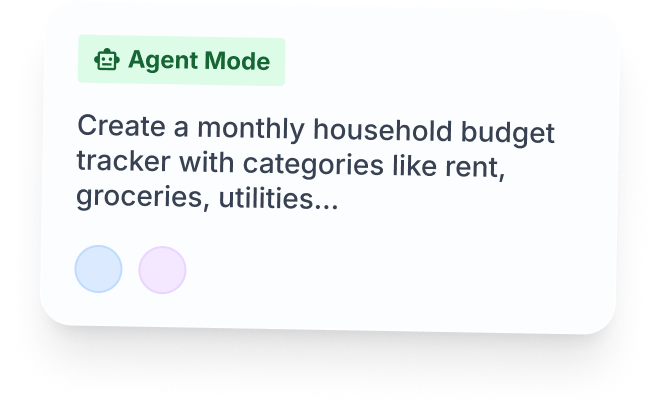
Create custom workflows and execute actions within your app without writing any code.
Copilot Cowork
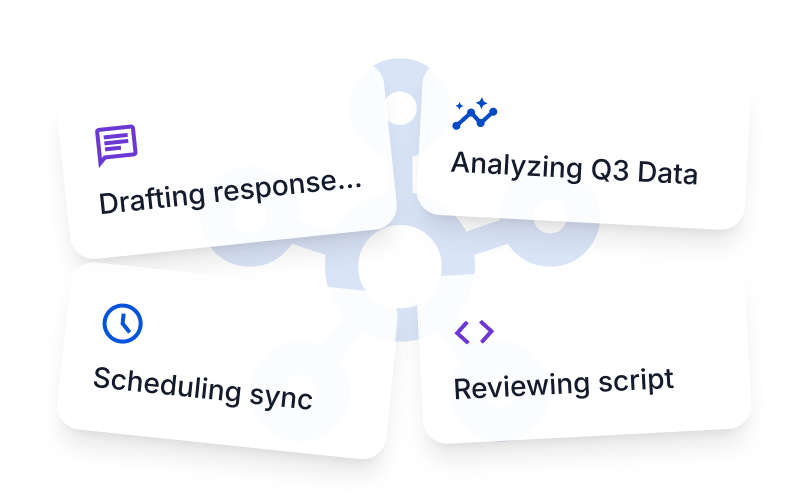
AI that not only assists, but also accomplishes tasks.
Instead of simply answering questions, Cowork can take on more complex tasks, working in the background so you can focus on higher-value work.
Context-Aware
Proactive Suggestions
Multi-modal
Enterprise-level security system
Your data is your data. Fusion AI was built from the ground up to meet the most stringent enterprise-level regulatory compliance and security standards.

Data Privacy
You own your data, and we help keep it secure. Input and response data are not used to train any models.

Governed Access
Copilot inherits your Microsoft 365 access permissions, sensitivity labels, and data retention policies, so people only see the information they are authorized to see.

Total Control
Ensure the security and governance of your AI with comprehensive IT tools to help manage copilots and agents on a large scale.
Microsoft 365 Copilot Pricing Plans
Microsoft 365 Business Premium and Microsoft 365 Copilot Business
An integrated solution for productivity and security, with built-in Microsoft 365 Copilot to enhance how you work.
Key features of the plan:
- Microsoft 365 Copilot works in apps like Word, Excel, PowerPoint, Outlook, and Microsoft Teams.
- An AI-powered chat that connects to your work data and accesses AI reasoning for research and data analysis.
- An advanced identity and resource access management system for up to 300 users.
- Word, Excel, PowerPoint, Outlook, and other apps: web, mobile, and desktop versions.
- Custom business email.
- Chatting, calling, and video conferencing with Microsoft Teams.
- 1 TB of cloud storage per user.
- Over 10 additional apps for your business needs (including Microsoft Loop, Clipchamp, Bookings, Planner, and Forms).
- Advanced cyber threat protection to combat virus and phishing attacks.
- The discovery, classification, and protection of sensitive data.
- 24/7 phone and web support.
Microsoft 365 Business Standard and Microsoft 365 Copilot Business
A powerful app that works on all devices, with built-in Copilot to enhance creativity, collaboration, and productivity.
Key features of the plan:
- Microsoft 365 Copilot works in apps like Word, Excel, PowerPoint, Outlook, and Microsoft Teams.
- An AI-powered chat that connects to your work data and accesses AI reasoning for research and data analysis.
- A system for managing identity and resource access for up to 300 users.
- Word, Excel, PowerPoint, Outlook, and other apps: web, mobile, and desktop versions.
- Custom business email.
- Experience enterprise-level security, privacy, and compliance.
- Chatting, calling, and video conferencing with Microsoft Teams.
- 1 TB of cloud storage per user.
- Over 10 additional apps for your business needs (including Microsoft Loop, Clipchamp, Bookings, Planner, and Forms).
- Automatic spam and malware filtering.
- 24/7 phone and web support.
AI built for work is designed to help increase productivity, clarity, and results in your Microsoft 365 experience
Key features of the plan:
- Microsoft 365 Copilot works in apps like Word, Excel, PowerPoint, Outlook, and Microsoft Teams
- AI-powered chat from Work IQ.
- AI as a reasoning tool for research and data analysis.
- Microsoft offers ready-made agents such as researchers, analysts, and helpers.
- Analysis to measure adoption, implementation, and business impact.
- LLM model options
Are you ready to change the way your team works?
Empower your employees with AI integrated into Microsoft 365. Whether your goal is to save time, increase productivity, or enhance collaboration, Microsoft 365 Copilot helps your business work smarter every day.

Contact us
Frequently Asked Questions
What is Microsoft Copilot?
Microsoft Copilot is an AI-powered assistant feature that helps you work within Microsoft 365 apps like Word, Excel, PowerPoint, Outlook, and Teams by summarizing, writing, analyzing, and organizing information.
Which apps does Copilot work with?
Copilot currently supports Microsoft Word, Excel, PowerPoint, Outlook, Teams, OneNote, and others in the Microsoft 365 family.
Do I need an internet connection to use Copilot?
An internet connection is required as Copilot works with cloud-based AI models to provide accurate and up-to-date results.
How can I use Copilot to help me write documents or emails?
Users can type commands like “summarize report in one paragraph” or “write formal email response to client” and Copilot will generate the message accordingly.
Is Copilot safe for personal data?
Yes, Copilot is designed with security and privacy in mind. User data is never used to train AI models, and access rights are strictly controlled.








