As a business grows, managing operations through separate systems can become increasingly difficult. Finance may use one system, sales another, while inventory, purchasing, and operations rely on spreadsheets or specialized applications.
This creates disconnected information and makes it harder for management to understand what is happening across the business.
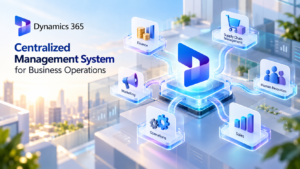
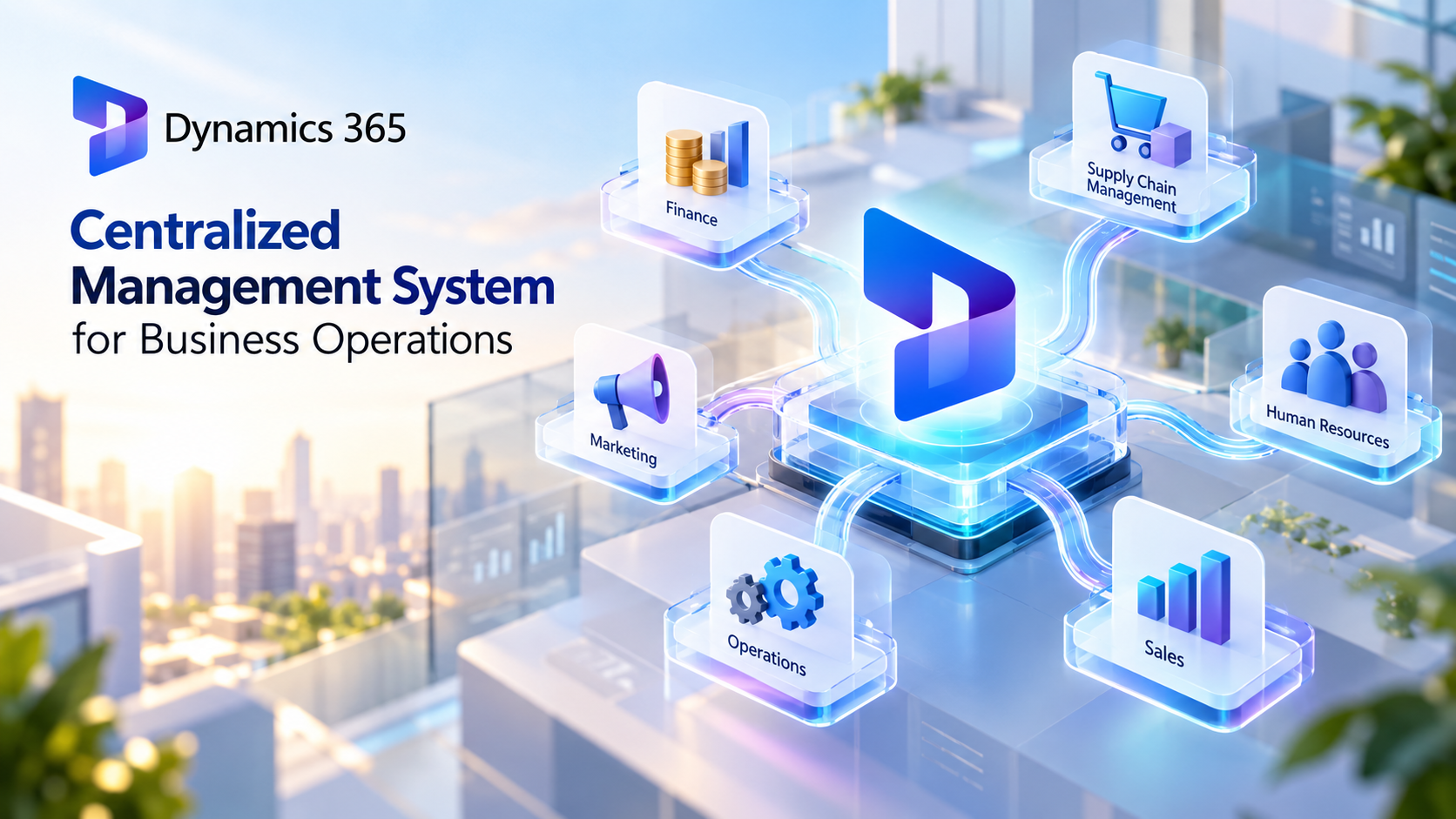
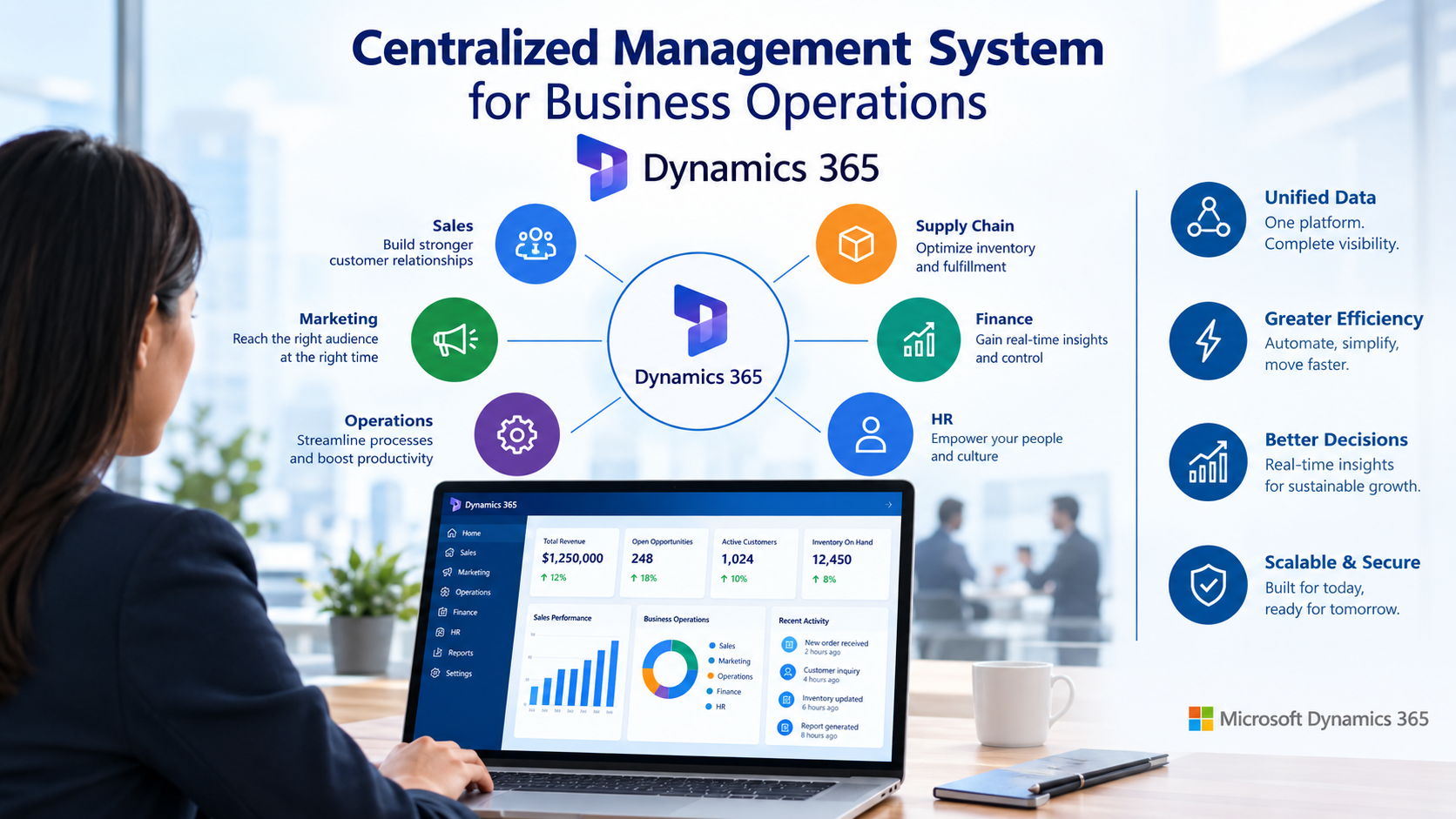
A Centralized Management System provides a different approach by bringing business data and processes into a connected environment. Microsoft Dynamics 365 is designed to connect areas such as finance, sales, customer service, supply chain, and operations, helping organizations manage their business from a more unified platform.
What is a Centralized Management System?
A Centralized Management System is a business management approach where important information, processes, and activities are managed through a connected system rather than multiple isolated tools.
The goal is not necessarily to put everything into one application. Instead, the important point is that different business functions can share information and work together.
For example, when a sales order is created, relevant information may need to be available to inventory, finance, purchasing, and fulfillment teams. A connected management system can reduce the need to manually transfer that information between departments.
This creates a more consistent flow of information across the organization.
Why Businesses Need Centralized Management
Many businesses start with simple tools such as spreadsheets and individual applications. These tools can work well when operations are small.
As the organization grows, however, several problems can appear:
- Business information becomes scattered across systems.
- Employees repeatedly enter the same data.
- Departments may work with different versions of information.
- Managers spend more time collecting reports.
- Manual processes increase the risk of errors.
- It becomes difficult to see the full business picture.
A centralized approach can help address these problems by connecting information and processes across departments.
Microsoft Dynamics 365 as a Centralized Business Platform
Microsoft Dynamics 365 is a portfolio of business applications covering CRM and ERP functions. Microsoft describes the platform as connecting teams, processes, and data across areas such as sales, service, finance, and supply chain.
Rather than requiring every department to work independently, organizations can use different Dynamics 365 applications while keeping them connected.
For example, Dynamics 365 includes solutions for:
- Finance
- Supply Chain Management
- Sales
- Customer Service
- Commerce
- Project Operations
- Human Resources
- Small and midsize business operations through Business Central
This allows organizations to select the capabilities they need while building a connected business environment.
Centralized Data Improves Business Visibility
One of the biggest advantages of a Centralized Management System is improved visibility.
When business information is spread across disconnected applications, management may need to collect data manually before understanding the current situation.
With connected business applications, information can move between related processes.
For example, sales data can provide context for inventory planning, while purchasing and inventory information can support financial analysis.
Dynamics 365 is designed to connect business data across applications and provide insights that help teams make more informed decisions.
Connecting Finance and Operations
Finance is closely connected to almost every part of a business.
Sales affect revenue. Purchasing affects expenses and inventory. Inventory affects costs. Projects affect budgets and profitability.
A disconnected approach can make it difficult to understand these relationships.
Dynamics 365 Finance is designed to support financial management, reporting, planning, and forecasting, while other Dynamics 365 applications connect financial information with operational processes.
This can help finance teams move beyond simply recording transactions and gain better visibility into business performance.
Managing Supply Chain Operations
Supply chain operations involve many connected activities, including purchasing, inventory, warehouses, suppliers, and customer orders.
When these activities are managed separately, changes in one area may not be immediately visible to another.
Dynamics 365 Supply Chain Management is designed to connect supply chain processes and provide insights that can help organizations respond to disruption and changing demand.
A centralized approach can therefore help businesses understand how changes in inventory, purchasing, or demand may affect wider operations.
Connecting Sales and Customer Information
A centralized business environment can also connect operational data with customer-facing activities.
For example, sales teams can benefit from having access to relevant customer information, order history, and other business data without relying on separate sources.
Dynamics 365 combines CRM capabilities with ERP applications, allowing organizations to connect customer engagement with business operations.
This can create a more complete view of the customer and the business processes supporting that relationship.
Automation Reduces Manual Work
Centralization becomes even more valuable when combined with automation.
Instead of simply storing information in one place, modern business platforms can automate repetitive processes and workflows.
Microsoft Dynamics 365 uses AI, Copilot, and automated workflows to help streamline processes and reduce manual work. Business Central, for example, provides automation capabilities across finance, sales, service, projects, and supply chain operations.
Automation can help employees spend less time moving information between systems and more time working on activities that require human judgment.
A Centralized Management System With AI
The role of centralized business systems is also changing as AI becomes more integrated into business software.
Traditional systems primarily record transactions and provide reports. Modern platforms increasingly use AI to identify patterns, provide recommendations, automate tasks, and support decision-making.
Microsoft is positioning Dynamics 365 around AI-powered business applications and autonomous agents that can work with business processes and data.
For organizations, this means a centralized system can become more than a database for business information. It can become a foundation for AI-assisted operations.
Microsoft Business Central for Growing Businesses
For small and midsize businesses, Microsoft Dynamics 365 Business Central provides an example of how centralized management can be applied without requiring a collection of separate enterprise systems.
Business Central connects areas including finance, sales, service, projects, inventory, and operations. Microsoft also highlights integration with familiar Microsoft 365 applications such as Outlook, Excel, and Teams.
This can help growing businesses reduce data entry and application switching while maintaining a connected view of their operations.
Benefits of Centralized Business Management
Implementing a Centralized Management System can provide several practical benefits:
Better Data Consistency
Employees across departments can work with connected information instead of maintaining separate versions of the same data.
Faster Decision-Making
Managers can access information from different areas of the business without spending as much time collecting it manually.
Reduced Manual Work
Connected workflows and automation can reduce repetitive data entry and administrative processes.
Greater Operational Visibility
Management can gain a broader view of finance, sales, inventory, supply chain, and other business activities.
Easier Business Growth
A connected platform can provide a foundation that supports additional processes and users as the organization grows.
Is a Centralized Management System Right for Every Business?
Centralization can provide significant benefits, but implementation should be based on actual business requirements.
Organizations should first understand their existing processes, data structures, integrations, security requirements, and reporting needs.
It is also important to avoid simply transferring inefficient processes into a new system. Businesses should use the implementation as an opportunity to simplify workflows and remove unnecessary manual steps.
Microsoft Dynamics 365 can be customized and extended through the Microsoft ecosystem, including Power Platform tools for automation, analytics, and application development.
Conclusion
A Centralized Management System can help businesses move away from disconnected applications and fragmented information toward a more connected operating model.
Microsoft Dynamics 365 provides a portfolio of ERP and CRM applications that can connect finance, sales, customer service, supply chain, projects, HR, and other business processes.
For growing organizations, the value of centralization is not simply having fewer systems. It is having better-connected data, processes, and people.
With automation, analytics, and AI becoming part of modern Dynamics 365 applications, a centralized business platform can also provide the foundation for organizations to operate more efficiently and make better-informed decisions.