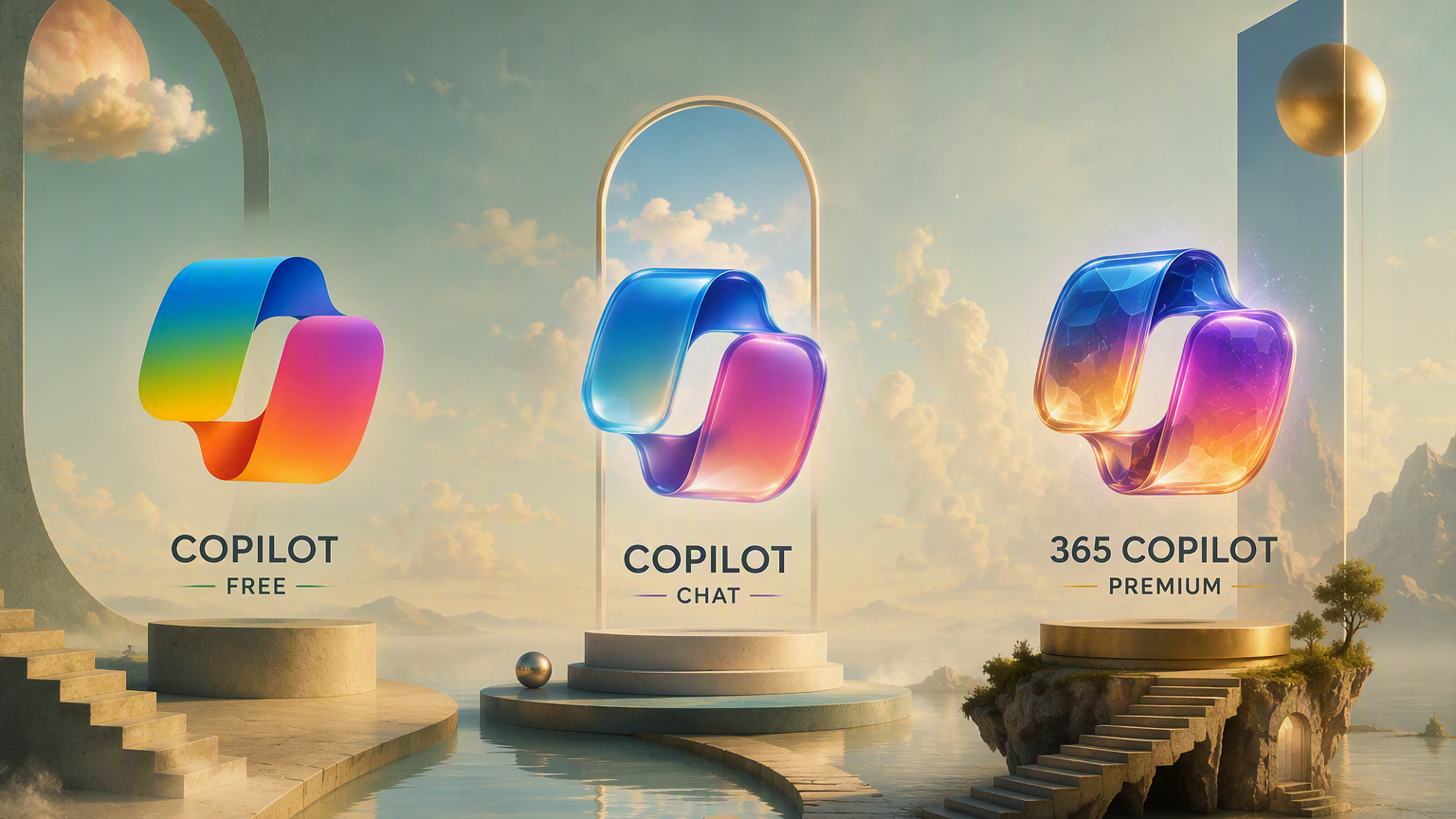
Microsoft offers various Copilot solutions for writing, researching, summarizing, analyzing data, creating documents, and enhancing daily workflows. However, many users remain confused about the differences between Free Copilot, Microsoft 365 Copilot Chat and Microsoft 365 Copilot (paid version)
The differences aren't just in Price each version also offers distinct capabilities in terms of enterprise data access, integration with Microsoft 365 apps, business data protection, and IT management
This article compares the features, limitations, security, and best-fit use cases of each version of Copilot to help organizations choose the solution that best suits their needs.
What is Free Copilot?
Free Copilot is Microsoft's AI assistant for general use. It can be used via Web, Windows, Edge, macOS, and mobile devices.
Copilot can help with content writing, answering questions, summarizing information, brainstorming, searching the web, and creating images. Signing in with a Microsoft Account unlocks additional capabilities, such as conversation history, longer conversations, and voice calls.
Suitable for: Individuals and small businesses that work with public or non-confidential data.
What can Free Copilot do?
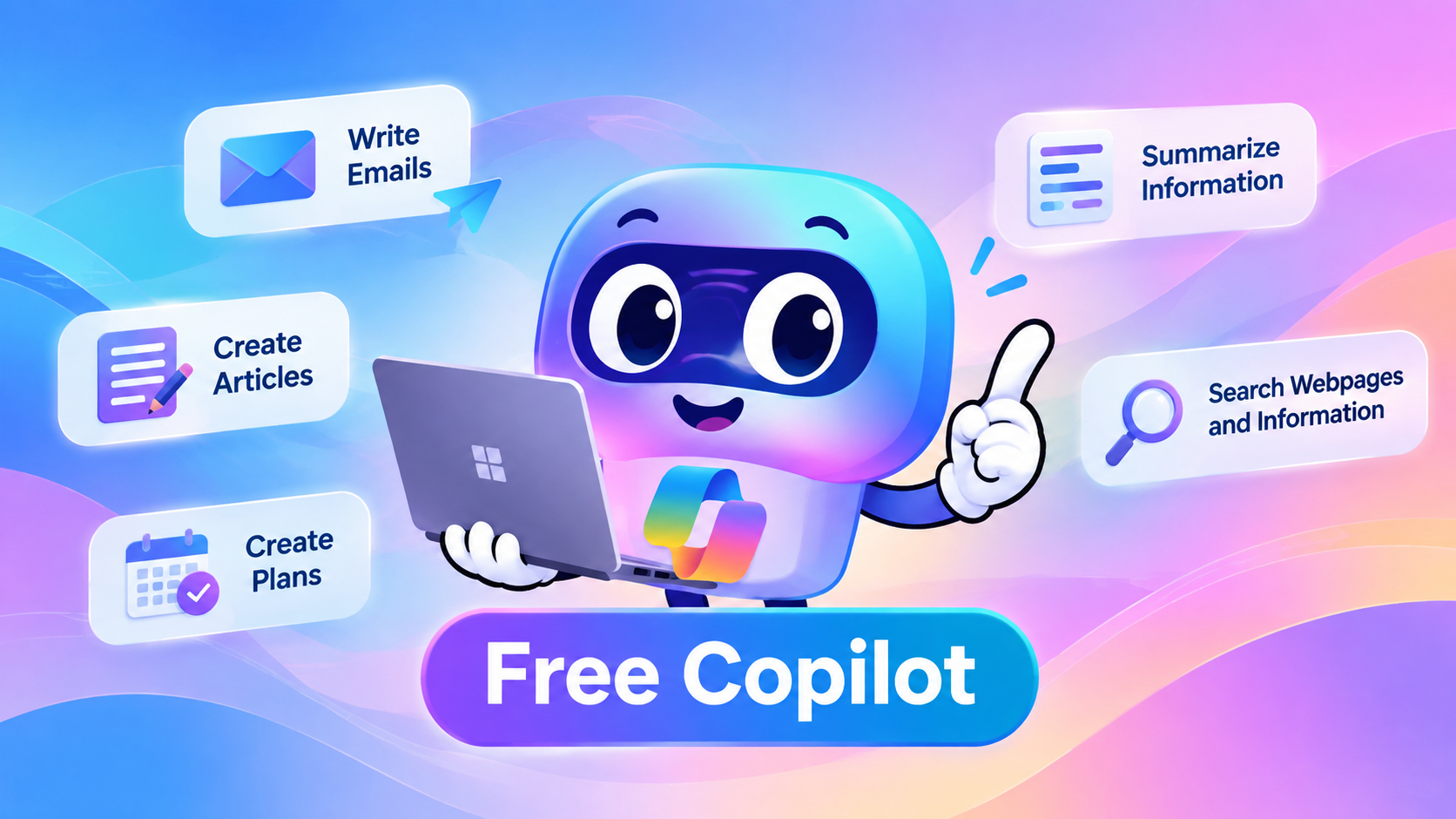
- Write emails, articles, and social media posts.
- Generate ideas and brainstorm to find solutions to problems.
- Summary of the text and website page.
- Answer the question based on information from the web.
- Create a checklist and content outline.
- Create images with AI.
Limitations of Free Copilot
Company information cannot be accessed automatically.
Free Copilot cannot automatically access emails, Teams chats, SharePoint files, OneDrive documents, or other business data in your organization's Microsoft 365. Users need to manually provide the data to Copilot.
No Enterprise-level features
Free Copilot does not connect to Microsoft 365, the enterprise knowledge search, or the enterprise-level data protection available in Microsoft 365 Copilot.
You should always check the answer from the AI
Like other AI tools, Copilot may generate inaccurate data. Critical data, calculations, and recommendations should be verified before use.
Is Free Copilot safe?
Free Copilot offers privacy and security settings, but it does not provide the same level of enterprise-level data protection, compliance controls, and IT management as Microsoft 365 Copilot.
Things Businesses should Consider
- Company information may have been unintentionally entered into a Personal Account
- IT administrators have limited visibility and control over personal copilot usage.
- Personal and business information may be used interchangeably.
- The organization's Compliance, Auditing, and Retention policies may not be comprehensive.
- Sharing a link to a conversation may unintentionally expose sensitive information.
Microsoft advises users to avoid entering confidential, sensitive, or personal information into shared Copilot conversation links, as anyone with the link could gain access to the shared conversation.
Free Copilot is ideal for personal productivity, but for working with business data that requires security, compliance, and administrator control, Microsoft 365 Copilot is a more suitable option.
What is Microsoft 365 Copilot Chat?
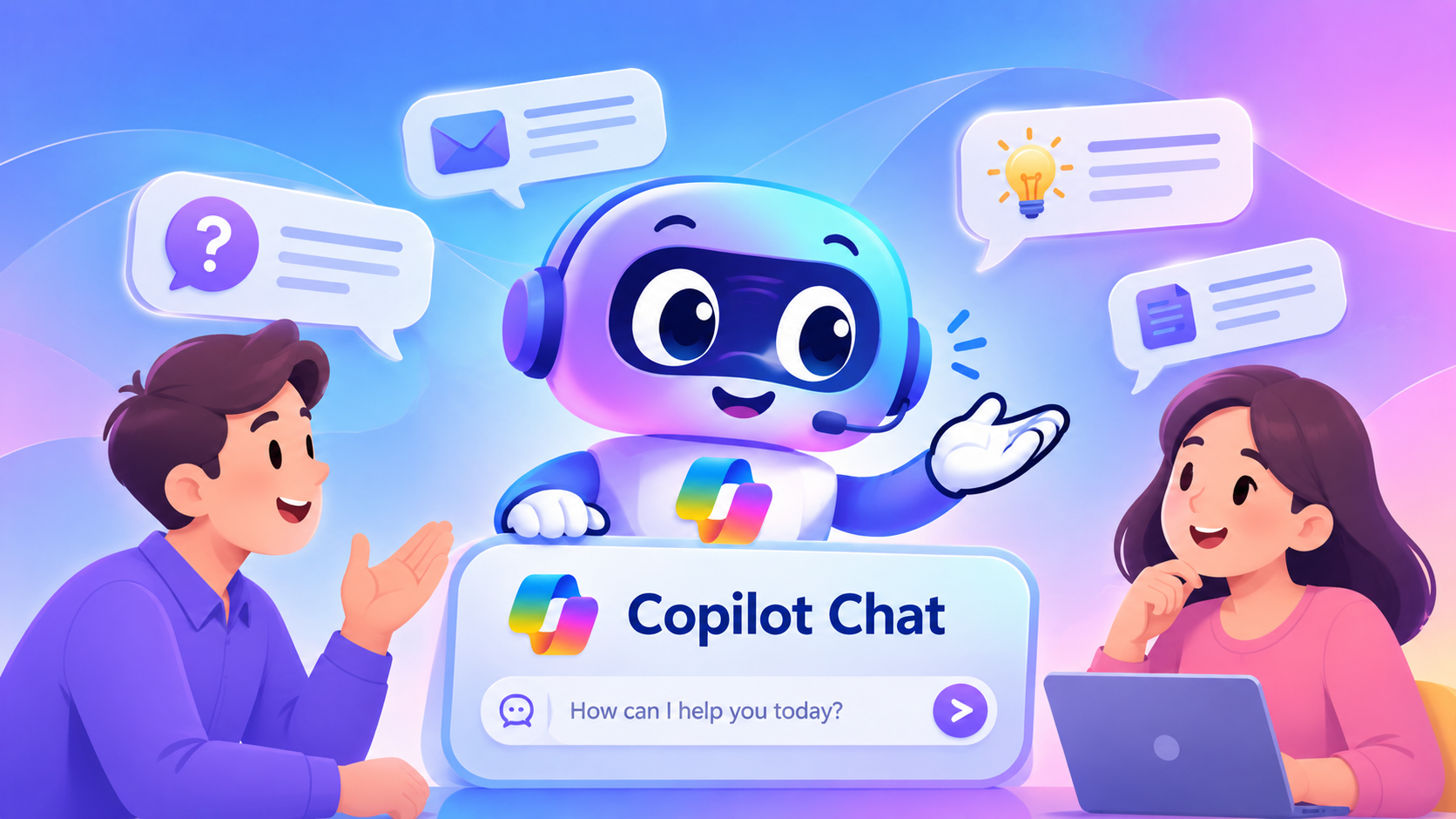
Microsoft 365 Copilot Chat is an AI chat experience for businesses, included in several Microsoft 365 and Office 365 Work Subscription packages at no additional cost.
Users can access AI Chat, file uploads, image creation, Copilot Pages, Agents, and enterprise-level data protection, all within a Microsoft-managed environment.
Limitations of Copilot Chat
Access to company data is limited
Copilot Chat primarily uses information from the public web and will not automatically search for organizational emails, files, chats, or meetings unless such information is sent through authorized File Prompts or Agents.
More manual data entry is required
Users may need to upload documents or provide additional context for tasks related to business-specific data, while Microsoft 365 Copilot can streamline this process by connecting to organizational data that users already have access to.
Standard AI experience
Copilot Chat has basic AI capabilities, but Microsoft 365 Copilot offers Priority Access, faster response times, and deeper integration with Microsoft 365.
Some types of agents may incur additional charges.
Although Copilot Chat is included in the licensed subscription, some types of AI Agents may incur usage-based charges.
Is Microsoft 365 Copilot Chat secure?
Copilot Chat is secure for use with Work or School accounts, offering enterprise-level data protection and administrator controls.
Important preventive measures include:
- Encrypting data during transmission and storage.
- Organizational Identity and Access Control
- Separating data between each Tenant.
- Auditing and Retention Skills
- Responsible AI's security protection system.
Microsoft 365 Copilot Chat provides an enterprise-managed and protected AI experience, but it doesn't automatically connect to all Microsoft 365 data like the full Microsoft 365 Copilot suite.
What is Microsoft 365 Copilot (paid version)?
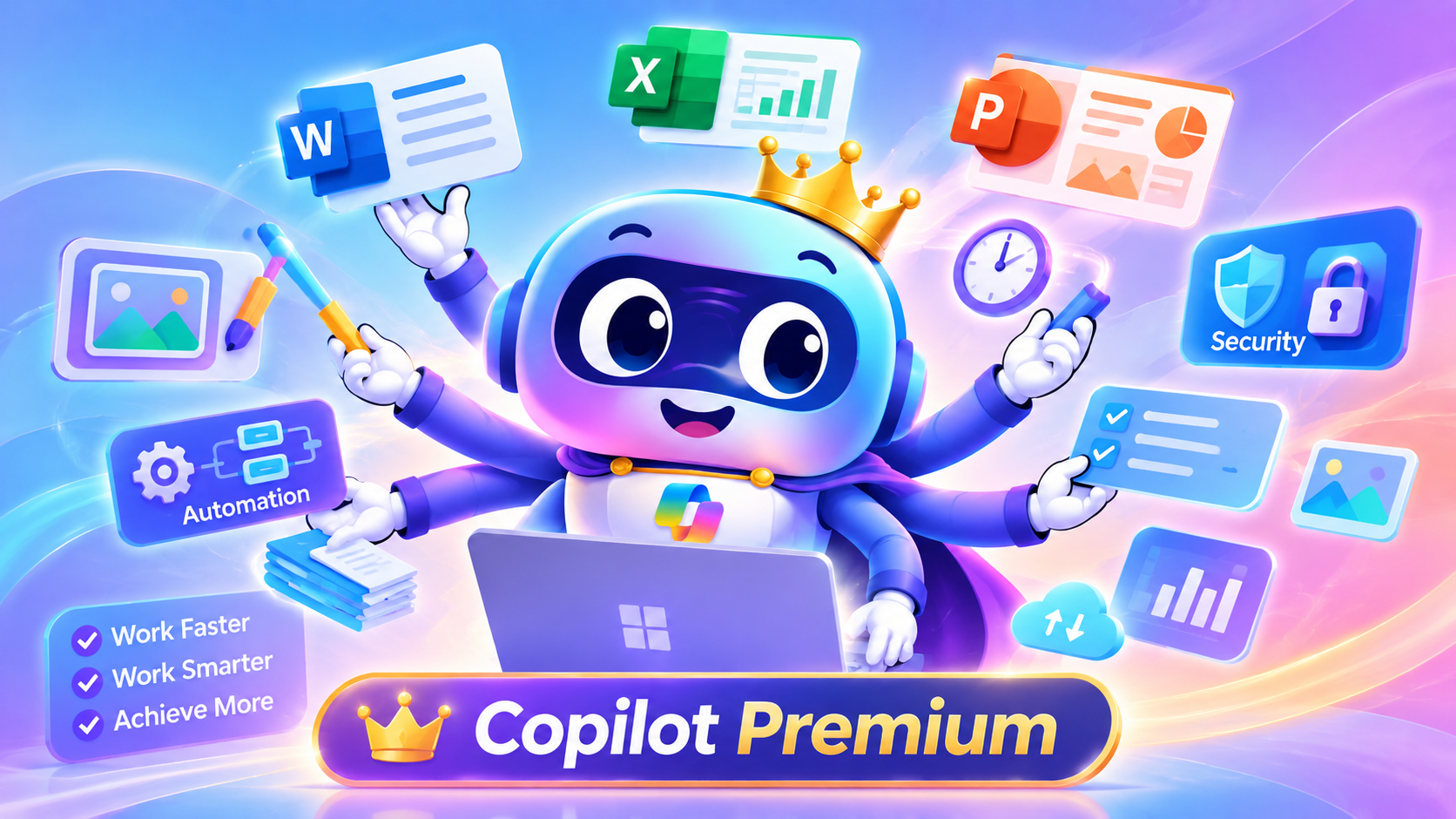
Microsoft 365 Copilot (paid version) is a license that provides the deepest level of integration between AI and the Microsoft 365 enterprise environment.
This capability integrates the functions of Copilot Chat and can utilize organizational data that the user already has access to, which may include files, emails, chats, people, meetings, and other content within Microsoft 365.
In addition, it offers advanced capabilities within supported Microsoft 365 services such as Word, Excel, PowerPoint, Outlook, Teams, OneNote, OneDrive, SharePoint, Loop, and Whiteboard.
Employees can use Copilot to:
- Summary of emails and documents.
- Create a presentation using company information.
- Analyze Spreadsheet
- Search for information in SharePoint and OneDrive.
- Summarize Teams meetings when this feature is supported.
- Identify the decisions and action items that need to be followed.
- Use agents who work with organizational data and agents with reasoning skills.
- Search for organizational knowledge that the user is authorized to access.
Limitations of the paid version of Microsoft 365 Copilot
Additional licenses are required
Microsoft 365 Copilot generally requires an additional paid license in conjunction with a supported Microsoft 365 or Office 365 Subscription. The eligibility depends on the package the organization is currently using.
The original data access rights remain in effect
Copilot can only access data that the user has permission to access. However, Copilot does not automatically correct incorrectly defined or overly broad permissions.
If documents containing sensitive information are already shared with a large number of people, Copilot may make it easier for those with access to find and summarize those documents. Microsoft therefore views content that is shared too broadly or is not properly managed as a risk that organizations should address.
The quality of the data affects the results
Outdated documents, duplicate files, unclear filenames, and incomplete information can result in Copilot responses that are less accurate and relevant to the business context.
Human verification is still Required
Although the paid version of Microsoft 365 Copilot is highly capable, it can still generate inaccurate or incomplete data. Therefore, employees should review the summary, documentation, calculations, and instructions generated by the AI before using them.
Is the paid version of Microsoft 365 Copilot secure?
Microsoft 365 Copilot operates within the scope of Microsoft 365 services, respecting user access rights and supporting Microsoft 365's Security, Privacy, and Compliance controls.
Copilot can work with:
- Sensitivity Labels
- Encryption
- Retention Policies
- Auditing
- Conditional Access
- Multi-Factor Authentication (MFA)
Copilot can only access data that the user has been granted permission to use.
Microsoft also stated that Prompt, Response, and organizational data accessed through Microsoft Graph will not be used to train the Foundation Models behind the system.
However, security also depends on how an organization manages identity, permissions, devices, sensitive data, data sharing settings, and agents connected to the system.
Compare each version of Copilot.
Feature | Free Copilot | Copilot Chat | Microsoft 365 Copilot (paid version) |
Typical Use Cases | Personal AI Jobs | AI Chat for Managed Businesses | AI integrated into organizational operations |
account | Personal Account | Work or School Account | Work or School Account with a license. |
Additional Copilot charges | do not have | Not available for eligible packages | Generally, it is necessary. |
Resources | Website and information provided by users | Website and work information provided by users | Websites and company information that users have authorized access to |
Using operational data for automation | do not have | Limit | has |
Enterprise data protection | no protection options for corporate accounts. | has | has |
IT control | Limit | has | has |
Integration with Microsoft 365 | Limit | Depends on the settings. | Advanced |
Level of access | Standard | Standard | Priority |
Suitable for | Personal work | AI Chat managed by the organization. | Organization-wide optimization. |
Which type of copilot should I choose?
Choose Free Copilot if you intend to use it for personal writing, brainstorming, learning, and public web research. Avoid entering confidential company information through your Personal Account.
Choose Microsoft 365 Copilot Chat if employees need a secure, manageable AI chat system with enterprise-level data protection, but without needing the AI to automatically access all work-related data that users are permitted to use.
Choose Microsoft 365 Copilot (paid version) if employees regularly work with Outlook, Teams, Word, Excel, PowerPoint, SharePoint, and OneDrive and want AI to be able to perform tasks based on organizational data that users have direct access to.