Artificial intelligence (AI) is becoming a key part of modern productivity. Microsoft Copilot is designed to help users work faster by integrating AI with tools within the Microsoft ecosystem. For organizations considering Microsoft 365 Copilot, a trial is a way to experience its capabilities before deciding if it's right for their business.
What is Microsoft Copilot?
Microsoft Copilot is an AI assistant that helps users perform daily tasks through natural language commands, instead of having to execute every step manually. Users can describe what they need and let Copilot help them complete the task.
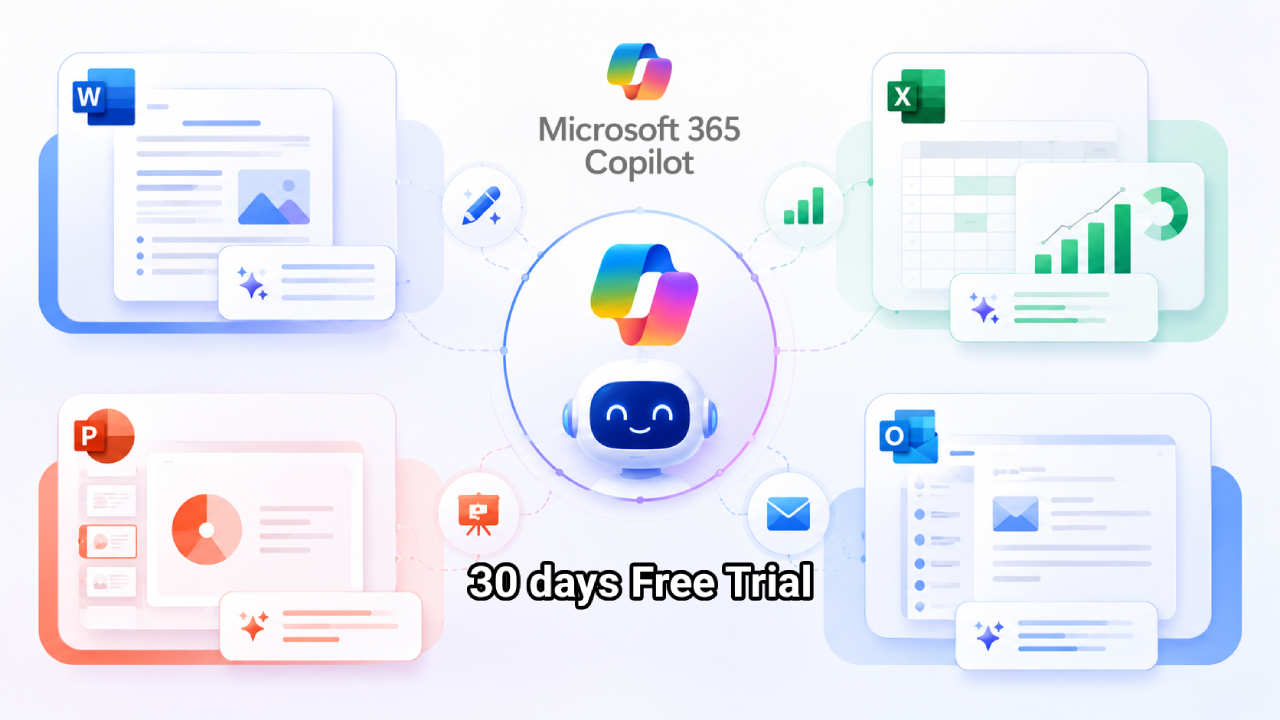
Depending on your Microsoft 365 license, Copilot is compatible with applications such as Word, Excel, PowerPoint, Outlook, and Teams. Additionally, business users can use Copilot Chat to ask questions on the web, and with the appropriate license, access to deeper support referencing organizational information.
For example, you can ask the copilot:
- Draft or revise a document
- Summary of a long email
- Create an outline for a presentation
- Analyze supporting data in Excel
- Please help prepare the materials for the meeting
- Search for information and answer questions
- Generate ideas and improve content
The main goal is to reduce the time spent on repetitive tasks and increase the time allocated to more important work.
What features does Copilot Trial offer?
Microsoft is offering free 30-day Microsoft 365 Copilot Trial to eligible small and medium-sized organizations. Eligible organizations can start the trial via Copilot Chat and experience the premium capabilities of Copilot.
This trial allows organizations to assess how much AI can improve their daily workflow before deciding to purchase a paid license.
The capabilities available may vary depending on the Microsoft 365 environment and organizational features, and may include:
- Copilot Chat
- AI assistance within Microsoft 365 apps
- Help with using Word, Excel, PowerPoint, and OneNote
- Help with email and calendar in Outlook
- AI-powered assistance using organizational data
- Accessing advanced Copilot capabilities.
- Agents and AI-powered optimization features
The availability of features may depend on the Microsoft 365 package, assigned license, and organizational settings.

What can a copilot trial be used for?
Experimental models are ideal for testing in real-world business scenarios.
Writing and managing documents.
Use Copilot to draft emails, create documents, summarize information, revise content, or help make business communications clearer.
Excel and data analysis
Copilot can help users understand data, find trends, summarize data, and work with spreadsheets using natural language commands.
Creating a presentation
Users can use AI to help create content for presentations, develop ideas, and organize information into a more understandable structure.
Email and meetings
Copilot can help summarize conversations, work with email and calendar data, and reduce the time needed to review large amounts of communications.
Improving the efficiency of daily tasks
One of the key benefits of Copilot is its ability to serve as a daily assistant, whether it's for brainstorming, summarizing information, researching, drafting content, or organizing tasks.
Why should you try Copilot before buying?
Pilot testing helps organizations answer the key question:
Can a copilot really save employees time and increase productivity?
Instead of making decisions based solely on a demonstration, organizations can experiment with Copilot using their own real-world workflows and processes.
During the trial period, organizations can evaluate things such as:
- Time saved by reducing repetitive tasks.
- Employee utilization rate
- The quality of content created by AI
- Business situations where Copilot is beneficial
- Tasks that still require human verification
- Cost-effectiveness when compared to the cost of the license
This information helps organizations make more informed and informed decisions about acquiring Microsoft 365 Copilot.
Summary
Microsoft Copilot brings the power of AI into the tools employees use every day, from writing documents and analyzing data to managing emails and preparing presentations, helping to reduce repetitive tasks and increase productivity.
Copilot Trial offers eligible organizations the opportunity to experience premium Copilot before deciding to purchase a license. Microsoft is currently offering a free 30-day trial for eligible small and medium-sized enterprises (SMEs).
If your organization is interested in how AI can help improve daily productivity, a trial run is a good place to start.
Want to try Microsoft 365 Copilot Trial?
If you'd like to experience Microsoft 365 Copilot and see how AI can support your organization's day-to-day operations, fill out the form below to register for the Microsoft 365 Copilot Trial.
Register your interest below, and our team will contact you to provide more information about the trial and terms and conditions.