Today, artificial intelligence (AI) has advanced far beyond simply generating text. Organizations expect AI to create high-quality images, generate natural-sounding audio, and power intelligent applications that can interact seamlessly with users. As businesses increasingly adopt AI in creative tasks, customer service, and enterprise processes, the demand for high-performance multimodal AI models grows accordingly.
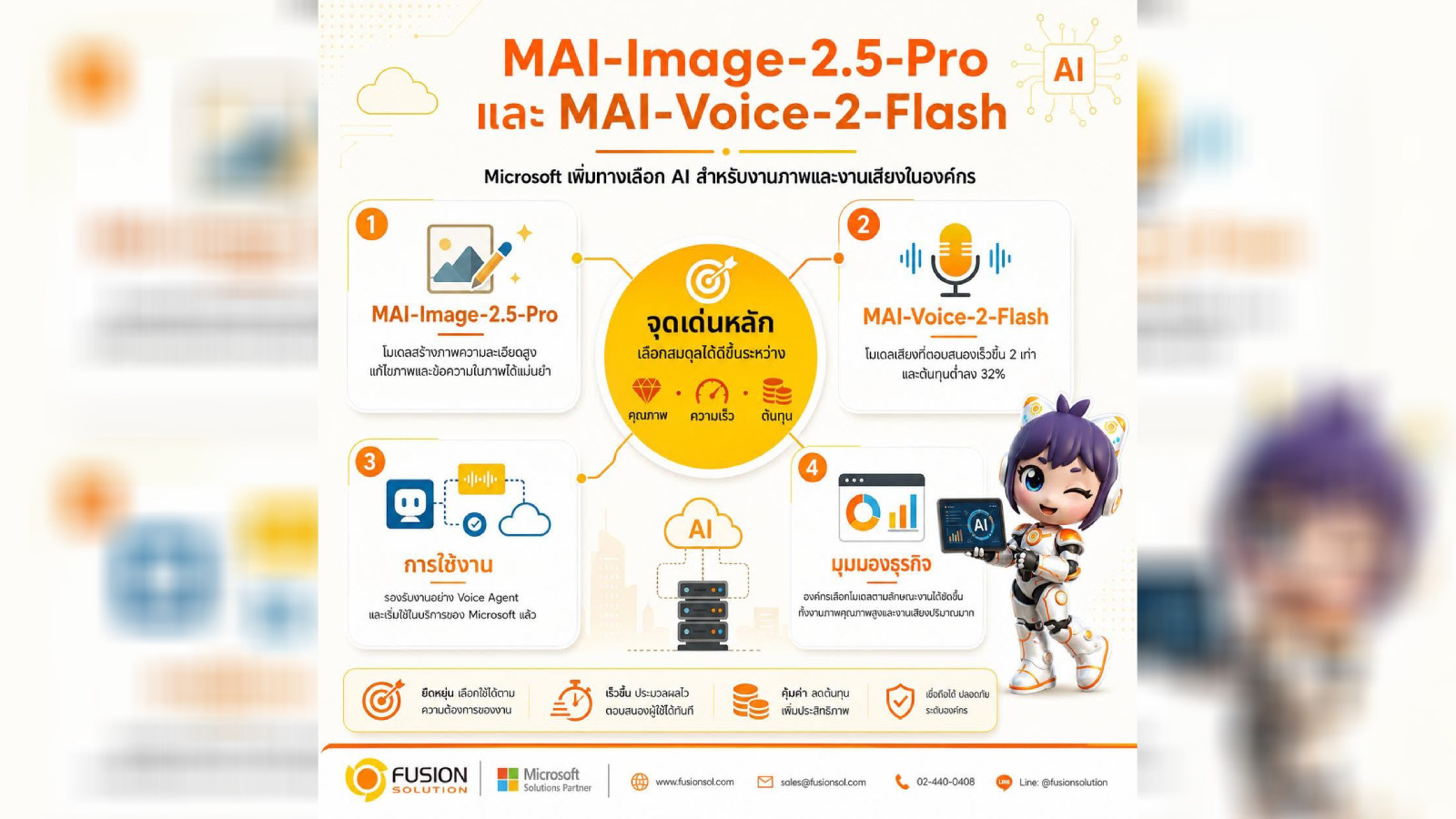
To address these needs, Microsoft launched MAI-Image-2.5-Pro and MAI-Voice-2-Flash new AI models designed to create high-quality images and support low-latency audio generation. Both models are part of Microsoft's MAI model family, enabling developers and organizations to create more realistic AI experiences while balancing performance, quality, and cost-effectiveness.
What are MAI-Image-2.5-Pro and MAI-Voice-2-Flash?
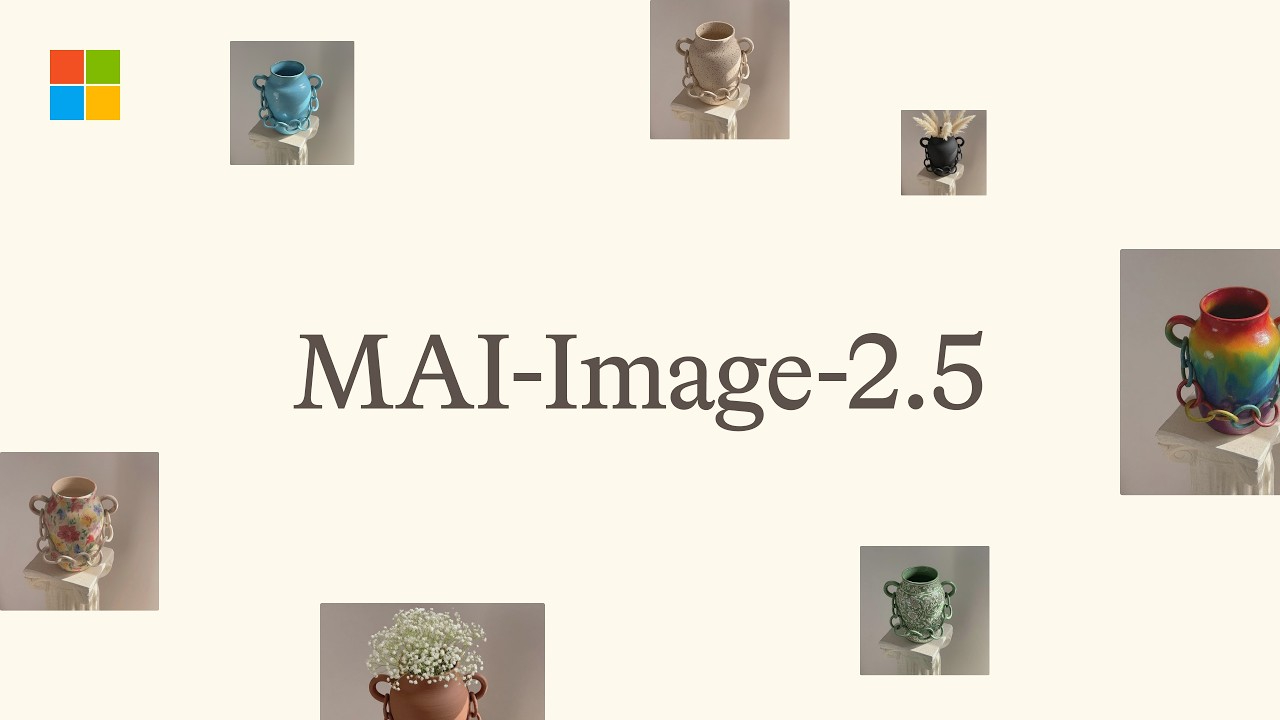
MAI-Image-2.5-Pro is Microsoft's latest AI imaging model capable of generating high-detail, accurate images from natural language prompts. It focuses on professional-level image creation, offering improved prompt understanding, more precise image composition, and greater consistency in results.
while MAI-Voice-2-Flash is a lightweight and fast-responding voice model that can generate natural, expressive speech with low latency, making it ideal for real-time conversations and interactive applications.
When working together, these two models extend the capabilities of Microsoft's multi-mode AI, enabling developers to efficiently integrate text, images, and audio into a single application.
MAI-Image-2.5-Pro: Elevate image creation with AI
AI-powered visualization has become a key capability for modern applications, whether it's marketing teams creating visuals for campaigns, designers needing rapid prototyping, educators producing learning materials, or developers creating innovative experiences.
MAI-Image-2.5-Pro comes with several improvements that enhance both image quality and ease of use.
Understand Prompt better
The model can interpret complex commands more accurately, resulting in images that better match user needs.
Whether it's specifying details about lighting, artistic style, composition, or multiple objects within a single image, models can generate more consistent and believable results.
Superior image quality
MAI-Image-2.5-Pro can create images with
- More details
- Higher realism
- Consistent color management
- The accurate relationship of objects within an image.
- Clean and natural image elements
These developments help reduce the time users need to adjust prompts to get the desired image.
Supports professional-level creative work
The model can help organizations in a wide variety of industries, such as:
- Marketing and Advertising
- Product design
- Content creation
- E-Learning
- Media production
- Preparing a business presentation
Instead of replacing creators, this model accelerates the idea generation and content production process, making it more efficient.
MAI-Voice-2-Flash: Creates natural and responsive sound.
Voice is becoming another important channel for using AI, whether it's in smart assistants, customer service systems, or applications that need to communicate with users.
MAI-Voice-2-Flash is designed to generate high-quality voice with fast response times, enabling AI to interact with users naturally.
Low latency response
Real-time conversations require quick responses.
MAI-Voice-2-Flash helps reduce response times, making interaction with AI smoother and more natural.
Therefore, it is suitable for tasks that require a fast response time.
A natural-sounding voice.
The model can create voices that are closer to human-like by improving certain aspects.
- Pronunciation
- Tone of voice
- Speaking rhythm
- Emotional expression
- The flow of the conversation.
It helps users have a better experience in every situation.
Designed to support AI at the enterprise level.
With a performance-oriented design, organizations can leverage the model to build voice-enabled AI applications while maintaining a balance between quality and efficiency.
Examples of use include:
- AI Customer Service
- Voice Assistant
- Smart learning platform
- Accessibility solutions
- Virtual Receptionist
- Smart business applications
Benefits for Businesses
The launch of MAI-Image-2.5-Pro and MAI-Voice-2-Flash enables organizations to enhance both productivity and customer experience.
The organization can
- Create visual content faster.
- Develop AI that can have more realistic conversations.
- Enhance customer service.
- Accelerate the development of AI applications.
- Reduce the cost of content production.
- Providing a more user-friendly digital experience.
As multi-mode AI capabilities increase, integrating both image and sound into business applications will improve both operational efficiency and user satisfaction.
Examples of applications in the business sector.
Organizations across various industries can apply Microsoft's new model, for example:
Marketing and content creation
Quickly create visuals for campaigns, advertising, and various content.
Customer service
Develop an AI assistant that can converse and answer customer questions naturally.
study
Create learning materials that integrate images and sound to enhance the learning experience.
In-house applications
Enhance your business systems with AI-powered visuals, voice guidance, and conversational interfaces.
Accessibility
It helps users access information more effectively through natural sounds and AI-generated images.
AI developed responsibly
Similar to Microsoft's overall AI strategy, MAI-Image-2.5-Pro and MAI-Voice-2-Flash were developed under the principles of Responsible AI
Microsoft continues to invest in developing security mechanisms to ensure that AI is safe, reliable, and appropriately usable both in organizations and for consumers.
Furthermore, organizations adopting generative AI should establish AI governance policies, implement human oversight, and employ appropriate security measures to ensure AI is used responsibly.
อนาคตของ Multimodal AI
The future of AI is moving towards fully Multimodal AI , where users can interact with AI naturally through text, images, audio, and possibly video in the future.
Expanding Microsoft's MAI model family provides developers and organizations with more flexible AI tools to create richer digital experiences across multiple channels.
As these technologies continue to evolve, organizations will be able to create AI applications that are smarter, more innovative, and more accessible to users than ever before.
Summary
The launch of MAI-Image-2.5-Pro and MAI-Voice-2-Flash marks another significant step for Microsoft in the development of multi-mode AI.
MAI-Image-2.5-Pro enhances image creation with higher quality, more accurate prompt understanding, and more realistic images, while MAI-Voice-2-Flash generates natural and responsive voices for real-time AI interaction.
When working together, these two models enable organizations to create more engaging applications, accelerate the innovation process, and deliver better user experiences.
As organizations continue to integrate AI into their workflows, Microsoft's latest multi-mode AI model will be a key tool in driving innovation in marketing, customer service, education, productivity, and enterprise software development.