GPT-6.2 in GitHub Copilot: Meet GPT-6.2 Astra and GPT-6.2 Sol
AI-powered coding tools are becoming an important part of modern software development. Developers increasingly rely on AI to write code, investigate bugs, review changes, and complete complex development tasks. To support these workflows, GitHub Copilot continues to expand its model selection with more capable AI models.
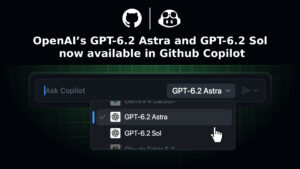
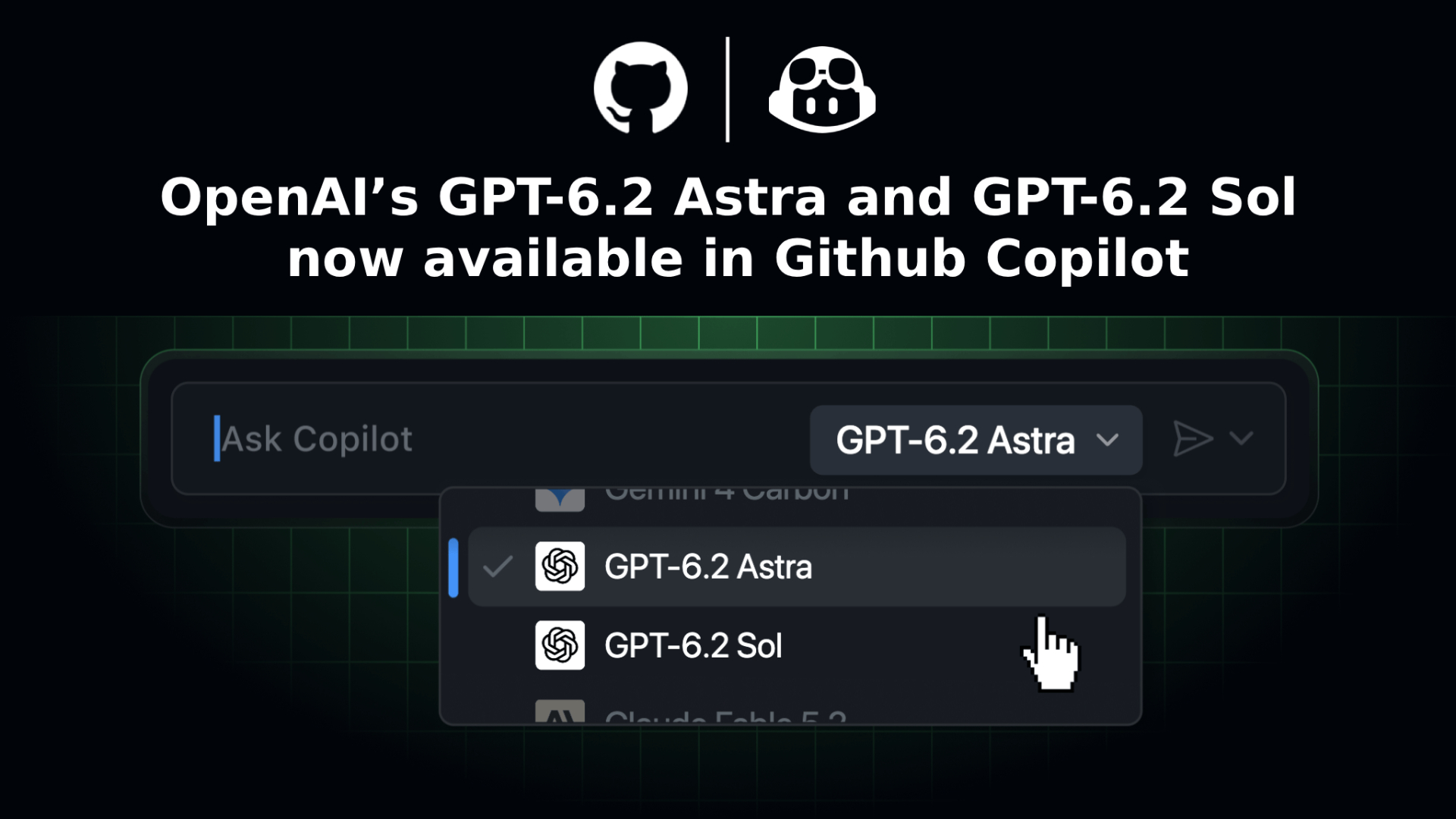
On November 17, 2026, GitHub announced the availability of GPT-6.2 in GitHub Copilot, introducing two new OpenAI models: GPT-6.2 Astra and GPT-6.2 Sol. Both models are designed for agentic coding and code review, offering improved coding judgment and greater token efficiency compared with earlier GPT-6 models.
These additions give developers more options for handling everything from everyday coding activities to complex, multi-step software engineering tasks.
What Is New in GPT-6.2 for GitHub Copilot?
The latest release introduces two models with different strengths and development use cases.
Rather than providing only one general-purpose coding model, GitHub Copilot allows developers to choose between GPT-6.2 Astra and GPT-6.2 Sol based on the complexity of their work.
Both models focus on improving two important areas:
- Better coding judgment: Understanding development requirements and making more appropriate decisions when modifying existing code.
- Improved efficiency: Completing complex tasks with fewer tokens, helping reduce unnecessary processing.
According to GitHub's early testing, both models identified significantly more real issues during code reviews than earlier GPT-6 models while using fewer tokens.
GPT-6.2 Astra: For Agentic Coding and Terminal Work
GPT-6.2 Astra is designed for agentic coding, terminal operations, and development tasks that require multiple steps.
It helps developers work on more complicated coding activities where the AI needs to understand the project, plan its approach, execute commands, and evaluate the results.
Key capabilities include:
- Agentic Coding: Helps implement changes across existing codebases and handle development tasks that involve multiple actions.
- Terminal Work: Supports workflows involving command-line operations and development tools.
- Code Review: Demonstrates stronger ability to identify real problems in code changes.
- Token Efficiency: GitHub reports that early testing found GPT-6.2 Astra completed agentic coding tasks using noticeably fewer tokens than GPT-6 Astra.
For developers working with existing applications, larger codebases, or terminal-based development workflows, Astra is a useful option to explore.
GPT-6.2 Sol: For Complex Coding and In-depth Code Review
GPT-6.2 Sol is designed for complex agentic coding tasks and more detailed code reviews.
While Astra focuses on agentic coding and terminal work, Sol is particularly suitable for development activities that require careful examination of code and identifying issues that might otherwise be overlooked.
One notable result from GitHub's early testing is that GPT-6.2 Sol caught nearly twice as many real issues in code review as GPT-6.1 Sol while maintaining the accuracy of its findings.
This makes Sol an interesting option for developers who want AI assistance with:
- Reviewing code changes before merging.
- Identifying potential bugs and implementation problems.
- Examining complex codebases.
- Supporting multi-step software development tasks.
- Improving code quality through more detailed reviews.
For development teams, stronger code review capabilities can help identify problems earlier in the development lifecycle and reduce the effort required for manual review.
GPT-6.2 Astra vs. GPT-6.2 Sol: Which Model Should Developers Choose?
Both models offer improved coding capabilities, but their strengths make them suitable for different development scenarios.
Feature | GPT-6.2 Astra | GPT-6.2 Sol |
Key focus | Agentic coding and terminal work | Complex agentic coding and code review |
Coding tasks | Multi-step implementation | Complex development tasks |
Code Review | Improved issue detection | In-depth issue detection |
Suitable for | Development execution | Detailed analysis and review |
The best model depends on the task rather than simply choosing the newest version.
Developers who frequently work with terminal commands and multi-step implementation can explore Astra. Those who prioritize complex code analysis and detailed reviews may prefer Sol.
Experimenting with both models on real development tasks is a practical way to understand which one fits a particular workflow.
Where Can You Access GPT-6.2 in GitHub Copilot?
GPT-6.2 Astra and GPT-6.2 Sol are available to users with the following GitHub Copilot plans:
- Copilot Pro+
- Copilot Max
- Copilot Business
- Copilot Enterprise
Developers can select either model through the model picker in supported GitHub Copilot environments, including:
- Visual Studio Code
- Visual Studio
- GitHub Copilot CLI
- GitHub Copilot coding agent
- GitHub Copilot app
- GitHub.com
- GitHub Mobile (iOS และ Android)
- JetBrains IDEs
- Xcode
- Eclipse
The rollout is gradual, so the models may not appear immediately for every eligible user.
Both models use provider list pricing under usage-based billing. Developers and organizations should review GitHub's model pricing information to understand the applicable usage costs.
For Copilot Business and Enterprise, administrators can manage access to GPT-6.2 through model policies in Copilot settings. New models are enabled by default unless the organization has disabled default model enablement or explicitly restricted the models.
What Does This Mean for Software Development Teams?
The introduction of GPT-6.2 Astra and Sol represents another step toward more capable AI-assisted software development.
For individual developers, these models provide additional choices for implementing features, working with terminals, and reviewing code.
For development teams, improved agentic coding can help accelerate repetitive development activities, while stronger code review capabilities can support software quality and reduce the burden of identifying potential issues.
However, AI-generated code and review findings should still be evaluated by developers. Human oversight, testing, and established development practices remain essential for maintaining reliable and secure applications.
Summary
GPT-6.2 in GitHub Copilot introduces two new OpenAI models designed to support different software development needs. GPT-6.2 Astra focuses on agentic coding and terminal workflows, while GPT-6.2 Sol emphasizes complex coding tasks and in-depth code review.
With improved coding judgment, stronger issue detection, and more efficient token usage, both models offer developers new ways to work with AI throughout the software development lifecycle.
For organizations already using GitHub Copilot, exploring these new models can be a practical step toward improving developer productivity and incorporating more advanced AI capabilities into everyday coding workflows.
Interested in Microsoft products and services? Send us a message here.
Explore our digital tools
If you are interested in implementing a knowledge management system in your organization, contact SeedKM for more information on enterprise knowledge management systems, or explore other products such as Jarviz for online timekeeping, OPTIMISTIC for workforce management. HRM-Payroll, Veracity for digital document signing, and CloudAccount for online accounting.
Read more articles about knowledge management systems and other management tools at Fusionsol Blog, IP Phone Blog, Chat Framework Blog, and OpenAI Blog.
New Gemini Tools For Educators: Empowering Teaching with AI
If you want to stay up-to-date with the latest technology and AI news, check out this website It's updated daily!
Fusionsol Blog in Vietnamese
- What is Microsoft 365?
- What is Copilot?What is Copilot?
- Sell Goods AI
- What is Power BI?
- What is Chatbot?
- What is cloud storage?
Related Articles
- What is Microsoft 365?
- What is OCR software?
- What is a Data Warehouse?
- What is Microsoft Fabric?
- What Should a Complete OCR Service Provider Offer Your Business?
- How to Choose the Right Microsoft Copilot AI Model and Mode
- What is the difference between OCR and IDP? Choosing the right Document Processing Technology
Frequently Asked Questions (FAQ)
What is Microsoft Copilot?
Microsoft Copilot is an AI-powered assistant feature that helps you work within Microsoft 365 apps like Word, Excel, PowerPoint, Outlook, and Teams by summarizing, writing, analyzing, and organizing information.
Which apps does Copilot work with?
Copilot currently supports Microsoft Word, Excel, PowerPoint, Outlook, Teams, OneNote, and others in the Microsoft 365 family.
Do I need an internet connection to use Copilot?
An internet connection is required as Copilot works with cloud-based AI models to provide accurate and up-to-date results.
How can I use Copilot to help me write documents or emails?
Users can type commands like “summarize report in one paragraph” or “write formal email response to client” and Copilot will generate the message accordingly.
Is Copilot safe for personal data?
Yes, Copilot is designed with security and privacy in mind. User data is never used to train AI models, and access rights are strictly controlled.