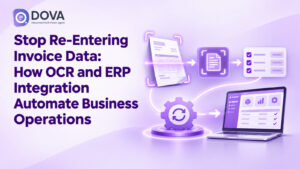
Stop Re-Entering Invoice Data: How OCR and ERP Integration Automate Business Operations
Many businesses rely on ERP (Enterprise Resource Planning) systems to manage accounting, procurement, inventory, and financial operations. However, despite having centralized business software, employees still spend considerable time manually entering information from invoices, receipts, and purchase orders into these systems.
This repetitive process slows down operations, increases the risk of data-entry errors, and creates unnecessary administrative workloads. By combining Optical Character Recognition (OCR) with ERP integration, organizations can extract information directly from documents and transfer it into business systems automatically. This approach helps Automate Business Operations while reducing the need for repetitive manual data entry.
Why Manual Document Data Entry Slows Down Business Operations?
Businesses receive documents in different formats, including scanned PDFs, email attachments, paper invoices, and digital receipts. Even when these documents are already available electronically, employees may still need to open each file, locate the required information, and manually enter it into an ERP system.
For example, processing a supplier invoice may require employees to enter the supplier name, invoice number, invoice date, tax amount, payment terms, and total amount.
When an organization processes hundreds or thousands of documents, these activities become time-consuming.
Manual data entry also introduces several operational challenges:
- Human errors: Incorrect invoice numbers, dates, tax amounts, or supplier details can affect financial records.
- Processing delays: Employees must handle documents individually before information becomes available in the ERP system.
- Higher administrative costs: Staff spend valuable time on repetitive tasks instead of more important responsibilities.
- Limited scalability: Increasing document volumes often require additional employees or working hours.
- Difficult tracking: Manual processes can make it harder to monitor document status and identify processing bottlenecks.
Automating document data entry can help address these challenges and improve operational efficiency.
How OCR Works with ERP Integration ?
OCR is a technology that recognizes text from scanned documents, images, and PDF files and converts it into machine-readable information.
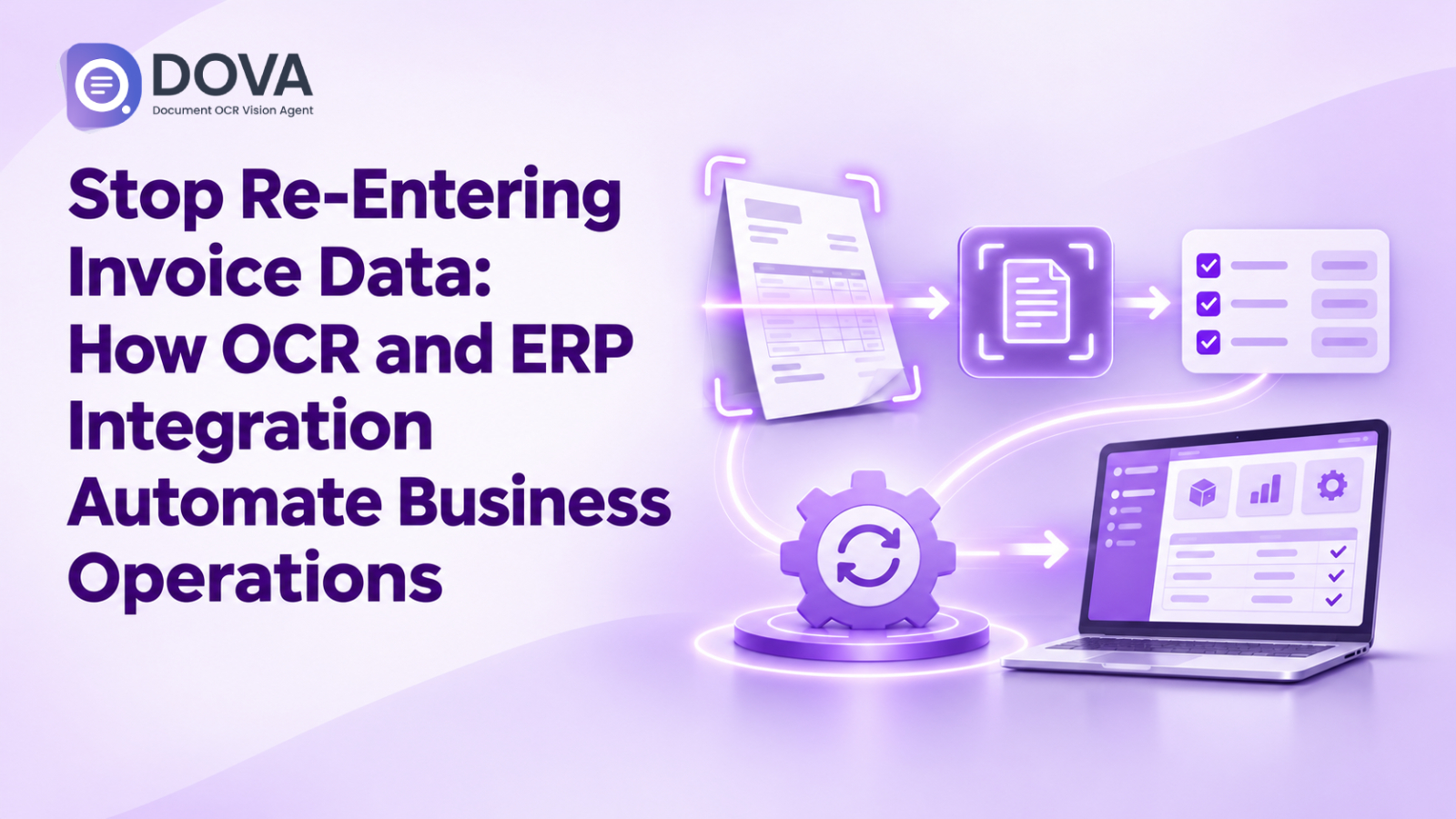
When integrated with an ERP system, OCR can become part of an automated document processing workflow.
Instead of employees manually copying information, the system extracts relevant data and transfers it to the appropriate ERP fields.
A typical workflow involves several steps.
Document Capture
The process begins when an invoice, receipt, or purchase order enters the system through email, document scanning, file uploads, or another connected application.
The document is collected and prepared for processing.
Automatic Text Recognition
The OCR engine analyzes the document and recognizes relevant text, including supplier names, invoice numbers, dates, item descriptions, quantities, and financial amounts.
Modern AI-powered OCR solutions can also handle different document layouts and extract information from structured and semi-structured documents.
Data Extraction and Validation
After recognizing the text, the system identifies the information required by the ERP application.
Extracted data can be checked against predefined business rules and existing records.
For example, the system can verify whether a supplier exists in the ERP database, whether required fields are present, and whether invoice calculations are consistent.
Documents containing missing or uncertain information can be sent to employees for review before further processing.
Data Transfer to the ERP System
Once the information passes the required validation checks, it can be transferred into the ERP system through APIs, web services, middleware, or other supported integration methods.
The extracted information can populate relevant fields in accounts payable, procurement, inventory, or financial management modules.
Employees no longer need to re-enter every document field manually.
Approval and Business Workflow
After data transfer, the ERP system can initiate the appropriate business process.
For example, an invoice can be routed to the finance department for approval, matched against a purchase order, or prepared for payment processing.
This connects document recognition with actual business operations.
Practical Business Applications of OCR and ERP Integration
OCR and ERP integration can support various departments and document-related processes.
Invoice Processing
Supplier invoices can be automatically captured, recognized, and transferred into the accounts payable module. This reduces repetitive data entry and helps finance teams process invoices more efficiently.
Receipt Processing
Employees can submit expense receipts through digital channels. OCR extracts transaction dates, merchant information, tax amounts, and totals for expense management and accounting.
Purchase Order Processing
Purchase order information can be extracted and transferred into procurement systems. This helps purchasing teams manage orders and reduce manual entry when processing supplier documents.
Delivery Note Processing
Information such as product names, quantities, and delivery references can be extracted to support inventory receiving and document reconciliation.
Benefits of Automating ERP Data Entry with OCR
Integrating OCR with ERP systems provides benefits beyond reducing typing tasks.
- Faster Document Processing: Automated extraction reduces the time required to transfer information from documents into business applications.
- Improved Data Accuracy: Automated recognition and validation help minimize common manual data-entry mistakes, although human review may still be necessary.
- Reduced Operational Costs: Employees can spend less time handling repetitive document tasks and focus on higher-value activities.
- Better Process Visibility: Digital workflows make it easier to track document status, identify delays, and monitor processing activities.
- Greater Scalability: Businesses can handle increasing document volumes without relying entirely on additional manual data-entry resources.
What Businesses Should Consider Before Implementation?
Successful OCR and ERP integration requires more than connecting two technologies.
Organizations should first identify which document types and business processes would benefit most from automation.
They should also evaluate OCR accuracy using actual business documents, especially when processing Thai and English text, different supplier layouts, or low-quality scanned files.
Integration compatibility is another important consideration. The OCR solution should be able to communicate with the existing ERP system and map extracted information to the correct data fields.
Finally, businesses should establish validation rules, employee review procedures, security controls, and audit trails to ensure that automated processing remains reliable and accountable.
Starting with a specific workflow, such as supplier invoice processing, can be a practical way to measure results before expanding automation across other departments.
Automate Business Operations with DOVA OCR
Businesses looking to reduce manual document processing can explore DOVA OCR, an AI-powered OCR solution designed to recognize and extract information from business documents.
By converting document content into structured digital data, DOVA OCR can help organizations build automated workflows and reduce repetitive information entry.
Combined with ERP integration, extracted information can become part of a broader business automation process, connecting document capture and data extraction with accounting, procurement, and other enterprise applications.
Explore DOVA OCR at https://dova-ocr.com/ to discover how AI-powered document recognition can support your organization's document automation initiatives.
Summary
Manually transferring invoice, receipt, and purchase order information into ERP systems creates unnecessary work and increases the risk of data-entry errors.
By combining OCR with ERP integration, businesses can automate document capture, information extraction, validation, and data transfer. This reduces repetitive tasks and helps employees focus on more valuable responsibilities.
For organizations looking to Automate Business Operations, OCR and ERP integration provide a practical foundation for building faster, more accurate, and scalable business processes.
Interested in Microsoft products and services? Send us a message here.
Explore our digital tools
If you are interested in implementing a knowledge management system in your organization, contact SeedKM for more information on enterprise knowledge management systems, or explore other products such as Jarviz for online timekeeping, OPTIMISTIC for workforce management. HRM-Payroll, Veracity for digital document signing, and CloudAccount for online accounting.
Read more articles about knowledge management systems and other management tools at Fusionsol Blog, IP Phone Blog, Chat Framework Blog, and OpenAI Blog.
New Gemini Tools For Educators: Empowering Teaching with AI
If you want to stay up-to-date with the latest technology and AI news, check out this website It's updated daily!
Fusionsol Blog in Vietnamese
- What is Microsoft 365?
- What is Copilot?What is Copilot?
- Sell Goods AI
- What is Power BI?
- What is Chatbot?
- What is cloud storage?
Related Articles
- What is Microsoft 365?
- What is OCR software?
- What is a Data Warehouse?
- What is Microsoft Fabric?
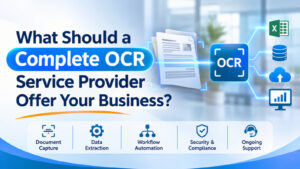
- What Should a Complete OCR Service Provider Offer Your Business?
- How to Choose the Right Microsoft Copilot AI Model and Mode
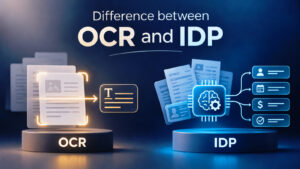
- What is the difference between OCR and IDP? Choosing the right Document Processing Technology
Frequently Asked Questions (FAQ)
What types of documents does DOVA OCR support?
DOVA OCR can assist in processing business documents—such as invoices, receipts, forms, and scanned files—making data management more convenient and efficient.
How does DOVA OCR help reduce the steps in employees' workflows?
A system that reads text and extracts key information from documents, reducing the need for manual data entry and allowing employees to dedicate more time to verifying data and performing tasks that require decision-making.
How accurate is the data read by the system?
Accuracy depends on the quality of the documents, the font styles, and the complexity of the information. You should verify the results before use, especially when dealing with financial data or critical organizational information.
Can DOVA OCR be integrated with an organization's existing systems?
DOVA OCR offers features such as data export to CSV, database storage, and a RESTful API, which can be used to integrate with other systems depending on the specific deployment requirements.
How should a business prepare before starting to use DOVA OCR?
You should begin by identifying the types of documents to be processed, preparing actual document samples, and testing the accuracy of data extraction. Additionally, evaluate security requirements and system integration needs to ensure the chosen solution is well-suited to your organization.