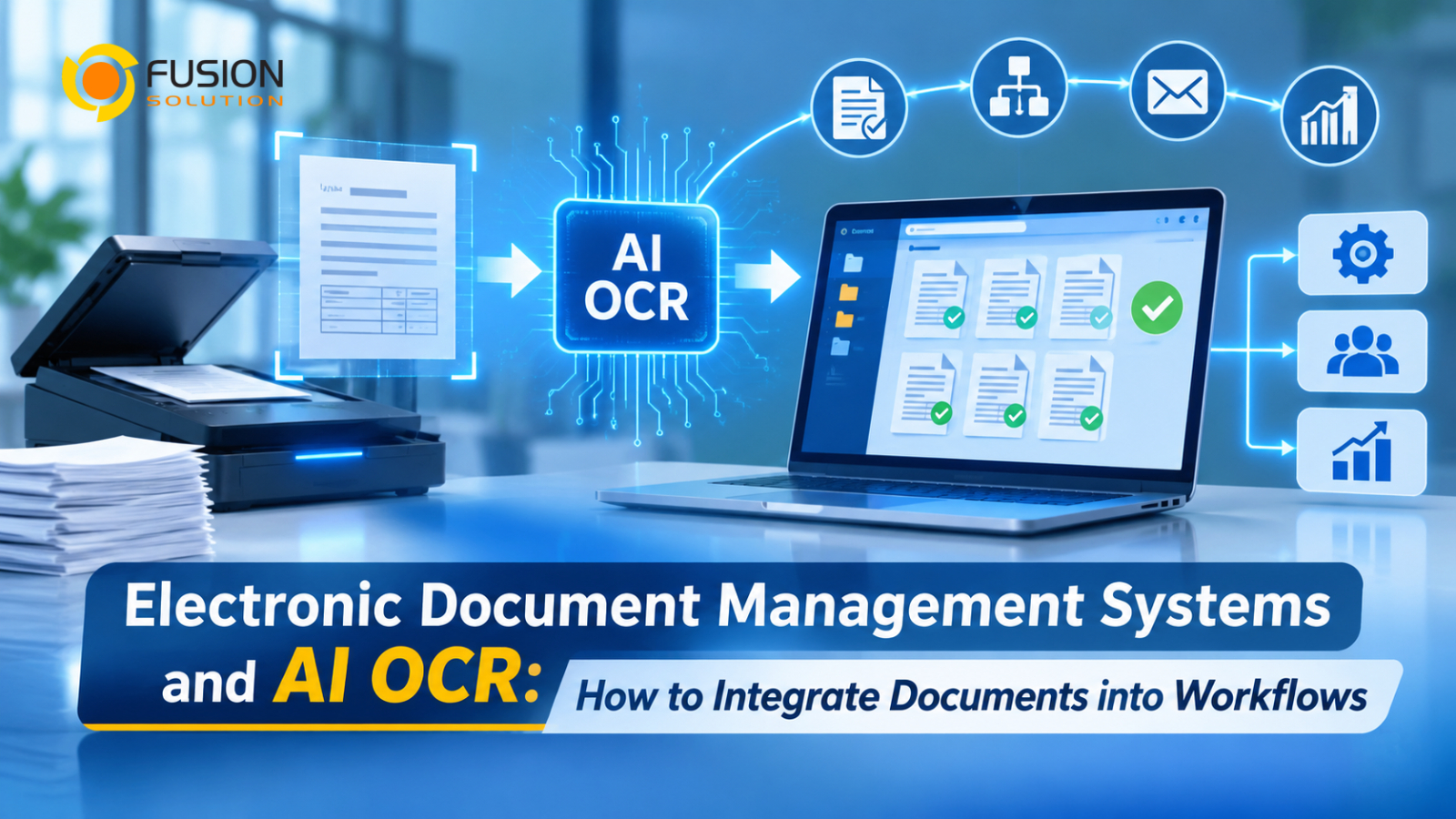
Electronic Document Management Systems and AI OCR: How to Integrate Documents into Workflows
Many organizations have already moved from physical filing cabinets to digital document storage. Invoices, receipts, contracts, employee records, and business forms are now stored as PDFs, scanned images, or electronic files. However, storing documents digitally does not necessarily mean that the information inside them is ready to use.
Employees may still need to open individual files, read the contents, manually extract important details, and enter the information into accounting software, ERP systems, or other business applications.
This is where the integration of an Electronic Document Management System (EDMS) with AI-powered Optical Character Recognition (OCR) technology plays a crucial role.
Together, these technologies help organizations move beyond digital storage toward connected document workflows, where information can be captured, extracted, organized, and transferred between business systems with less manual effort.
Why Digital Document Storage Is Not Enough
Digitizing documents is an important first step in improving business operations. However, many organizations still experience problems even after implementing digital document storage.
Consider a company that receives hundreds of supplier invoices every month. Employees upload the invoices into a document management system, where they are stored and organized.
Although the files are now accessible online, employees may still have to manually extract supplier names, invoice numbers, dates, and payment amounts before entering them into accounting software.
This gives rise to several challenges, including:
Manual data extraction: Employees must read documents and re-enter information into other systems.
Disconnected workflows: Stored documents do not automatically trigger approval, payment, or review processes.
Time-consuming searches: Employees may struggle to locate specific information inside scanned PDFs.
Data entry errors: Repeated manual input increases the possibility of incorrect or incomplete information.
Limited automation: Digital files remain separate from the business processes that depend on their contents.
The problem is not simply where documents are stored. It is how information moves from documents into everyday business operations.
Understanding the Role of an Electronic Document Management System
An Electronic Document Management System (EDMS) is a platform designed to manage digital documents throughout their lifecycle.
Instead of storing files in individual computers, email attachments, or disconnected folders, organizations can use a centralized system to organize, access, manage, and track documents.
Common EDMS capabilities include:
Centralized Document Storage: Store business documents in an organized digital repository that employees can access according to their permissions.
Document Classification: Categorize files by document type, department, customer, supplier, project, or other business requirements.
Document Version Management: Maintain document versions and reduce confusion when multiple employees work with the same files.
Access Control: Define who can view, edit, download, or manage specific documents.
Search and Retrieval: Find documents using filenames, metadata, keywords, or searchable document contents when supported.
Workflow Management: Support document review, approval, and other business processes.
These capabilities improve document organization and control. However, when documents contain information that must be transferred into other systems, additional technology may be required.
How AI OCR Connects Documents with Business Processes
AI OCR helps bridge the gap between document storage and business automation.
Traditional OCR identifies characters in scanned images and converts them into machine-readable text. AI-powered document processing can go further by identifying document types, understanding layouts, and extracting specific information from different fields.
For example, when an organization receives a scanned invoice, AI OCR can help identify:
- Supplier name and tax identification number
- Invoice number and document date
- Purchase Order reference
- Subtotal and VAT amount
- Total payment amount
Instead of treating the invoice as a static image, the system can turn its contents into structured information.
This information can then be used by the EDMS or connected applications to support downstream processes.
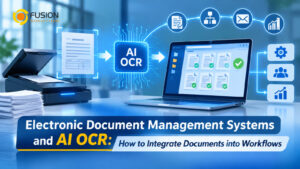
The combination creates a more connected document workflow: EDMS manages the document, AI OCR extracts its information, and business applications use that information to perform specific tasks.
How to Connect AI OCR with an Electronic Document Workflow
Organizations can combine these technologies through a series of connected steps.
- Capture and Upload Documents
The process begins when employees or external parties submit documents through scanners, email, online forms, or other digital channels.
Documents are uploaded into the centralized repository, where they can be organized and managed.
- Automatically Recognize Document Types
AI-powered document processing can identify whether an uploaded file is an invoice, receipt, contract, application form, or another document type.
Classification helps determine which extraction rules and workflows should be applied.
- Extract Important Information with AI OCR
The OCR engine recognizes text and extracts relevant fields based on the document type.
For example, an invoice-processing workflow may extract supplier details and financial amounts, while a contract workflow may identify contract numbers, parties, and expiration dates.
- Validate the Extracted Information
Extracted data should be checked before it is used in important business processes.
Organizations can establish validation rules, such as checking whether invoice totals match their components or whether required fields are missing.
Low-confidence results or critical information can be sent to employees for review.
- Transfer Information into Business Applications
Once the information has been validated, it can be transferred to connected applications through APIs, automation platforms, or supported integrations.
Examples include sending invoice details to accounting software, updating customer information in a CRM system, or transferring purchasing information into an ERP platform.
- Trigger Automated Workflows
The extracted data can also serve as a trigger for automated business processes.
For example, a newly processed invoice may trigger an approval request, notify the finance department, or move the document to the next stage of a payment workflow.
This creates a process in which documents do not simply remain stored. Their information actively supports business operations.
Practical Business Use Cases
The combination of EDMS and AI OCR can support multiple departments across an organization.
Department | Document Workflow | Business Benefit |
Finance | Extract invoice and receipt details for accounting | Reduce repetitive data entry |
Procurement | Process purchase orders and supplier documents | Improve purchasing efficiency |
HR | Extract information from employee forms and applications | Simplify employee administration |
Legal | Organize contracts and extract important dates | Improve document retrieval |
Operations | Process service forms and internal requests | Reduce manual processing |
Management | Centralize business records and workflow information | Improve information accessibility |
For Thai organizations, support for Thai and English documents is particularly important. Businesses should evaluate OCR capabilities using their actual document formats, including Thai invoices, tax documents, receipts, and bilingual contracts.
What Should Businesses Consider Before Implementation?
Successful implementation requires more than connecting an OCR engine to a document repository.
Organizations should first identify which document processes consume the most employee time and where manual data transfer creates operational problems.
They should also evaluate several important considerations:
- OCR accuracy: Test recognition performance using real business documents, especially Thai-language documents and complex layouts.
- Integration capabilities Ensure the solution can exchange information with existing ERP, CRM, accounting, and workflow applications.
- Security: Apply suitable access permissions, encryption, and data protection policies.
- Data validation: Establish rules for checking extracted information before it enters business systems.
- Scalability: Consider document volumes, processing capacity, and future automation requirements.
Starting with a specific workflow, such as invoice processing or employee document management, can help organizations measure improvements before expanding automation across other departments.
Explore Document Automation with Fusion Solution
Building a connected document workflow requires the right combination of document management, OCR technology, AI capabilities, and business application integration.
Fusion Solution helps organizations explore Microsoft technologies and digital solutions that support document management and business process automation.
For Thai businesses looking to reduce manual document handling and connect extracted information with existing business systems, Fusion Solution can help identify an approach that fits their operational requirements.
Summary
An electronic document repository improves how organizations store and manage files, but it does not automatically eliminate manual data extraction or disconnected business processes.
By combining an Electronic Document Management System with AI OCR, businesses can transform scanned documents into structured information that supports search, validation, application integration, and automated workflows.
The real value of digital document management is not simply having documents available online. It is making the information inside those documents accessible, actionable, and connected to the way the organization works.
Interested in Microsoft products and services? Send us a message here.
Explore our digital tools
If you are interested in implementing a knowledge management system in your organization, contact SeedKM for more information on enterprise knowledge management systems, or explore other products such as Jarviz for online timekeeping, OPTIMISTIC for workforce management. HRM-Payroll, Veracity for digital document signing, and CloudAccount for online accounting.
Read more articles about knowledge management systems and other management tools at Fusionsol Blog, IP Phone Blog, Chat Framework Blog, and OpenAI Blog.
New Gemini Tools For Educators: Empowering Teaching with AI
If you want to stay up-to-date with the latest technology and AI news, check out this website It's updated daily!
Fusionsol Blog in Vietnamese
- What is Microsoft 365?
- What is Copilot?What is Copilot?
- Sell Goods AI
- What is Power BI?
- What is Chatbot?
- What is cloud storage?
Related Articles
- What is Microsoft 365?
- What is OCR software?
- What is a Data Warehouse?
- What is Microsoft Fabric?
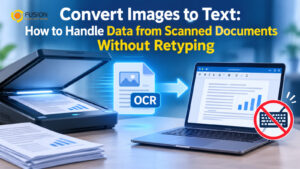
- Convert Images to Text: How to Handle Data from Scanned Documents Without Retyping
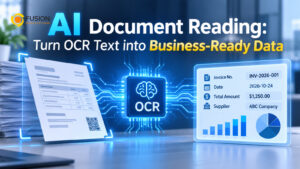
- AI Document Reading: Turn OCR Text into Business-Ready Data
- AI Agent Opportunity: What Businesses Can Automate Beyond Simple Chatbots
Frequently Asked Questions (FAQ)
What types of documents does DOVA OCR support?
DOVA OCR can assist in processing business documents—such as invoices, receipts, forms, and scanned files—making data management more convenient and efficient.
How does DOVA OCR help reduce the steps in employees' workflows?
A system that reads text and extracts key information from documents, reducing the need for manual data entry and allowing employees to dedicate more time to verifying data and performing tasks that require decision-making.
How accurate is the data read by the system?
Accuracy depends on the quality of the documents, the font styles, and the complexity of the information. You should verify the results before use, especially when dealing with financial data or critical organizational information.
Can DOVA OCR be integrated with an organization's existing systems?
DOVA OCR offers features such as data export to CSV, database storage, and a RESTful API, which can be used to integrate with other systems depending on the specific deployment requirements.
How should a business prepare before starting to use DOVA OCR?
You should begin by identifying the types of documents to be processed, preparing actual document samples, and testing the accuracy of data extraction. Additionally, evaluate security requirements and system integration needs to ensure the chosen solution is well-suited to your organization.