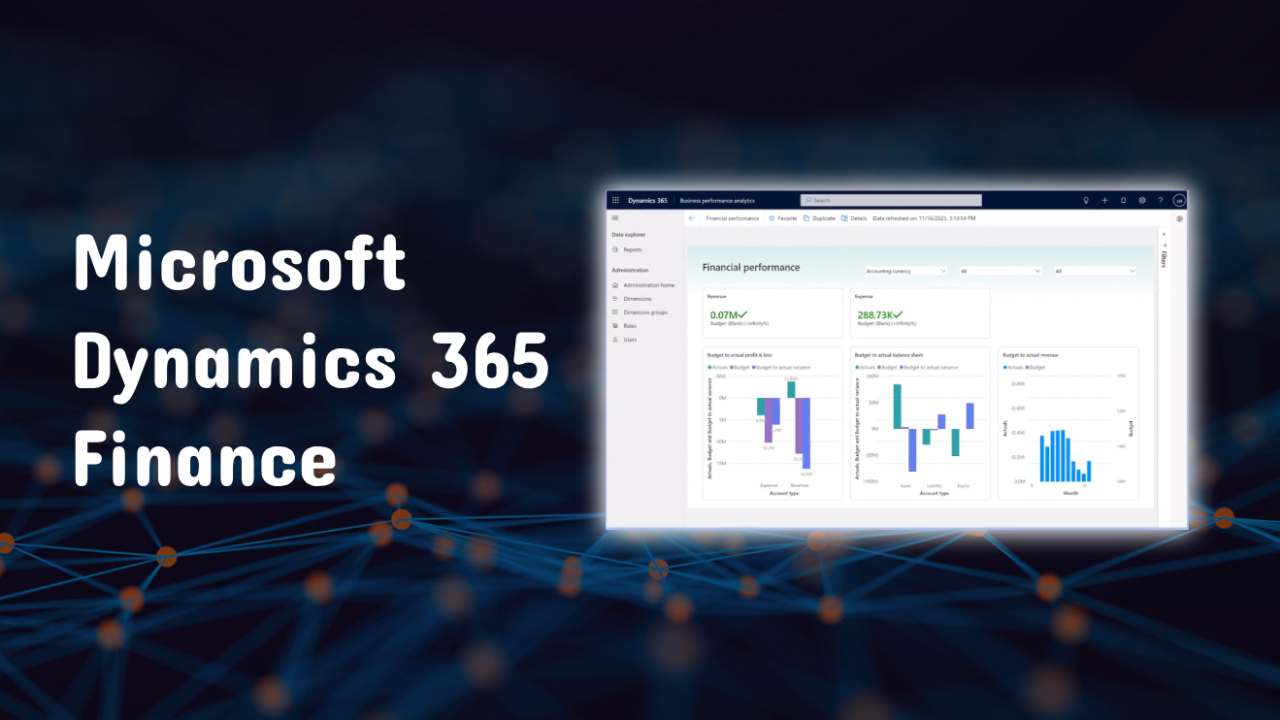
In today's rapidly changing business environment, financial management can no longer rely solely on basic accounting tools. Dynamics 365 Finance is a powerful enterprise-level solution designed to help organizations gain real-time financial visibility, automate processes, and meet global compliance standards.
As part of the Microsoft Dynamics 365 Ecosystem, this solution helps businesses transform their financial operations into a strategic advantage.
What is Dynamics 365 Finance and Operations?
Dynamics 365 Finance and Operations (or D365 Finance & Operations) was originally a centralized ERP platform, but has now evolved into separate yet interconnected applications, including:
- Dynamics 365 Finance
- Dynamics 365 Supply Chain Management
Both systems work together to support:
- Financial management
- Supply chain management
- Production and logistics
This modular approach allows organizations to select only the parts they need while maintaining deep data connectivity.
Who should choose D365 Finance?
D365 Finance is suitable for:
1. Large organizations
An organization with a complex financial structure, multiple business units, and global operations.
2. Multinational corporations
Businesses that need:
- Supports multiple currencies.
- Supports multiple languages
- Comply with requirements in multiple countries.
3. Data-driven organizations
Companies wanted:
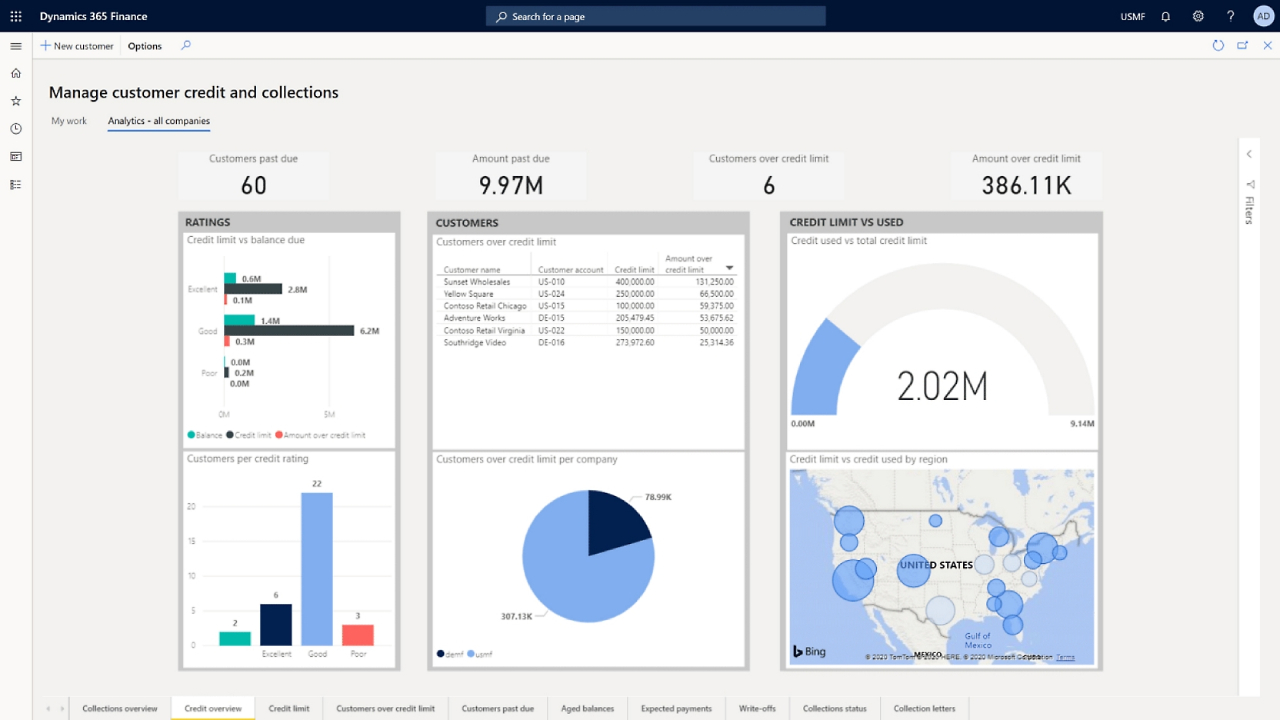
- Advanced analysis
- Real-time reports
- Financial forecasting and planning.
4. Rapidly growing businesses
Organizations that need a scalable ERP system.
How do D365 Finance and D365 Supply Chain Management work together?
D365 Finance focuses on:
- Financial Report
- Budget planning
- Cash flow management
Dynamics 365 Supply Chain Management handles:
- Inventory management
- Procurement
- Manufacturing
- Logistics and delivery
Benefits of using them together
- Gain an end-to-end overview of the business
- Improve operational efficiency
- Better planning for supply and demand.
The main module of D365 Finance & Operations
Module | Function |
General Ledger | Financial reports and accounts |
Accounts Payable | Payment and vendor management |
Accounts Receivable | Customer billing |
Budgeting | Budget planning and control |
Cash & Bank Management | Cash flow tracking |
Fixed Assets | Asset management |
Procurement & Sourcing | Purchasing and Suppliers |
Inventory Management | Stock and warehouse management |
These modules help create a complete enterprise-level ERP system
Benefits of Dynamics 365 Finance
Benefit | Result |
See real-time data | Faster decision-making |
Automation | Reduce repetitive tasks and errors |
Expansion | Supporting global growth |
Compliance | Easy to comply with the requirements |
Efficiency | Improve financial operations |
Key features in Dynamics 365 Finance
1. Real-time financial information
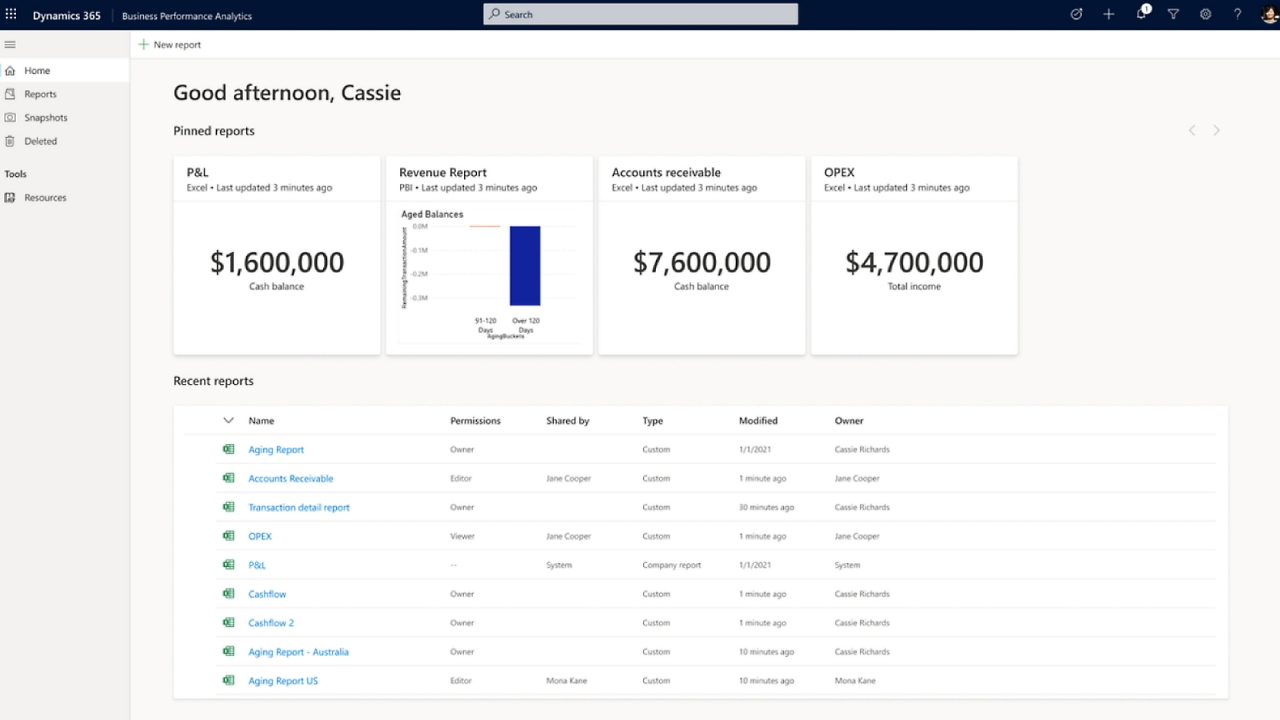
- Dashboards and live reports
- Connect to Power BI
2. AI and Automation
- Cash flow forecasting
- Financial automation system
3. International Compliance
- Supports requirements in multiple countries
- Financial audit system (Audit-ready)
4. Ability to expand
- Supports multiple business units
- Supports a large volume of transactions
5. Deep connection
- Works with Microsoft 365
- Connect to Power Platform and Azure
Compare D365 Finance & Operations with Business Central
Feature | D365 Finance & Operations | Business Central |
Target group | Large organizations | SMBs |
Complexity | High | moderate |
Expansion | Very high | High |
Customization | Comprehensive | Resilient |
expenses | Higher | Lower |
Installation | Enterprise-level Cloud/Hybrid | Cloud-first |
Key conclusion
- Choose Finance & Operations for complex organizations
- Choose Business Central for a system that's easy and quick to set up
Example of using D365 Finance
- Global financial management
- Financial planning and analysis
- Compliance and Reporting
- Improving cash flow
- Linking finances with operations
Implementing Dynamics 365 Finance
Important steps
- Analyze the financial process
- Define business requirements
- Choose a partner
- Move data
- User Training
- Monitor and improve the system
Systematic planning ensures successful implementation and creates long-term value.
Why do businesses choose Dynamics 365 Finance?
The organization chose to use it because:
- Increase financial accuracy.
- Better control over cash flow
- Make better decisions with real-time data.
- Simplify operations.
Help shift the role of the finance department from back-office to strategic driver.
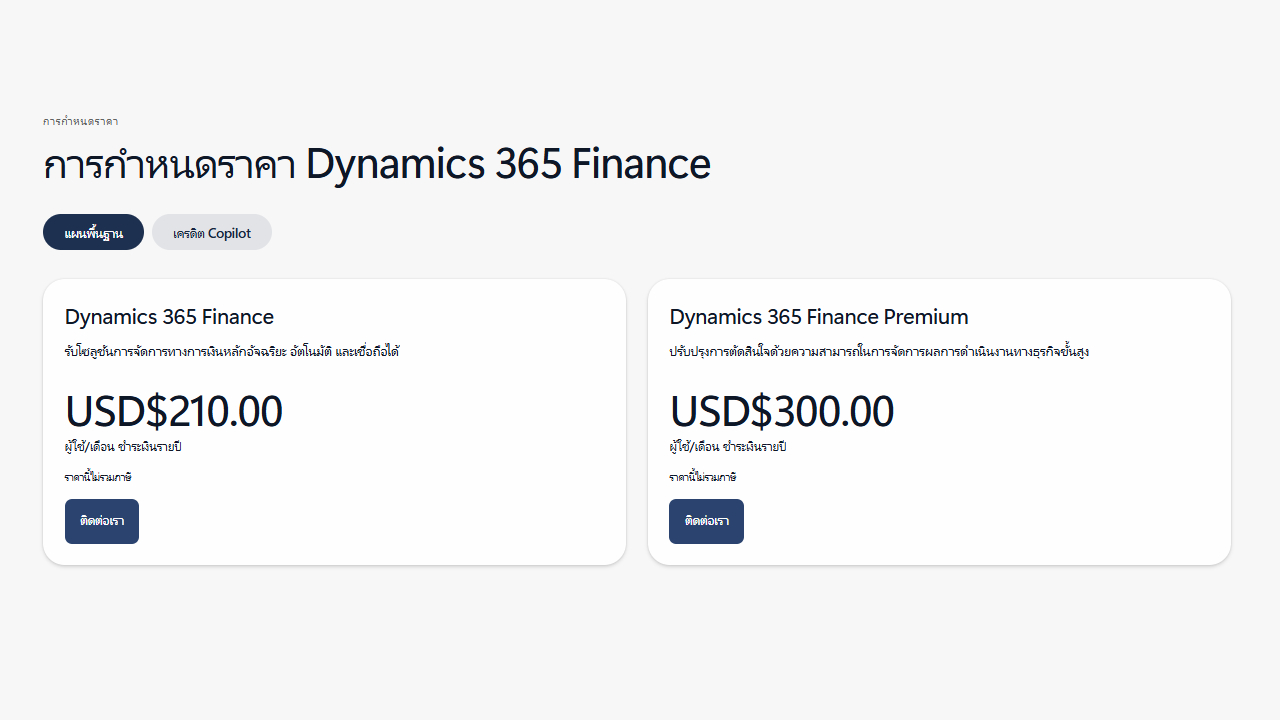
Price of Dynamics 365 Finance
Typically, charges are based on a subscription model, per user/per month, and depend on:
Price factors
- Number of users
- Modules and Features
- Usage size
- Customization and Integration
- System implementation costs
Price overview
Component | Details |
License | Superior to ERP for SMBs |
Implementation | High initial investment |
Customization | It depends on the complexity |
Support & Maintenance | Ongoing expenses |
For exact pricing, organizations need to request a quote from Microsoft or its partners.
Summary
D365 Finance is an enterprise-level ERP solution designed for businesses with complex financial and operational processes. It integrates advanced financial management, AI, and seamless supply chain connectivity.
For large organizations looking to modernize their financial systems and gain real-time, global visibility, D365 Finance is a truly future-proof platform for digital transformation.