Automated Receipt Scanning: Reduce Data Entry and Speed Up Expense Reimbursements
Finance teams process employee expense claims every day, from business travel and client meetings to office supplies and transportation. Each claim may require employees to submit receipts while finance staff manually enter transaction details, verify amounts, and check supporting documents before approving reimbursement.
When claim volumes increase, these repetitive tasks can slow down reimbursement cycles, create data entry errors, and increase the administrative workload.
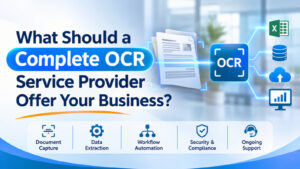
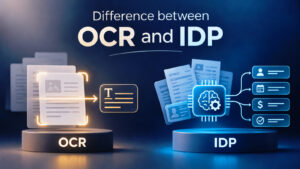
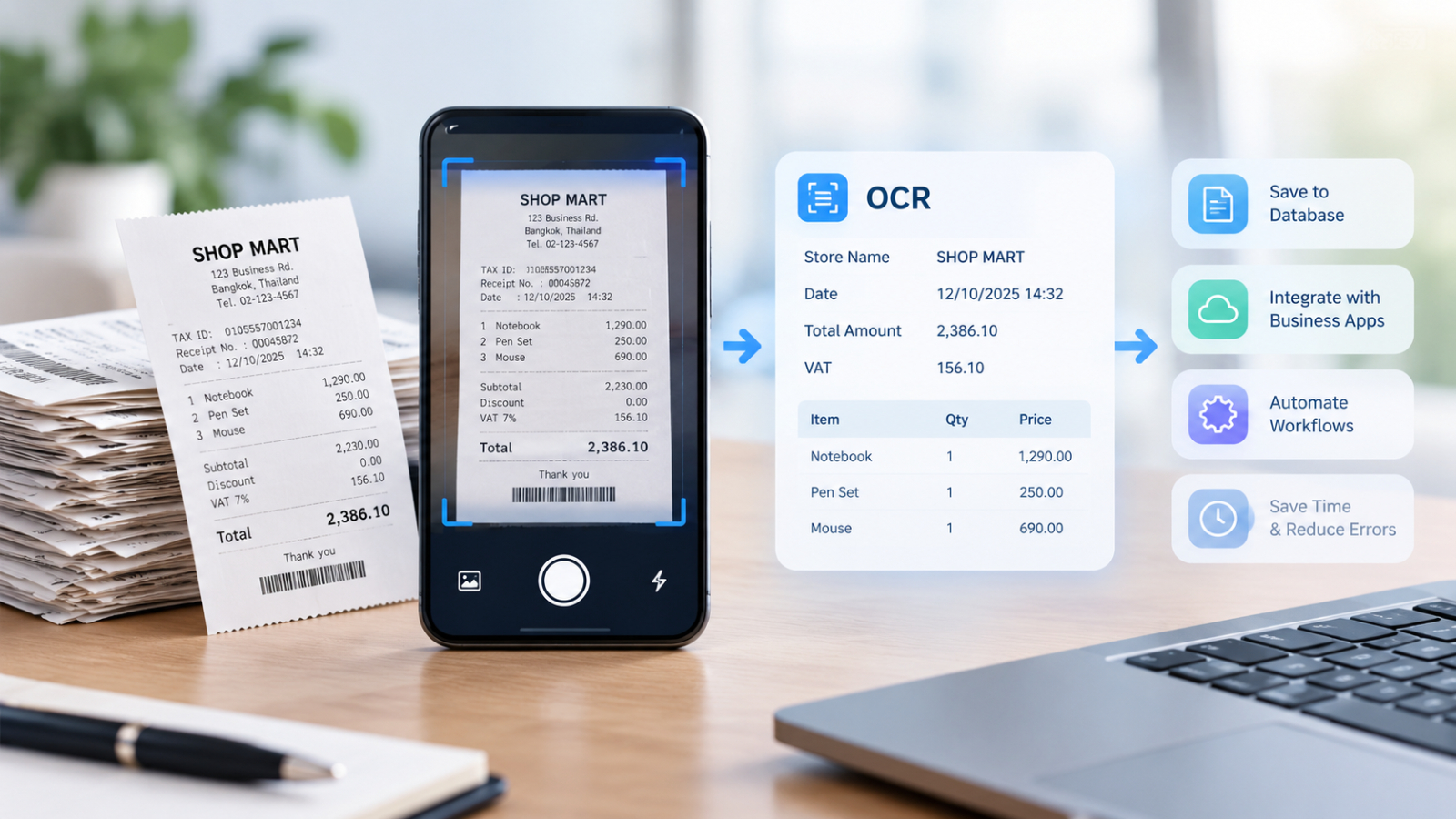
Automated receipt scanning offers a more efficient approach. Using Optical Character Recognition (OCR), businesses can extract information from receipt images and convert it into digital data, reducing manual entry and helping finance teams process expense claims more efficiently.
With solutions such as DOVA OCR, organizations can explore document data extraction and verification workflows that help turn receipt information into usable business data.
Why Manual Receipt Processing Slows Down Finance Teams
Manual expense processing involves more than reading a receipt. Finance employees often need to identify transaction dates, merchant names, tax amounts, and totals before entering the information into expense reports or accounting systems.
This creates several challenges:
Time-consuming data entry: Employees repeatedly type receipt details into digital systems.
Incorrect information: Transposed numbers, missing fields, and inconsistent entries can lead to errors.
Delayed reimbursements: Claims may remain pending while finance teams verify documents and correct incomplete information.
Difficult record management: Paper receipts and image files can be difficult to organize and retrieve during audits.
Automating receipt data capture helps reduce repetitive work so finance teams can focus on reviewing claims and resolving exceptions.
How Automated Receipt Scanning Works
OCR-based receipt processing converts information from receipt images into machine-readable text and structured data.
- Capture and Upload Receipts
Employees photograph receipts using a smartphone or upload scanned images and supported document files to the processing workflow.
Clear images are important because faded printing, shadows, and crumpled receipts can affect recognition accuracy.
- Extract Key Transaction Details
OCR technology helps read text printed on receipts, while data extraction helps identify relevant fields, such as:
- Store or Seller Name
- Transaction Date
- Receipt number or reference number
- Pre-tax amount and tax amount
- Total payment amount
The data fields that can be extracted depend on the format of the receipt and the capabilities of the chosen solution.
- Verify the extracted data
The extracted data can be verified against the original receipts and relevant business rules. Finance staff can review fields for which the system lacks confidence, correct any errors, and confirm that the expense claims align with the submitted supporting documentation.
- Submit information for the expense reimbursement process
Once verified, data can be exported or transferred to expense management and accounting systems, depending on the available integrations. This eliminates the need to re-enter the same information across multiple applications.
How does automated receipt scanning improve the expense reimbursement process?
Reduce manual data entry
Instead of having to manually enter the details of every transaction, employees and finance teams can use data extracted from receipts to create expense records. This approach reduces repetitive administrative tasks and frees up time for reviewing exceptional items.
Expedite the review of expense reimbursement claims
When receipt data is stored in a consistent format, the finance team can review transaction details more efficiently. Entries with incomplete information or unusual amounts can be flagged for further investigation, eliminating the need to manually examine every single transaction.
Increase data consistency
Automated data extraction helps standardize the process of transferring information from receipts into expense records. Data validation rules can assist in identifying missing dates, amounts that fall outside specified criteria, or discrepancies that require further review.
However, OCR cannot guarantee 100% accuracy; therefore, financial data should always be verified before approving reimbursements or importing the information into an accounting system.
Improve expense record management
Digital receipt data is easier to search, categorize, and retrieve than information stored solely in paper documents, making it more convenient for finance teams to maintain supporting documentation for reporting and auditing purposes.
How does DOVA OCR help support receipt processing?
DOVA OCR enables organizations to transform document content into digital data that is ready for use, leveraging OCR and document processing capabilities.
Regarding the receipt management process, businesses can evaluate how these capabilities align with their existing expense management procedures.
Extract data from the receipt: OCR and data extraction help capture transaction details from receipt images, reducing the need for manual data entry into individual fields.
Verify the extracted data: DOVA OCR features data verification capabilities, allowing users to review the information extracted by the system and identify potential errors before the data is processed further.
Organize documents: The ability to classify documents helps categorize incoming files, making document management more systematic.
Transfer data to business systems: DOVA OCR supports various capabilities, such as exporting data to CSV files, storing data in a database, and utilizing a RESTful API. Depending on the chosen deployment and integration method, these features enable the transmission of extracted data to connected business applications.
These capabilities can support the receipt processing workflow; however, the actual level of automation achievable depends on receipt formats, data extraction configurations, system integration requirements, and the finance team’s approval procedures.
Best practices for implementing an automated receipt processing system
Before implementing an automated system for receipt scanning, the finance team should clearly define the data that needs to be extracted, as well as the procedures for reviewing and approving expense claims.
Start with the most common types of receipts, test the system using actual sample documents, and measure the accuracy of data extraction for key fields, such as the transaction date and the total amount.
Furthermore, validation rules should be established to address issues such as illegible receipts, duplicate submissions, missing information, and expenses that exceed company policy. In this context, OCR should serve to support the approval process rather than automatically replacing all financial control measures.
Finally, you should evaluate how to feed the extracted data into your expense management or accounting system. A well-designed workflow should minimize redundant data entry without creating additional manual tasks elsewhere in the process.
Summary
Manual receipt processing can delay reimbursements and increase the workload for the finance team. Automated receipt scanning utilizes OCR and data extraction to capture transaction details, reducing the need for manual data entry and making it easier to review and manage expense records.
For organizations looking to improve their expense management processes, DOVA OCR offers capabilities in document recognition, data extraction, data verification, and system integration—all of which can be leveraged to support more efficient workflows.
Interested in Microsoft products and services? Send us a message here.
Explore our digital tools
If you are interested in implementing a knowledge management system in your organization, contact SeedKM for more information on enterprise knowledge management systems, or explore other products such as Jarviz for online timekeeping, OPTIMISTIC for workforce management. HRM-Payroll, Veracity for digital document signing, and CloudAccount for online accounting.
Read more articles about knowledge management systems and other management tools at Fusionsol Blog, IP Phone Blog, Chat Framework Blog, and OpenAI Blog.
New Gemini Tools For Educators: Empowering Teaching with AI
If you want to stay up-to-date with the latest technology and AI news, check out this website It's updated daily!
Fusionsol Blog in Vietnamese
- What is Microsoft 365?
- What is Copilot?What is Copilot?
- Sell Goods AI
- What is Power BI?
- What is Chatbot?
- What is cloud storage?
Related Articles
Frequently Asked Questions (FAQ)
What types of documents does DOVA OCR support?
DOVA OCR can assist in processing business documents—such as invoices, receipts, forms, and scanned files—making data management more convenient and efficient.
How does DOVA OCR help reduce the steps in employees' workflows?
A system that reads text and extracts key information from documents, reducing the need for manual data entry and allowing employees to dedicate more time to verifying data and performing tasks that require decision-making.
How accurate is the data read by the system?
Accuracy depends on the quality of the documents, the font styles, and the complexity of the information. You should verify the results before use, especially when dealing with financial data or critical organizational information.
Can DOVA OCR be integrated with an organization's existing systems?
DOVA OCR offers features such as data export to CSV, database storage, and a RESTful API, which can be used to integrate with other systems depending on the specific deployment requirements.
How should a business prepare before starting to use DOVA OCR?
You should begin by identifying the types of documents to be processed, preparing actual document samples, and testing the accuracy of data extraction. Additionally, evaluate security requirements and system integration needs to ensure the chosen solution is well-suited to your organization.