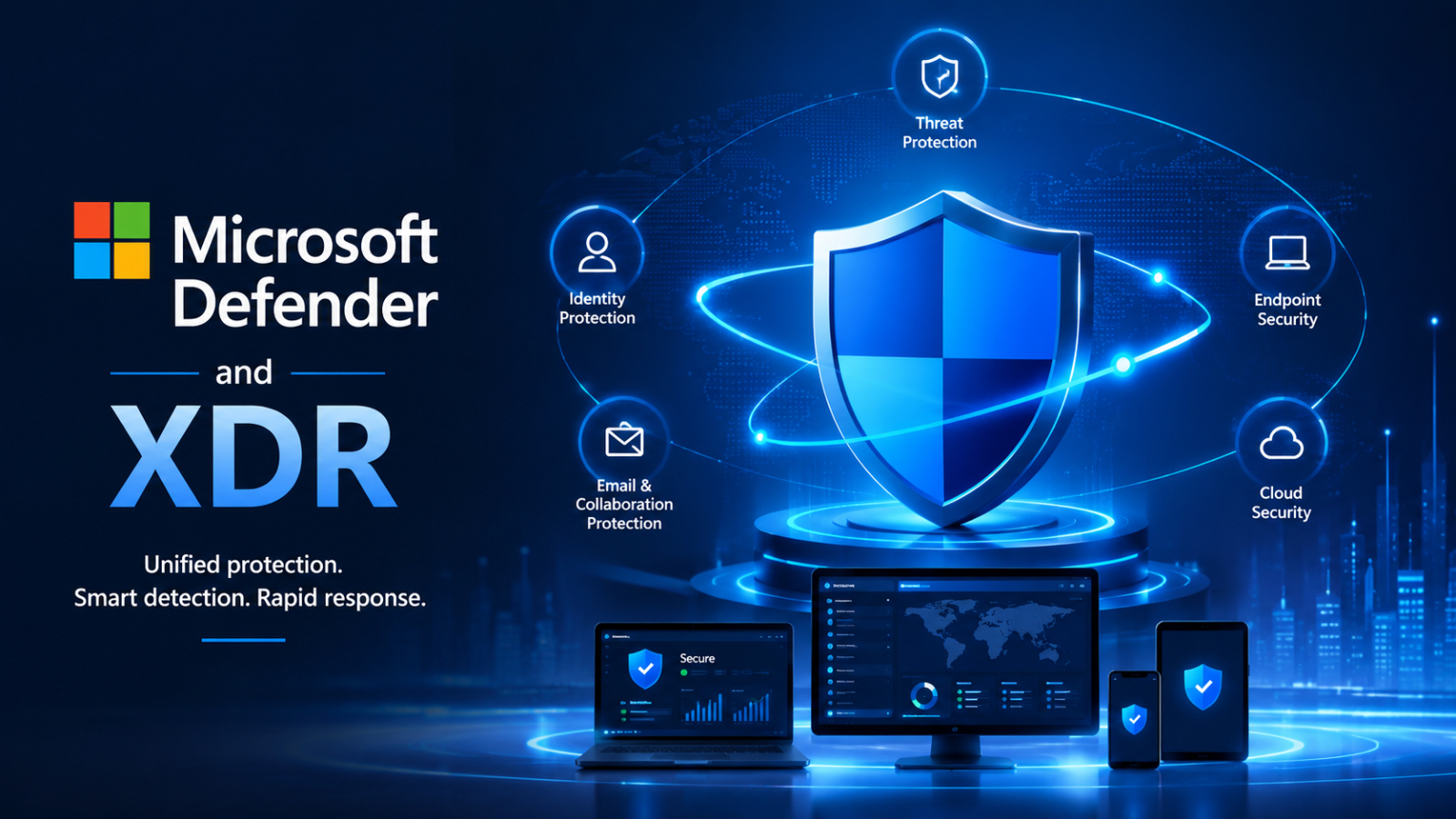
Cyberattacks are becoming increasingly sophisticated, often targeting multiple systems simultaneously. Attackers are no longer confined to endpoints but are leveraging identities, email, cloud applications, and collaboration platforms for lateral movement within systems and to expand the scope of their attacks.
As threats evolve, organizations need more than just modular security tools; they need a centralized approach that provides a holistic view of the entire system. This is the crucial role of Defender and XDR.
Integrating Microsoft Defender with Extended Detection and Response (XDR) allows organizations to shift from fragmented security systems to a coordinated security strategy that can more effectively detect, analyze, and respond to attacks.
Understanding Defender and XDR
Microsoft Defender is a suite of security solutions designed to protect various parts of an organization's digital environment, such as endpoints, identity, email, collaboration platforms, and cloud applications.
XDR (Extended Detection and Response) takes it a step further by linking all security signals together on a single platform. Instead of analyzing Alerts separately, XDR connects events from multiple domains to create a centralized view of Incidents.
When combined, Defender and XDR help security teams understand “the whole story of an attack” instead of just seeing fragmented Alerts.
Why are traditional security tools insufficient?
Many organizations still use separate security tools for endpoint, email, identity, and cloud. While each tool can be effective, operating separately creates several limitations.
Security analysts often face:
- Numerous alerts from multiple systems (Alert fatigue)
- An incomplete view of the attack.
- The difficulty in linking related events.
- Prolonged investigation period.
- The risk of missing a major threat.
Modern attacks often don't occur at a single point; for example, phishing emails can lead to identity theft, which then spreads to endpoints and moves within the network. Without a centralized view, detecting these connections can be very difficult.
How does Microsoft Defender XDR work?
Microsoft Defender XDR collects and links signals from several Microsoft security services, including:
- Microsoft Defender for Endpoint
- Microsoft Defender for Identity
- Microsoft Defender for Office 365
- Microsoft Defender for Cloud Apps
Instead of creating separate alerts, the system automatically combines related activities into a single incident. This helps analysts understand how the attack started, which resources were affected, and how the threat is evolving.
The result is faster investigations and more effective responses to incidents.
Core capabilities of Defender and XDR
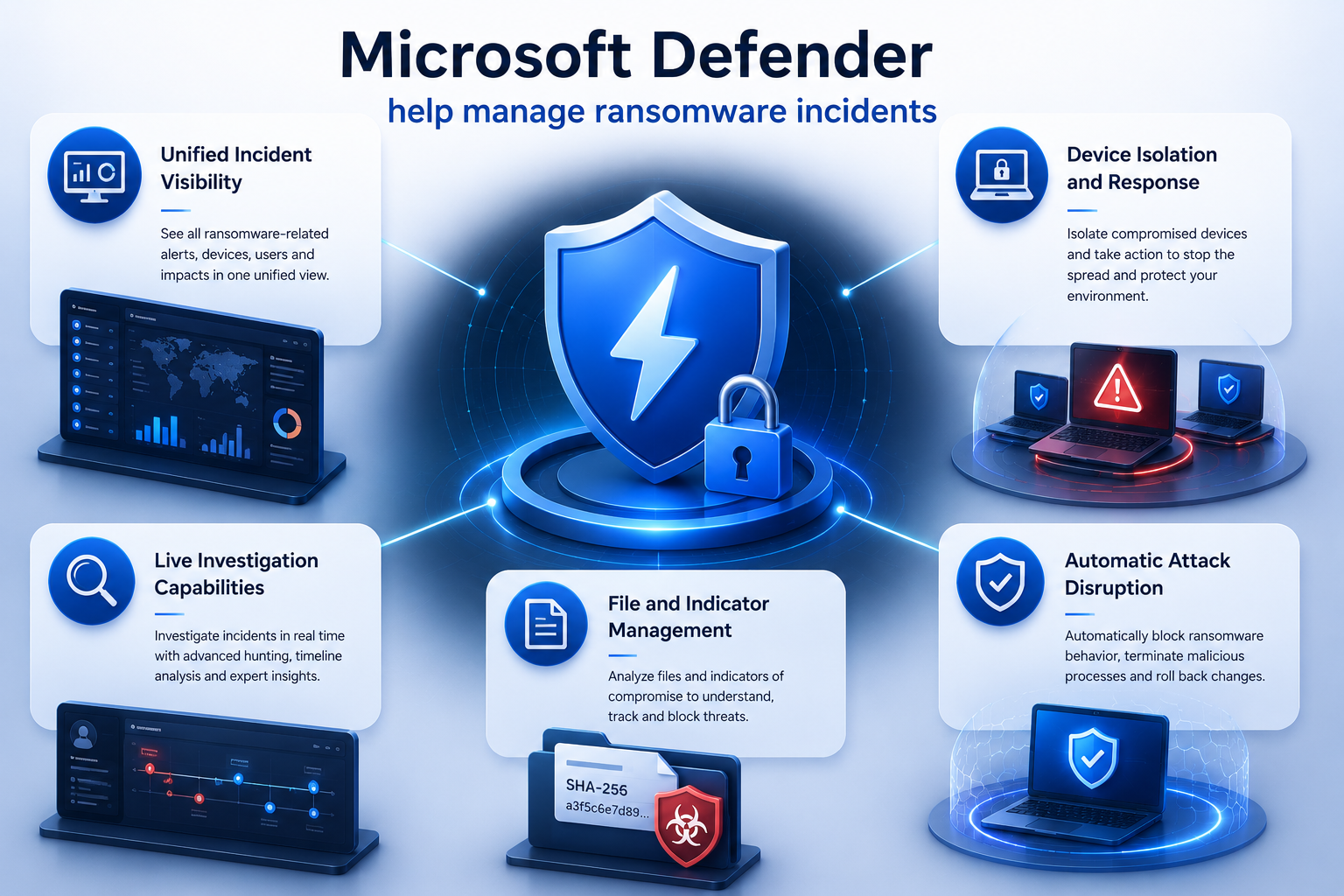
Centralized Incident View
The security team can view all alerts, affected devices, user accounts, emails, applications, and evidence in a single portal, reducing the need to switch between multiple tools and increasing overall situational awareness.
Attack Story (with interconnected events)
Defender XDR links events from endpoints, identities, emails, and the cloud to create a timeline of the entire attack. Analysts can quickly understand the sequence of events and identify the root cause.
Automated Investigation และ Response
Automation helps analyze alerts, categorize threats, and implement remediation, reducing team workload and increasing response speed.
Cross-domain threat detection
XDR can combine signals from multiple layers of security, making seemingly normal activity when isolated possible to be identified as part of a larger attack.
Automatic Attack Disruption
Microsoft Defender XDR can automatically stop attacks, such as isolating attacked machines, closing at-risk accounts, or halting malicious activity before attackers can spread further.
Components of Microsoft Defender
Multiple Microsoft Defender products work together to create comprehensive protection:
Microsoft Defender for Endpoint helps protect devices and supports threat detection and response.
Microsoft Defender for Office 365 protects email and collaboration tools from phishing and malware.
Microsoft Defender for Identity detects identity-related attacks and suspicious account behavior.
Microsoft Defender for Cloud Apps provides visibility and control over SaaS applications and cloud services.
When used together via XDR, it creates a smarter and more coordinated protection system.
Benefits of a Centralized Security Strategy
Organizations that adopt Defender and XDR will benefit in several ways, such as:
- Provides a better overview of the system.
- Detect and investigate threats faster.
- Reduce excessive Alerts
- Improve the effectiveness of incident response
- Gaining a better understanding of the attack path
- Improve the efficiency of the security team
Consolidating security signals into a single platform allows teams to spend less time scouring alerts and more time managing risks.
Defender and XDR for Ransomware Protection
Ransomware attacks typically involve multiple steps, such as phishing, password theft, system migration, and data encryption.
Defender XDR helps detect these processes by linking signals from Identity, Endpoint, Email, and Cloud Services. Features like Attack Story, Incident Graph, Automated Investigation, and Automatic Attack Disruption help limit the spread of attacks before they have a widespread impact.
This centralized approach allows organizations to respond more quickly and reduce the impact on business.
The future of Security Operations
Modern security can no longer rely on modular tools. Organizations need platforms that can understand attacks in multiple dimensions and respond intelligently.
As threats become more sophisticated, Defender and XDR become the foundation of proactive security strategies, enabling organizations to not only respond to incidents but also analyze and prioritize risks effectively.
Summary
Cybersecurity is no longer just about protecting devices or applications; it's about safeguarding the entire digital ecosystem, encompassing identity, endpoints, email, the cloud, and collaboration platforms.
Integrating Microsoft Defender with XDR provides organizations with comprehensive threat visibility, faster response, and stronger defense against modern attacks. A centralized Defender and XDR strategy is a key step in building sustainable and future-ready security.