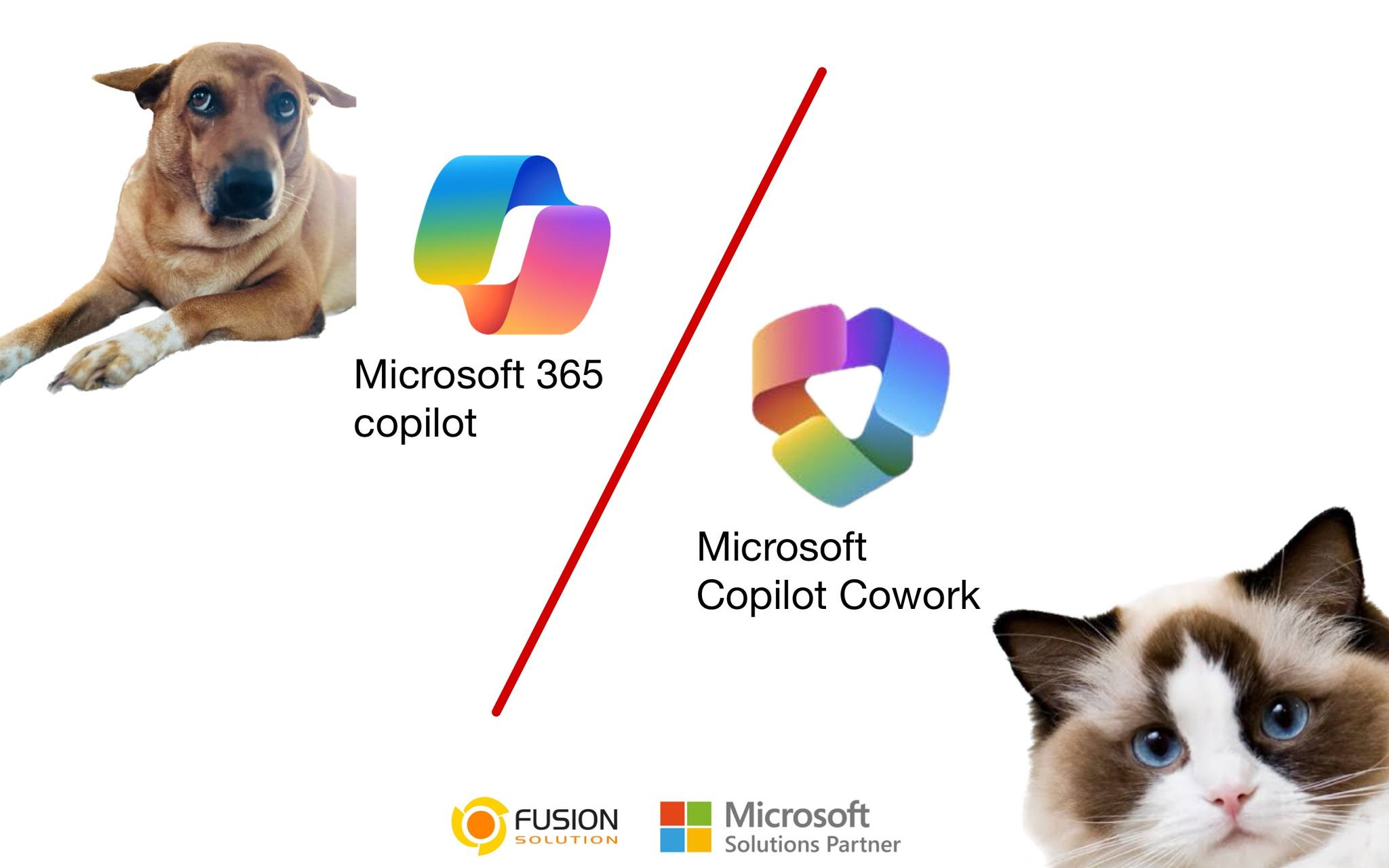
As AI continues to evolve in the modern workplace, organizations are moving beyond “assisting” to “replacing and automating” tasks. This shift can be clearly understood through the comparison between Copilot and Copilot Cowork. Although both are part of the Microsoft ecosystem and deeply integrated with Microsoft 365, their working styles differ significantly.
In simple terms, Copilot helps you work faster, while Copilot Cowork does the work for you. Understanding this difference is crucial for choosing the right solution for your team or organization.
What is a copilot?
Copilot is an intelligent AI assistant embedded in Microsoft 365 apps such as Word, Excel, PowerPoint, Outlook, Teams, and Copilot Chat. Its primary function is to help users think, write, analyze, and summarize content more efficiently.
Copilot operates in a Prompt → Response format; that is, you give the command, and the AI generates the result, but you still retain control of the process and proceed with the results yourself.
Typical Use Cases
Copilot is ideal for tasks such as drafting or revising emails and documents, summarizing meetings or team discussions, creating slides from outlines, and analyzing data in Excel, especially for knowledge workers who need assistance while still maintaining control of their own work.
What is Copilot Cowork?
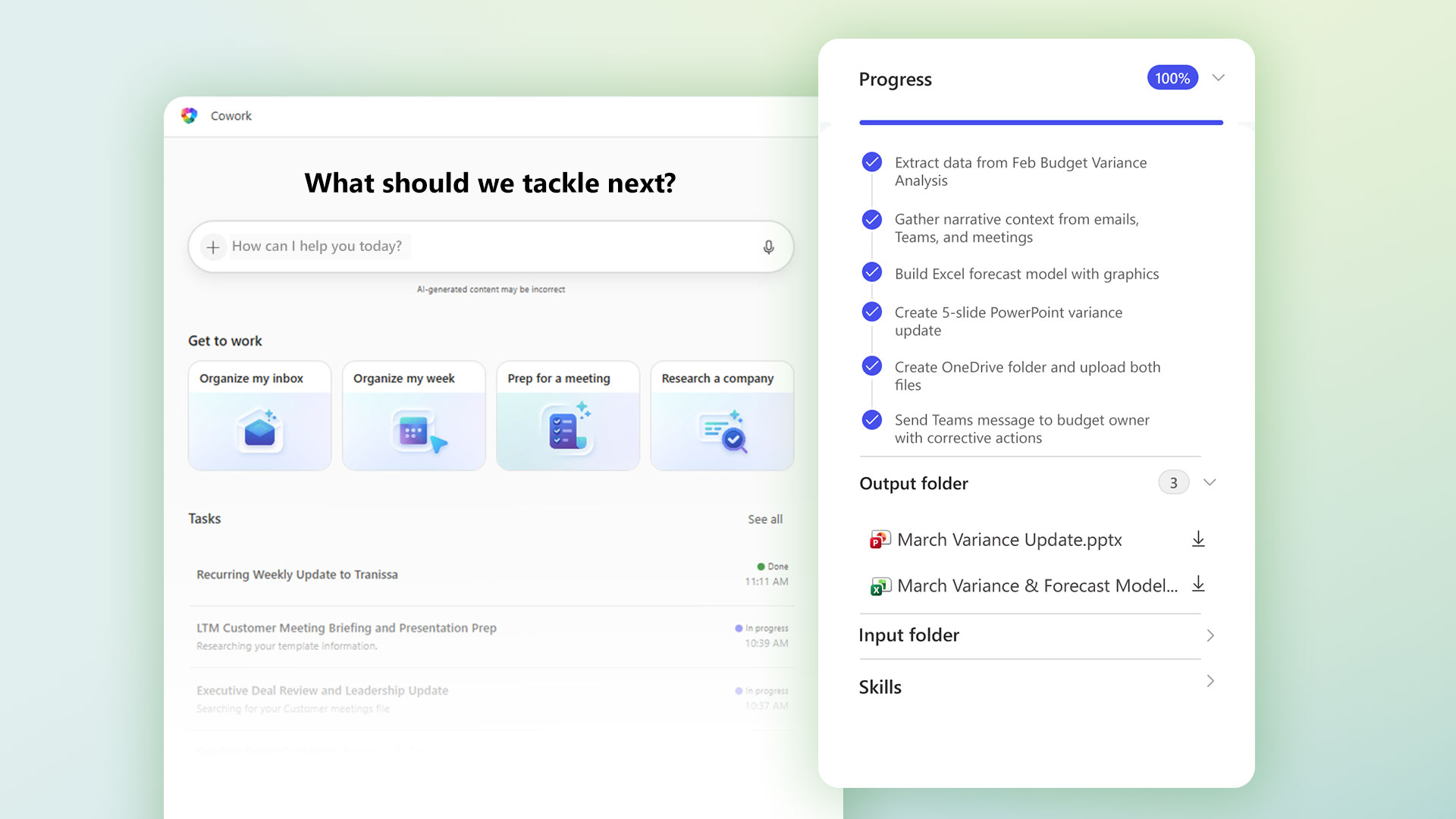
Copilot Cowork is the next evolution of AI, a system-like AI that transcends assistance to actual "work." Instead of responding to commands one by one, it focuses on "results." You simply tell it the goal, and the AI plans and executes all the necessary steps.
Copilot Cowork allows you to work across multiple apps, gather context from emails, files, meetings, and chats, and also perform background tasks and pause to request approval when necessary.
Typical Use Cases
Copilot Cowork is designed for complex and multi-stage workflows, such as meeting preparation, email tracking, calendar management, and report creation. It acts as a digital colleague, seamlessly managing operational tasks across Outlook, Teams, Word, Excel, and PowerPoint.
The main difference between a Copilot and a Copilot Coworker
Section | Microsoft Copilot | Copilot Cowork |
Main Role | AI assistant | AI collaborators / Operators |
Working style | Prompt → Response → User action | Outcome → Planning → AI Execution |
Scope of work | Individual tasks within a Single App | Multi-step workflow, cross-app |
Automatic level | Passive (waiting for instructions) | Proactive and consistent work |
Using context | App level, or specify yourself | Use the full Microsoft 365 context |
Getting to work | No (recommended only) | It can be done (there is an approval point) |
Behind the scenes | do not have | has |
Core values | Speed and quality of content | Reducing workload and delegating tasks |
Status (April 2026) | General use | Preview / Frontier |
When should you use a copilot?
Copilot is ideal for individual users who want to improve their daily workflow without drastically changing their work methods. If your work involves writing documents, analyzing data, or managing emails, Copilot will help you work faster and more efficiently.
Suitable for cases where:
- Need help creating or editing content?
- The task is not complicated, or it's all in one app.
- I want to control every step myself.
For many users, Copilot is a good starting point for incorporating AI into their daily tasks.
When should you use Copilot Cowork?
Copilot Cowork is ideal for organizations and teams that want to go beyond mere assistance and embrace full automation, especially in environments with multi-stage workflows and coordination across multiple tools.
Suitable for cases where:
- We need to automate several tasks.
- The work involves multiple apps in Microsoft 365.
- We want AI to manage workflows for us, not just assist us.
In these situations, Copilot Cowork can help reduce the burden of manual work and significantly improve the overall efficiency of the organization.
Price and specifications
The use of Copilot and Copilot Cowork within an organization requires the following components:
- An active Microsoft 365 subscription.
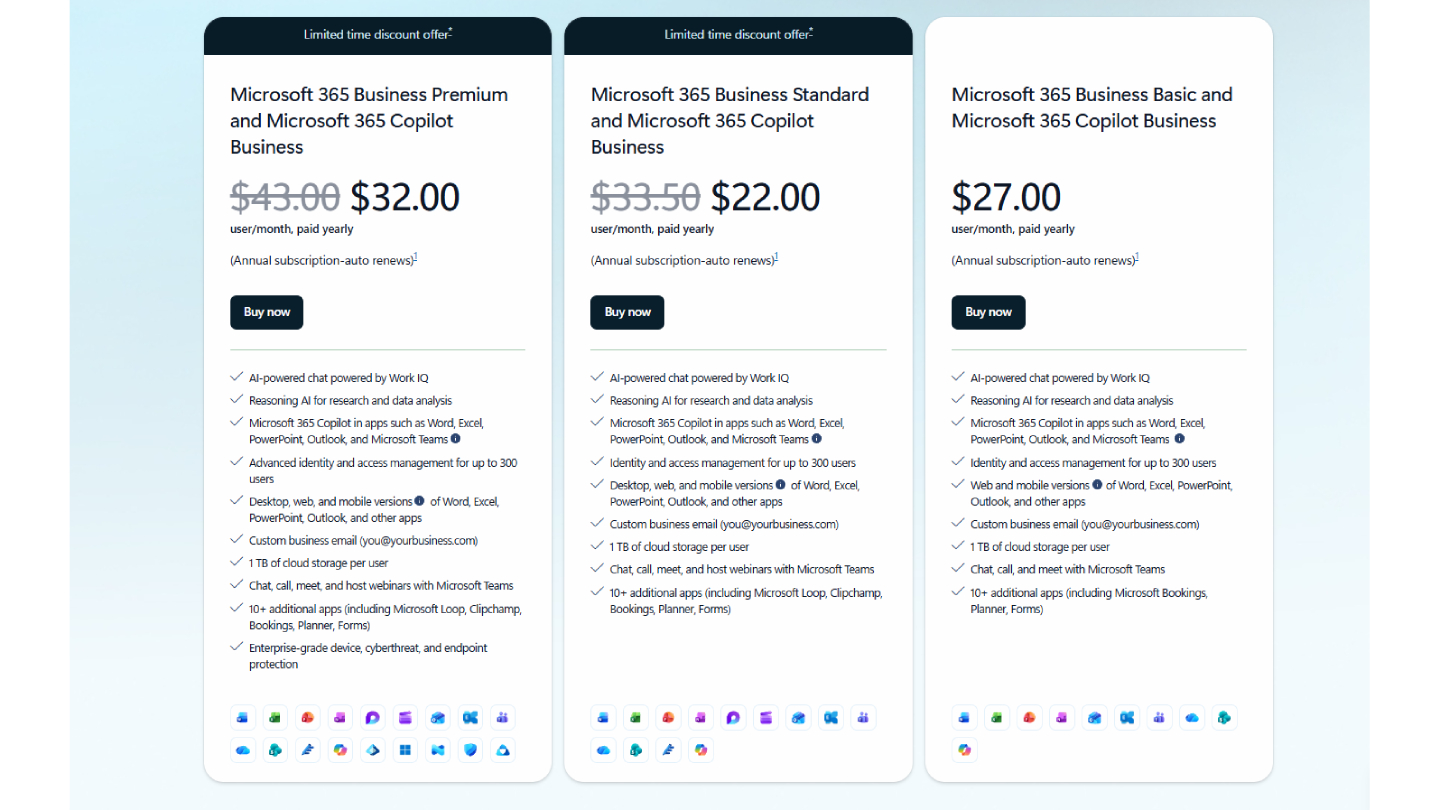
- A Microsoft Copilot license (typically around $30 per user/month).
- Access to core services such as Outlook, Teams, OneDrive, and SharePoint.
- Setting up data governance, permissions, and compliance properly.
- Organizational readiness to adopt AI and automation.
Summary
The difference between Copilot and Copilot Cowork isn't about "which one is better," but about "the level of work you want the AI to do."
Copilot is designed to help you think and create, enabling you to work faster, analyze better, and produce higher quality content.
Copilot Cowork is designed for planning and executing tasks, managing workflows, enabling cross-system collaboration, and reducing operational workloads.
It can be simply summarized as:
Copilot → “Help me do this.”
Copilot Cowork → "Do this for me"
Both tools play different roles, and when used together, they truly reflect the future of collaboration with AI.