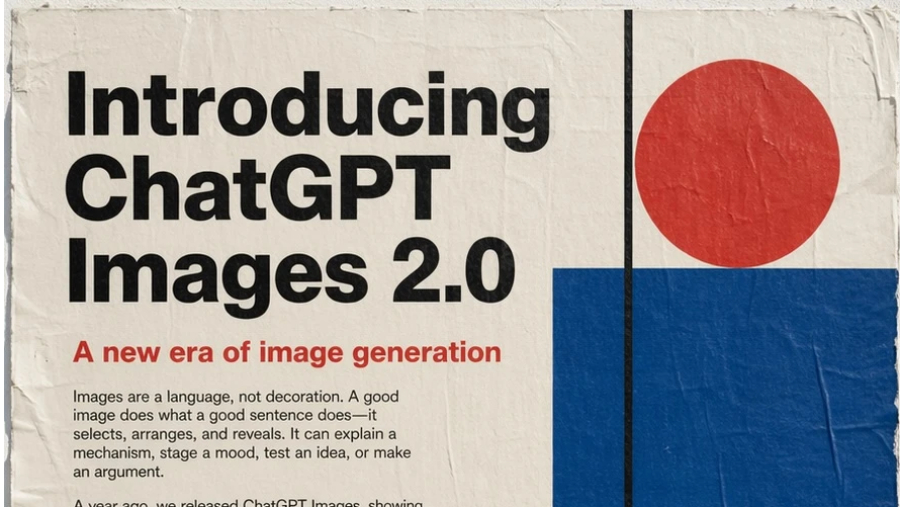
Images are no longer merely a supplementary element; they have become a form of communication, just like well-written sentences. Powerful images can explain, persuade, and inspire.
With the launch of ChatGPT Images 2.0, image creation has evolved from basic rendering to a more intelligent and strategic process.
Building on the success of its predecessor, this new model represents a significant leap forward. It's not just designed for visually stunning images, but also emphasizes accuracy, practicality, and contextual understanding, whether used in business, education, or creative fields. tGPT Images 2.0 positions itself as a true "visual partner."
What makes ChatGPT Images 2.0 a key turning point?
1. High accuracy and excellent command execution
One of the most significant advancements in GPT Images 2.0 is its ability to accurately execute complex commands.
Historically, visualization models often produced "close" results, but this version can generate exactly what the user wants according to the command.
Core capabilities include:
- The precise positioning and relationship of objects.
- Displaying small text and UI elements clearly.
- Supports complex and dense components.
- Maintain a precisely defined style.
This allows users to create images that are not only conceptually accurate but also ready for production use.
2. Multilingual Mastery
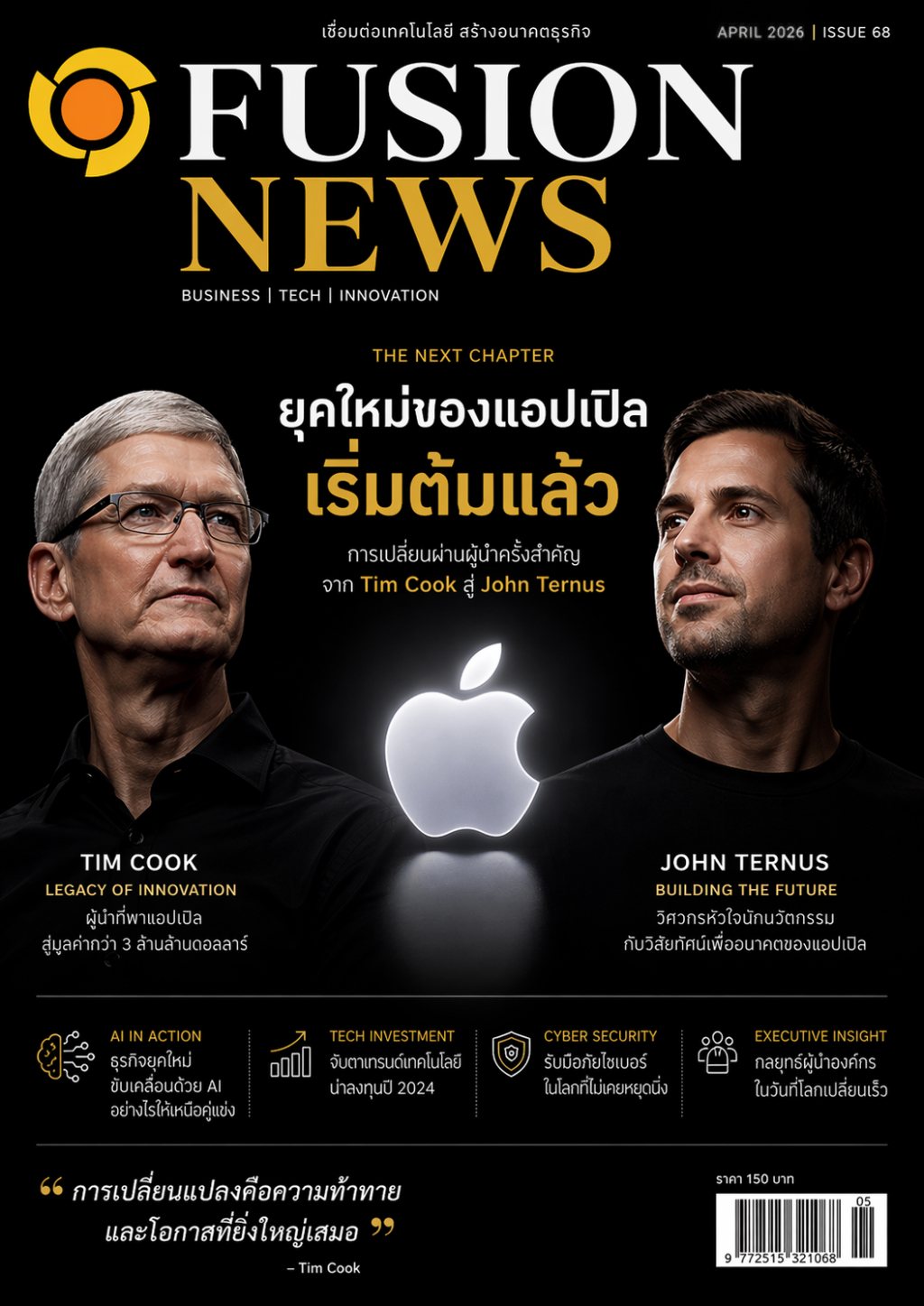
In the past, AI image generation models generally worked best with English or languages using the Latin alphabet, and often encountered problems when dealing with languages with complex structures.
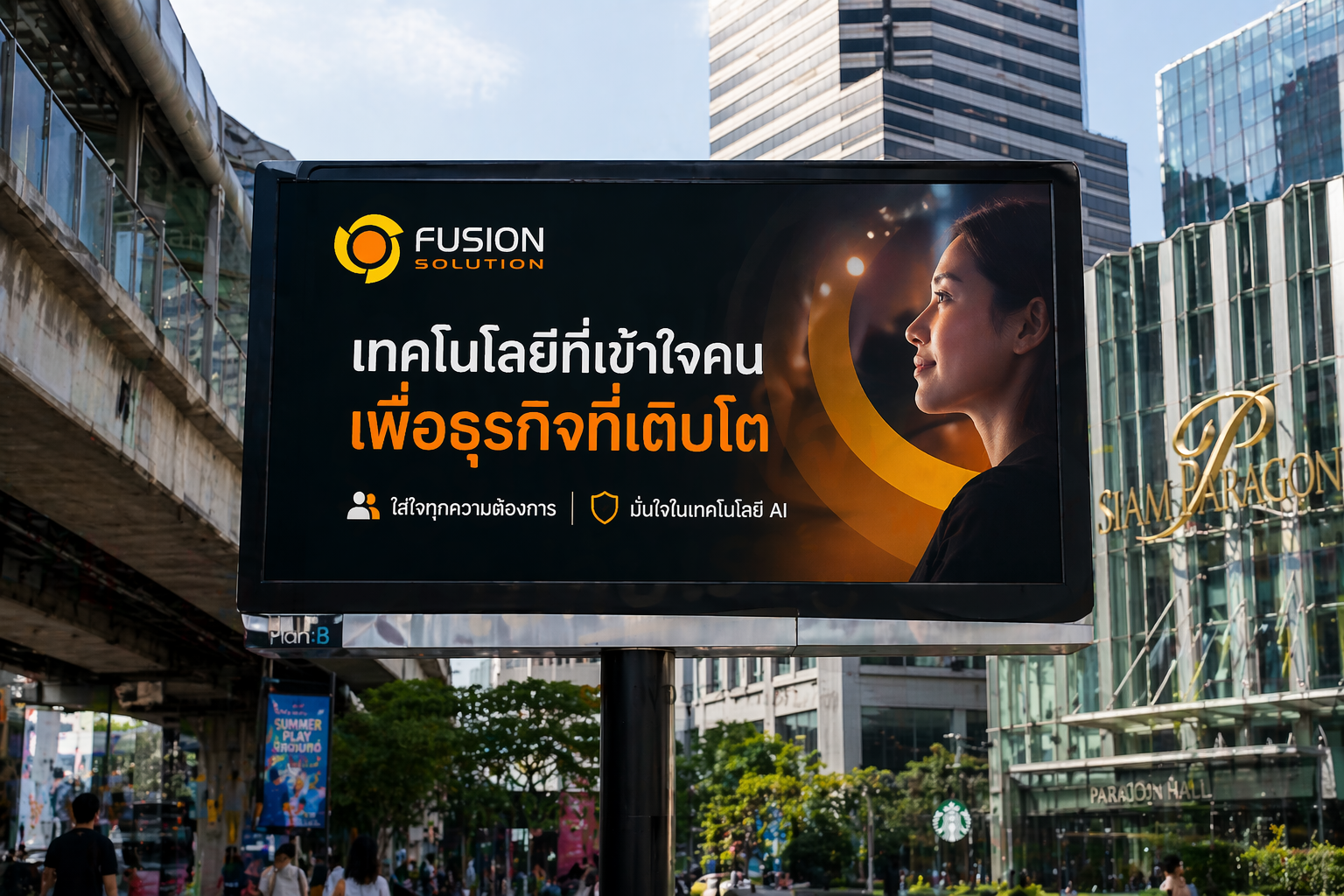
GPT Images 2.0 addresses this limitation by improving the ability to efficiently display non-Latin languages such as Japanese, Korean, Chinese, Hindi, and Bengali.
More than just translation, this model seamlessly integrates text with visual elements, transforming text from something merely superimposed on an image into an integral part of the design.
This capability is extremely useful for:
- poster
- infographic
- Diagrams for educational purposes.
- Marketing media
It helps both the visuals and the language to flow together seamlessly.
The result is that businesses and creators can produce content that is truly localized, culturally relevant, and ready to use with minimal modifications.
3. High level of style and realism
GPT Images 2.0 enhances image quality in a variety of styles, from realistic to artistic, with models adapting consistently.
Supported styles include:
- Photorealistic images with natural-looking details.
- Cinematic style images
- Pixel art
- Manga and comics
- UI/UX model
The model can accurately capture minute details such as lighting, textures, and visual elements, making the image look intentionally designed, not just created by AI.
4. Flexible aspect ratio for practical use
Modern content needs to be multi-platform compatible, and GPT Images 2.0 is designed to meet this need.
Supports various aspect ratios, such as:
- 3:1 for banners and presentations.
- 1:3 aspect ratio for mobile screens and social media.
- Standard ratio for general use.
Users can easily set the aspect ratio directly in the prompt or create new images in other formats, allowing for versatile image adjustments without starting over.
5. Contextual intelligence and understanding of the real world
With a knowledge base updated to December 2025, the model can generate more accurate and contextually relevant visualizations, particularly in areas such as education, data description, and data storytelling.
It can synthesize, structure, and present information in an easy-to-understand format with a clear sequence and clean design.
This reduces the need for manual corrections and allows users to move to the next step of the task more quickly.
The power of "thinking" in image creation.
One of the most advanced capabilities of GPT Images 2.0 is its integration with reasoning or “thinking” models, which significantly enhances the visualization process.
When this capability is enabled, the model not only generates images based on basic commands but can also search for information in real-time, create multiple different images from a single prompt, and check its own results to improve accuracy. Furthermore, it can maintain image consistency within the same series, making it ideal for tasks requiring image continuity.
All of this helps shift the workflow from a "create then fix" approach to a more efficient "plan and act" model.
Real-world usage examples
- Creating a storyboard for a sequence of scenes.
- Creating multiple design versions for comparison.
- Creating a marketing campaign with consistent visuals.
- Producing a series of educational images.
Instead of creating images one by one, users can create up to 8 related images within a single command.
Integration with Codex and API
GPT Images 2.0 is seamlessly integrated into the Codex, allowing users to manage the entire visualization process within a single workspace.
This integration allows designers, developers, and marketers to:
- UI design concept
- Create an application Prototype
- Create images for Marketing
- Quickly revise and develop ideas
Without switching between multiple tools.
Furthermore, developers can access these capabilities through the gpt-image-2 model in the API, which supports the creation and editing of high-quality images, accurate multilingual text rendering, and flexible output formats, supporting resolutions up to 2K.
APIs are designed for easy integration with existing systems, making them suitable for practical use cases such as:
- Localized advertising
- infographic
- Educational tools
- Creative platform
It helps businesses embed advanced visualization capabilities directly into their products and services.
Limitations that should be considered
Despite significant advancements, GPT Images 2.0 still has some limitations, such as:
- The difficulty in simulating complex physical objects (such as origami or puzzles).
- The challenge of displaying hidden or inverted textures.
- Potential discrepancies in diagrams and labels.
- Performance limitations occur when there are too many or too many details.
Furthermore, image rendering at resolutions higher than 2K via the API is still in beta and may yield inconsistent results.
Price and usage
GPT Images 2.0 is available for:
- All ChatGPT users
- Codex users
- Developers access via API (gpt-image-2)
Advanced features, such as reasoning-based visualization, will be available for:
- ChatGPT Plus
- Pro
- Business
The cost of using an API will depend on the quality and resolution of the image.
Summary: From Instruments to Intelligent Imaging Systems
GPT Images 2.0 represents a fundamental shift in how we view visualization. It's no longer just a visualization tool, but a "system" that transforms ideas into structured and meaningful results.
By combining reasoning abilities with deep visual understanding, this model bridges the gap between concept and action. Whether you're designing products, teaching concepts, or building a brand, this model enables faster, smarter, and more powerful visualization.
As AI continues to evolve, GPT Images 2.0 sets a new standard—where images are not simply created, but are truly “thoughtfully designed.”