OpenAI and Microsoft Copilot Relationship: From Alignment to Transformation
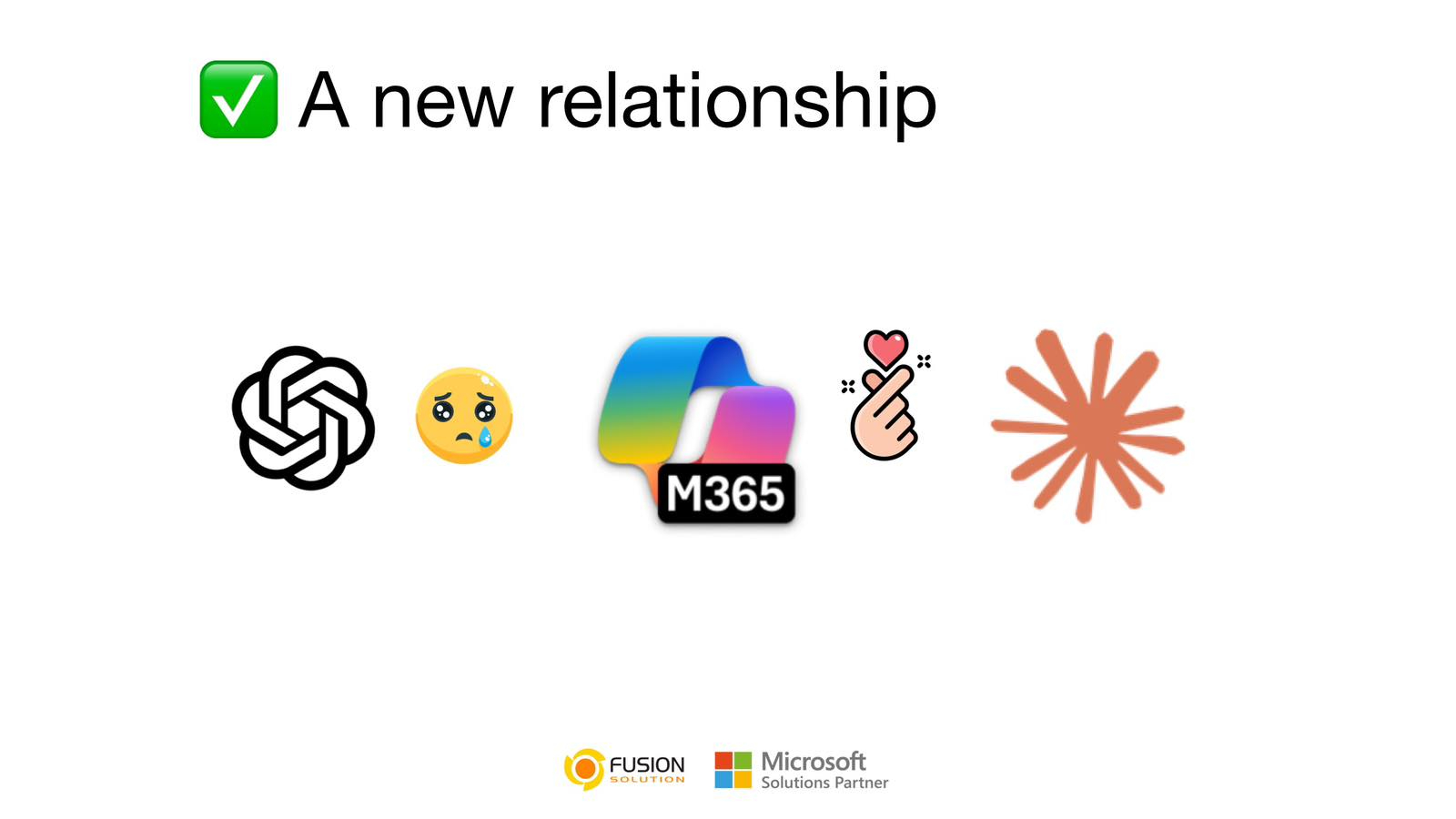
For a long time, the OpenAI and Microsoft Copilot Relationship looked like one of the strongest partnerships in the technology world. It was simple, clear, and powerful—OpenAI built the intelligence, and Microsoft turned that intelligence into real-world productivity tools.
This collaboration gave birth to Microsoft Copilot, seamlessly embedded into Word, Excel, Outlook, and Teams. It wasn’t just another AI tool; it became part of how modern work gets done. Writing documents, analyzing data, summarizing meetings—everything felt faster and more connected.
At that stage, the relationship felt almost inseparable. Copilot was, in many ways, the enterprise face of OpenAI.
A Quiet Change Begins to Appear
But partnerships in technology rarely stay static. They evolve—sometimes quietly.
Recently, there has been a noticeable shift. Not a dramatic break or public fallout, but a gradual change in direction. Microsoft has started exploring new AI capabilities beyond OpenAI, particularly models developed by Anthropic, known for its assistant Claude.
This doesn’t mean OpenAI is being replaced. Instead, it suggests something more strategic is happening.
Microsoft is no longer thinking in terms of a single AI partner. It is beginning to think in terms of an ecosystem.
Where Claude Enters the Picture
Claude introduces a different kind of strength into the conversation. While Copilot, powered by OpenAI, excels in workflow integration and real-time productivity, Claude is often recognized for its structured thinking, long-form writing, and consistency across large documents.
After spending time with both systems, many users start to notice subtle differences. Writing long articles can feel more coherent. Presentation content sometimes comes out more refined. The tone across paragraphs feels more stable.
These differences are not accidental. They reflect how each model is designed.
Claude leans toward reasoning and structure.
Copilot leans toward integration and execution.
And that contrast is starting to matter.
The Shift You Can Actually Feel
Here’s where things get interesting.
After using Claude for several days, many users notice something subtle but important:
- Writing in Word feels more structured with Claude
- Long articles come out cleaner, more consistent
- PowerPoint content feels more “presentation-ready”
This isn’t just preference—it’s model behavior.
Claude excels at:
- Long-context understanding
- Logical flow
- Maintaining tone across large documents
And suddenly, Copilot isn’t the only game in town anymore.
Microsoft’s Quiet Strategy Change
Here’s the part most people miss:
Microsoft is no longer building Copilot around just one AI.
It’s becoming a multi-model platform.
That means:
- OpenAI is still inside Copilot
- But Claude is entering the ecosystem
- And Microsoft is experimenting with choosing the best model per task
This is a massive shift.
From:
“Copilot = OpenAI”
To:
“Copilot = AI platform”
OpenAI and Microsoft Copilot Relationship: No Longer Exclusive
The most important shift is this—the OpenAI and Microsoft Copilot Relationship is no longer exclusive in the way it once was.
Microsoft is moving toward a multi-model strategy, where different AI systems can be used depending on the task. Instead of relying entirely on one provider, it is building Copilot as a flexible platform capable of choosing the best intelligence available.
This changed everything.
Copilot is no longer just a product powered by OpenAI.
It is becoming a layer that can potentially orchestrate multiple AI models behind the scenes.
For users, this may not always be visible. But the impact is real.
A Natural Evolution, Not a Breakup
It is easy to interpret this shift as tension, but that would be an oversimplification.
The partnership between OpenAI and Microsoft is still strong. OpenAI continues to play a central role in powering Copilot and shaping its capabilities. However, both companies are also expanding their horizons.
OpenAI is growing its own ecosystem and partnerships.
Microsoft is ensuring it is not dependent on a single source of AI innovation.
This is not conflict—it is maturity.
In a rapidly evolving industry, flexibility becomes more valuable than exclusivity.
Copilot vs Claude: Not a Fight—A Split Role
The real story isn’t who wins.
But the question is, "How are they different?"
Area | Copilot | Claude |
Integration | Deep in Microsoft 365 | Flexible across platforms |
Workflow | Executes tasks | Enhances Thinking |
Writing | Fast, integrated | Structured, refined |
Strength | Productivity | Reasoning |
So when you feel like:
“Claude writes better”
You’re not wrong.
And when businesses still rely on Copilot:
“Because it’s everywhere”
They’re not wrong either.
What This Means for the Future of Work
The implications go beyond just these companies. They point to a broader transformation in how AI will be used in the workplace.
We are moving toward a world where:
- Multiple AI models coexist within a single platform
- Different tools are optimized for different types of thinking
- Users benefit from the strengths of each system without needing to choose
In this future, the question is no longer “Which AI is better?”
Instead, it becomes:
“Which AI is best for this specific task?”
Conclusion
The OpenAI and Microsoft Copilot Relationship is not fading—it is evolving.
What once looked like a tightly coupled partnership is gradually opening into something more dynamic and flexible. With the introduction of alternatives like Claude, Microsoft is redefining what Copilot can be—not just an AI assistant, but an intelligent platform that adapts, selects, and optimizes.
The distance that some people feel today may not be a sign of separation.
It may simply be the space needed for innovation to grow.
And in that space, the future of AI at work is quietly being reshaped.
Frequently Asked Questions (FAQ)
What is Copilot Cowork (in simple terms)?
Copilot Cowork is an AI agent within Microsoft 365 that can "work for you," not just help with writing or providing suggestions. Instead of creating content for you to use, Copilot Cowork can send emails, schedule meetings, create documents, post in Teams, and manage multitasking across different apps in Microsoft 365, requiring user approval before proceeding.
How does Copilot Cowork differ from regular Copilot Chat?
Copilot Chat assists with thinking and drafting, such as answering questions, summarizing content, or creating messages that users must then act upon themselves. Copilot Cowork, on the other hand, is an agentic system that can plan and execute multi-step tasks across apps like Outlook, Teams, Word, Excel, PowerPoint, and Calendar. In short, Chat generates the answers, while Cowork handles the entire process.
What tasks can Copilot Cowork perform?
Copilot Cowork can handle a wide range of operational tasks within Microsoft 365, such as drafting and sending emails, preparing communications with stakeholders, scheduling and rescheduling meetings, creating Word, Excel, and PowerPoint files, posting messages in Teams, searching for information within the organization, managing calendars, and preparing daily summaries. Microsoft states that Cowork has many built-in capabilities to support these uses.
Will users lose control when coworkers are doing the work for them?
No. Microsoft designed Copilot Cowork with explicit user oversight. Cowork proposes actions, shows progress step by step, and requires user approval before executing sensitive actions such as sending emails or scheduling meetings. Users can pause, adjust, or stop execution at any point, ensuring control is retained throughout the process.
Who can use Copilot Cowork today?
Copilot Cowork is available only to users with a paid Microsoft 365 Copilot license and is currently delivered through Microsoft’s Frontier program, which provides early access to advanced Copilot features. Free Copilot users do not have access to Cowork, as it requires enterprise data access, governance controls, and execution permissions within Microsoft 365.