AI Document Reading: How to Transform OCR-Extracted Text into Business-Ready Data
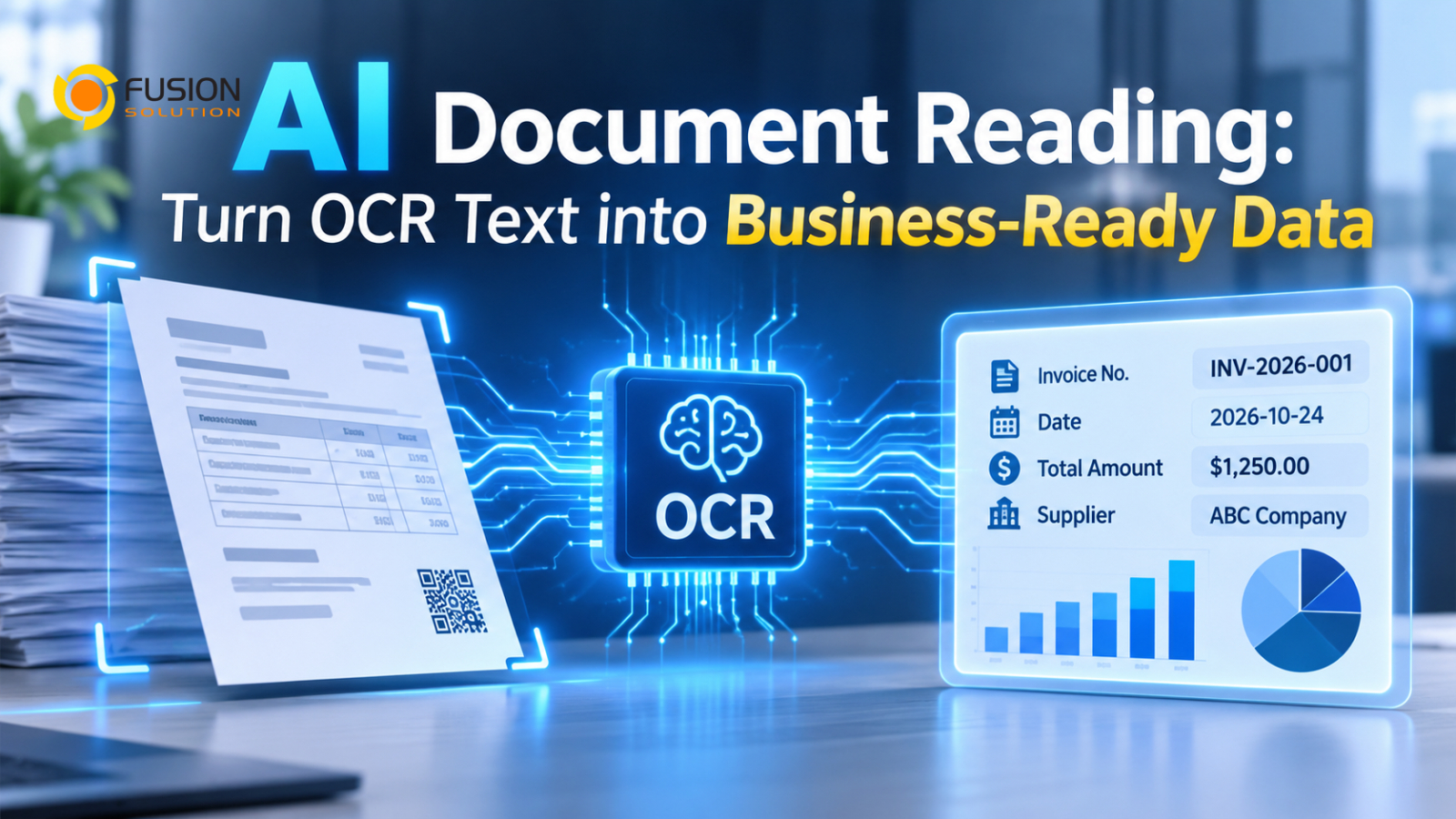
Businesses process large volumes of documents every day, including invoices, receipts, purchase orders, contracts, application forms, and customer records. Although many organizations use Optical Character Recognition (OCR) to convert scanned documents and images into digital text, extracting text is not the same as understanding the information.
Traditional OCR can recognize words, numbers, and characters, but it may not understand what each value represents or how the information should be used in a business process.
For example, an OCR system may extract a document containing a company name, invoice number, issue date, and total amount. However, employees may still need to identify each field, verify the values, and manually enter them into an ERP or accounting system.
This is where AI document reading technology becomes valuable. By combining OCR with AI-powered document understanding, businesses can move beyond text extraction toward structured, validated, and actionable information.
Why is traditional OCR still not enough?
Traditional OCR focuses primarily on recognizing text from images and scanned documents. It converts visual information into machine-readable characters, making documents easier to search and process.
However, OCR alone has limitations when businesses need structured information.
Consider an invoice containing the following information:
- Supplier Name: ABC Company
- Invoice Number: INV-2026-001
- Invoice Date: 15 October 2026
- Subtotal: 10,000 THB
- VAT: 700 THB
- Total Amount: 10,700 THB
An OCR engine may successfully recognize all these values. However, a business application needs more than a collection of extracted text. It needs to know which value belongs to which field.
For example, the system must distinguish the invoice date from the due date, the subtotal from the total amount, and the supplier name from the customer's name.
Without this understanding, employees still need to review documents and organize the extracted information manually.
The key difference is that OCR recognizes text, while AI-powered document understanding identifies the meaning and relationships behind that text.
How AI Reads and Understands Documents
AI-powered document processing combines several technologies to interpret document content and convert it into structured information.
Instead of treating a document as a collection of unrelated words, AI can analyze its layout, context, labels, and relationships between different fields.
A typical process involves four stages.
Step 1: Document Recognition
The system receives a document as an image, scanned file, or digital PDF. OCR technology identifies the text and converts it into machine-readable information.
Modern document processing solutions may also analyze document layout, tables, and the positions of text elements.
Step 2: Document Classification
AI identifies the document type, such as an invoice, receipt, purchase order, contract, or application form.
Classification is important because different documents contain different information and require different processing rules.
For example, an invoice may require supplier details, invoice numbers, tax information, and payment amounts, while a purchase order requires product descriptions, quantities, and order values.
Step 3: Information Extraction
AI identifies the relevant fields and maps extracted values to the appropriate data structure.
For example:
Field | Extracted Value |
Supplier Name | ABC Company |
Invoice number | INV-2026-001 |
Invoice date | 15 October 2026 |
VAT | 700 THB |
Total Amount | 10,700 THB |
The result is structured data that business applications can understand and process.
Step 4: Validation and Verification
Before extracted information enters a business system, it should be checked against business rules and relevant records.
For example, the system can compare invoice totals with purchase orders, check required fields, and identify inconsistent values.
If information is missing or confidence is too low, the document can be sent to an employee for verification.
This combination of recognition, understanding, extraction, and validation helps reduce manual document handling.
Business Applications of AI-Powered Document Processing
AI document understanding can support many business operations, particularly processes that involve large volumes of semi-structured or unstructured documents.
Invoice and Receipt Processing
AI can extract supplier information, invoice numbers, dates, tax amounts, and payment totals. The structured data can then be transferred to accounting or ERP systems for further processing.
Purchase Order Management
AI can identify product descriptions, quantities, prices, and supplier information. Businesses can use this data to support purchase order verification and procurement workflows.
Contract Processing
AI can identify important contract information, including parties, effective dates, renewal dates, and specific clauses. Employees can use the extracted information to support contract review and management.
HR Document Processing
Organizations can extract employee information from application forms, identification documents, and onboarding paperwork, reducing repetitive data entry.
Healthcare Document Processing
AI can help extract structured information from medical forms, reports, and other healthcare documents. Appropriate privacy, accuracy, and professional verification controls are essential when processing sensitive medical information.
The value of these applications comes from making document information available for business processes, rather than simply converting paper into digital text.
From Extracted Text to Business-Ready Data
One of the most important considerations when implementing AI document processing is how the extracted information will be used.
A solution should not stop after generating a spreadsheet or text file. It should prepare information in a format that downstream applications can understand.
For example, an invoice-processing workflow could follow this sequence:
- Receive an invoice through email or document upload.
- Identify the document as an invoice.
- Extract supplier details, invoice numbers, dates, and amounts.
- Validate required fields and calculate totals where appropriate.
- Compare the extracted information with existing purchase records.
- Send exceptions for employee verification.
- Transfer approved information to the accounting or ERP system.
This creates a more complete document-processing workflow.
However, businesses should remember that AI extraction is not automatically accurate. Validation rules, confidence thresholds, exception handling, and human review remain important, especially for financial and regulated documents.
What Businesses Should Consider Before Implementing AI Document Processing
Choosing an AI document processing solution requires more than comparing text recognition accuracy. Organizations should evaluate whether the technology can support their actual business requirements.
Important considerations include:
- Document variety: Can the solution process different layouts, formats, languages, and document types?
- Extraction accuracy: Can it identify the specific fields required by business applications?
- Data validation: Can extracted values be checked against business rules and existing records?
- System integration: Can structured information connect with ERP, CRM, accounting, or document management systems?
- Security: Are sensitive documents protected through appropriate access controls and data handling policies?
- Human verification: Can employees review uncertain or incorrect results before further processing?
- Scalability: Can the solution handle increasing document volumes without creating unnecessary operational costs?
Businesses should begin with a clearly defined document-processing use case, such as invoice extraction or receipt processing. They can then measure extraction accuracy, processing time, manual correction rates, and overall operational improvements.
Choosing the Right AI Document Processing Solution
The right solution depends on document complexity, business requirements, and the level of automation an organization wants to achieve.
Traditional OCR may be sufficient for converting simple printed documents into searchable text. However, businesses that need to identify specific fields, understand document structures, validate extracted information, and connect data with enterprise applications should consider AI-powered document processing.
Solutions such as Microsoft Azure AI Document Intelligence can extract structured information from documents using prebuilt and custom AI models. Combined with workflow automation, businesses can further streamline document verification, approval, and data transfer.
Fusion Solution offers AI OCR software designed to help businesses extract and process document information more efficiently. Whether you need to automate invoice processing, extract data from business documents, or reduce manual data entry, our team can help you explore a solution that fits your requirements.
Interested in improving your document processing workflow? Contact Fusion Solution to learn more about our AI OCR solutions.
Summary
Traditional OCR helps businesses convert documents into digital text, but text extraction alone does not eliminate manual document processing.
AI-powered document understanding takes the process further by classifying documents, identifying important fields, extracting structured information, and supporting validation before data enters business applications.
With the right combination of OCR, AI, validation, and system integration, organizations can transform document processing from a manual data-entry task into a more efficient business workflow.
The real value of AI อ่านเอกสาร is not simply recognizing what a document says. It is turning the information inside that document into accurate, structured data that businesses can actually use.
Interested in Microsoft products and services? Send us a message here.
Explore our digital tools
If you are interested in implementing a knowledge management system in your organization, contact SeedKM for more information on enterprise knowledge management systems, or explore other products such as Jarviz for online timekeeping, OPTIMISTIC for workforce management. HRM-Payroll, Veracity for digital document signing, and CloudAccount for online accounting.
Read more articles about knowledge management systems and other management tools at Fusionsol Blog, IP Phone Blog, Chat Framework Blog, and OpenAI Blog.
New Gemini Tools For Educators: Empowering Teaching with AI
If you want to stay up-to-date with the latest technology and AI news, check out this website It's updated daily!
Fusionsol Blog in Vietnamese
- What is Microsoft 365?
- What is Copilot?What is Copilot?
- Sell Goods AI
- What is Power BI?
- What is Chatbot?
- What is cloud storage?