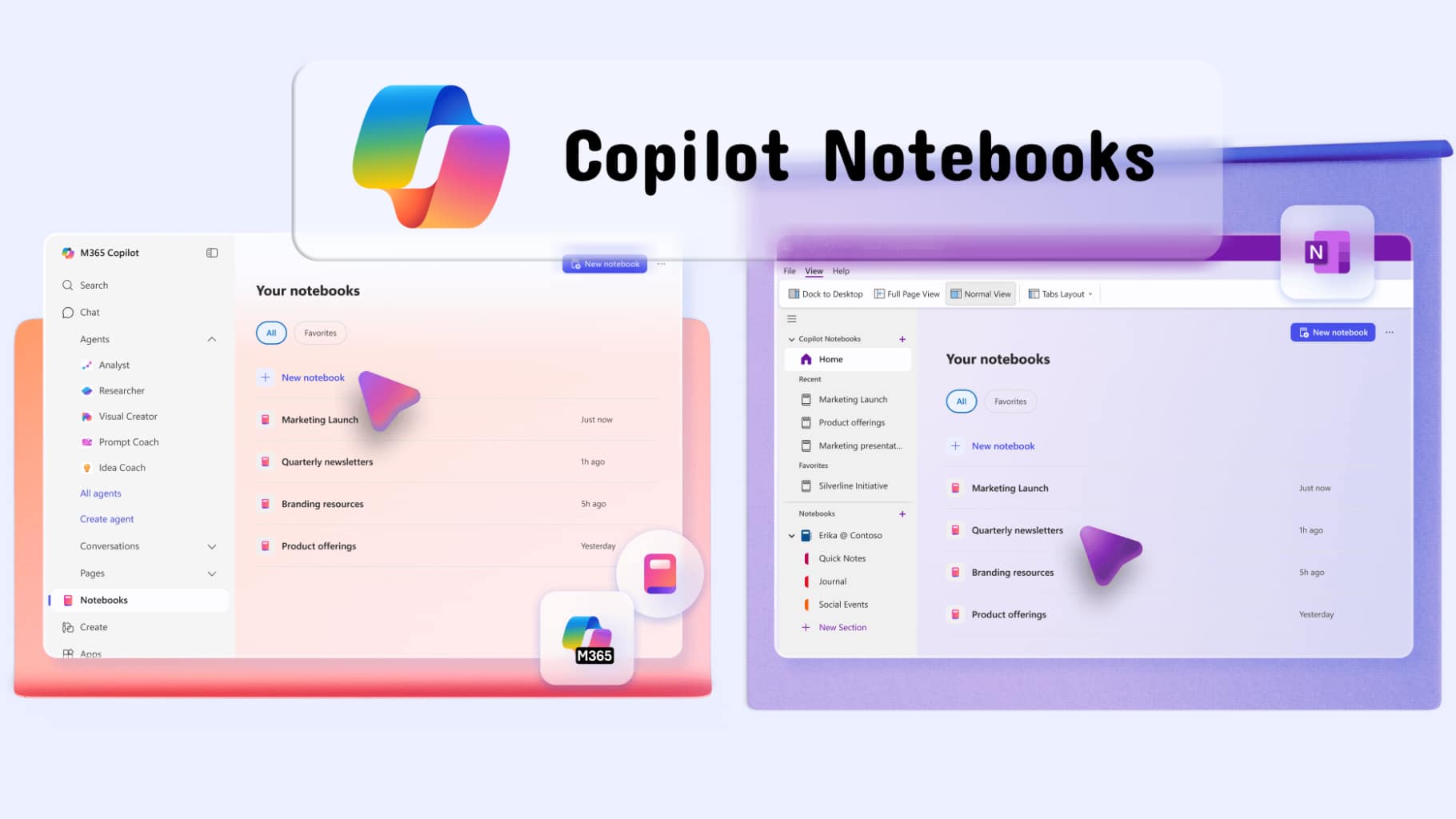
In today’s AI-driven workplace, tools are evolving beyond simple assistance into intelligent collaborators. Copilot Notebooks represents a significant step forward, enabling users to create, organize, and collaborate on content in a more structured and interactive way.
With the latest enhancements, Copilot Notebooks is designed to support not just productivity, but also learning, knowledge management, and team collaboration.
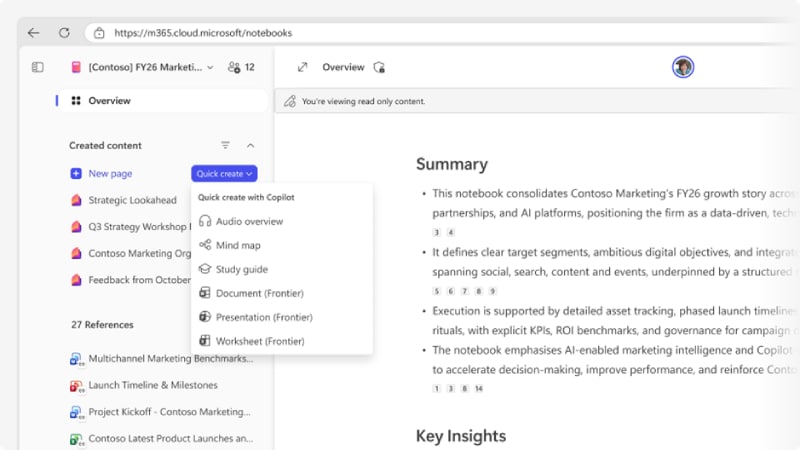
Copilot Notebooks for Smarter Content Creation
One of the biggest challenges in knowledge work is turning scattered information into structured, usable content. Copilot Notebooks addresses this by acting as a centralized workspace where ideas, data, and insights come together.
Key Capabilities
- Structured Content Creation
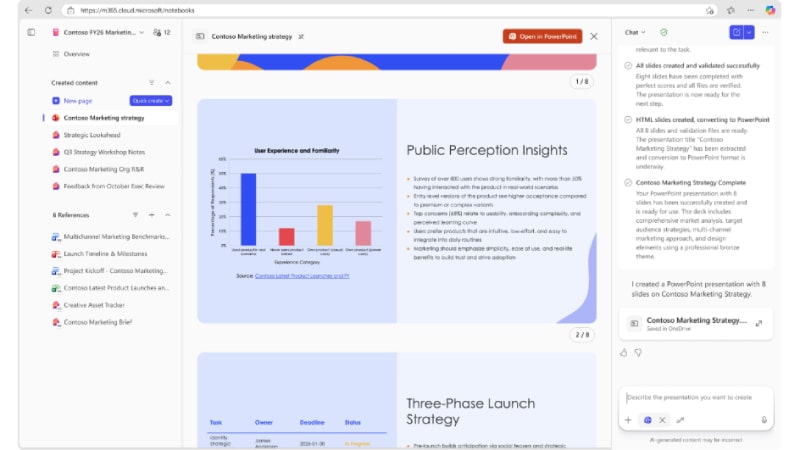
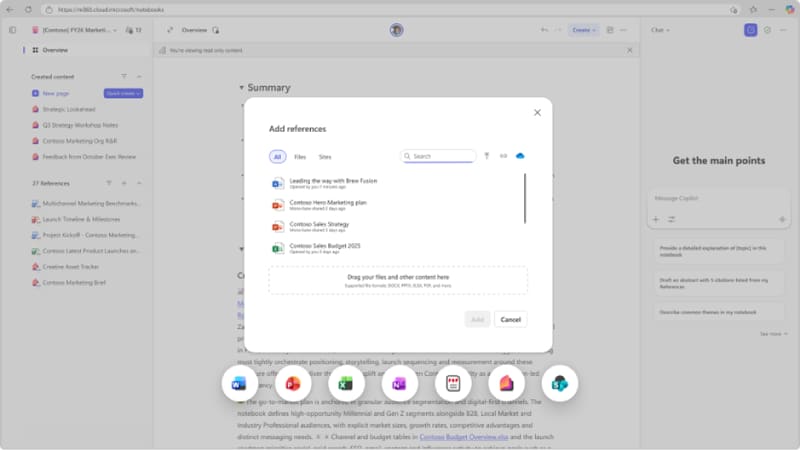
Users can organize notes, documents, and references into a unified notebook format - AI-Assisted Writing
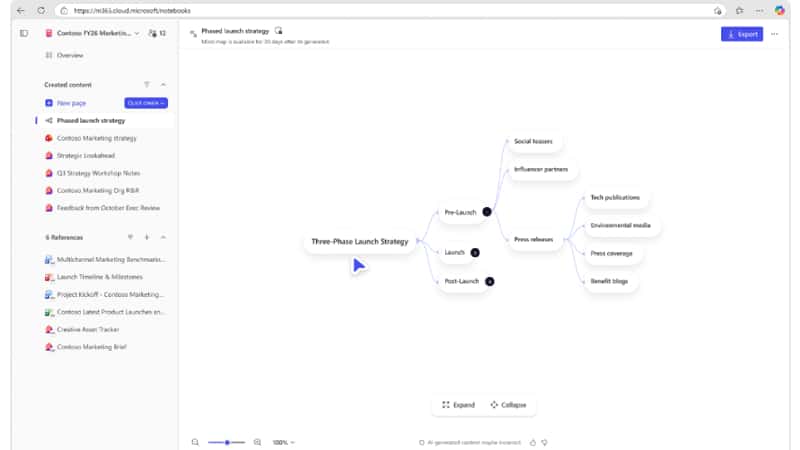
Generate summaries, drafts, and insights based on notebook content - Context Awareness
AI understands the material within the notebook and provides relevant suggestions
This allows users to move from raw information to polished output much faster.
Improved Collaboration Across Teams
Real-Time Teamwork
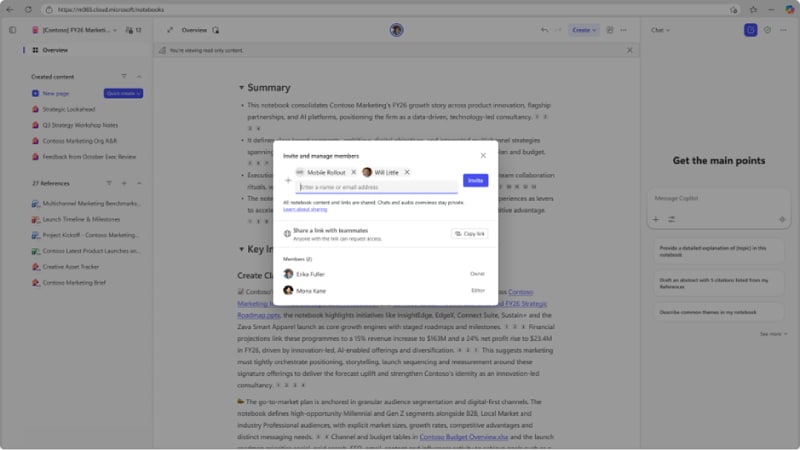
Copilot Notebooks enhances collaboration by enabling multiple users to work within the same knowledge space.
- Share notebooks across teams
- Collaborate on ideas and documents in real time
- Maintain a Single Source of Truth
Knowledge Alignment
Teams can:
- Align on project context
- Reduce duplication of work
- Ensure consistency across outputs
This makes collaboration more efficient and less fragmented.
Learning and Knowledge Management
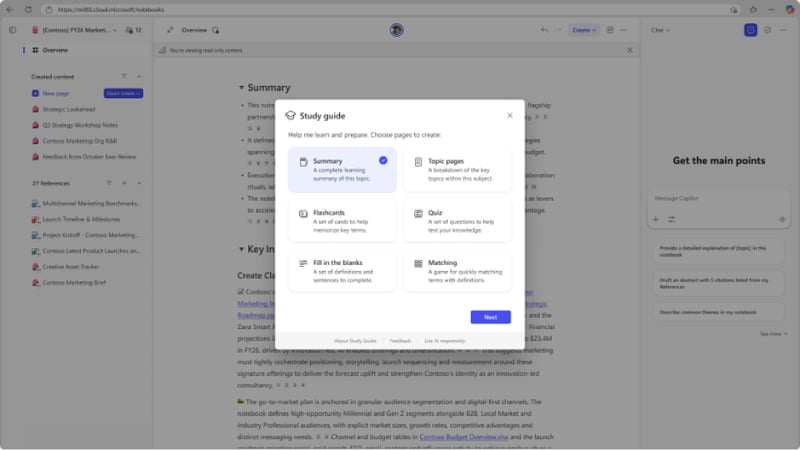
A New Way to Learn
Copilot Notebooks transforms static information into an interactive learning experience.
- Ask questions directly within the notebook
- Get AI-generated explanations based on your content
- Explore topics without leaving your workspace
Continuous Knowledge Building
Instead of losing information across tools, users can:
- Instead of losing information across tools, users can:
- Revisit and expand previous work
- Maintain context over time
Key Enhancements in Copilot Notebooks
- Better Organization
- Improved structure for managing multiple topics
- Easier navigation between sections and notes
- Enhanced AI Understanding
- Deeper context awareness across notebook content
- More accurate and relevant suggestions
- Seamless Integration
- Works with Microsoft 365 ecosystem
- Connects documents, data, and collaboration tools
- Faster Content Generation
- Accelerates writing, summarizing, and idea generation
- Reduces time spent switching between tools
Benefits for Modern Workflows
Benefit | Result |
Create jobs Faster | Turn ideas into content instantly |
Better Collaboration | Smooth teamwork and coordination |
Improved learning | Interactive knowledge exploration |
Centralized data | Store everything in one place |
Increase Productivity | Reduce repetitive tasks and tool switching |
Examples of using Copilot Notebooks
- Project planning
- Organize your research, notes, and timeline
- Work collaboratively with a team
- Content creation
- Write an article, report, or presentation
- Refine ideas with AI
- Research and analysis
- Collect and analyze data
- Create summaries and insights
- Learning and training
- Build a knowledge base
- Supporting learning and skill development
The future of AI-driven workspaces
The development of tools like Copilot Notebooks reflects a major shift:
- From the document → Dynamic Knowledge System
- From individual work → Collaboration with AI
- From static content → Interactive learning
In the future, notebooks will not just be storage devices, but will become smart workspaces that can think and work alongside the user.
Summary
Copilot Notebooks is transforming how users create content, collaborate, and learn on a single platform by integrating a structured framework, AI capabilities, and real-time functionality.
For data- and knowledge-driven organizations, tools like Copilot Notebooks play a crucial role in helping teams work consistently, efficiently, and be prepared for the changes of the digital age.