Small and medium-sized businesses (SMBs) have always faced a unique challenge: achieving enterprise-level productivity with limited resources. As competition intensifies and technology rapidly advances, business leaders seek ways to help employees work smarter, increase efficiency, and accelerate business growth without significantly increasing costs.
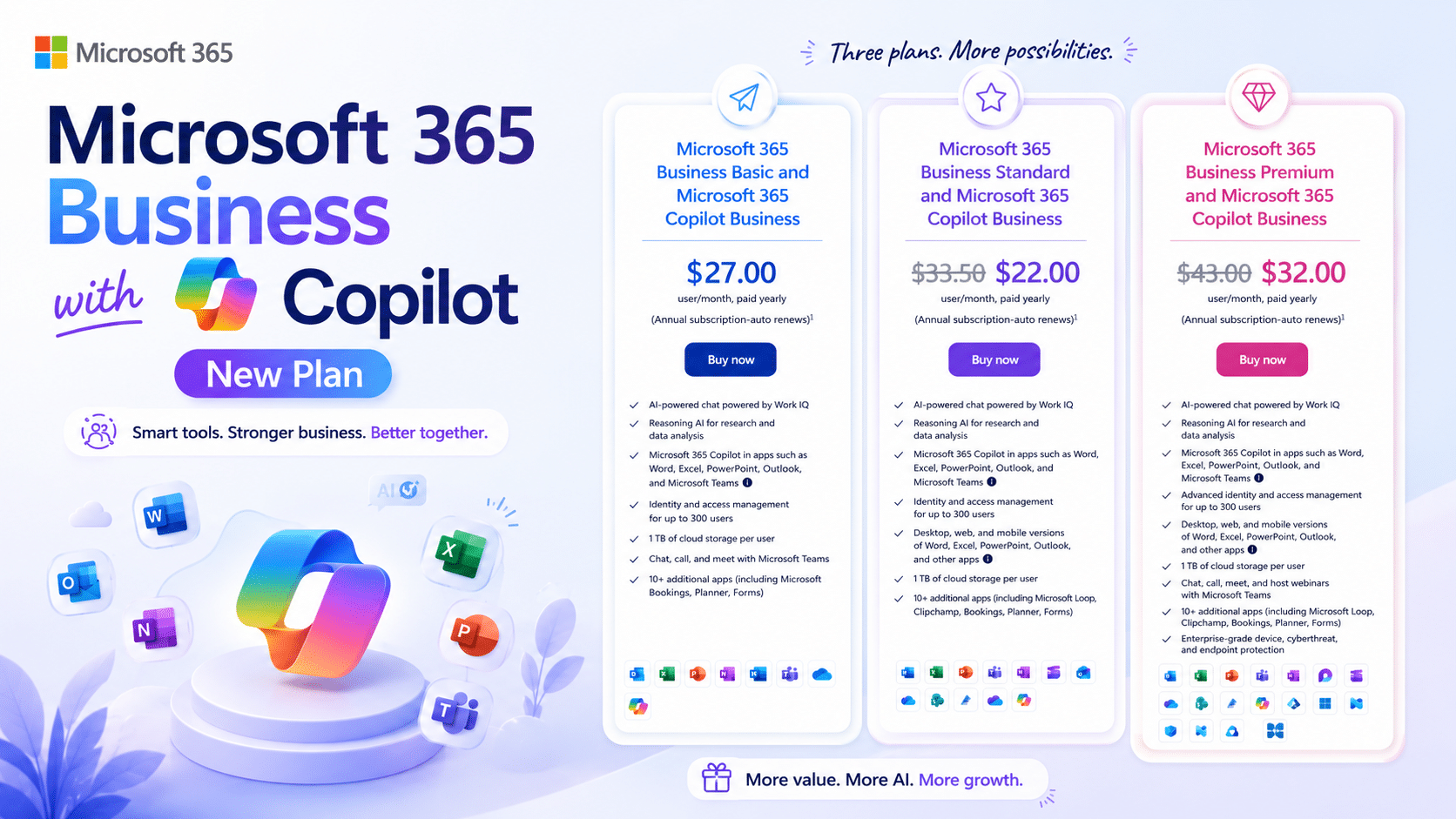
To address these needs, Microsoft launched Microsoft 365 Business with Copilot , a new solution designed to bring the power of AI directly into the daily operations of businesses. By integrating the productivity tools of Microsoft 365 with Microsoft Copilot, Microsoft is setting a new standard for small businesses in using AI to compete in a rapidly changing market.
What is Microsoft 365 Business with Copilot?
Microsoft 365 Business with Copilot Microsoft 365 Business with Copilot combines key productivity applications like Word, Excel, PowerPoint, Outlook, Teams, and OneDrive with AI capabilities powered by Microsoft Copilot.
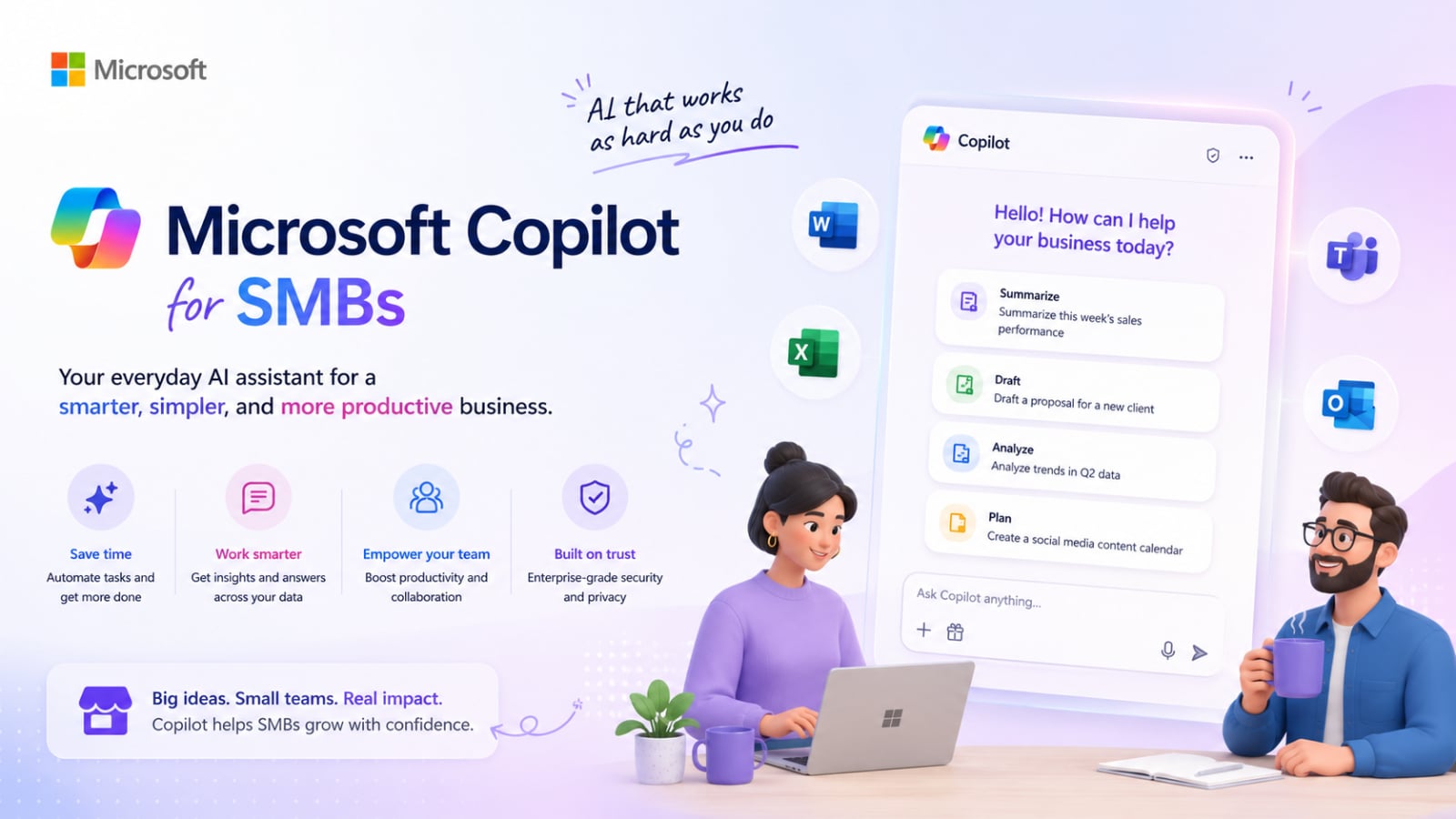
Instead of businesses having to purchase separate AI tools, this new model integrates AI capabilities into the everyday work environments employees use, making AI more accessible, practical, and value-creating, especially for small businesses that may not have a dedicated IT team or limited technology budgets.
When Copilot is embedded within Microsoft 365, users can create content, summarize data, analyze data, automate repetitive tasks, and collaborate more efficiently without leaving the tools they are using.
Compare the old model with the new model
Feature | Microsoft 365 Business | Microsoft 365 Business with Copilot |
Productivity Apps | Included | Included |
AI Assistant | Separate Add-on | Included |
Licensing Complexity | Multiple Purchases | Simplified Package |
AI Adoption | Optional | Built-in Experience |
Employee Productivity | Standard | AI-Enhanced |
Setup and Management | More Administrative Work | Simplified Management |
Under the traditional model, organizations typically had to purchase Microsoft 365 first, and then buy additional Copilot licenses for users who needed to utilize AI, resulting in more complex budgeting and license management.
This new model simplifies the process by combining productivity and AI into a single package.
Price comparison: Old style vs. New style
Plan | Old Plan Cost | New Plan Cost |
Business Basic + Copilot | $28 | $27 |
Business Standard + Copilot | $34.50 | $33.50 ($22 for new customers) |
Business Premium + Copilot | $44 | $43 ($32 for new customers) |
Old Plans
- Business Basic ($6) + Copilot ($22)
- Business Standard ($12.50) + Copilot ($22)
- Business Premium ($22) + Copilot ($22)
New Plans
- Business Basic with Copilot ($27)
- Business Standard with Copilot ($33.50) ($22 for first time purchase)
- Business Premium with Copilot ($43) ($32 for first time purchase)
All prices are per user per month.
* Prices are based on promotions published by Microsoft and may vary depending on the country, region, and future promotions.
For many SMBs, the Business Standard and Business Premium packages offer significant cost savings compared to purchasing Microsoft 365 and Copilot separately.
Why is this important for SMBs?
Many small businesses are interested in adopting AI but are hesitant due to the complexity of licensing and costs.
The new model helps solve several key problems.
Budgeting becomes easier
Instead of managing separate AI licenses, businesses can plan their costs through a single subscription.
Easier to purchase
Organizations do not need to analyze which employees should receive a separate Copilot Add-on.
Faster AI Adoption
Businesses can quickly expand the use of AI to multiple teams without having to manage complex licensing structures.
Better Return on Investment
Integrating AI into core packages helps reduce cost barriers for organizations looking to implement AI across multiple departments.
Which package should I choose?
Business Basic with Copilot
Suitable for:
- Small team
- Startup
- Businesses primarily using web-based applications
- Organizations with simple IT requirements.
Business Standard with Copilot
Suitable for:
- Growing SMBs
- Organizations that need to use Office Desktop Applications
- A team that regularly creates documents, spreadsheets, and presentations
Business Premium with Copilot
Suitable for:
- Businesses that prioritize safety
- Organizations that handle sensitive or important data
- Organizations that require a high level of protection for devices and user identities
Quick Decision Guide
Situation | Recommended Plan |
Need email, cloud storage, and AI | Business Basic with Copilot |
Need desktop Office apps and AI | Business Standard with Copilot |
Need advanced security and AI | Business Premium with Copilot |
Benefits for business executives
For SMB business owners and managers, the most important benefit is "simplicity."
Instead of evaluating separate productivity and AI purchases, businesses can adopt a single integrated solution that combines:
- Productivity tools
- AI Assistant
- Business collaboration
- Cloud Services
- Security features
This helps organizations modernize their workplace while reducing administrative complexity.
Summary
The launch of Microsoft 365 Business with Copilot marks a significant step for Microsoft in bringing AI to small and medium-sized businesses in a tangible way.
By integrating Microsoft 365 and Copilot into a single package, Microsoft is making AI more accessible, easier to deploy, and simpler to budget for organizations looking to improve productivity, streamline processes, and prepare for an AI-driven future. This new licensing model is an ideal starting point.
As AI evolves from an add-on to a core tool, Microsoft 365 Business with Copilot could become the new standard platform for small businesses in the near future.