
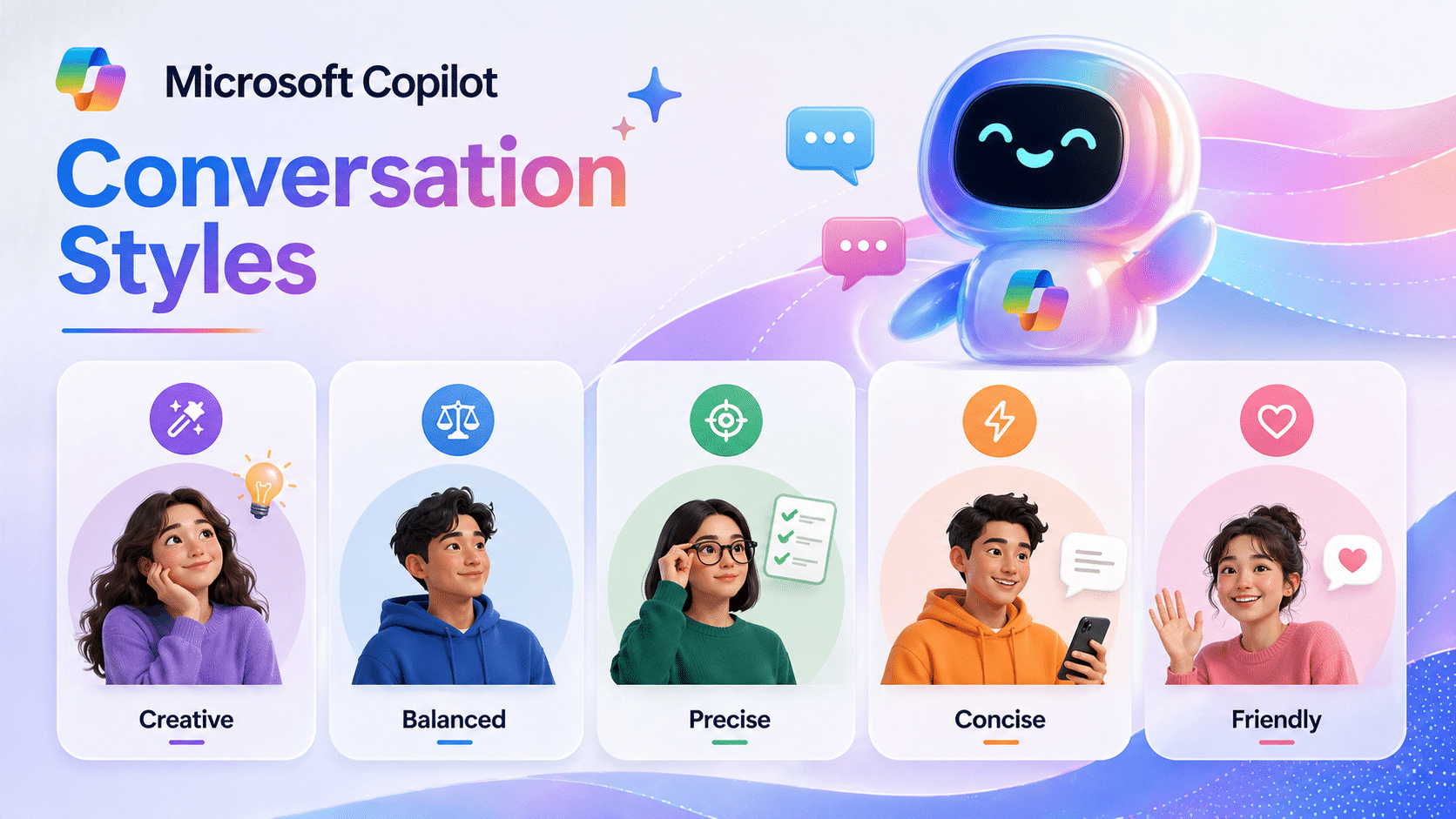
Choosing the right communication style when working with AI can significantly impact the quality of the results. Copilot Conversation Styles allows users to customize the AI's response style to their needs, whether it's an executive summary, an in-depth technical explanation, or a persuasive marketing message.
Instead of forcing AI to respond in the same way in every situation, these styles allow for more flexible and contextually responsive interactions, resulting in outcomes that better align with your goals, target audience, and workflow.
Why Copilot Conversation Styles are Important
Different types of work require different communication methods. A CTO reviewing architecture needs precision, while marketers need persuasive skills.
Choosing the right style can help you:
- Increase the clarity and relevance of the content.
- Reduce iterations
- It ensures that the results match the recipient's expectations.
- Improve team performance.
Overall, Conversation Styles transforms AI into a “role-based collaborator,” not just a general assistant.
The main conversation format in Microsoft Copilot.
Different types of work require different communication styles, and Microsoft Copilot is designed to adapt accordingly. Instead of forcing users to interact in a single way, Copilot offers a variety of communication styles that suit different goals, audiences, and workflows. Understanding these styles will help you use Copilot more effectively—not just as a tool, but as a flexible collaborator.
Professional / Business
The Professional or Business style is suitable for formal environments that require high clarity and precision.
Provides concise, structured, and ready-to-use answers at an executive level. Ideal for writing reports, executive updates, or business proposals where tone and professionalism directly impact credibility.
Friendly / Conversational
The Friendly or Conversational style is more natural and relaxed.
Mimicking everyday communication is ideal for brainstorming, team collaboration, or creating content in the early stages when ideas are unclear and more flexibility than a structured approach is needed.
Technical / Expert
The Technical or Expert style emphasizes depth and accuracy.
Using specialized terminology is ideal for IT professionals, developers, and system architects, whether reviewing architecture, fixing bugs, or discussing development details. This style ensures accurate and complete results.
Teaching / Explainer
The Teaching or Explainer style is suitable for explaining complex topics in a simple way.
Explained step-by-step with examples, ideal for training new employees, creating learning materials, or explaining technical concepts to those without prior knowledge.
Concise / TL;DR
There are many situations where "speed" is more important than "depth".
The Concise or TL;DR style provides short, concise, and easy-to-understand answers, focusing only on the key points. It's ideal for quick decision-making, executive summaries, or situations with limited time.
Marketing / Copywriting
For content that needs to communicate with customers, the marketing or copywriting style focuses on persuasion and communicating value.
Focusing on "benefits" rather than "features" helps create compelling messaging for campaigns, website pages, or product descriptions. This is especially beneficial when the goal is to encourage purchasing decisions.
Creative
The Creative style emphasizes creativity and originality.
It helps with storytelling, idea generation, and conceptual thinking. Ideal for branding, campaigns, or naming projects when you need fresh, unconventional ideas.
Analytical
The analytical style is suitable for analysis and decision-making.
Systematically structuring data, such as through comparisons, advantage-disadvantage analyses, or considering trade-offs, makes it suitable for evaluating tools, strategies, or risks.
Instructional
The instructional style emphasizes practical application.
Transform ideas into clear steps with step-by-step instructions. Ideal for creating SOPs, documenting workflows, or describing work processes.
Collaborative / Iterative
Finally, there is the Collaborative or Iterative style, which reflects continuous collaboration.
Instead of providing a final answer all at once, Copilot helps draft, refine, and continuously offer alternatives, ideal for writing, editing, and improving content quality step by step.
Tone and Format Variations
Copilots can adapt their responses in multiple dimensions, such as:
- Formal ↔ Casual
- Detailed ↔ Ultra‑short
- Neutral ↔ Enthusiastic
- Executive summary ↔ Deep dive
- Bullet points, tables, cards, or long‑form text
💡 Combining different approaches can greatly enhance the results.
example:
- "Concise + Professional + Marketing"
- "Technically advanced + step-by-step + beginner-friendly."
- Executive summary first, details later
Executive summary first, details later
Advanced Thinking Styles in Copilot Conversation Styles
Thinking patterns | Description | Example of use |
Logical / Deductive | Reasoning is a step-by-step process | Problem solving |
Strategic | Long-term planning | Business Roadmap |
Systems Thinking | Integrated system analysis | Enterprise Architecture |
First-Principles | Separate the basic components | Innovation strategy |
Scenario-Based | If-Then Analysis | Risk planning |
Data-Driven | Use KPIs as the primary reference | Tracking the results |
These thought patterns help determine not only how AI "speaks," but also how it "thinks."
Interaction style: How you interact with AI
Copilot can also adapt to your work style, such as:
- Advisor/Consultant: Provides advice with reasons
- Coach/Mentor: Provides guidance for development
- Reviewer / Editor: To review and improve
- Brainstorming Partner: Generate ideas freely
- Co-writer: Writing together on an ongoing basis
This flexibility makes AI a true “partner” in both creative and analytical tasks.
Combining styles for the best results
The true power of Copilot lies in "blending style" to meet the needs.
Example of usage:
"Concise + Professional + Marketing"
→ Suitable for executive-level campaigns.
"Technically advanced + step-by-step + beginner-friendly."
→ Suitable for training and onboarding.
"Summarize first, then go into detail."
→ Suitable for communicating with executives.
This combination allows you to adjust the results without having to rewrite the prompts repeatedly.
Choosing a style that suits the audience
Choosing the appropriate Copilot Conversation Styles depends on the target audience.
Target group | Recommended style |
Executive | Professional + Concise |
Engineer | Technical + Analytical |
Customer | Friendly + Marketing |
New Employee | Teaching + Step-by-step |
Choosing a style that suits your audience helps make communication more effective and powerful.
Best practices for using Copilot Conversation Styles
- Start with a clear goal (e.g., explain, persuade, summarize).
- Clearly specify the tone and style.
- Mix and match styles when necessary.
- Continuously improve results.
- To meet the expectations of the audience.
Summary
Copilot Conversation Styles isn't just about adjusting the tone of your communication; it's a powerful tool for controlling how AI communicates, thinks, and collaborates with you.
Once you choose the right style or combination, AI will become an assistant that seamlessly adapts to your workflow.
Whether you're writing an executive report, a technical document, or a marketing campaign, understanding and mastering these styles will help your results be not only "accurate" but also "effective, targeted, and powerful."