AI is evolving beyond chatbots that simply answer questions. The next generation of AI assistants can take on ongoing responsibilities, follow up on tasks, monitor priorities, and help keep projects moving without requiring constant instructions.
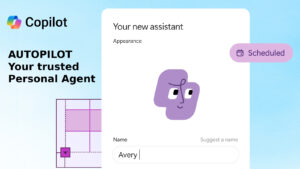
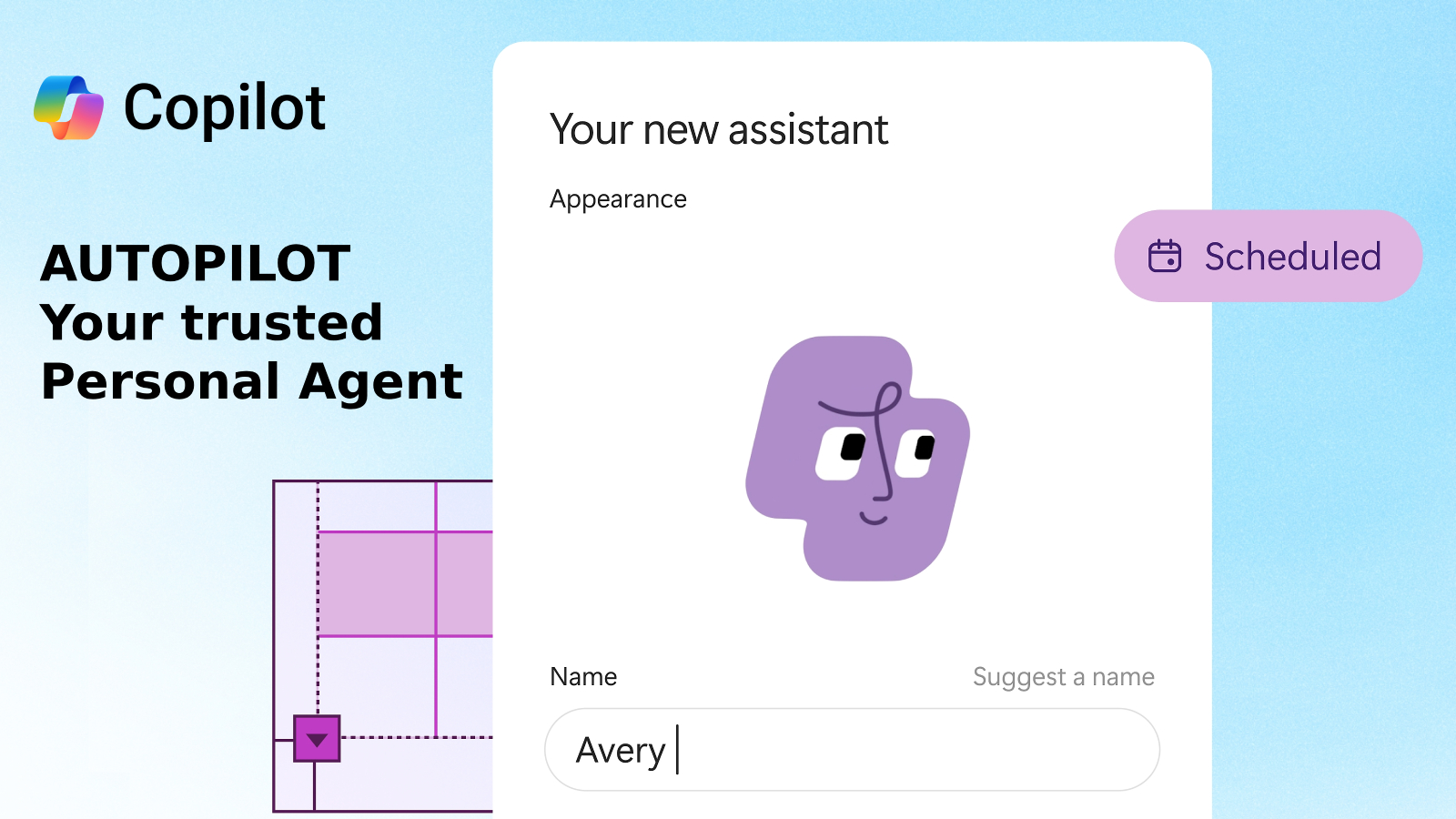
Microsoft Autopilot is Microsoft's vision of an always-on personal AI teammate built into the Microsoft Copilot experience. Instead of responding only when prompted, Autopilot can work in the background, maintain context, and carry out delegated tasks across work activities.
For SMBs, SMEs, business owners, managers, and frontline workers, this represents a new way to work with AI, moving from asking questions to delegating ongoing responsibilities.
What Is Microsoft Autopilot?
Microsoft Autopilot is an always-on, cloud-based personal AI agent within Microsoft Copilot designed to help users manage ongoing work and responsibilities.
Unlike a traditional AI chatbot that requires users to initiate each interaction, Autopilot can be given a goal, role, and boundaries, then continue working toward that goal over time.
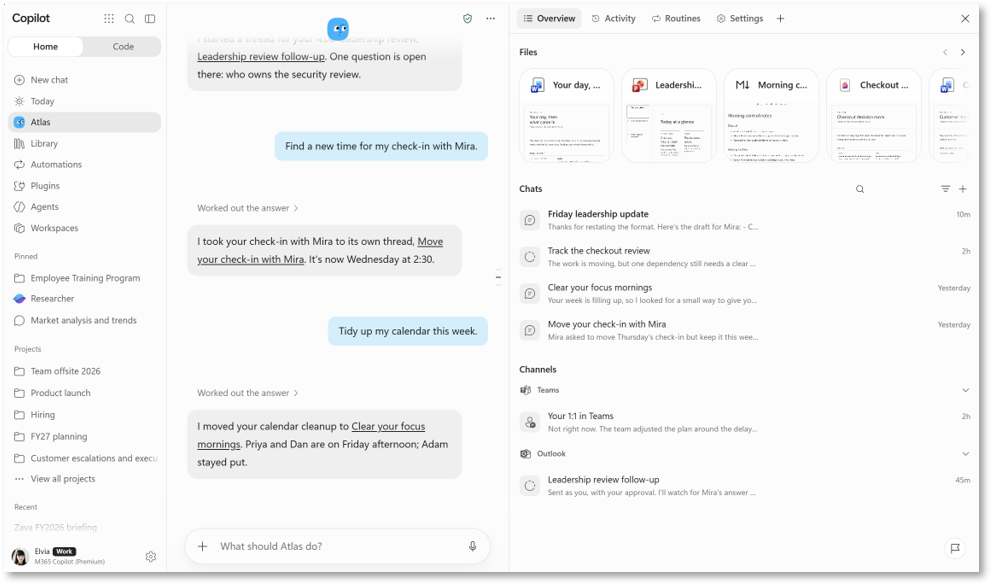
It can monitor relevant work activities, follow up on conversations, prepare documents, organize information, and help coordinate tasks across connected applications.
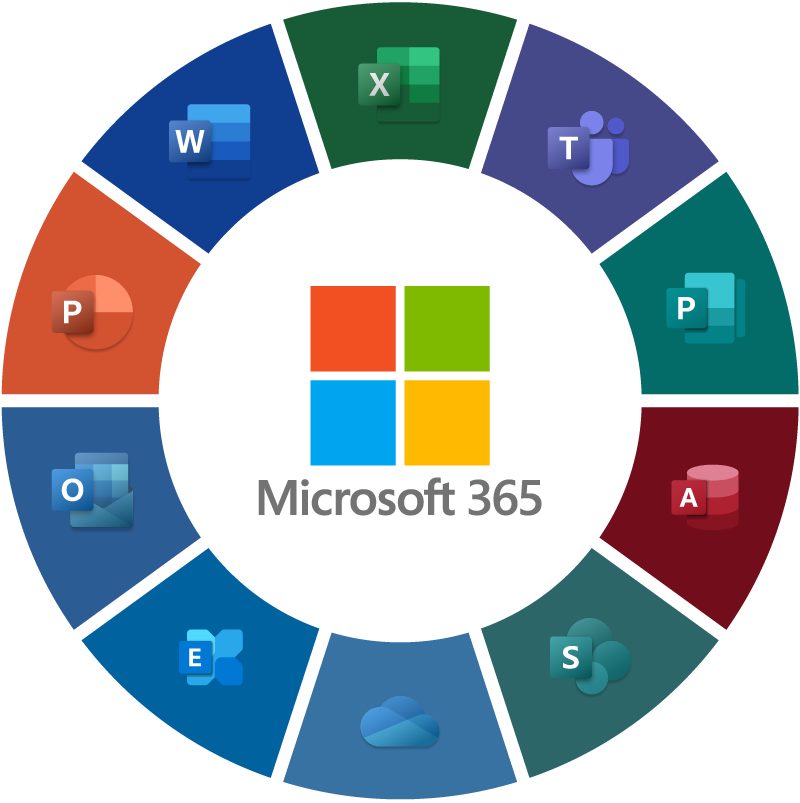
Autopilot is designed to work within Microsoft's ecosystem, including Microsoft Teams, Outlook, OneDrive, and SharePoint, subject to the permissions and capabilities available to it.
It has its own identity, memory, and cloud workspace, allowing it to maintain working context and continue certain tasks even when the user is not actively working.
How Microsoft Autopilot Works
Microsoft Autopilot is designed to operate more like a digital teammate than a traditional assistant. Users delegate objectives instead of repeatedly requesting individual actions.
Give Autopilot a Goal
Users can assign Autopilot a role and a specific outcome.
For example, a manager could ask it to monitor a product launch project, track outstanding tasks, summarize important updates, and prepare a weekly progress report.
Rather than handling every step manually, the user defines the objective, relevant sources, and boundaries.
Works with Microsoft 365
Autopilot can work with authorized information and capabilities across Microsoft 365, including Outlook, Teams, OneDrive, and SharePoint.
This allows it to use relevant emails, conversations, files, and meetings to help complete delegated tasks.
Its access remains subject to the permissions and organizational policies that apply to the relevant resources and actions.
Continue Work in the Background
Autopilot is cloud-based, which means supported tasks can continue without requiring the user to remain online or keep their computer running.
It can follow up on ongoing work, run scheduled routines, track commitments, and bring important updates to the user when needed.
Learn Your Working Preferences
With persistent context and memory, Autopilot can build an understanding of priorities, preferences, and ongoing projects.
This can help reduce the need to repeatedly explain the same context when continuing work across different conversations or tasks.
What Can Microsoft Autopilot Do?
Microsoft Autopilot can support a variety of work scenarios, particularly those involving recurring tasks, coordination, and follow-through.
Use Case | How Autopilot Can Help |
Meeting management | Coordinate schedules, prepare meeting materials, and track follow-ups |
Project coordination | Monitor updates, track commitments, and identify stalled tasks |
Email management | Review relevant communications and draft follow-up messages |
Research and reporting | Gather information and prepare summaries or documents |
Recurring tasks | Run scheduled routines and prepare regular updates |
Team collaboration | Work with users through Teams and supported collaborative workflows |
The goal is to reduce the coordination work that often consumes time throughout the working day.
Microsoft Autopilot vs. Copilot Chat vs. Cowork
Microsoft offers different AI experiences for different types of work. Understanding their differences helps businesses decide when to use each one.
AI Experience | Main purpose |
Copilot Chat | Answer questions, brainstorm, summarize, and assist with individual tasks |
Cowork | Delegate specific, multi-step tasks and have work completed across supported workflows |
Autopilot | Manage ongoing responsibilities, follow through on commitments, and continue work over time |
Copilot Chat is useful when you need an immediate response. Cowork is designed for delegated tasks with a defined scope. Autopilot is intended for work that continues beyond a single task or conversation.
Benefits of Microsoft Autopilot for SMBs and SMEs
Reduce Repetitive Coordination Work
Business owners and managers frequently spend time checking project updates, reminding employees about deadlines, following up on emails, and preparing reports.
Autopilot can help automate some of these activities, allowing employees to spend more time on decision-making and business priorities.
Improve Productivity and Follow-Through
Tasks can continue in the background, helping users keep track of commitments, deadlines, and ongoing responsibilities without manually checking every update.
Support Managers and Frontline Workers
Managers can use Autopilot to monitor project progress, prepare meetings, and follow up on outstanding tasks.
Frontline workers and operational employees may also benefit from support with recurring responsibilities, coordination, and information preparation, depending on the available integrations and capabilities.
Maintain Continuity Across Projects
With persistent context, Autopilot can help continue work across days or weeks rather than treating every conversation as a completely new task.
This can be valuable for ongoing projects, recurring reporting, and activities involving multiple stakeholders.
Security, Permissions, and Human Oversight
Giving AI an ability to act on behalf of users requires appropriate security controls.
Microsoft Autopilot is designed with identity, permissions, and approval guardrails. Its own identity helps distinguish its activities, while access to organizational information and actions remains governed by applicable permissions and policies.
Organizations should also establish clear boundaries for what Autopilot can do independently and which actions require human approval.
For example, businesses may allow Autopilot to prepare reports, organize information, or draft emails while requiring approval before sending external communications or making sensitive changes.
AI autonomy should improve productivity without removing accountability.
Microsoft Autopilot Availability
Microsoft Autopilot is currently being introduced through Microsoft's Frontier program and preview rollout. Availability, eligibility, licensing, and usage-based billing requirements may vary.
According to Microsoft documentation, access currently requires eligible organizational accounts, Microsoft 365 Copilot licensing, Frontier enrollment, and applicable usage-based billing and administrative configuration. Availability may be geographically limited during the preview.
Businesses interested in adopting Autopilot should check the latest Microsoft documentation and consult their Microsoft administrator before planning deployment.
Summary
Microsoft Autopilot introduces a new approach to AI productivity. Instead of using AI only to answer questions or generate content, users can delegate ongoing responsibilities and allow an AI agent to help keep work moving.
For SMBs, SMEs, business owners, managers, and frontline workers, this could create opportunities to reduce repetitive coordination, improve follow-through, and manage daily responsibilities more efficiently.
As AI agents continue to evolve, businesses should begin exploring how delegated AI work can fit into their operations while establishing appropriate permissions, security controls, and human oversight.
The future of AI at work may not simply be about asking smarter questions. It may be about working alongside AI teammates that help carry responsibilities forward.