As businesses grow, managing tasks using separate spreadsheets or multiple specialized programs often becomes cumbersome. Finance, inventory, sales, purchasing, production, and customer service all generate crucial data for the organization. But when this data is scattered across multiple systems, it can lead to inefficiencies, errors, and delayed decision-making.
For this reason, many organizations are choosing to invest in ERP Software for Business , or Enterprise Resource Planning (ERP) systems, which integrate the operations of all departments onto a single platform. This allows teams to collaborate more efficiently, reduces manual processes, and provides a real-time overview of the business.
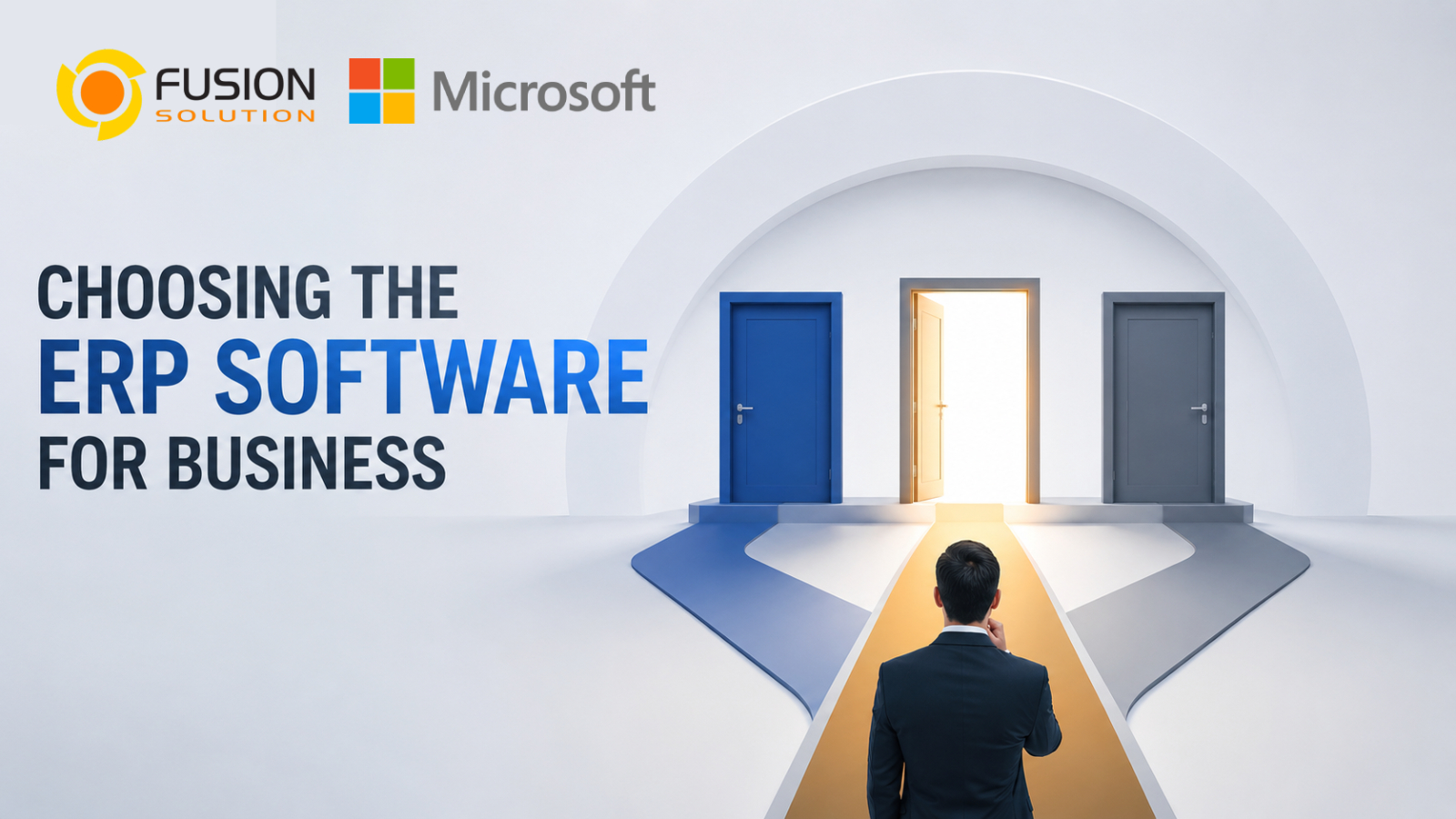
However, each ERP solution has different capabilities. Choosing the right ERP is therefore a strategic decision that impacts operational efficiency and long-term organizational growth. This article will guide you through the key factors to consider when choosing an ERP system and explain why Microsoft Dynamics 365 is one of the most popular choices for organizations worldwide.
What is ERP software?
Enterprise Resource Planning (ERP) is a business management system that connects the operations of multiple departments onto a single platform.
Instead of using separate programs for finance, inventory, purchasing, sales, and operations, an ERP system stores all information in a single database, allowing all departments to have access to accurate and up-to-date information at all times.
The main modules of an ERP system generally consist of:
- Financial Management
- Sales & Customer Management
- Purchasing
- Inventory Management
- Supply Chain Management
- Manufacturing
- Human Resources
- Project Management
- Reporting & Analytics
When all data is integrated into a single system, organizations can reduce manual work, increase operational efficiency, and make faster, data-driven decisions.
Why your business should use an ERP system
In the beginning, many businesses often use spreadsheets or specialized software to manage daily tasks. This may be sufficient in the early stages, but as the organization grows, this approach often creates several problems, such as:
- Duplicate information between departments
- Preparing a self-published report
- The inventory status is not fully visible
- Closing financial statements takes a long time
- The approval process is inefficient
- Teamwork is difficult
An ERP system helps solve these problems by connecting the people, processes, and data throughout the organization.
Key benefits include:
- Improve operational efficiency
- Financial information becomes more clearly visible
- Automate tasks through workflow
- Generate reports quickly
- Business forecasts become more accurate
- Promote collaboration
- To support the future growth of the organization
Key factors in choosing ERP software for business
Choosing an ERP system isn't just about comparing features; you should also consider how well the system can support both current and future operations.
- Understanding business needs
Before comparing ERP providers, it's important to clearly define the goals and identify the problems your business is facing.
Examples of questions you should ask include:
- Which processes are still inefficient?
- Which departments should work together more effectively?
- Which manual task takes the most time?
- What types of reports are still missing?
- How fast does the business plan to grow?
With clear goals, it becomes easier to choose an ERP system that meets the organization's needs.
- Choose a system that supports your industry.
Each industry has a different operating model, such as:
- Manufacturing businesses require production planning and factory management systems.
- Retail businesses need to manage inventory and multi-channel sales.
- The service business focuses on project and resource management.
- Distribution businesses require efficient warehousing and supply chain systems.
An ERP system that directly supports the industry's processes should be selected to minimize the need for additional system customization.
- Emphasize the ability to scale the system
Investing in an ERP system should be able to support the business in the long term.
As an organization grows, its systems should be able to accommodate both.
- Increased users
- Multiple branches
- Doing business abroad
- Increased transaction volume
- New products
- New business unit
Cloud ERP is a suitable choice for growing organizations because it can scale the system without investing in additional infrastructure.
- Check the system connectivity capabilities
Modern businesses often use multiple software systems together.
A good ERP system should be connected to...
- CRM system
- Microsoft 365
- Business Intelligence system
- E-commerce website
- Payroll system
- banking system
- Applications from external providers
Good connectivity reduces repetitive work and ensures data accuracy and consistency throughout the organization.
- Data reporting and analysis capabilities
Executives need accurate information to make decisions
A modern ERP system should have...
- Dashboard แบบเรียลไทม์
- Financial Report
- Operational analysis
- Sales report
- Inventory tracking
- Business forecasting tools
Accurate and up-to-date information enables organizations to respond quickly to market changes.
- Safety and compliance with standards
Business data is considered a highly valuable asset.
Before choosing an ERP system, consider the following:
- Data encryption
- Role-based access for employees
- Multi-Factor Authentication
- Audit Trail
- Safety and Compliance Standards
- Automatic data backup system
Cloud ERP providers typically invest in enterprise-level security and meet various international standards.
Why Microsoft Dynamics 365 is the outstanding ERP choice.
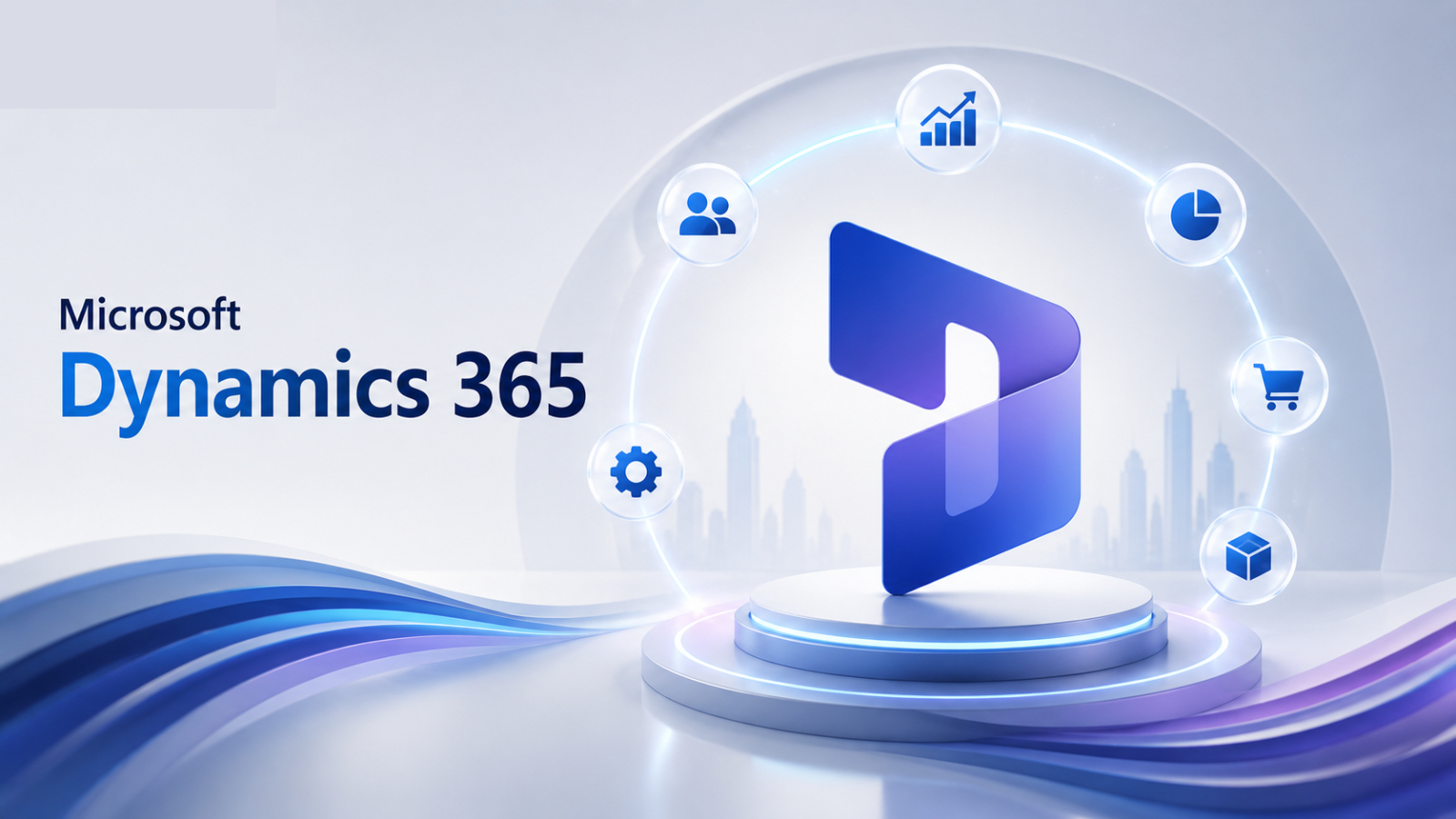
Microsoft Dynamics 365 is one of the most popular cloud-based ERP platforms today, combining business management capabilities with Microsoft's cloud system, making it suitable for small, medium, and large organizations.
Dynamics 365 follows a modular approach; users can start with the necessary modules and expand as their business grows.
The system's core capabilities include:
- Financial Management
- Supply Chain Management
- Commerce
- Project Operations
- Human Resources
- Business Central for small and medium-sized businesses.
Because it's a cloud-based system, organizations receive continuous feature updates, enjoy high security, and can scale the system without needing to maintain on-premises servers.
Connect seamlessly with the Microsoft Ecosystem.
A key advantage of Microsoft Dynamics 365 is its seamless integration with other Microsoft products.
Can connect to
- Microsoft 365
- Microsoft Teams
- Power BI
- Power Automate
- Microsoft Copilot
- Azure Services
Examples of usage include:
- The finance department can analyze ERP data through the Power BI dashboard.
- Employees can collaborate in Microsoft Teams and have instant access to customer or operational data.
- Microsoft Copilot helps create reports, summarize data, and reduce repetitive tasks.
These connections help create a more effective digital workplace and support better business decision-making.
Cloud ERP for long-term business growth
Cloud ERP has several advantages over on-premises systems
On-Premises ERP | Cloud ERP |
An on-premises server must be installed | The service is provided via a highly secure cloud system |
Update the software manually | Auto update |
There are high infrastructure costs | Lower initial investment |
External access is limited | Accessible from anywhere |
Expanding the system is difficult | Flexible system expansion |
Microsoft Dynamics 365 helps organizations transform into digital businesses, supporting remote work, hybrid work, and efficient international expansion.
Questions to ask before choosing an ERP system.
Before choosing an ERP system, consider the following important questions.
- Does the system support the needs of the industry?
- Can it support future business growth?
- Can it connect to an existing system?
- How much experience does the service provider have in installing ERP systems?
- Do you provide training and after-sales support services?
- What is the total cost of ownership over 5 years?
These questions will help organizations confidently choose an ERP system and maximize their return on investment.
Summary
Choosing ERP Software for Business is one of the most important technology decisions for an organization. A suitable ERP system not only solves current operational challenges but also supports future growth, enhances collaboration, and provides executives with real-time insights for informed decision-making.
Microsoft Dynamics 365 is a cloud ERP platform distinguished by its flexibility, comprehensive business management capabilities, and seamless integration with various systems within the Microsoft ecosystem. Whether it's financial management, supply chain management, or operational optimization, Dynamics 365 provides tools to help organizations build intelligently connected businesses and compete in the digital age.
By carefully assessing your organization's needs, scalability, integration with legacy software, and long-term goals, you can choose an ERP system that creates sustainable value for your business in the long run.