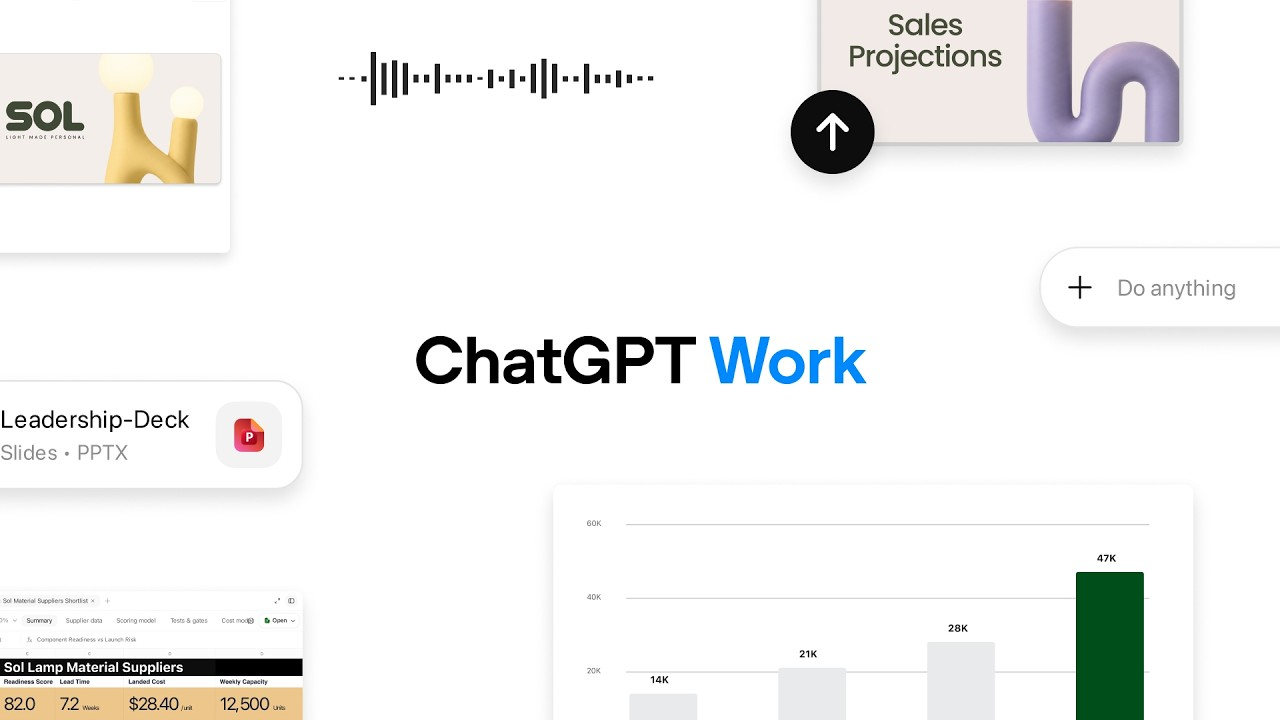
Artificial intelligence is entering a new era—one where it doesn't just answer questions but actively helps people complete meaningful work. From writing reports and building presentations to analyzing data and creating applications, AI is becoming an intelligent collaborator rather than a simple chatbot.
With the introduction of ChatGPT Work , OpenAI has taken another step in pushing this vision forward by designing a platform for experts, teams, and business organizations that integrates the capabilities of conversational AI, coding, and workflow automation into a single workspace, helping to transform ideas into ready-to-use results.
Instead of switching between multiple tools, users can work seamlessly with a single AI Assistant that can handle complex and multi-step tasks continuously.
What is ChatGPT Work?
ChatGPT Work ChatGPT Work is a new AI workspace from OpenAI designed to help users transform ideas into action in a comprehensive manner.
This platform integrates the capabilities of ChatGPT with Codex workflow, enabling the creation of documents, data analysis, coding, website development, presentation creation, and the automation of repetitive tasks—all within a single platform.
Unlike traditional AI assistants that focus solely on generating answers, ChatGPT Work is designed to handle complex workflows, coordinating multiple tasks and utilizing various tools to complete projects.
Why is ChatGPT Work important?
In today's workplace, people spend a significant amount of time moving data between different applications, such as:
- Writing documents
- Searching company knowledge
- Creating presentations
- Managing spreadsheets
- Reviewing emails
- Coordinating projects
- Building reports
Every context switch interrupts productivity.
ChatGPT Work addresses this challenge by providing one intelligent workspace where ideas can evolve into finished deliverables without constantly changing applications.
Key Features of ChatGPT Work
- Turn Ideas into Finished Deliverables
One of the biggest advantages of ChatGPT Work is its ability to support an entire workflow instead of a single prompt.
For example, you can ask it to:
- Brainstorm product ideas
- Create a project plan
- Write technical documentation
- Design a presentation outline
- Build a landing page
- Generate supporting code
Rather than stopping after producing text, the AI continues helping until the project is substantially complete.
- Unified AI Workspace
Instead of functioning solely as a chatbot, ChatGPT Work integrates multiple capabilities within a single platform, including:
- Conversational AI
- Codex coding assistant
- Document creation
- Website development
- Information research
- Creating a presentation
- Data analysis
This integrated user experience simplifies switching between tools and allows users to focus on troubleshooting rather than managing multiple systems.
- Connect to Your Business Tools
Working in modern organizations relies on data from multiple systems.
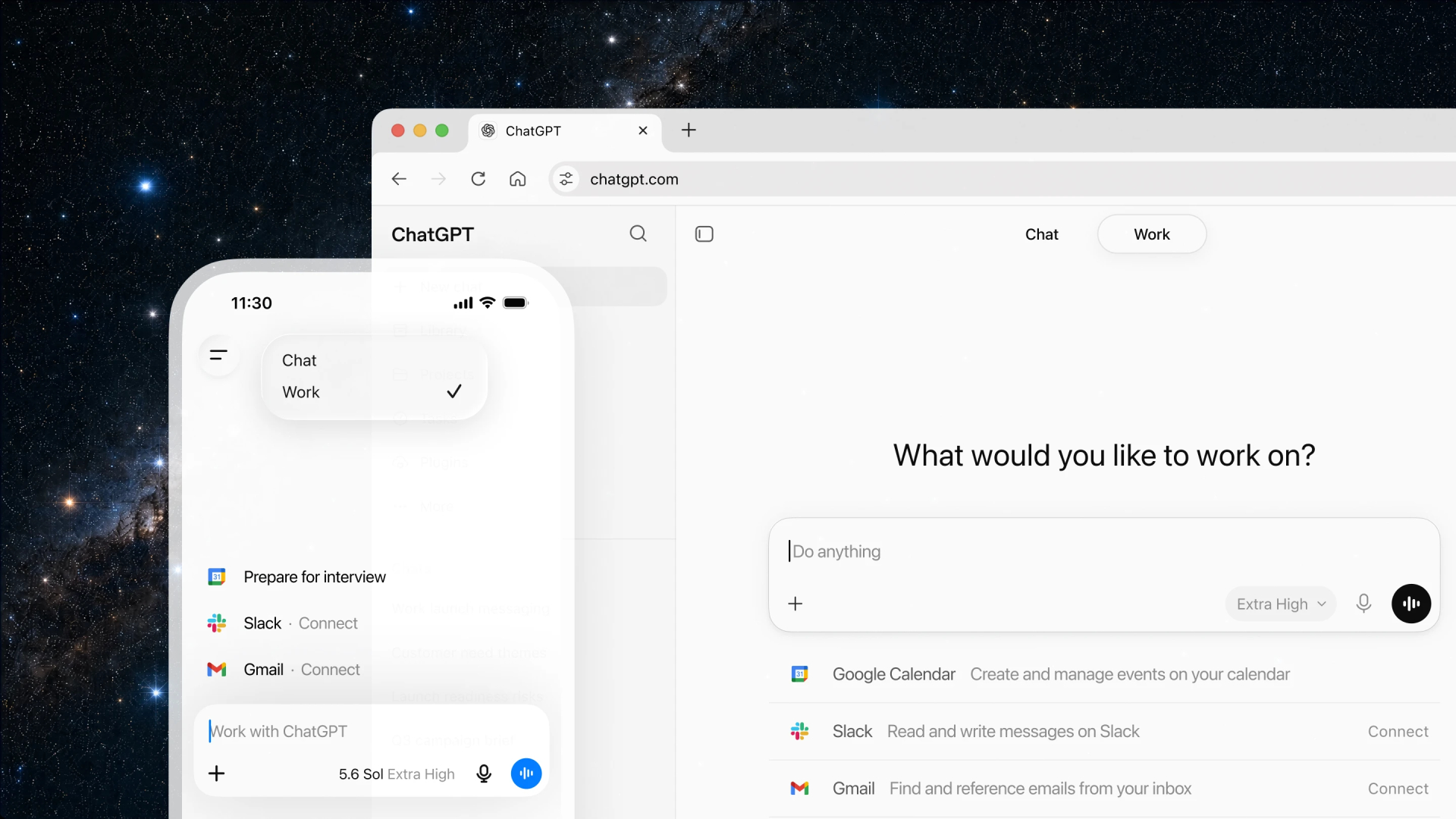
ChatGPT Work is designed to connect with business tools to directly retrieve relevant data to support work.
Supported services include:
- Gmail
- Google Drive
- Slack
- CRM system
These connections allow AI to access organizational data directly, eliminating the need for users to manually copy or paste information.
- Powered by GPT-5.6
At the heart of ChatGPT Work is the latest GPT-5.6 model from OpenAI.
This model provides improved performance in several areas, such as:
- Advanced reasoning
- Better coding performance
- Improved document generation
- More accurate analysis
- Stronger enterprise capabilities
As a result, ChatGPT Work can handle more sophisticated business tasks than traditional AI assistants.
How ChatGPT Work Can Be Used Across Departments
Because it combines reasoning, writing, coding, and automation, ChatGPT Work supports many business functions.
Marketing
- Generate campaign ideas
- Write SEO blog articles
- Create social media content
- Develop product messaging
- Build marketing presentations
Sales
- Search for target customer information
- Write a personalized email or message
- Prepare a business proposal
- Summary of the meeting results
- Identifies opportunities
Customer Support
- Draft a response for the customer
- Summarize the conversation with the customer
- Create a Knowledge Base article
- Introduce the next steps in the process
Software Development
- Write code
- Debug the program
- Refactor existing projects
- Build prototypes
- Create technical documentation
Project Management
- Project planning
- Organize the project requirements
- Summary of the meeting with stakeholders
- Follow Action Items
- Prepare a project status report
This flexibility allows ChatGPT Work to create value for virtually every department within the organization.
From AI Assistant to AI Collaborator
Traditional AI typically operates in a Reactive manner, responding to commands.
But ChatGPT Work offers a new concept of working with AI.
Instead of just answering short questions, AI can
- Understand broader project goals
- Maintain context across multiple tasks
- Coordinate Complex Workflows
- Produce complete business deliverables
- Assist throughout the project lifecycle
This shift enables AI to become a productive teammate rather than simply a conversational interface.
Key Benefits for Organizations
Organizations adopting ChatGPT Work can expect advantages such as:
- Faster project completion
- Reduced manual effort
- Improved collaboration
- Better document quality
- Increased employee productivity
- More consistent outputs
- Faster innovation
Rather than replacing employees, ChatGPT Work helps knowledge workers spend less time on repetitive tasks and more time on strategic thinking and decision-making.
Availability
OpenAI has announced that ChatGPT Work is initially rolling out to:
- ChatGPT Pro users
- Enterprise customers
- Edu customers
In the future, OpenAI plans to expand support to additional packages.
It is currently available through the new version of the ChatGPT Desktop application, with plans for comprehensive web and mobile rollout in the future.
The future of work with AI
The launch of ChatGPT Work reflects a significant shift in AI in the world of work.
Originally, AI only answered questions; now it's evolving into an AI Workspace capable of planning, building, analyzing, coding, and coordinating projects from start to finish.
As connectivity with various systems, reasoning capabilities, and automated workflows continue to improve, AI will become an integral part of daily business operations, enabling organizations to turn ideas into reality more quickly and efficiently.
Conclusion
ChatGPT Work is OpenAI's vision for AI in the modern workplace. By integrating conversational capabilities, advanced reasoning, coding, and business tool connectivity into a single workspace, users can move beyond question-and-answer AI interactions to create tangible results.
For organizations looking to improve efficiency, foster collaboration, and accelerate innovation, ChatGPT Work provides a crucial foundation for transforming ideas into tangible business results.
As AI continues to evolve, tools like ChatGPT Work are poised to become primary assistants for knowledge-based workers across all industries and play a crucial role in driving the future of work.
Note: This information is based on AI-generated football predictions only. Please use your discretion.