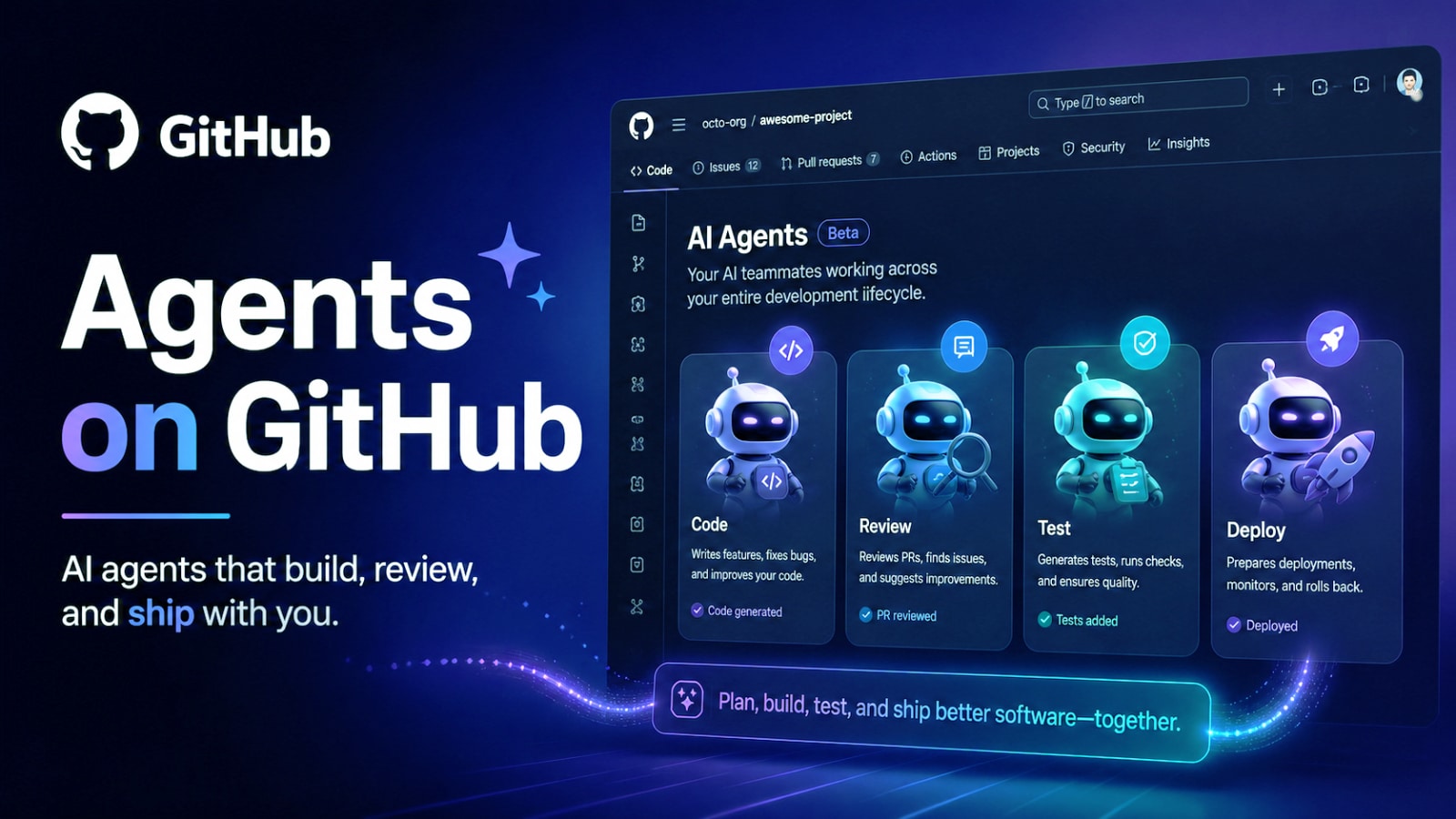
Artificial intelligence is rapidly changing how developers build software. What started as AI-powered code completion tools is now evolving into something much larger: intelligent AI agents capable of understanding workflows, managing tasks, analyzing projects, and assisting across the entire development lifecycle.
This is the direction behind Agents on GitHub, GitHub’s expanding vision for AI-powered software development beyond simple code generation. Instead of acting only as coding assistants, these AI agents are designed to help developers manage workflows, automate repetitive tasks, analyze repositories, and improve collaboration across development teams.
As AI becomes increasingly integrated into developer platforms, Agents on GitHub represents a major shift toward more autonomous and context-aware software engineering experiences.
Agents on GitHub คืออะไร?
GitHub is expanding its AI ecosystem beyond traditional code suggestions by introducing AI agents designed to assist developers across broader software development workflows. Unlike earlier AI coding assistants that mainly focused on generating code snippets or completing functions, Agents on GitHub are built to understand larger project contexts and support more advanced development activities.
These AI agents can analyze codebases, assist with pull request reviews, support documentation workflows, navigate repositories, automate repetitive tasks, manage issues, and help coordinate development activities across projects. Instead of functioning as simple autocomplete tools, the goal is to create AI systems that act more like collaborative development partners capable of assisting throughout the software engineering lifecycle.
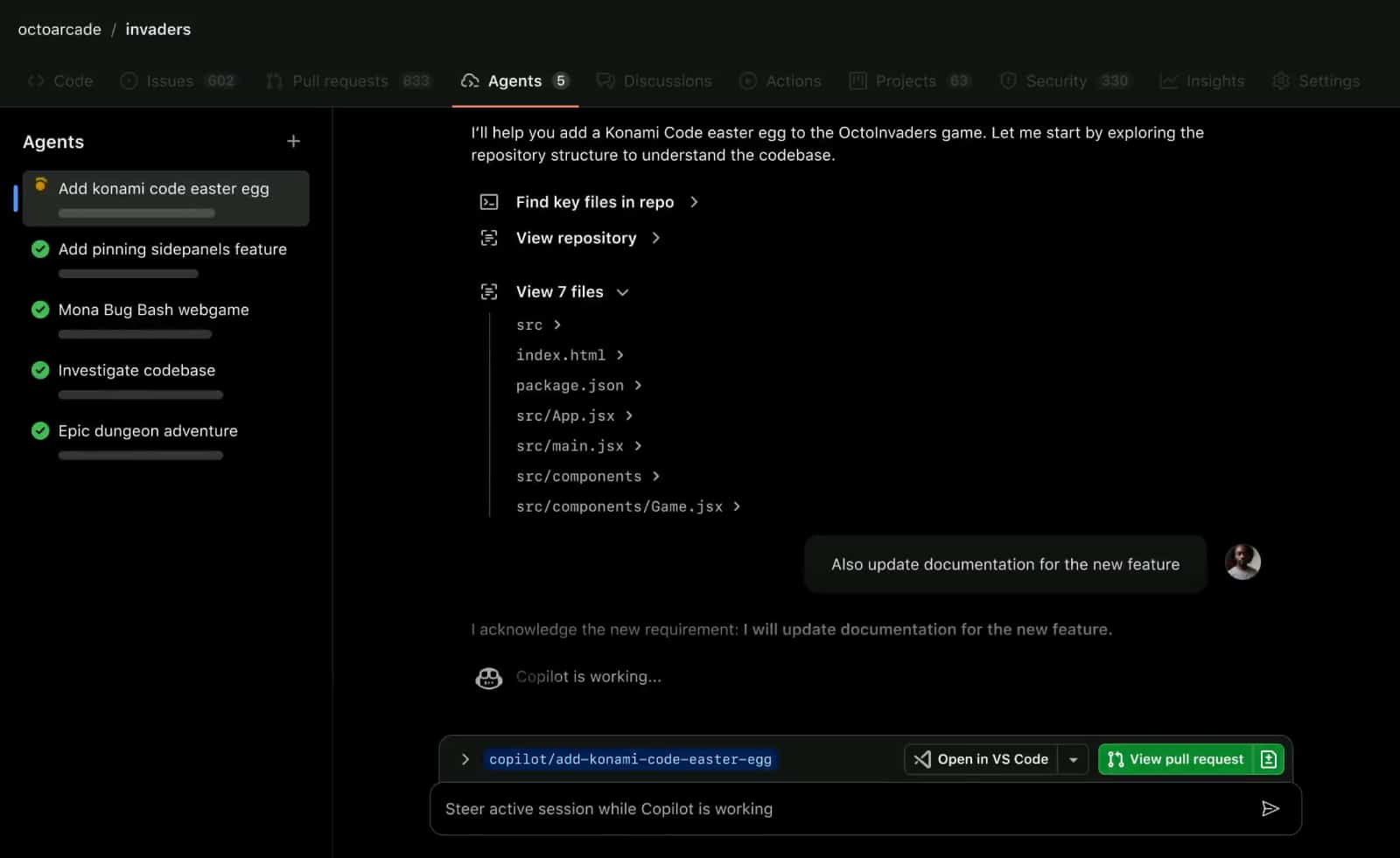
Moving Beyond AI Code Completion
AI coding assistants have already transformed how developers write code. However, software development involves much more than typing code into an editor.
Developers also spend significant time on:
Development Activity | Time Consumption |
Reviewing pull requests | High |
Debugging issues | High |
Writing documentation | moderate |
Managing repositories | moderate |
Understanding unfamiliar codebases | High |
Coordinating workflows | High |
Agents on GitHub aim to reduce this operational overhead by helping developers manage the broader software development process more efficiently.
This shift moves AI from being a coding helper into becoming a more active development collaborator.
Key Features of Agents on GitHub
Context-Aware Repository Understanding
One of the biggest strengths of GitHub Agents on GitHub is contextual awareness. Instead of analyzing isolated code snippets, the AI can understand repository structures, project dependencies, documentation, workflows, and development history. This allows the system to provide more relevant and intelligent assistance across entire projects.
Pull Request and Code Review Assistance
AI agents can help streamline code review workflows by reviewing pull requests, identifying potential issues, suggesting improvements, explaining code changes, and highlighting possible risks. This helps development teams accelerate reviews while maintaining software quality standards.
Workflow Automation
Another major advantage of Agents on GitHub is workflow automation. Developers can use AI agents to assist with repetitive tasks such as issue management, repository organization, documentation updates, development tracking, and CI/CD workflows. This reduces administrative overhead and allows engineers to focus more on building products.
Documentation and Knowledge Assistance
Understanding large codebases can be difficult, especially for new team members or complex enterprise projects. AI agents can summarize repositories, explain code structures, generate documentation, answer contextual project questions, and help developers navigate unfamiliar systems more efficiently.
AI Collaboration Across Teams
Modern software development involves collaboration across developers, DevOps teams, project managers, security teams, and business stakeholders. Agents on GitHub helps improve collaboration through shared AI-assisted insights, better workflow visibility, faster project understanding, and more intelligent task coordination across teams.
Benefits for Developers
For developers, Agents on GitHub can help reduce repetitive work and improve productivity across the entire development lifecycle.
Key benefits include:
- Faster repository understanding
- Reduced manual workflows
- Improved code review efficiency
- Better documentation support
- Enhance collaboration efficiency.
- More intelligent development assistance
Instead of focusing only on code generation, AI agents support developers throughout broader engineering workflows.
AI Agents and the Future of Software Engineering
The rise of AI agents reflects a major shift happening across the software industry.
Future AI development platforms may increasingly support:
- Autonomous Debugging
- Intelligent Workflow Orchestration
- AI-Driven Project Management
- Automated Documentation Systems
- Multi-Agent Collaboration
- Context-Aware Software Engineering
Rather than acting only as passive assistants, AI systems are becoming more active participants in software development environments.
Challenges and Considerations
Although AI agents provide significant productivity advantages, organizations still need to consider important areas such as:
Consideration | Importance |
Code security | Very high |
Repository permissions | Very high |
AI-generated accuracy | High |
Workflow governance | High |
Human Oversight | Required |
AI agents can accelerate workflows, but human developers still play a critical role in validating architecture, security, quality, and business logic decisions.
Why Agents on GitHub Matter
The introduction of Agents on GitHub shows how developer platforms are evolving beyond static repositories and simple AI coding tools. GitHub is positioning AI as a deeper layer integrated throughout the entire software development lifecycle. This could fundamentally change how developers collaborate, manage projects, understand codebases, and ship software in the future. For development teams managing increasingly large and complex projects, AI agents may become an important productivity layer that helps reduce operational overhead and improve engineering efficiency.
Final Thoughts
With Agents on GitHub, GitHub is pushing AI-powered software development far beyond traditional code generation.
By introducing context-aware AI agents capable of assisting with workflows, repository analysis, documentation, pull requests, and collaboration, GitHub is helping shape the next generation of intelligent development environments. As AI continues evolving across the software industry, AI agents may become a core part of how developers build, manage, and maintain software projects in the future.