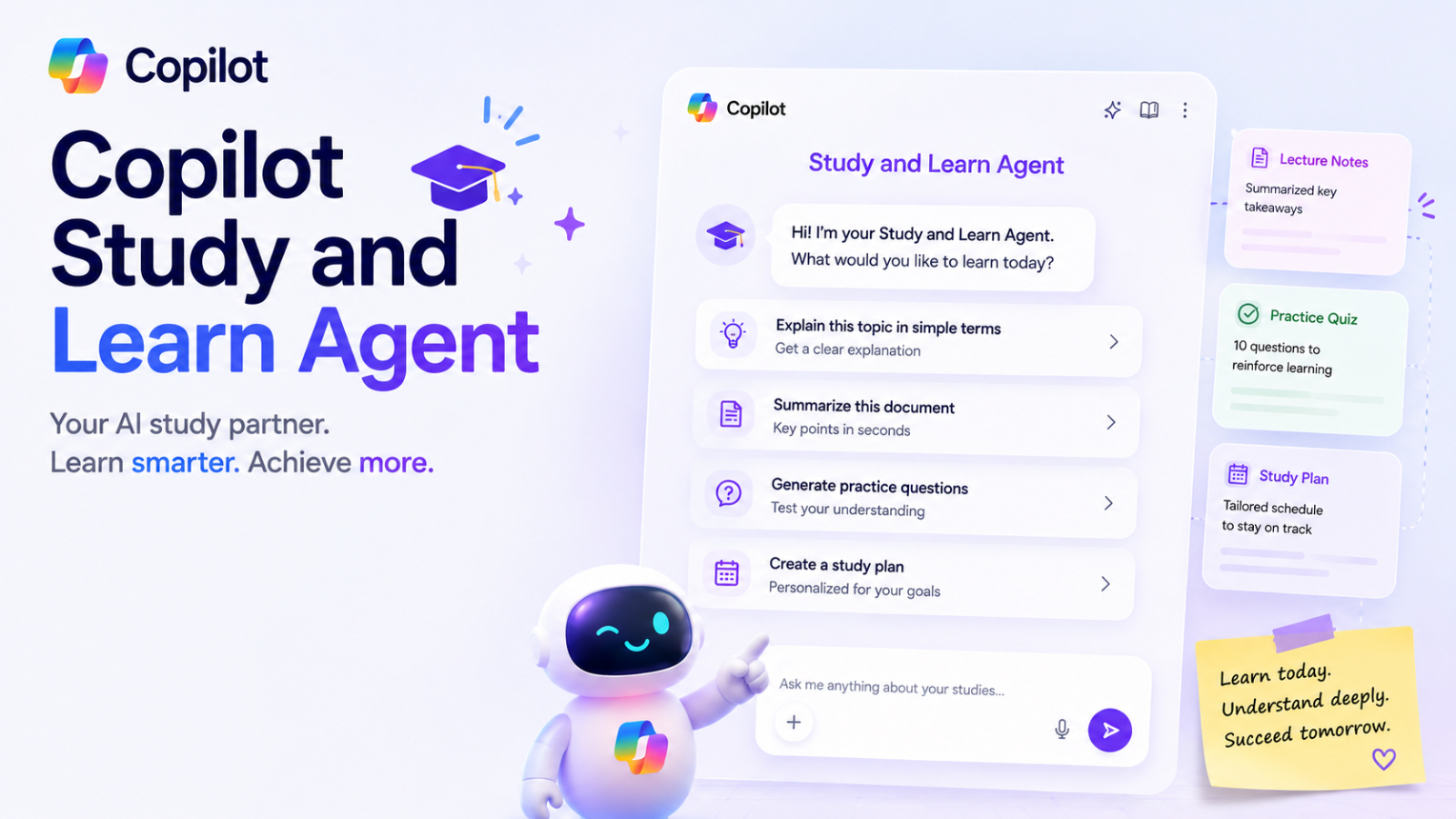
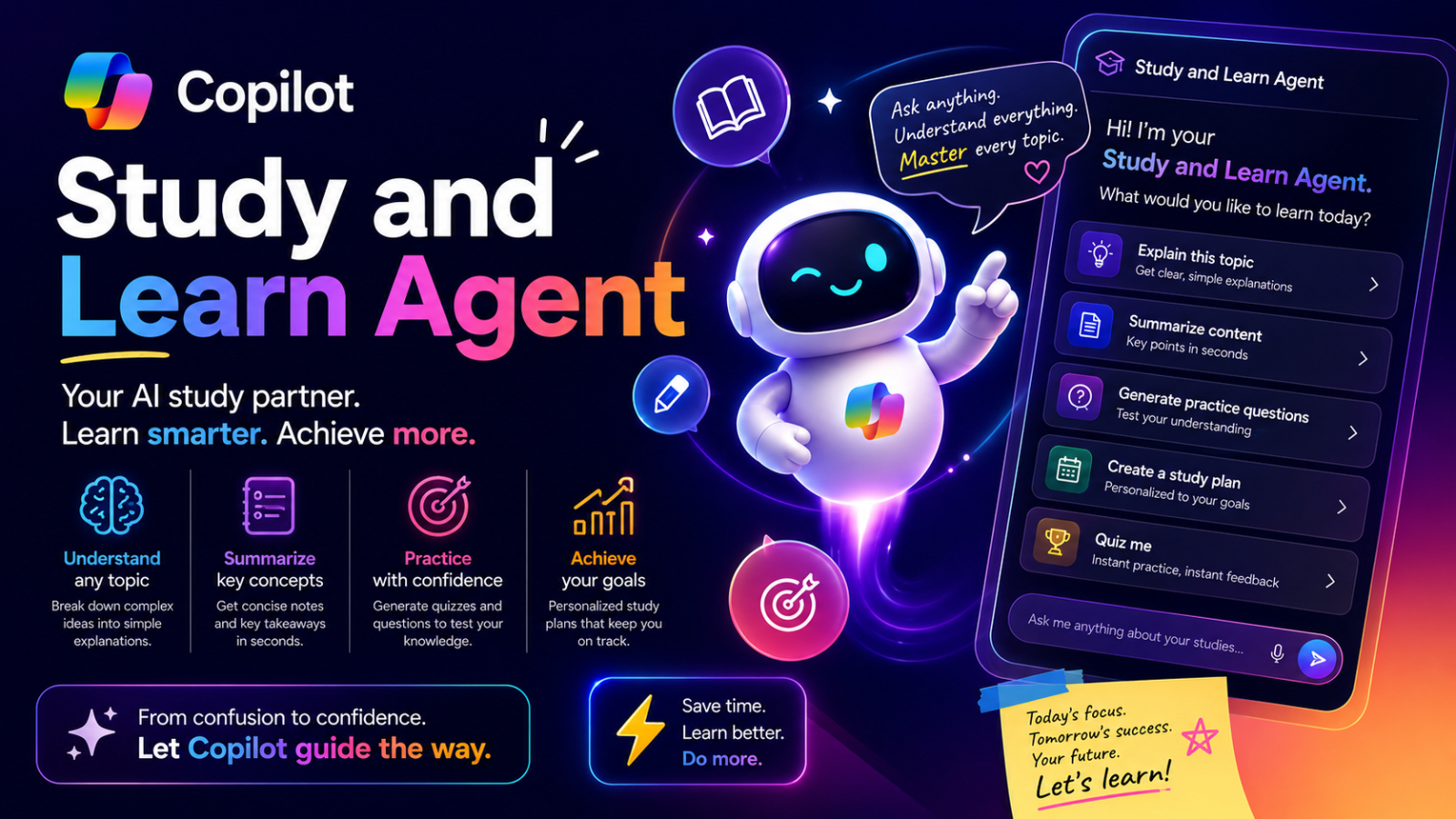
Artificial intelligence is rapidly transforming education, and Microsoft is expanding its AI learning ecosystem through the launch of Copilot Study and Learn, an AI learning agent designed specifically for students.
According to Microsoft Education, the Study and Learn Agent is integrated into the Microsoft 365 Copilot experience for education users. The goal is to provide an AI assistant that can effectively summarize lessons, explain concepts, create learning materials, and support personalized learning workflows. In an era where AI is becoming an integral part of classrooms and digital education platforms, Copilot Study and Learn reflects Microsoft's vision to leverage AI as a key tool for productivity and learning for modern students.
What is Copilot Study and Learn?
Microsoft Copilot Study and Learn is an AI educational agent designed specifically to support students, learners, and educational institutions. Unlike typical AI chatbots that focus on broad conversation, this platform is developed to assist with learning, understanding lessons, exam preparation, and personalized learning workflows.
Students can upload their study materials and interact with AI to help them understand topics, organize information, and prepare for exams more effectively. The system can summarize lessons, explain difficult content in an easy-to-understand way, create study guides and quizzes, and help review lessons from uploaded documents.
Because this platform is directly integrated with Microsoft 365 Copilot, both students and teachers can immediately use these AI learning tools within their familiar Microsoft education environment.
Why did Microsoft create Study and Learn?
Microsoft developed Copilot Study and Learn to help students more easily manage vast amounts of information in modern educational environments. Traditional learning methods often require students to organize notes, review presentations, and create their own study materials, which is time-consuming and potentially inefficient.
This platform is therefore designed to help reduce this burden through AI assistance. The system doesn't just function as a chatbot, but acts as an "AI Learning Companion" that can adapt to learning materials and the specific needs of each learner.
Platform accessibility and requirements
Microsoft confirms that Copilot Study and Learn is available for education users aged 13 and older using supported Microsoft 365 Education licenses, such as A1, A3, and A5. The Study and Learn Agent is included at no additional cost and is pre-installed in supported Education SKUs.
For Copilot Chat to work, it must be enabled within an educational environment. For students aged 13–17, IT administrators need to configure access through age-gating and Microsoft education policies.
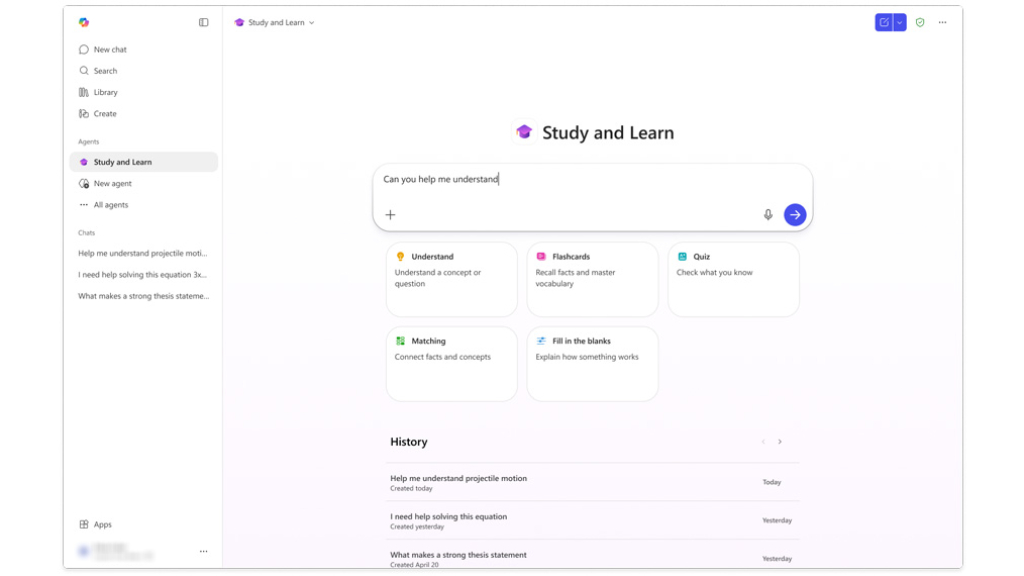
Currently, this platform is accessible via the Microsoft 365 Copilot app on both the web and Windows Desktop. Students can access the Study and Learn Agent from the left-hand menu bar or through the chat dropdown menu.
Supported data sources for AI Grounding
One of the most outstanding features of Copilot Study and Learn is its ability to use the user's own learning materials as grounding sources for conversations with the AI.
Microsoft currently supports the following file types and data sources:
File type | Supported |
Word documents (.docx) | Supported |
PowerPoint presentations (.pptx) | Supported |
PDF files (.pdf) | Supported |
URLs / web pages | Supported |
Copilot Pages | Supported |
This feature allows students to upload lecture notes, slide presentations, study guides, research papers, and PDFs directly into Copilot. The AI can then instantly generate summaries, explanations, quizzes, and other learning materials from those documents.
How does Copilot Study and Learn help students?
This platform is designed to support a variety of learning workflows.
AI-Powered Summaries
Students can upload long documents and ask Copilot to quickly summarize the key points into study notes for exams.
This helps reduce the time required to organize information manually.
Personalized Learning Assistance
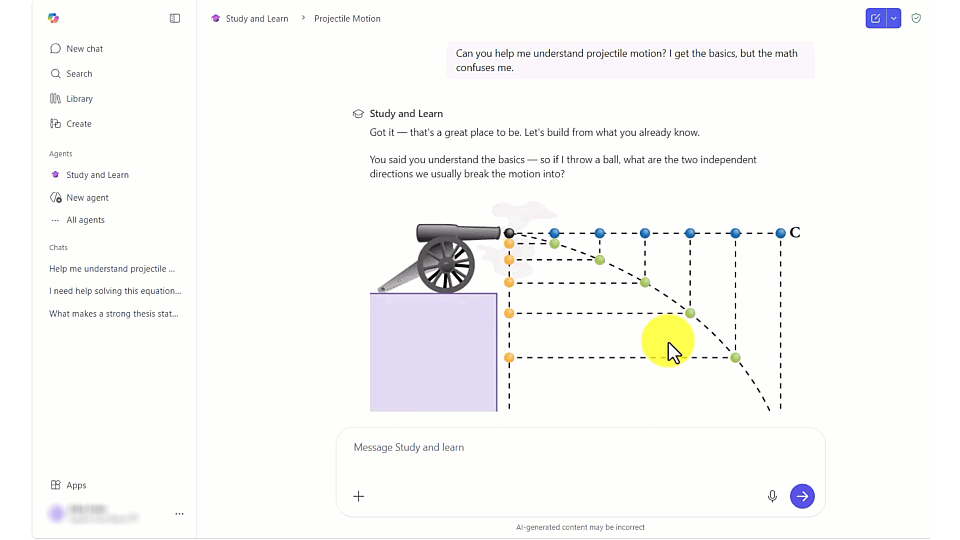
Each learner has a different learning style, and Copilot Study and Learn is designed to support a more personalized learning experience.
Learners can ask the AI questions such as:
- "Explain this concept in simpler terms."
- "Create a quiz for practice."
- "Summary of Chapter 3"
- "Create flashcards from this PDF."
This form of conversation allows students to adapt their learning methods to suit their own learning style.
Automating Study Guides and Quizzes
AI can create:
- Study guides
- Topic summaries
- Flashcards
- Practice quizzes
- Revision exercises
These features help students prepare for exams more effectively without having to create all the learning materials themselves.
Supporting teachers and educational institutions
While this platform is learner-centered, educational institutions can also benefit from an AI-driven learning environment.
Teachers can use the system to:
- Create learning materials for the classroom.
- Create review exercises.
- Simplify lesson preparation.
- Increase access to education.
- Supporting students' self-directed learning.
For schools or universities already using Microsoft 365 Education, connecting within Microsoft's existing ecosystem is a significant advantage.
AI Safety and Governance in Education
As AI is increasingly used in schools, issues of governance and security become crucial.
Microsoft systems have various controls, such as:
- Age-based access rights.
- Governance by the IT administrator.
- Education Tenant Management
- Enterprise-level policy settings
These mechanisms enable educational institutions to appropriately manage the use of AI within student environments while maintaining educational oversight.
The future of AI in education
The launch of Copilot Study and Learn reflects a major shift in education towards an AI-driven learning platform.
Future AI-powered education systems may be able to support:
- Personalized tutoring
- Adaptive learning paths
- Real-time feedback
- AI-generated coursework assistance
- Intelligent classroom collaboration
- Automated educational content organization
AI is no longer just a data retrieval system, but is moving towards becoming a direct "participant" in the learning process.
Microsoft's investment in AI Education tools also reflects the company's view of AI as a fundamental component of the future digital learning environment.
Summary
With the launch of Copilot Study and Learn, Microsoft is expanding its AI-driven education ecosystem by providing an integrated AI learning assistant within Microsoft 365.
The ability to analyze learning materials, create educational content, summarize lessons, and personalize the learning experience for each user makes this platform a powerful productivity tool for modern education.
As schools and universities increasingly adopt AI, Copilot Study and Learn may become a crucial part of how students organize knowledge, prepare for exams, and interact with future digital learning environments.