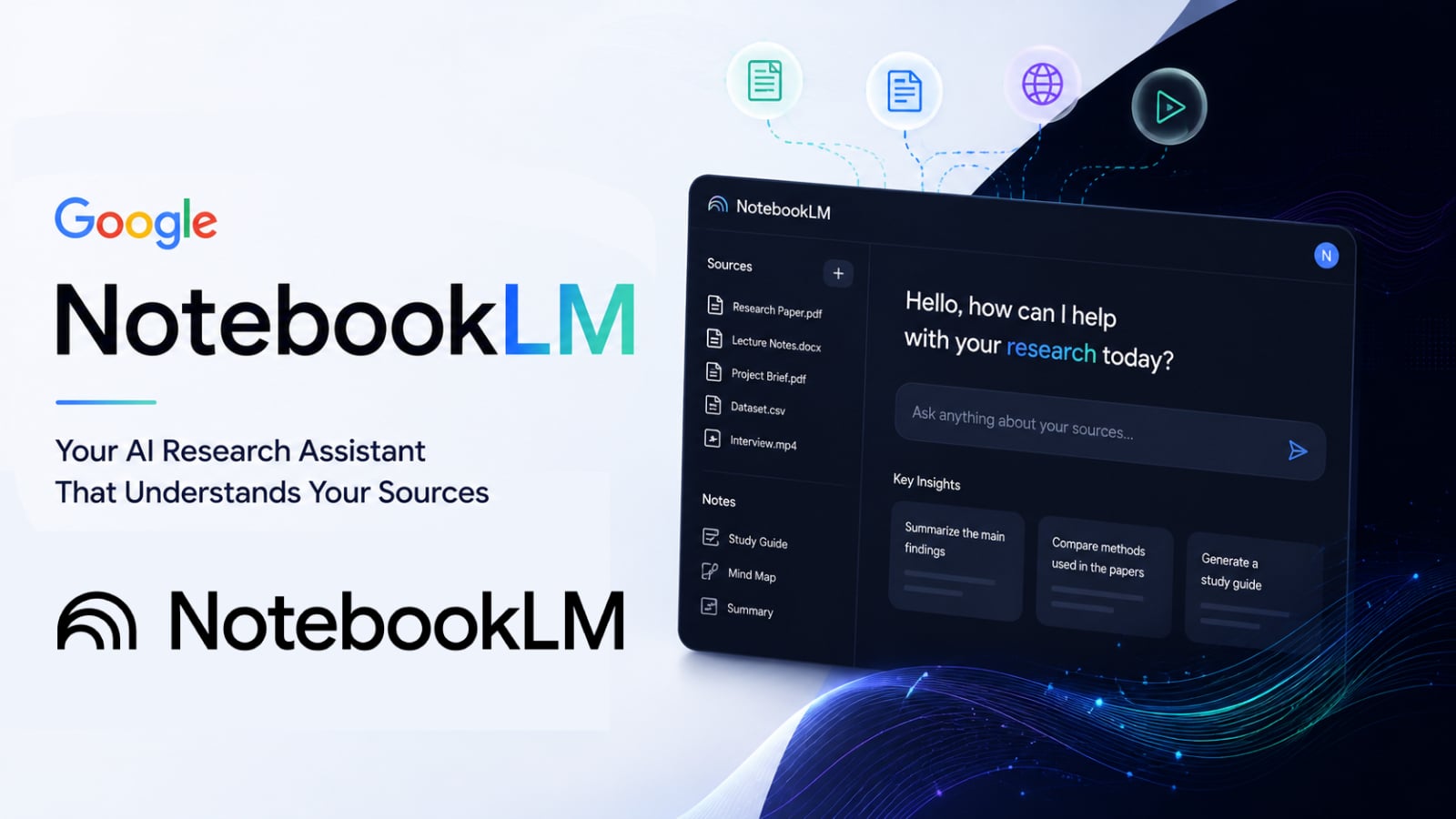
Artificial intelligence is rapidly transforming the way people research, organize information, and learn from complex content. From students and researchers to business professionals and content creators, many are relying on AI tools to help manage vast amounts of data and improve productivity. One of the most interesting tools in this area is Google NotebookLM, an AI-powered research and knowledge management assistant developed by Google.
Unlike traditional AI chatbots that primarily focus on answering general questions, NotebookLM is designed to help users collaborate directly with their own data sources and documents. The platform acts as a personal AI research assistant, summarizing information, explaining concepts, organizing notes, and generating insights from user-uploaded documents.
As AI-powered knowledge management systems become increasingly important, NotebookLM represents a significant step towards smarter and more personalized research workflows.
What is Google NotebookLM?
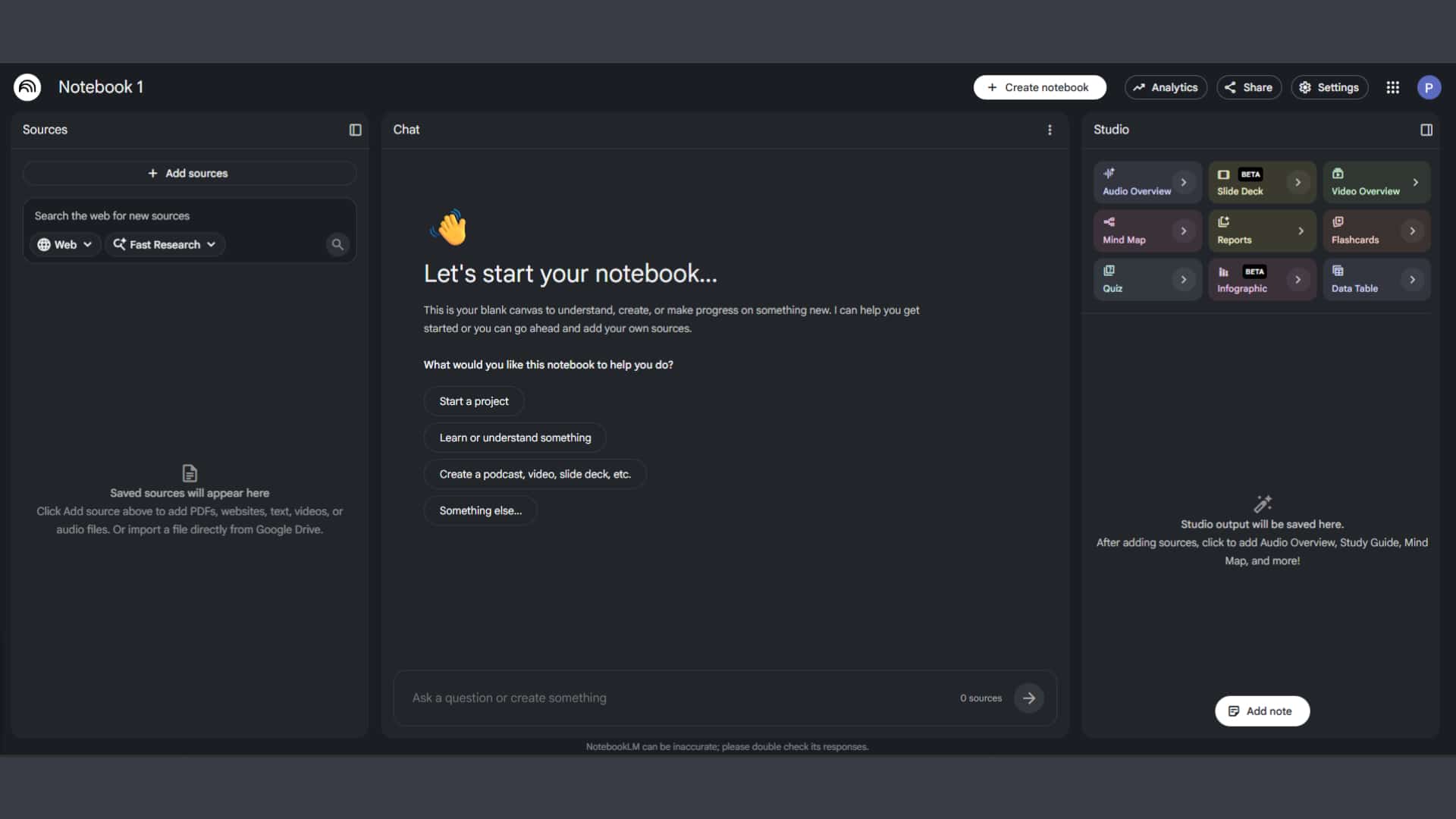
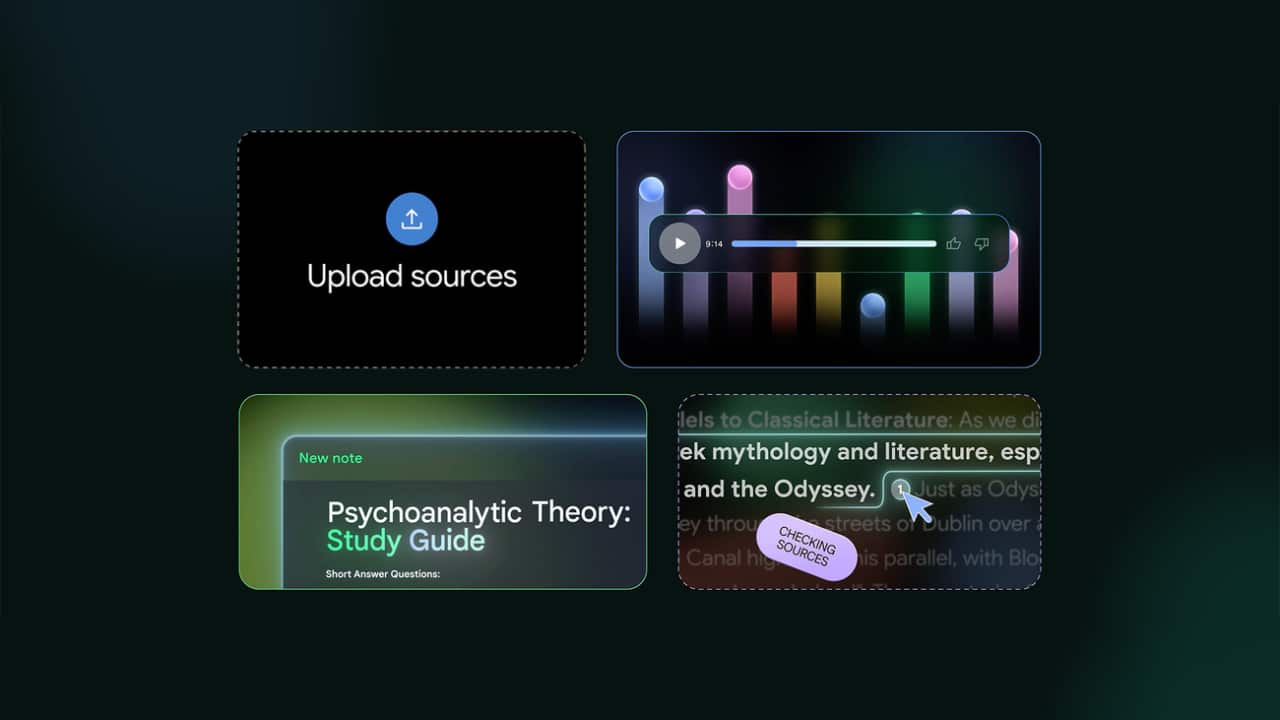
Google NotebookLM is an AI-powered notebook and research assistant designed to help users better analyze, organize, and understand information from their own documents and sources. Users can upload various files such as PDFs, Google Docs, research papers, website URLs, notes, and presentation files for the AI to use as a reference for discussion and research assistance.
Unlike typical AI chatbots that rely heavily on internet-based knowledge, NotebookLM focuses specifically on user-provided content. This makes its answers more contextual, personalized, and relevant for research, studies, or projects.
Why did Google create NotebookLM?
Modern users must manage large amounts of information from numerous documents, websites, and research sources. Manually organizing notes and extracting key information from long documents can be time-consuming and inefficient.
Google therefore developed NotebookLM to help simplify these processes using AI.
This platform is designed to help users:
Target | Benefit |
Understand complex content | Faster learning |
Organize Research | Increase work efficiency |
Summarize Long Documents | Reduced Reading Time |
Generate insights | Improved decision-making |
Ask contextual questions | More Personalized Answers |
Rather than acting only as a chatbot, NotebookLM functions more like an intelligent research workspace.
Key Features of Google NotebookLM
AI-Powered Document Understanding
One of the biggest strengths of NotebookLM is its ability to understand uploaded documents and provide contextual responses based on those sources. Users can ask questions, request summaries, compare documents, or simplify complex topics directly from their own materials, making the platform highly useful for studying, research, and professional analysis.
Personalized and Source-Grounded AI
Unlike traditional AI chatbots that rely mainly on general internet knowledge, NotebookLM focuses on the user’s uploaded content. This creates a more personalized AI experience while improving accuracy through source-grounded responses. The AI references uploaded documents directly, helping reduce hallucinations and making it more reliable for academic research, business analysis, and technical documentation.
AI-Generated Summaries and Notes
NotebookLM can automatically generate summaries, structured notes, and key insights from long documents such as research papers, reports, meeting notes, and educational materials. This helps users understand important information faster without manually reviewing large amounts of content.
Audio Overviews and Interactive Learning
One of the platform’s most innovative features is AI-generated audio overviews. NotebookLM can turn uploaded materials into podcast-style discussions, allowing users to consume information in a more interactive and conversational format. This is especially useful for students, researchers, and busy professionals.
Collaboration and Knowledge Management
NotebookLM also supports collaborative research and knowledge management workflows. Teams can organize documents, manage shared research materials, and analyze information more efficiently, making the platform useful for both individuals and organizations.
Google NotebookLM vs Traditional AI Chatbots
Features | Traditional AI Chatbots | Google NotebookLM |
General conversations | Supported | Supported |
Source-responses grounded | Limit | Strong focus |
Document uploads | some | Core feature |
Personalized research | Limit | Advanced |
AI-generated summaries | Supported | Enhanced |
Audio learning features | Rarely found | Supported |
Research workflow support | basic | Specialized |
The biggest difference is that NotebookLM focuses heavily on contextual understanding of user-provided materials.
Use Cases for Google NotebookLM
- Students and Education — Generate summaries, explanations, quizzes, and revision materials from lecture notes and PDFs.
- Researchers and Analysts — Organize research materials, compare documents, and identify insights more efficiently.
- Content Creators and Writers — Manage references, summarize sources, and streamline research workflows.
- Business Professionals — Support knowledge management, document analysis, and collaborative research within organizations.
The future of research with AI
The growth of tools like NotebookLM reflects the broader trend of AI-driven knowledge management systems.
Future AI research platforms may support:
- Persistent research memory
- Autonomous knowledge organization
- Multi-source reasoning
- AI-generated presentations
- Intelligent collaboration systems
- Personalized learning environments
Instead of simply answering questions, AI systems are evolving into active research and productivity partners.
Summary
With the launch and continued expansion of NotebookLM, Google is redefining how users interact with information, research materials, and personal knowledge sources.
Its ability to ground AI conversations in uploaded documents, generate intelligent summaries, organize research workflows, and provide interactive learning experiences makes it one of the most innovative AI productivity tools available today.
As AI-powered research tools continue evolving, NotebookLM may become an increasingly important platform for students, researchers, professionals, and organizations seeking smarter ways to manage and understand information.