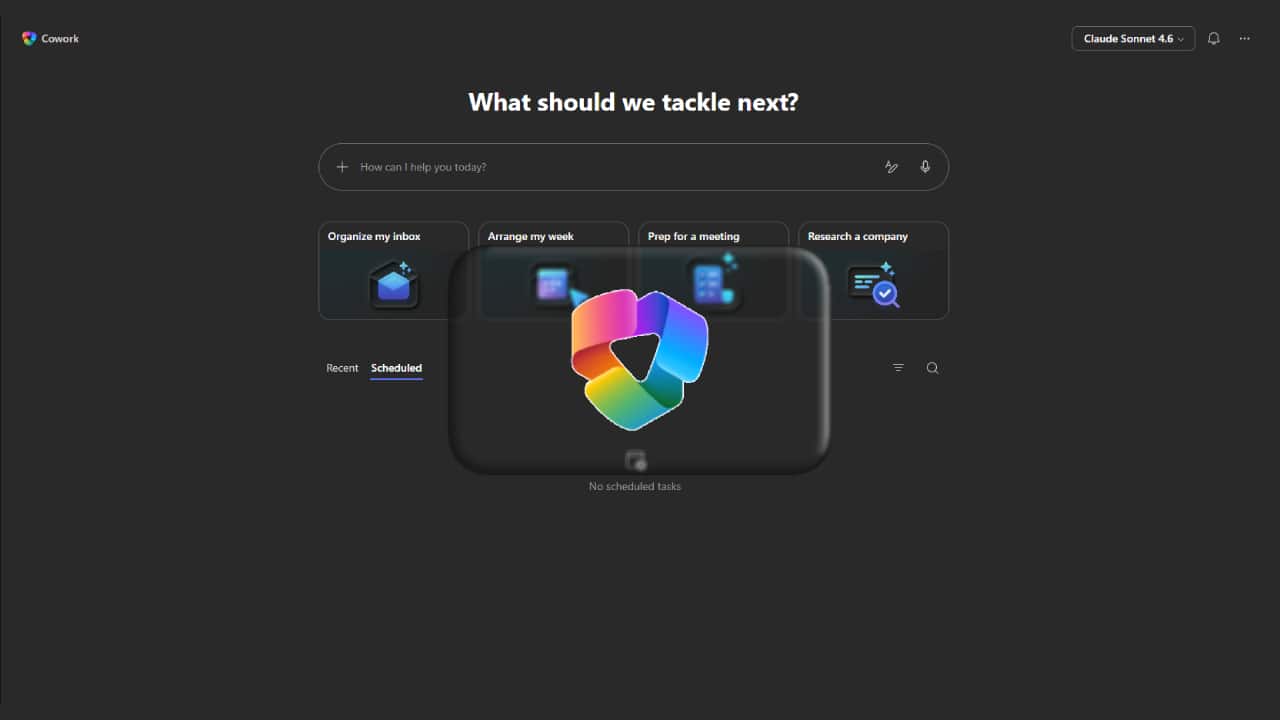
Are you tired of managing repetitive tasks every day? Copilot Cowork is fundamentally changing the way we work within Microsoft systems. Unlike traditional AI that simply responds to commands, Copilot Cowork embodies the concept of authentic AI, where you simply define the desired outcome and the system automates the entire process.
While tools like Microsoft Copilot already enhance productivity across various apps, Copilot Cowork takes it a step further. It doesn't just help—it “takes action.” This means you can focus on higher-value tasks while the AI handles repetitive, time-consuming tasks in the background.
From helping to taking action: What makes Copilot Cowork different?
The main difference between a traditional copilot and a copilot coworker lies in how they operate.
Copilot typically works within a single app, helping you write, summarize, analyze, or create content, but you still retain control of the entire process yourself.
While Copilot Cowork acts like a digital employee, you simply tell it the desired results, and it handles the entire process, from data collection and file creation to organizing the results, requiring virtually no manual work.
In practice, tasks that might take a human an hour can be completed in a few minutes with Cowork.
The capabilities of Copilot Cowork in daily tasks
Copilot Cowork is designed to work across systems, not just limited to a single app. It connects various workflows and seamlessly executes multiple processes.
One of its strengths is its ability to manage tasks end-to-end, instead of having to switch apps, copy data, and organize files manually. Users can let Cowork handle every step.
Example workflow:
- You specify the desired outcome (e.g., "Create a project summary report with supporting data").
- Cowork gathers relevant information from various documents and systems.
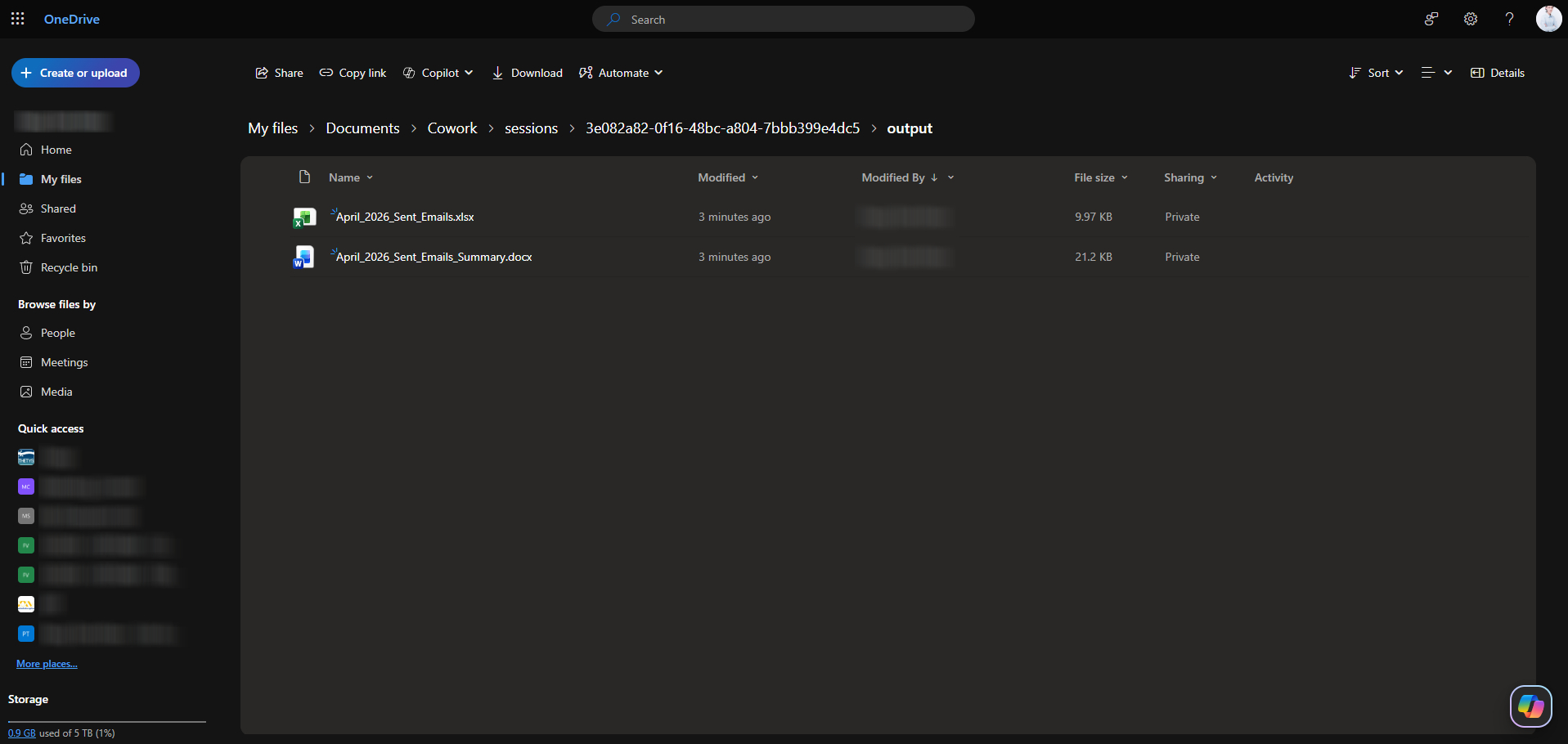
- Create and store files in Microsoft OneDrive.
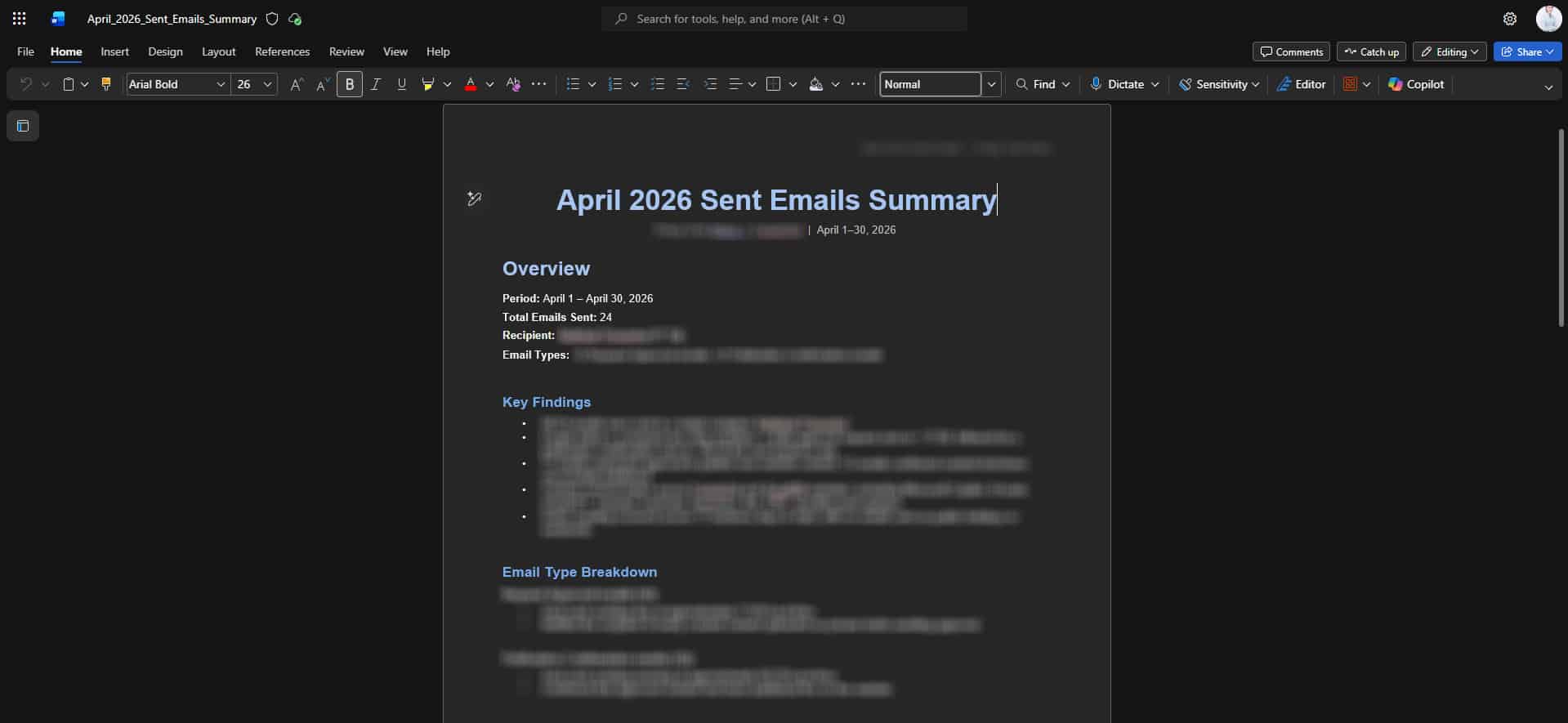
- You simply check and download the results.
This approach simplifies the workflow and allows you to focus more on decision-making.
Work Smart with Copilot Cowork in real-world applications
In practical use, Copilot Cowork acts like a context-aware collaborator, not just answering questions, but working with you in real time.
You can track progress, adjust orders, and modify results during work, making the workflow more flexible and interactive.
Another highlight is its ability to handle multi-stage workflows, which surpasses the typical Copilot feature that is usually limited to a single app.
1. Tell the copilot what you want without writing complex prompts
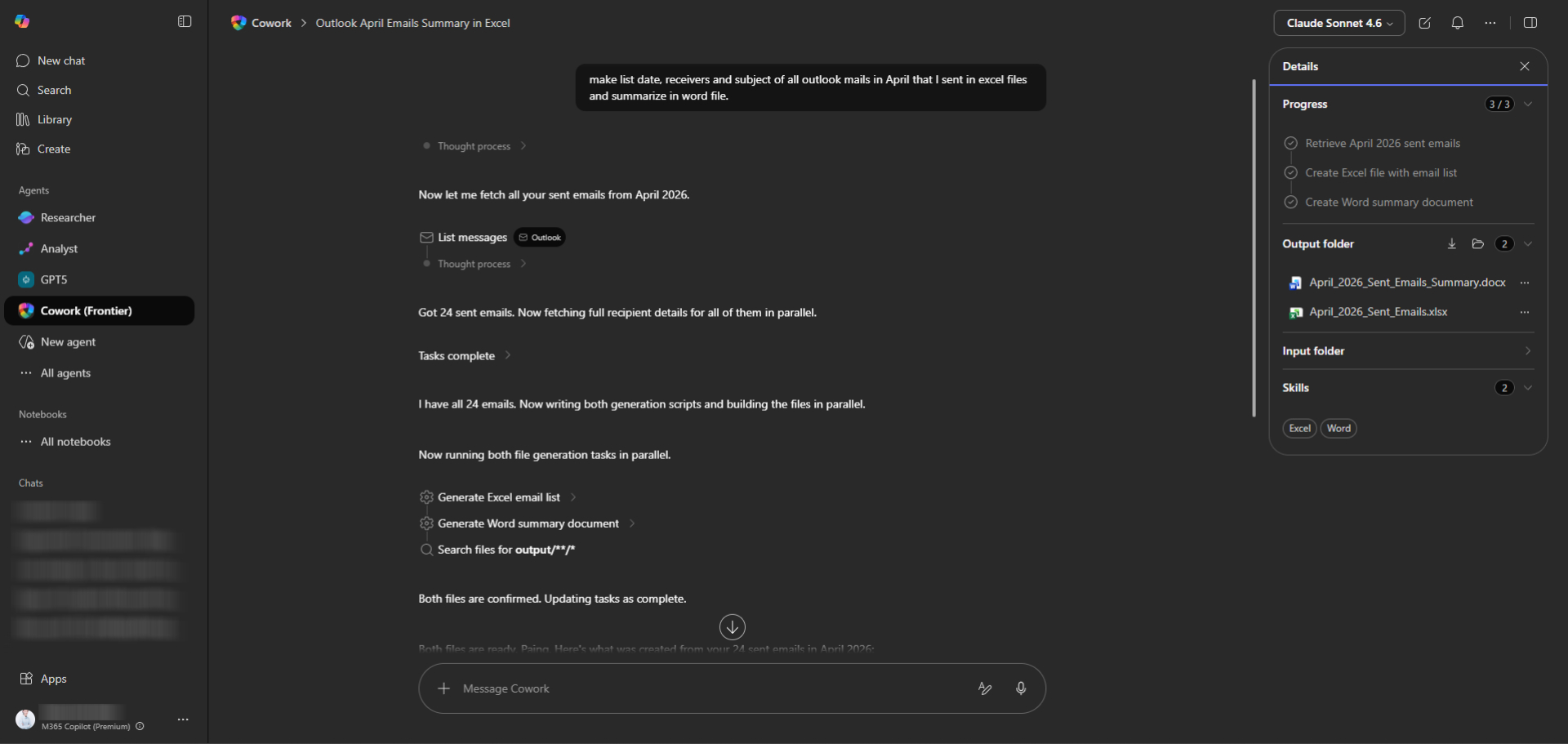
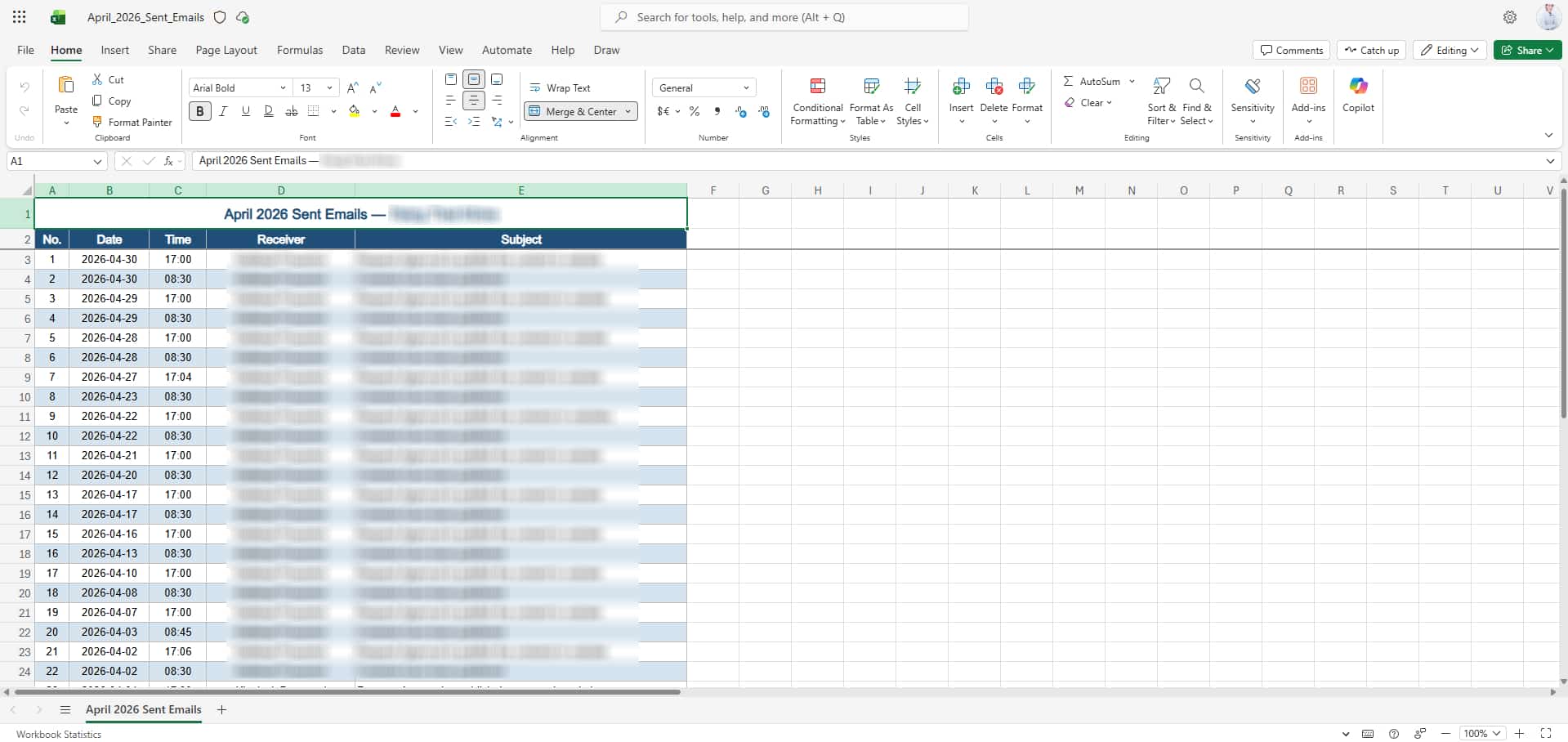
2. Cowork creates files in OneDrive
3. Download and view the results.
Copilot Cowork Terms of Use
To fully utilize Copilot Cowork, organizations need the following key components:
- Microsoft 365 Subscription
- Microsoft 365 Business Standard
- Business Premium
- E3 / E5
These packages are fundamental for connectivity and collaboration.

- Copilot Add-on License
CopilotCowork is not included in the basic package; a separate license must be purchased. - System settings (Configuration)
IT administrators must correctly define user permissions, manage licenses, and configure data policies.
For organizations in Thailand, working with certified Microsoft partners such as Fusion Solution can help ensure a smoother and more secure installation and deployment.
Check out Microsoft 365 Plans.
Why Copilot Cowork is important to the future of work?
Copilot Cowork reflects a major shift in AI in the workplace, from a task-assisting tool to a system capable of managing the entire workflow.
What This Means:
- Faster workflow.
- Reduce redundant tasks.
- Focus more on strategic and creative work.
When AI takes over repetitive tasks, humans will be able to spend their time on what's truly important.
Summary
Copilot Cowork introduces a new way of working within Microsoft 365, shifting from a step-by-step approach to a complete end-to-end process that delivers the results you define.
With the right settings, including the Microsoft 365 license, Copilot add-on, and system configuration, organizations can enhance efficiency, reduce downtime, and modernize the way they work.
In the future, AI will no longer be just an assistant, but will become an integral part of work systems, and Copilot Cowork is one of the key steps in that transformation.