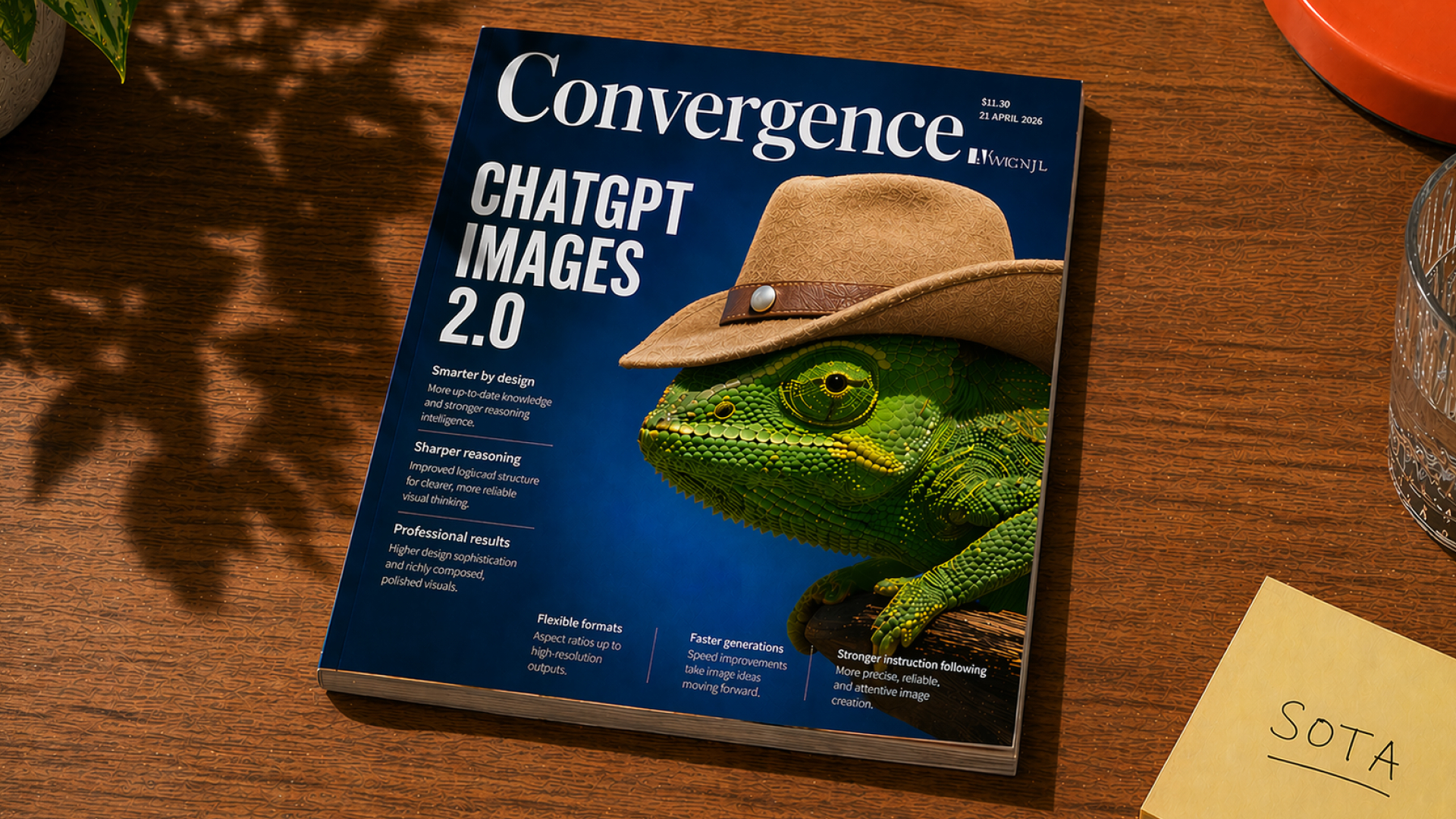
Creating high-quality images in the past often required design skills, expensive tools, or a creative team. But today, ChatGPT Images 2.0 Prompts allows anyone to create professional-looking images with just clear and appropriate prompts.
Whether you're in marketing, content creation, or product design, a good prompt can significantly enhance the quality and usability of a visual element.
In this article, we'll introduce you to 5 powerful and practical prompts for business, along with a bonus prompt for creative experimentation.
ChatGPT Images 2.0 Prompts helps transform ideas into visual assets
The strength of ChatGPT Images 2.0 lies in its ability to follow detailed commands and create highly accurate images.
With the right prompt, businesses can:
- Create marketing materials immediately.
- Designing infographics and presentations.
- Create a prototype of your idea.
- Productivity that is aligned with the brand and the location (localized).
This reduces reliance on manual design and accelerates the content production process.
5 ChatGPT Images 2.0 Prompts are available
Below are 5 carefully selected prompts that are practical, flexible, and suitable for business use.
1. Infographics for social media (Trending content)
Prompt:
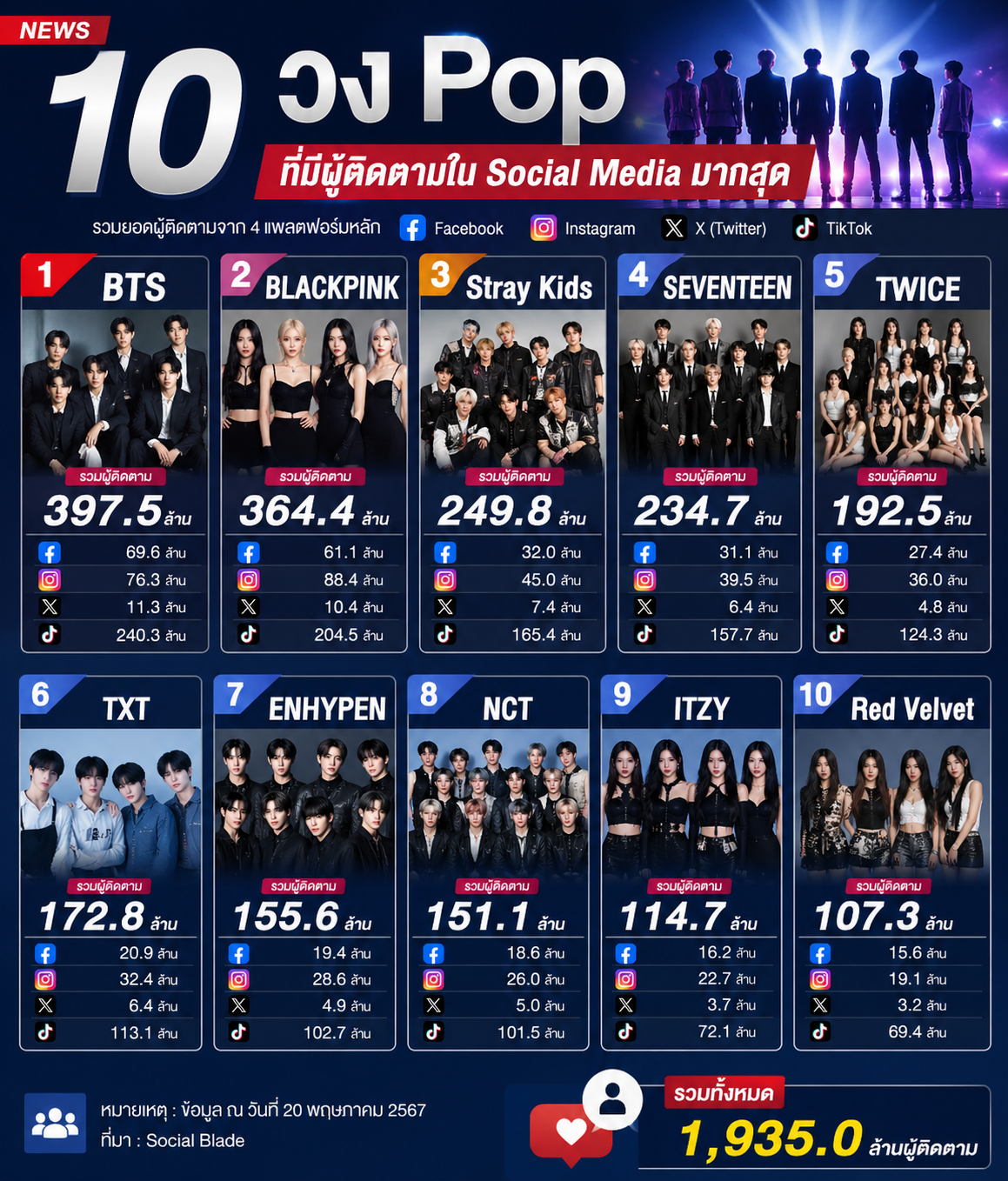
"The infographic's design and layout are similar to a news photo, featuring the headline 'Top 10 Pop Groups with the Most Followers on Social Media'."
Use Case:
Ideal for social media marketing, article illustrations, or trending content campaigns, it helps create engaging infographics that encourage sharing.
2. Product promotional images (food and beverages)
Prompt:
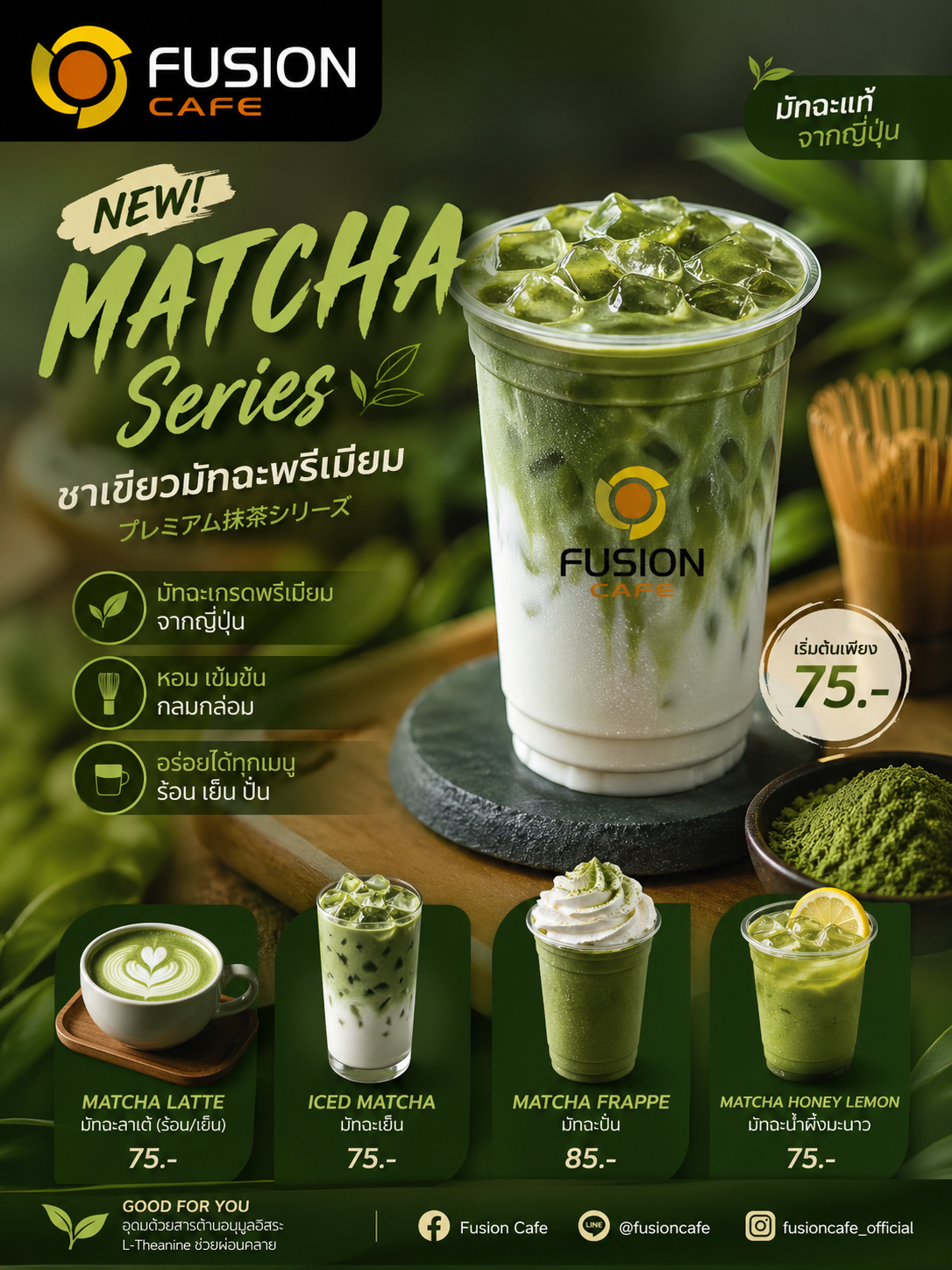
"Create promotional images for the new matcha green tea menu at Fusion Cafe."
Use Case:
Ideal for cafes, restaurants, and F&B brands, allowing you to quickly create appealing promotional images for new menus without hiring a photographer or designer.
3. Travel brochures (travel content)
Prompt:
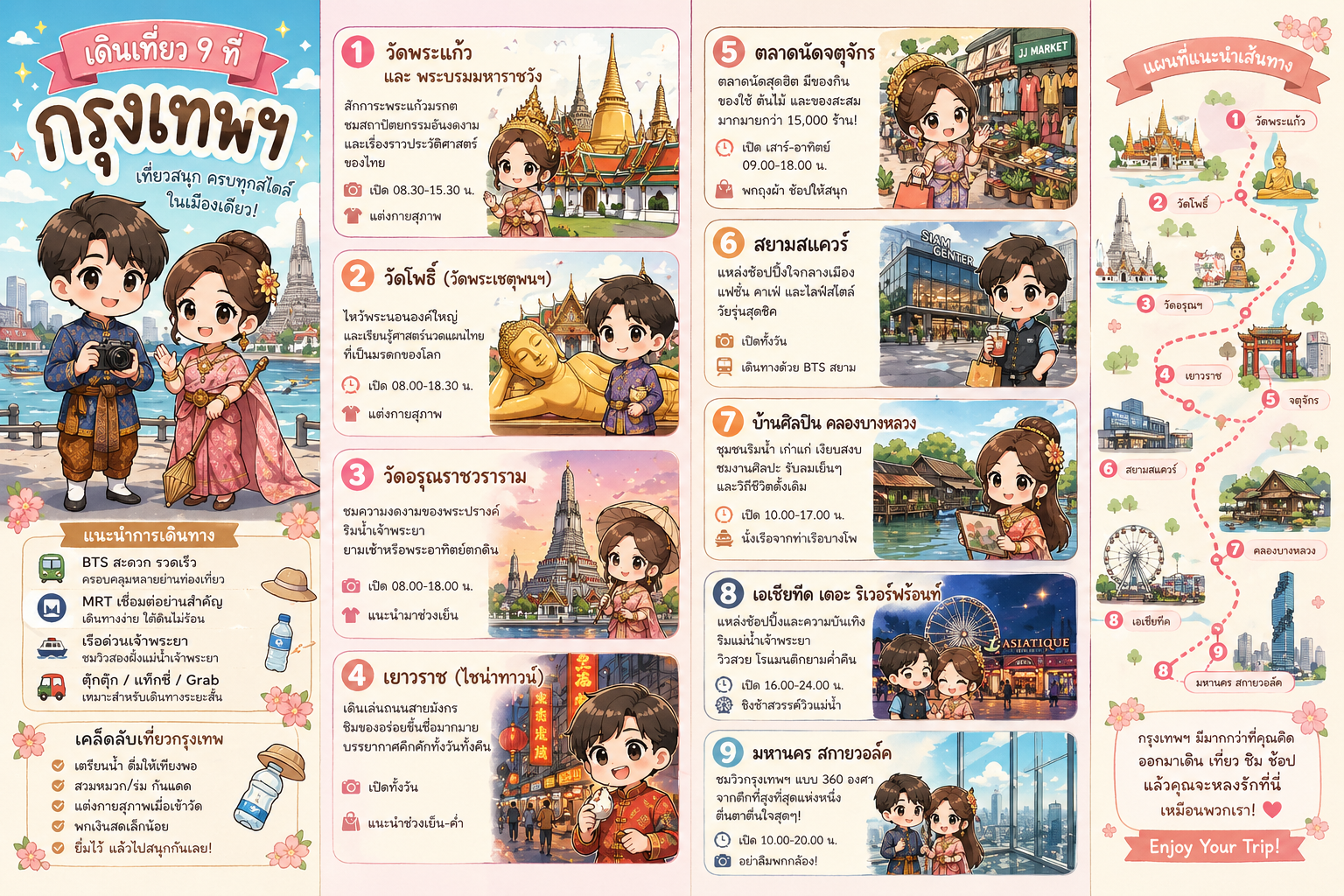
"Create a brochure explaining 9 walking tours in Bangkok for tourists, in a cute Japanese cartoon style."
Use Case:
Ideal for travel businesses, bloggers, or agencies, it helps create brochures that are both informative and engaging, especially for international audiences.
4. Character Design (Creative & Branding)
Prompt:
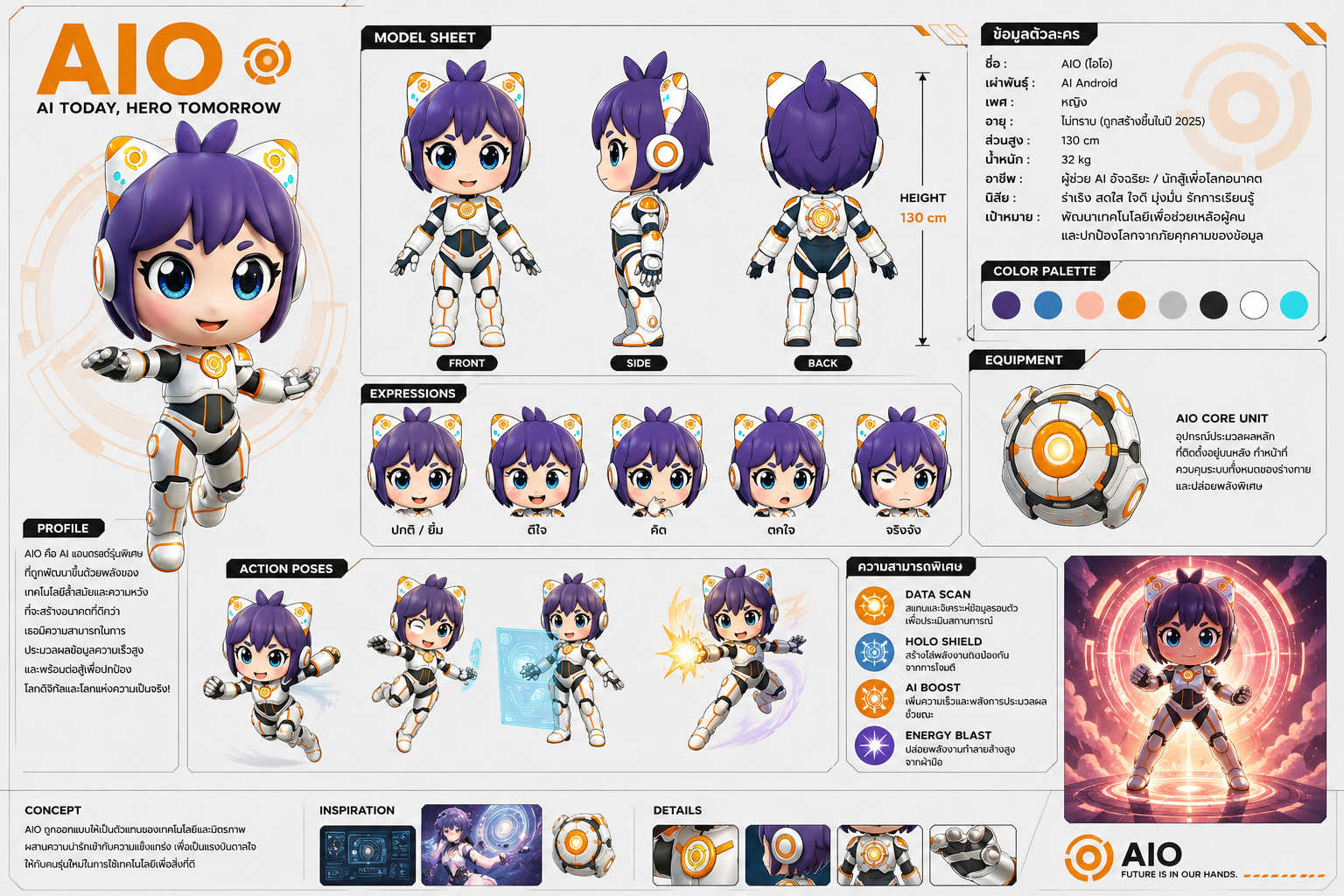
"Create a character sheet for a shonen-style anime character from this image. Its name is 'AIO'."
Use Case:
Ideal for branding, storytelling, games, or content creation. Allows for the development of unique characters for campaigns, mascots, or digital products.
5. Premium Product Advertising (Lifestyle Branding)
Prompt:
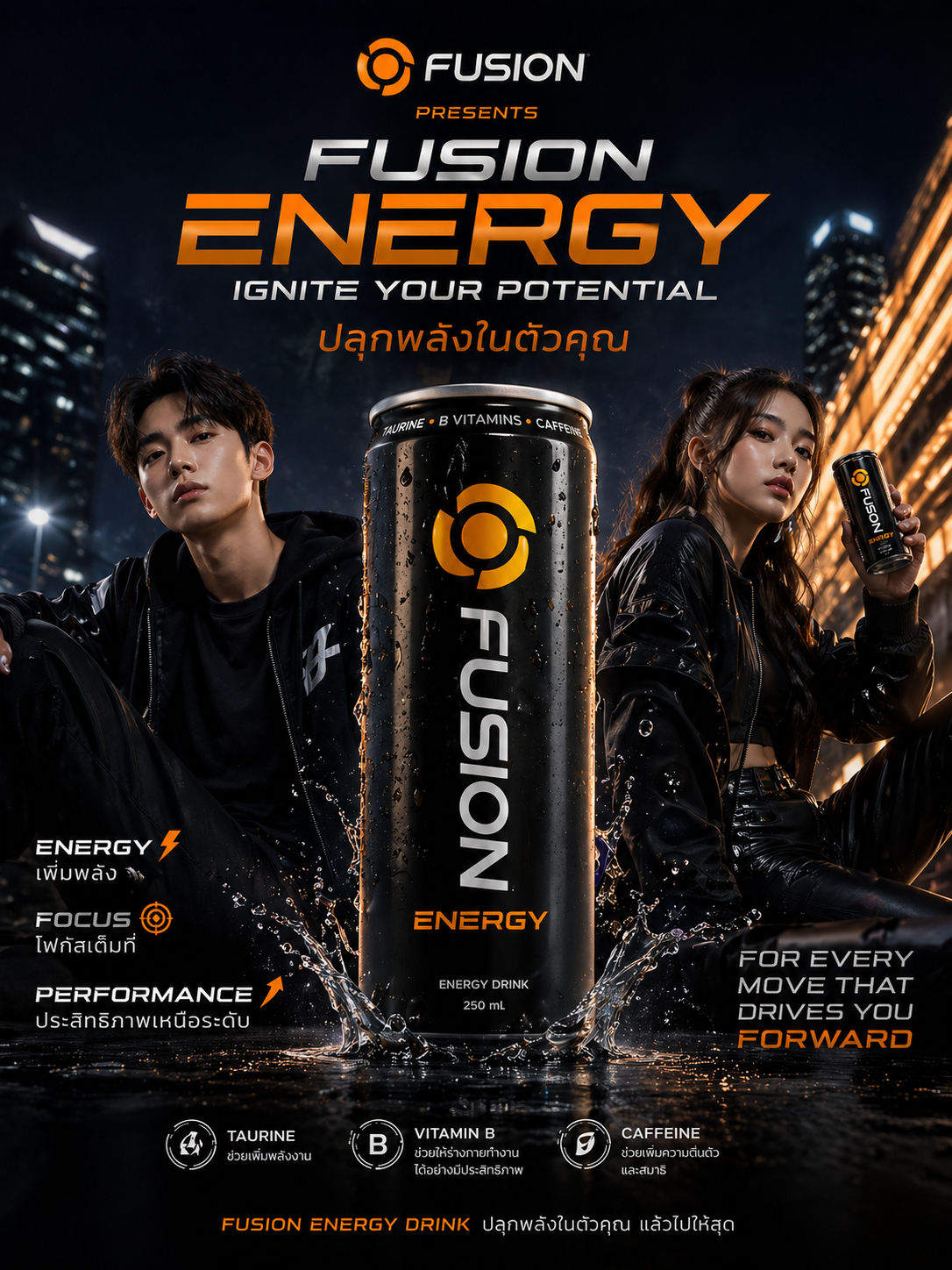
"Fusion launches a new energy drink targeting teenagers and young adults (14-30 years old), focusing on modern and appealing advertising with a professional photo shoot style, clean, elegant, and premium luxury design."
Use Case:
Ideal for premium branding and advertising, it helps create an image that looks like it was shot in a professional studio. Perfect for a modern target audience.
Bonus Prompt: Experiment with fun and creative ideas
Prompt:
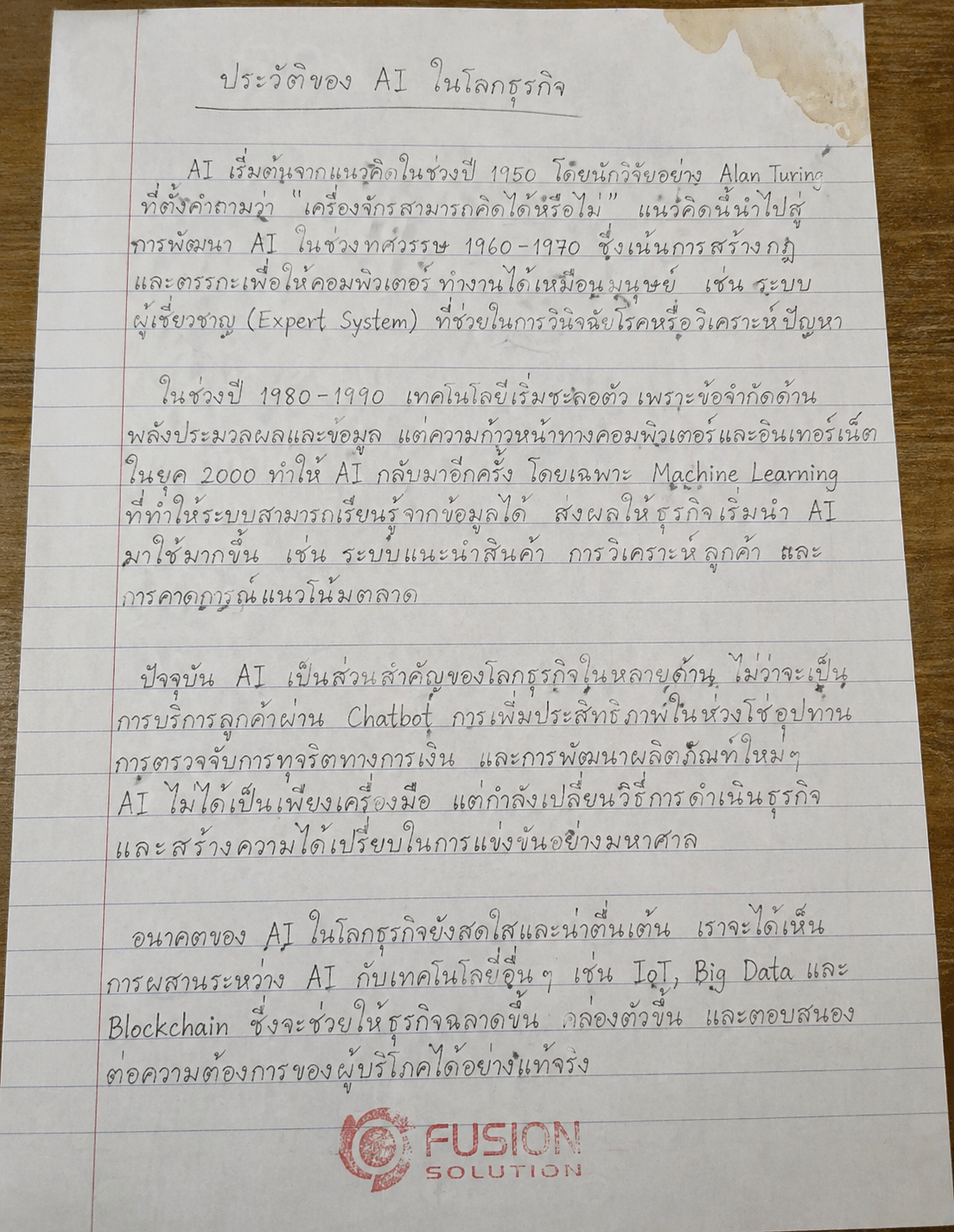
A photorealistic phone photograph of a pencil-written essay. The handwriting is thick yet elegant, slightly messy and disorganized, written on 8.5 x 11 inch lined paper on the topic of "The History of AI in Business." Emphasis should be placed on variations in the handwriting to create the illusion of human writing. A faint coffee stain is present in the upper right corner, and the Fusion logo should be stamped in red ink at the bottom, with a patchy and uneven impression.
Why It’s Interesting:
This prompt demonstrates the realism and detail capabilities of ChatGPT Images 2.0, making it ideal for storytelling, educational content, or social media posts that require a striking appearance.
Tips for writing more effective prompts
To get the most out of ChatGPT Images 2.0, keep the following in mind:
- Clearly specify the layout style and purpose.
- Identify the target audience or use case.
- Set the tone of the image (e.g., modern, luxury, playful).
- Add details such as lighting, composition, or image size.
The clearer the prompt, the better the results will be.
Summary
ChatGPT Images 2.0 Prompts is changing the way businesses create visual content.
With the right commands, you can create professional-quality images in minutes, without needing advanced design skills.
Whether you're running a marketing campaign, designing a brand, or testing new ideas, these prompts are a powerful starting point.
Start today to unlock a faster, smarter, and more efficient way to transform ideas into impactful visuals.