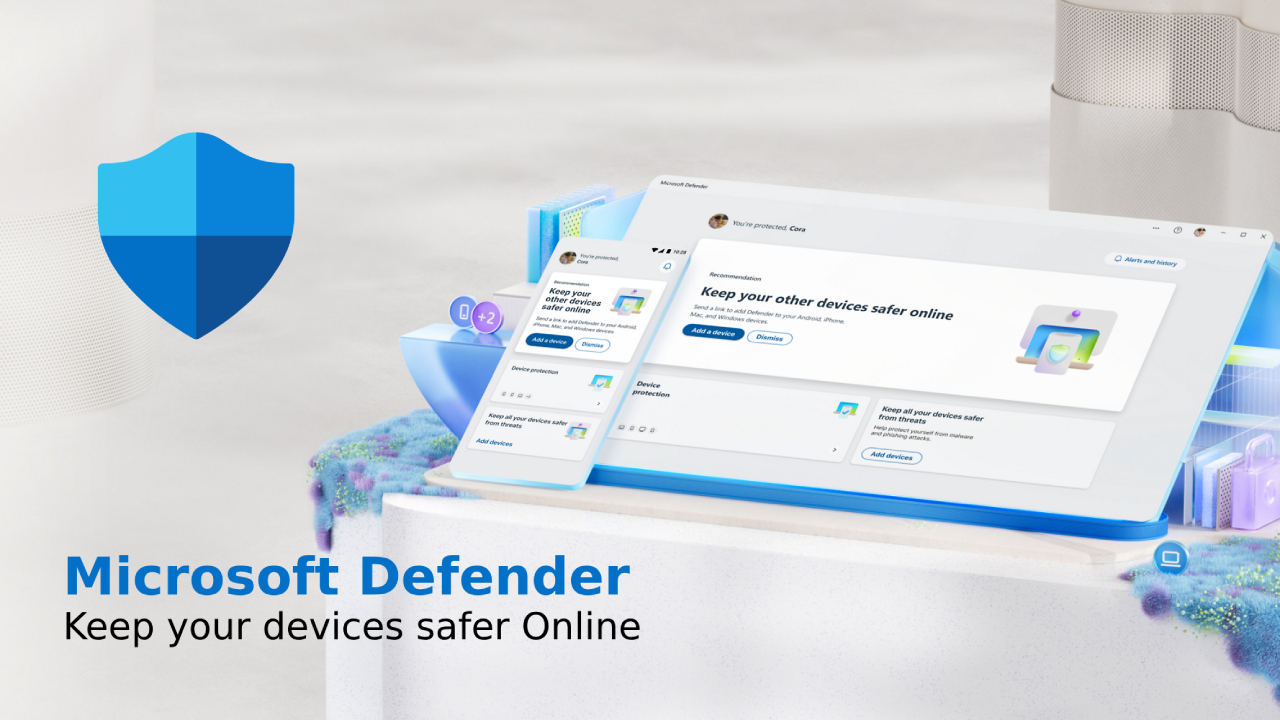
In the current digital age cyber security It is more important than ever, with threats constantly increasing, such as: Malware, ransomware, and phishing. Both individuals and organizations need them. Trusted security solution To protect your devices and important data. Defender It is Microsoft's advanced security suite designed to provide... Real-time protection, threat analysis, and automated security management. For Windows users
This article explains What is Microsoft Antivirus? What are its key features? How does it work? And why is it an essential security solution today?
What is Defender?
Microsoft Antivirus is Microsoft's integrated security system Designed to protect Windows devices from cyber threats, it was originally known as... Windows Microsoft Antivirus which has been developed to be Comprehensive security platform comprehensive protection Network equipment, email, and cloud services.
This Microsoft security system is pre-installed with Windows and provides... Real-time monitoring with automatic security updates. To combat the latest threats
Defender's main features
- Real-time threat protection - Inspect and scan files, downloads, and applications for threats.
- Firewall and network security – Prevent unauthorized access to the system.
- AI Threat Analysis – Utilizing machine learning and cloud intelligence to detect and respond to threats.
- Protection against phishing and ransomware. – Blocking malicious links, emails, and software.
- Integration with Microsoft 365. – Protect data stored on the cloud, email, and Microsoft apps.
Unlike traditional antivirus software. Microsoft Antivirus not only scans for viruses, but also provides comprehensive protection for all aspects of the system.
How does Defender work?
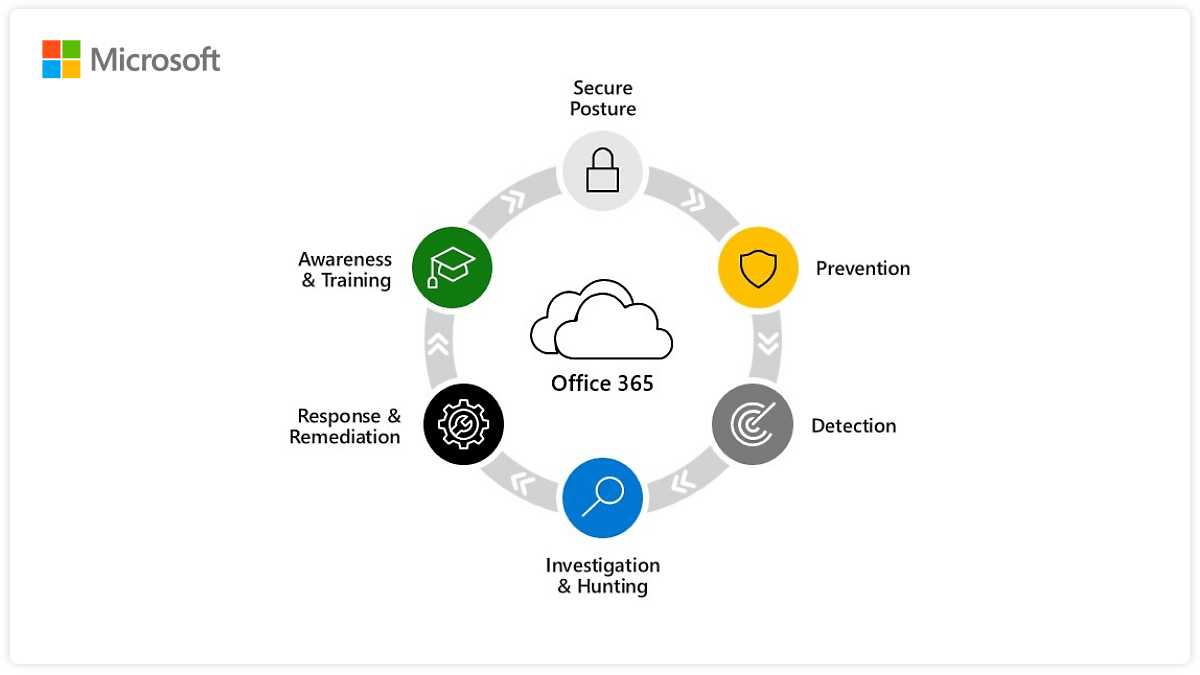
This Microsoft security system works by using... Multi-layered security approach ซึ่งรวมถึง Threat detection, cloud-based monitoring, and automated security updates.
- Real-time threat detection
Microsoft Antivirus will perform... Scan files, emails, and web activity. To detect potential threats, any abnormalities will be blocked and the user will be notified.
- Cloud-based AI-powered threat protection system
by using Microsoft Threat Database Microsoft Antivirus can Identify and respond to new threats immediately. Cloud-based systems improve accuracy and reduce the chance of false alarms.
- Firewalls and network protection
Microsoft Antivirus has Built-in firewall that helps protect External intrusions and network attacks.
- Ransomware protection and secure file access.
Microsoft Antivirus has features... Controlled Folder Access which helps prevent Prevent unwanted programs from encrypting or modifying your important files.
- Automatic security updates
Microsoft updates Virus database and security protocols. Regularly update your device to ensure it's safe from new threats.
Why is Microsoft Antivirus an essential security solution?
With cyber threats becoming more sophisticated. Using old-fashioned antivirus software is no longer sufficient. Microsoft Antivirus is a solution that helps protect against threats at multiple levels. using AI and automation in analyzing and responding to threats.
- Protect against viruses and malware without installing additional software.
Microsoft Antivirus Installed with Windows This eliminates the need to purchase additional antivirus software.
- Enterprise-level protection with Microsoft: Microsoft Antivirus for Business.
For organizations Microsoft Microsoft Antivirus for Business Provides a high level of protection, including Endpoint threat detection and response (EDR)
- Protect against phishing and online threats.
Microsoft Antivirus can block malicious emails and websites, reducing the risk of data theft.
- AI Threat Analysis
Microsoft Antivirus uses AI and behavioral analysis to protect Zero-Day Attack before spreading
- Seamless integration with Microsoft 365 and Azure.
For organizations that use Microsoft 365 and Azure Microsoft Antivirus It provides comprehensive security protection, including:
- Email security and collaboration. - protect Outlook, Teams, and SharePoint from cyber threats
- Cloud application security – Monitor third-party applications to detect suspicious activity.
- Protecting user identity and data. – Prevent unauthorized access with AI-powered security policies.
Defender vs. General Antivirus Programs
Microsoft Antivirus by Microsoft How does it differ from traditional antivirus software?
Feature | Defender | General antivirus |
Installed with Windows | ✅ Yes | ❌ No, additional installation is required. |
Real-time threat protection | ✅ Yes | ✅ Yes |
AI-powered threat detection on the cloud. | ✅ Yes | ❌ Not supported |
Firewalls and network protection | ✅ Yes | ❌ Requires additional installation |
Protection against ransomware and phishing. | ✅ Yes | ⚠️ Some programs have limitations. |
Automatic security updates | ✅ Yes | ❌ Manual update required. |
For users who want Cost-effective, AI-powered real-time protection. Microsoft Antivirus is the superior choice.
How to activate and set up Microsoft Antivirus on your device.
due to Microsoft Antivirus Installed with Windows You don't need any additional downloads. However, you should make sure that Security settings have been set correctly.
Step 1: Activate Microsoft Antivirus.
- open Windows Security From the Start menu
- Go to Virus & Threat Protection
- Make sure that Real-Time Protection It's enabled.
Step 2: Configure firewall and network protection.
- Go to Windows Security > Firewall & Network Protection
- Enable the network firewall. Domain, Private, and Public
Step 3: Enable ransomware protection.
- Go to Windows Security > Virus & Threat Protection
- Click on Ransomware Protection and enable Controlled Folder Access
When following these steps You can increase the security level of the system. And protect devices from ever-evolving cyber threats.
Summary
In the era Cyber threats are on the rise. having Robust security solution It is needed more than ever. Microsoft Antivirus give Comprehensive protection from Malware, phishing, and ransomware. It helps keep both individuals and organizations safe from cyberattacks.
- Built-in antivirus with real-time protection.
- A cloud-based AI security system that predicts threats in advance.
- Firewalls and ransomware protection to prevent unauthorized access.
- Integrates with Microsoft 365 and enterprise-level security tools.
for Windows users and businesses who need a cost-effective and highly effective security solution. Microsoft Antivirus is a great choice.
Explore our digital tools
If you are interested in implementing a knowledge management system in your organization, contact SeedKM for more information on enterprise knowledge management systems, or explore other products such as Jarviz for online timekeeping, OPTIMISTIC for workforce management. HRM-Payroll, Veracity for digital document signing, and CloudAccount for online accounting.
Read more articles about knowledge management systems and other management tools at Fusionsol Blog, IP Phone Blog, Chat Framework Blog, and OpenAI Blog.