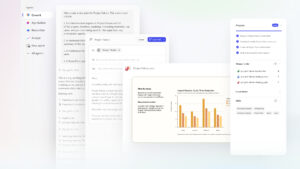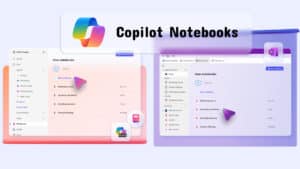
What is Microsoft Copilot Studio? It's a powerful tool that lets you create and develop your own copilots, using cutting-edge AI technology to provide services to employees and clients. This versatile tool features a user-friendly interface for creating complex conversations, along with built-in data analytics.
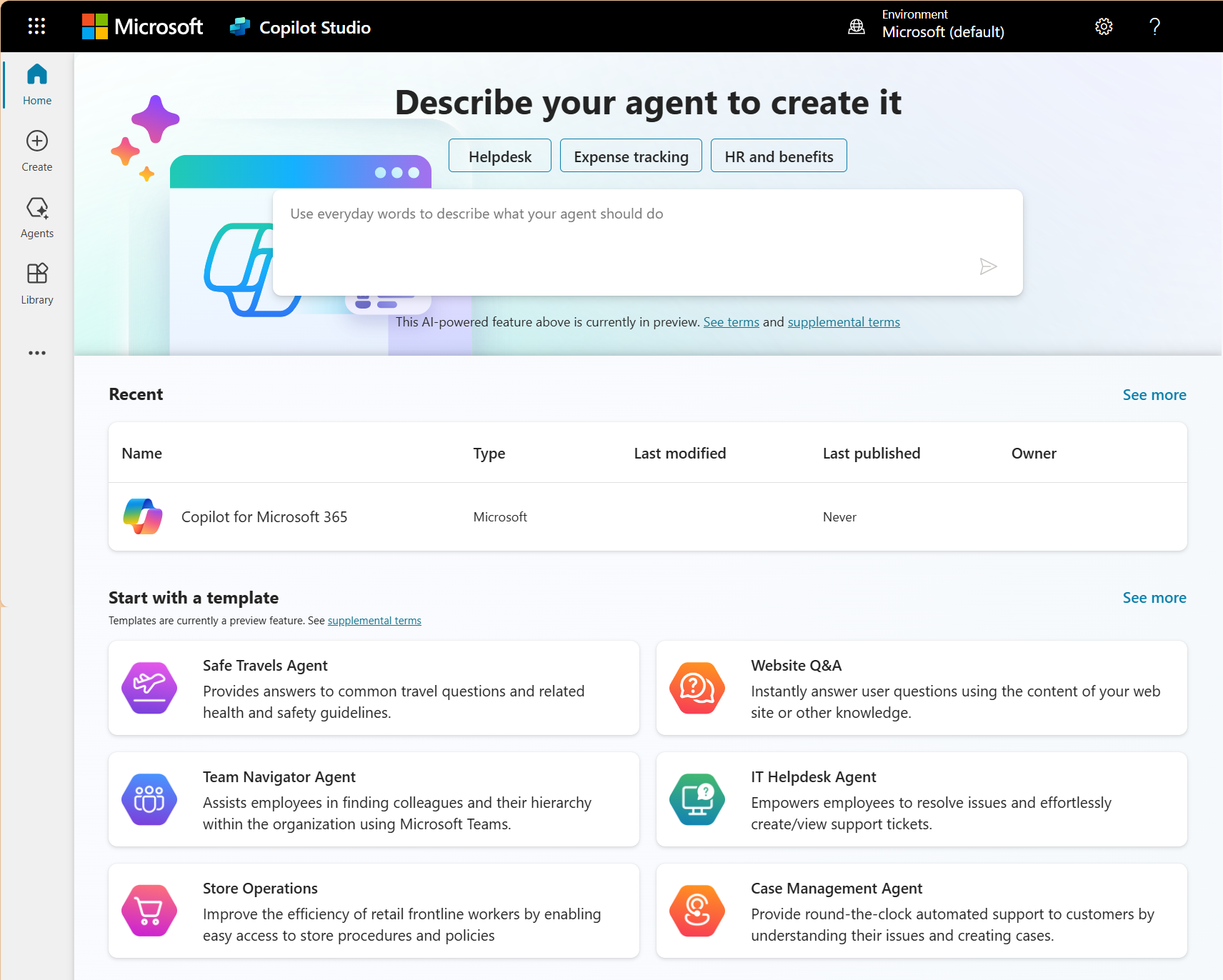
Copilot Studio is also a low-code graphical tool for creating agents, including automating systems with Power Automate and extending Microsoft 365 Copilot with your own organization's data and scenarios.
What is an agent?
Agents are powerful AI assistants capable of handling a wide range of interactions and tasks, from solving complex conversational problems to automatically making the best course of action based on commands and context. The agent will coordinate a collection of language models, including commands, contexts, knowledge sources, topics, operations, inputs, and triggers, to achieve your desired goal. Agents can engage with customers and employees in multiple languages across websites, mobile apps, Facebook, Microsoft Teams, or any other channel supported by Azure Bot Service. Additionally, agents can improve productivity by working to assist users and the organization. You can easily create agents in Copilot Studio without needing data experts or developers. Some ways you might use a proxy include:- Issues related to sales support and assistance.
- Opening hours and store information
- Employee health and vacation benefits.
- Public health tracking information
- Common employee questions for businesses.
The benefits of Microsoft Copilot Studio
- Reduce workload and expenses.Copilot Studio helps reduce the workload and costs of support teams and increases employee engagement and loyalty.
- Enhance the customer experienceIt helps enhance customer experience and accelerate the delivery of digital strategies.
- Save timeIt helps reduce development time and makes service to customers and employees more efficient.
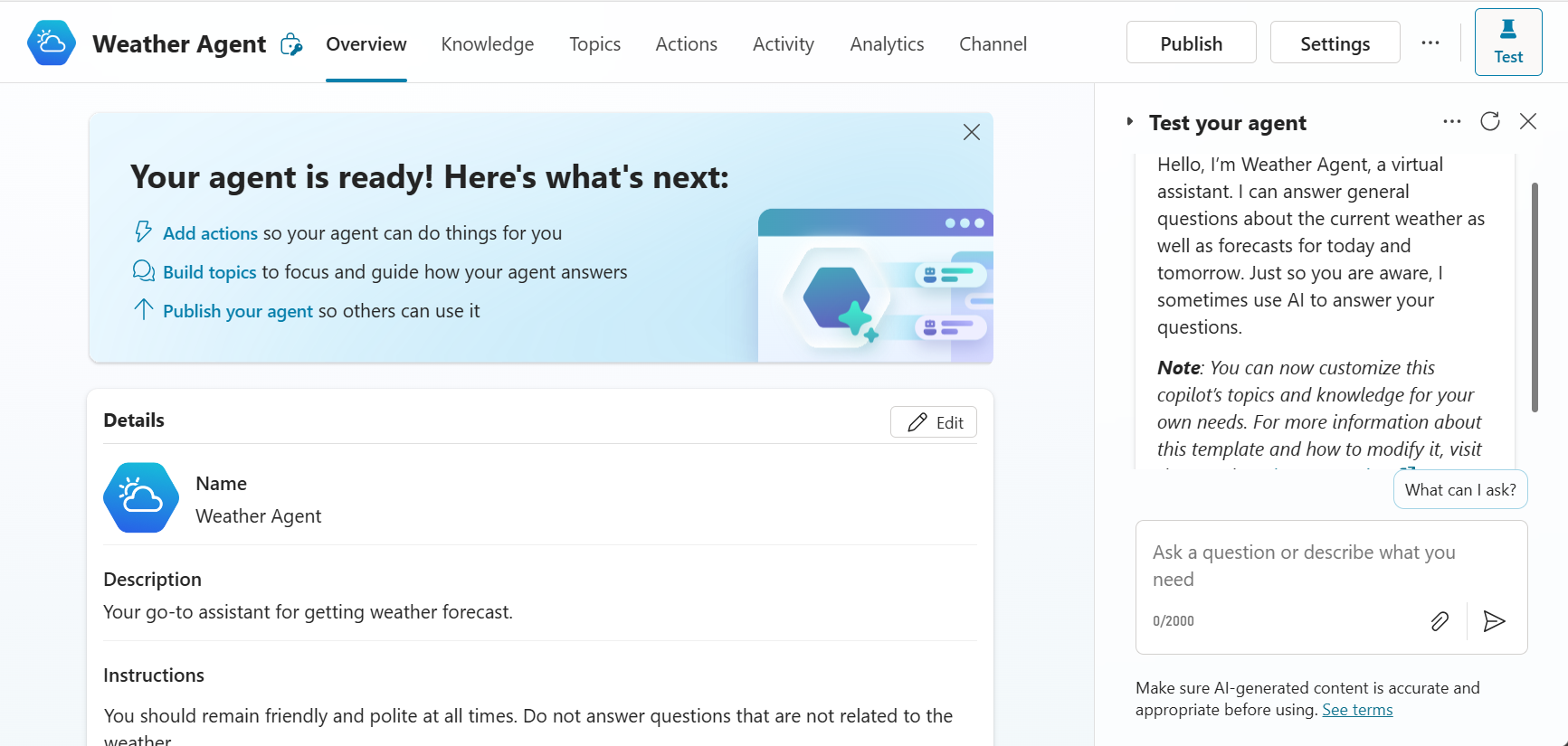
Access Copilot Studio
Copilot Studio is available as a standalone web app and as a separate app within Teams. Most of the functionality in both versions is the same; however, there may be different reasons for choosing one over the other. It depends on how you want to use Copilot Studio.| Copilot Studio version | Use cases |
|---|---|
| Web app at Copilot Studio |
|
| Microsoft Teams app |
|
Key features of Microsoft Copilot Studio
| Features | Details |
|---|---|
| Generative AI | Use AI to generate sophisticated responses. |
| Dialog Creation | Create effective conversations |
| Knowledge Integration | Combine information from various sources to provide a complete picture. |
| Analytics | Analyze data to improve copilot performance. |
Usage and price information
| Package | Price | Details |
|---|---|---|
| Copilot Studio | $200.00/month | Capable of handling 25,000 messages per month, with one day of free training. |
| Copilot for Microsoft 365 | $30.00/user/month | Compatible with Word, Excel, PowerPoint, OneNote, Outlook, and Teams. |
Advantages and disadvantages
| strength | weakness |
|---|---|
| It helps reduce the workload of the support team. | The price might be high for small businesses. |
| Increase customer satisfaction | Knowledge of setup and configuration is required. |
A summary of Microsoft Copilot Studio (anything related).
Microsoft Copilot Studio is a powerful tool for developing copilot solutions to serve both employees and clients using cutting-edge AI technology. If you are interested in Copilot Studio or related services, please contact us. Fusion Solution
Trending topics:
- The best cloud purchasing strategies in 2025 to optimize business performance.
- What is cloud leasing? 5 advantages businesses need to know before using it to get the most out of it.
- Enterprise Cloud: Which type should you choose for your business?
- Microsoft Fabric: Transforming Data Management for Enterprises
- What is Microsoft Fabric? An overview for beginners.
Additional recommended articles
If you are interested in other articles about AI development and Copilot, you can read more at: