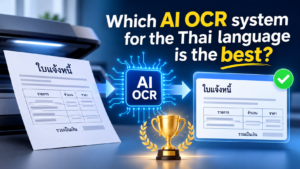
How to Choose a Thai AI OCR System: Handling Complex Characters, Diverse Document Formats, and Data Extraction
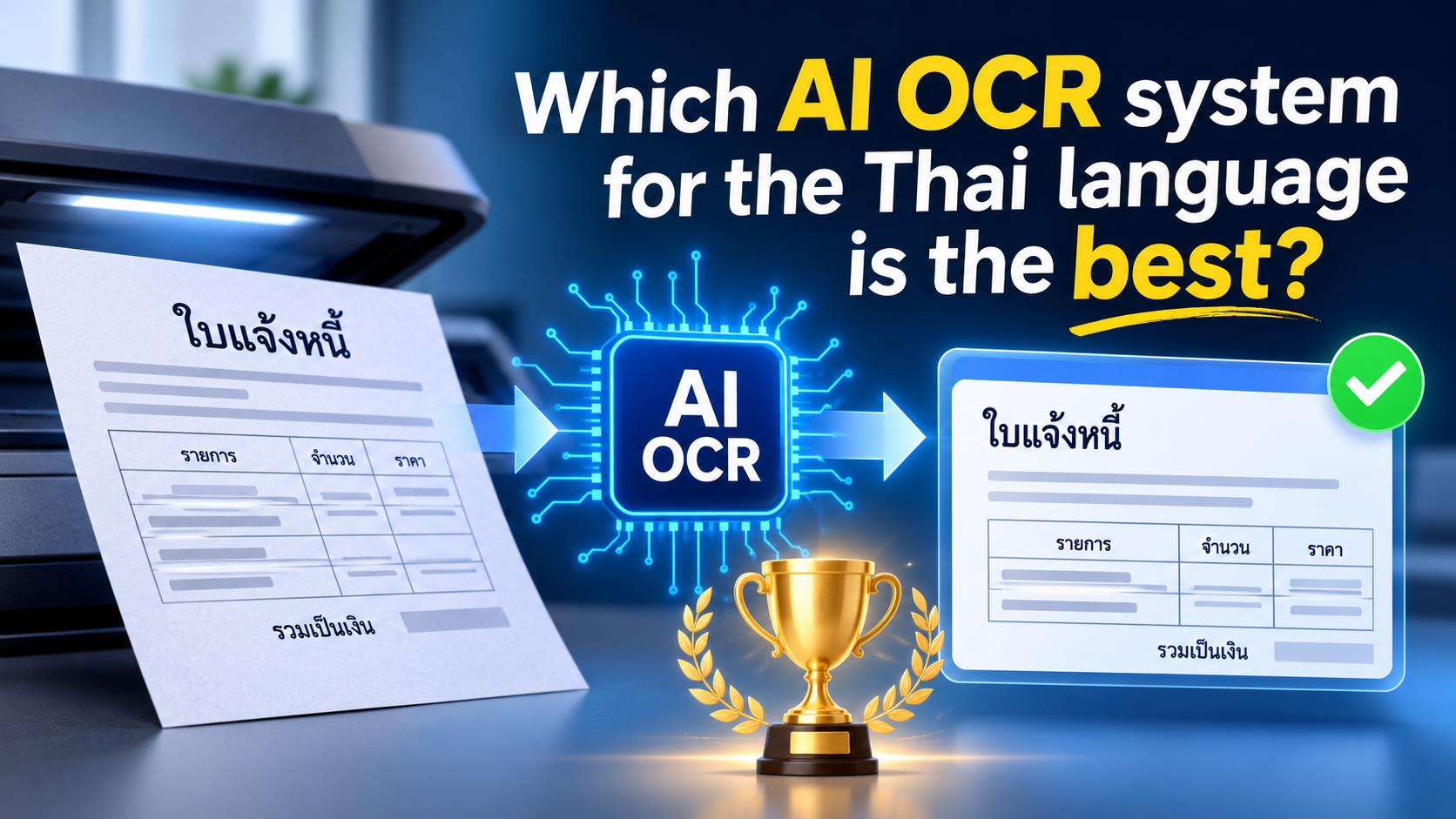
Selecting the right AI-based Thai OCR system involves more than just finding software capable of converting images into text. Thai business documents often feature complex character structures, tone marks, a wide variety of fonts, tables, and inconsistent image quality. These factors can affect the accuracy of text recognition and lead to errors when data is ingested into business systems.
For organizations that need to process invoices, receipts, contracts, application forms, or scanned documents, an OCR system must go beyond simply recognizing individual characters; it should be capable of identifying key information, organizing the extracted data, and supporting the workflows that employees carry out on a daily basis.
This article outlines key capabilities that businesses should evaluate when comparing Thai-language AI OCR solutions, helping decision-makers select a system that effectively meets their organization’s document processing needs.
Look Beyond Basic Thai Character Recognition
Thai text has characteristics that make OCR more challenging than simply recognizing letters in a straightforward line of text. Vowels and tone marks can appear above or below consonants, while some character combinations have very small spacing.
If an OCR engine cannot correctly interpret these positions, it may produce incorrect words or omit important marks. Even a small recognition error can affect names, addresses, product descriptions, and other business information.
When evaluating a provider, check whether its OCR technology can:
- Recognize Thai consonants, vowels, and tone marks accurately.
- Process documents containing both Thai and English.
- Handle different Thai fonts and font sizes.
- Recognize closely spaced characters and complex text arrangements.
- Maintain acceptable accuracy across different document sources.
Ask for a demonstration using actual Thai documents from your organization. General performance claims may not reflect the results you will achieve with your own files.
Test Recognition Across Different Document Layouts
Business documents rarely follow one consistent format. An organization may process printed invoices, handwritten forms, receipts, purchase orders, bank documents, and contracts from different suppliers.
A system that performs well on a clean, standardized document may struggle when information appears in unexpected locations or within complex tables.
A capable AI OCR solution should be evaluated on its ability to recognize:
- Structured forms with labels and input fields.
- Tables containing multiple rows and columns.
- Invoices with different supplier layouts.
- Receipts with narrow or irregular formatting.
- Documents with multiple sections and mixed text styles.
- Scanned pages with stamps, signatures, or other visual elements.
The important question is not just whether the system can read the text, but whether it can identify where the information belongs and preserve the relationships between fields.
Check Performance with Low-Quality Images and Scanned PDFs
Document quality is another major factor affecting Thai OCR accuracy. Businesses often receive files from smartphones, office scanners, email attachments, and legacy document archives.
These files may contain blurred text, shadows, skewed pages, low resolution, faded printing, or uneven lighting.
When comparing solutions, test them using different image conditions rather than only clean digital documents.
Document condition | What to evaluate |
Low-resolution scans | Whether small Thai characters remain readable |
Blurred images | How well the system handles unclear text |
Skewed pages | Whether text alignment affects recognition |
Uneven lighting | Performance on smartphone photographs |
Faded documents | Recognition of weak or incomplete characters |
Image-based PDF files | Ability to process scanned pages without selectable text |
Some AI OCR solutions include image preprocessing features such as rotation correction, noise reduction, and image enhancement. These capabilities can improve recognition results, although they cannot guarantee accurate extraction from every damaged document.
Evaluate AI-Based Data Extraction, Not Just OCR Accuracy
Traditional OCR focuses on converting text in an image into machine-readable characters. AI-powered document processing can go further by identifying document types and extracting specific business information.
For example, when processing a Thai invoice, a business may need the supplier name, tax identification number, invoice date, VAT amount, and total payment amount.
Instead of returning a large block of recognized text, an AI OCR solution should ideally organize the information into structured fields.
Ask providers whether their solutions support:
- Document Classification
- Field-Level Data Extraction
- Table and Line-Item Recognition
- Validation of important information
- Confidence scores or low-confidence detection
- Human review for uncertain results
These features help reduce manual data entry and make extracted information more useful for downstream business processes.
Confirm Integration with Existing Business Applications
An OCR system delivers greater business value when it connects document information to the applications employees already use.
For example, extracted invoice data could be transferred to an accounting or ERP system. Customer information from application forms could update a CRM database, while approved documents could be stored in SharePoint or another document management platform.
Before selecting a provider, confirm support for:
- API integration with internal applications
- ERP and accounting platforms
- CRM systems and databases
- Microsoft 365 and SharePoint.
- Power Automate and automated workflows
In addition, you should ask whether system integration is included in the scope of installation, or if further development is required.
A system capable of accurately recognizing Thai-language documents may still fail to deliver the operational efficiency an organization expects if staff are required to manually re-enter that data into other systems.
Review Security, Scalability, and Technical Support
Business documents may contain financial records, customer information, personal data, or confidential agreements. Security should therefore be part of the evaluation process.
Ask how the provider handles document storage, data transmission, access permissions, retention periods, and audit logs. Businesses handling personal data should also review whether the solution and its operating processes align with their PDPA obligations.
Scalability is equally important. The solution should be able to accommodate increasing document volumes, additional departments, and new document types without major redevelopment.
Finally, evaluate the provider's after-sales support. Reliable technical assistance, user training, troubleshooting, and ongoing configuration support can make a significant difference after deployment.
Run a Proof of Concept Before Making a Decision
The most effective way to compare Thai AI OCR providers is to test them with representative documents from your actual business.
A useful Proof of Concept (PoC) should include clean scans, low-quality images, different Thai fonts, mixed Thai-English content, and several document layouts.
Evaluate the results using practical criteria:
Evaluation Criteria | Questions to ask |
Character accuracy | Are Thai characters and tone marks recognized correctly? |
Field accuracy | Are important values extracted into the correct fields? |
Layout recognition | Are tables and document sections interpreted correctly? |
Processing speed | Can the system handle your expected document volume? |
Exception Handling | Can employees review uncertain results? |
Integration | Can extracted data reach your business applications? |
Do not evaluate only the overall recognition percentage. Accuracy for critical fields, such as invoice totals or tax identification numbers, may matter more than the average accuracy across an entire document.
Conclusion
The best AI OCR system for your organization is one that can reliably handle your actual business documents and align seamlessly with your existing business processes.
Thai character recognition, tone mark accuracy, document layout handling, image quality tolerance, structured data extraction, and system integration should all be considered before making a purchase decision.
Rather than choosing based on marketing claims or software prices alone, shortlist providers and run a proof of concept with real business documents. This approach gives your organization a clearer understanding of performance, implementation requirements, and long-term value before committing to an OCR investment.
Interested in Microsoft products and services? Send us a message here.
Explore our digital tools
If you are interested in implementing a knowledge management system in your organization, contact SeedKM for more information on enterprise knowledge management systems, or explore other products such as Jarviz for online timekeeping, OPTIMISTIC for workforce management. HRM-Payroll, Veracity for digital document signing, and CloudAccount for online accounting.
Read more articles about knowledge management systems and other management tools at Fusionsol Blog, IP Phone Blog, Chat Framework Blog, and OpenAI Blog.
New Gemini Tools For Educators: Empowering Teaching with AI
If you want to stay up-to-date with the latest technology and AI news, check out this website It's updated daily!
Fusionsol Blog in Vietnamese
- What is Microsoft 365?
- What is Copilot?What is Copilot?
- Sell Goods AI
- What is Power BI?
- What is Chatbot?
- What is cloud storage?
Related Articles
Frequently Asked Questions (FAQ)
What types of documents does DOVA OCR support?
DOVA OCR can assist in processing business documents—such as invoices, receipts, forms, and scanned files—making data management more convenient and efficient.
How does DOVA OCR help reduce the steps in employees' workflows?
A system that reads text and extracts key information from documents, reducing the need for manual data entry and allowing employees to dedicate more time to verifying data and performing tasks that require decision-making.
How accurate is the data read by the system?
Accuracy depends on the quality of the documents, the font styles, and the complexity of the information. You should verify the results before use, especially when dealing with financial data or critical organizational information.
Can DOVA OCR be integrated with an organization's existing systems?
DOVA OCR offers features such as data export to CSV, database storage, and a RESTful API, which can be used to integrate with other systems depending on the specific deployment requirements.
How should a business prepare before starting to use DOVA OCR?
You should begin by identifying the types of documents to be processed, preparing actual document samples, and testing the accuracy of data extraction. Additionally, evaluate security requirements and system integration needs to ensure the chosen solution is well-suited to your organization.