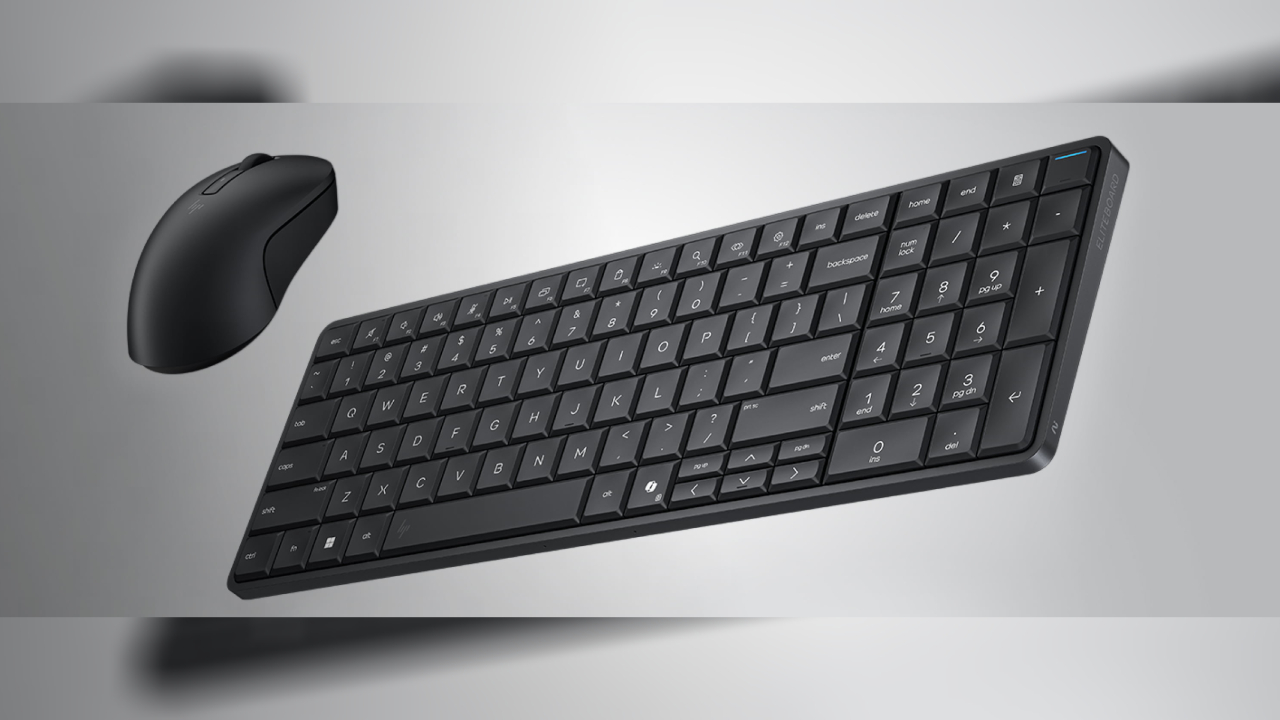
Imagine a keyboard with a built-in computer that wasn't just a novel idea, but a truly functional desktop computer. HP has made that concept a reality with the EliteBoard G1a, a compact keyboard that hides a full-fledged Windows PC inside a sleek, slim chassis.
This innovative design simplifies workspace setup, providing desktop-level processing power directly connected to a monitor without the need for a Mini-PC case or laptop dock.
What is the HP EliteBoard G1a?
A keyboard with a built-in PC integrates all the essential components of a computer—including the processor, memory, storage, cooling system, and connectivity—into a single keyboard structure. When used with an external monitor and mouse, it functions like a regular desktop computer.
HP's approach with EliteBoard doesn't stop at novelty; it's designed for practical use, providing both performance and flexibility in a portable form factor.
Key features of the HP EliteBoard G1a
Full Windows 11 computer with keyboard.
EliteBoard uses Windows 11 Pro for Business and provides desktop-level capabilities without the need for a separate computer.
Powerful computing and AI capabilities.
Powered by AMD Ryzen AI 300 Series processors with an NPU capable of processing over 50 trillion instructions per second, it supports both general tasks and AI-enhanced workflows.
The AI-powered Copilot+ experience.
As a Windows device that supports Copilot+ EliteBoard, it can utilize built-in AI functions such as intelligent task management, adaptive performance, and other capabilities without constantly relying on the cloud.
Supports dual monitors
Up to two external 4K displays can be connected via a daisy-chained USB-C connection, transforming the keyboard into a workstation ideal for document work, data analysis, or creative projects.
Memory and storage can be upgraded.
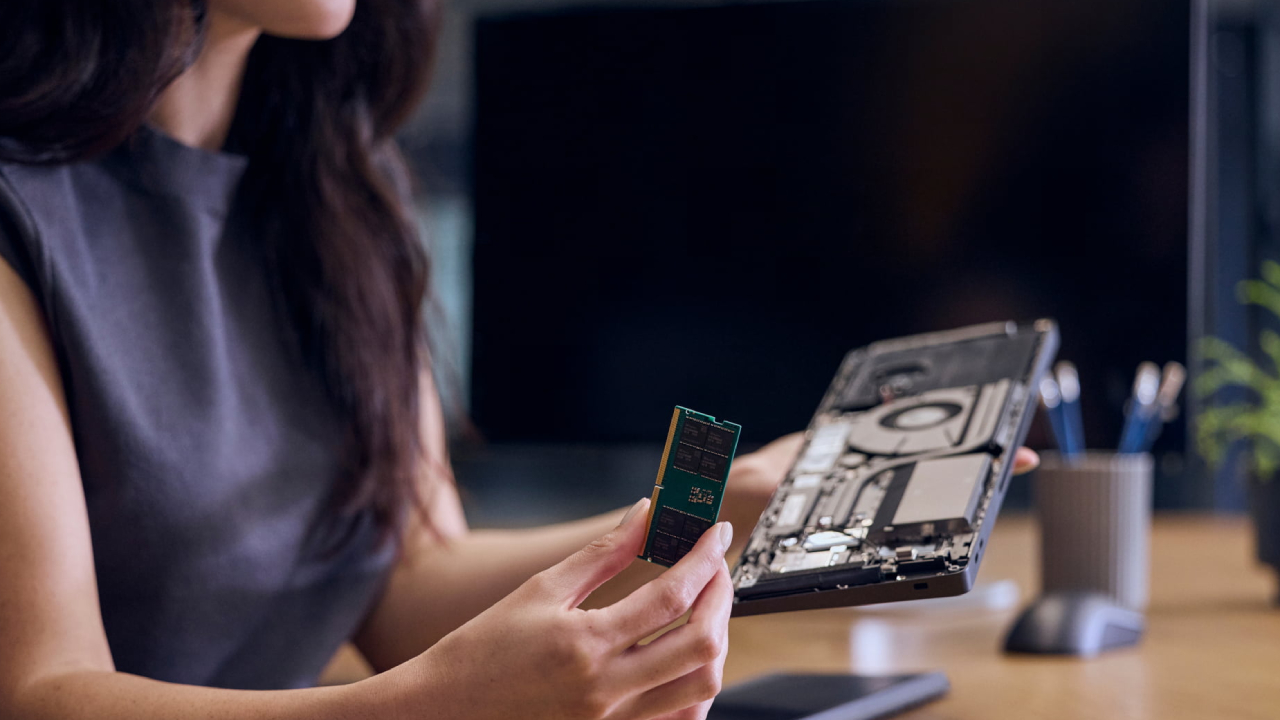
Unlike many all-in-one devices, EliteBoard supports upgradeable DDR5 RAM and NVMe SSD, with support for up to 64 GB and 2 TB, extending lifespan and enhancing performance capabilities.
Extra battery and mobility
There are models with built-in batteries, allowing for short-term unplugged use, ideal for moving between desks without having to turn off the machine.
Safety and durability
It comes with options such as a fingerprint scanner and HP Wolf Security for Business, supporting enterprise-level security requirements, along with a durable and spill-resistant construction.
Who is EliteBoard suitable for?
A keyboard with a built-in PC is suitable for a wide range of users, combining simplicity and practicality. For example:
- A hybrid or hot-desking office that requires immediate workspace setup.
- A collaborative workspace where users can bring their own hardware without having to lug around bulky equipment.
- An IT team that needs easy-to-install equipment that is convenient to maintain or upgrade.
- Those who prefer a minimalist desk setup will reduce the number of items while maintaining full efficiency.
This is an interesting alternative for those who want performance similar to a Mini-PC or Thin Client but desire the convenience of a different device form factor.
Advantages and things to consider
strength
- Combine a keyboard and computer into a single device.
- Compatible with Windows 11 Pro and Copilot+.
- Compact size, lightweight, easy to move.
- High performance from Ryzen AI.
- Supports two 4K displays.
- RAM and storage are upgradeable.
Considerations
- An external monitor and accessories are required.
- The keyboard design may prioritize compactness over the mechanical feel.
- The battery doesn't last as long when plugged in as a laptop.
EliteBoard is not designed to replace a laptop in every situation, but it stands out as a new desktop alternative for professionals, collaborative spaces, and hybrid work environments.
Conclusion
The HP EliteBoard G1a demonstrates that the concept of a keyboard with a built-in PC can fully evolve from an idea into real-world practicality. By combining performance, portability, and flexibility within a sleek and elegant design, it is ideally suited for creating a clean, minimalist workspace or for users seeking innovative hardware concepts that reflect the direction of personal computing in 2026.