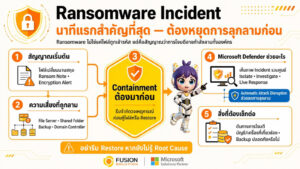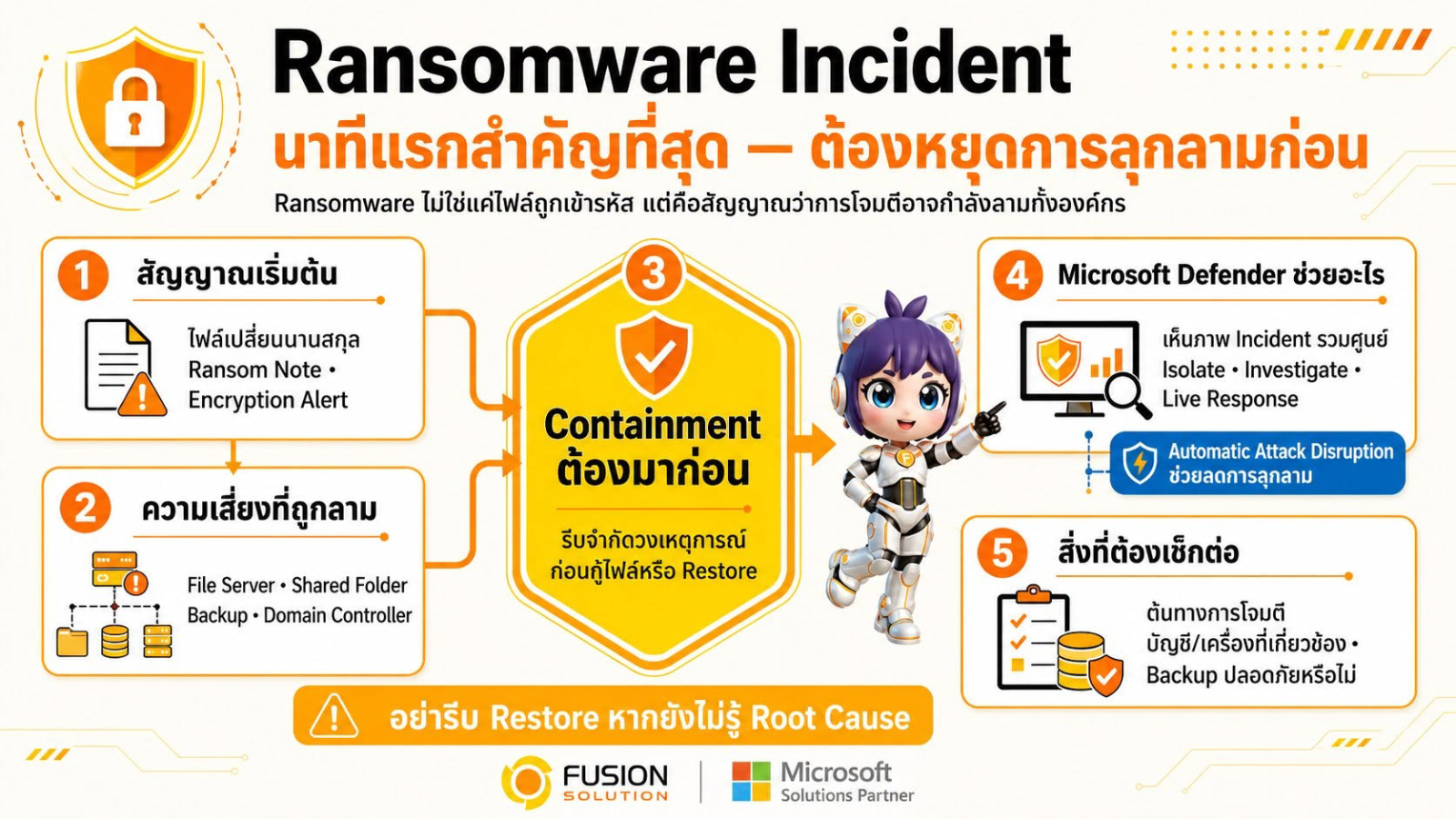
Ransomware Incident is not just about encrypted files; it's also a sign that attackers may have already gained access to internal organizational systems and are making lateral movement to other systems. In many cases, the impact isn't limited to a single machine but can quickly spread to file servers, shared folders, backup systems, domain controllers, and other critical business systems.
When a ransomware attack occurs, every minute is critical. The primary focus shouldn't be on recovering encrypted files, but on stopping the spread of the attack and understanding the extent of its impact. A delayed response can lead to widespread data encryption, service disruptions, and severe business consequences.
What is Ransomware?
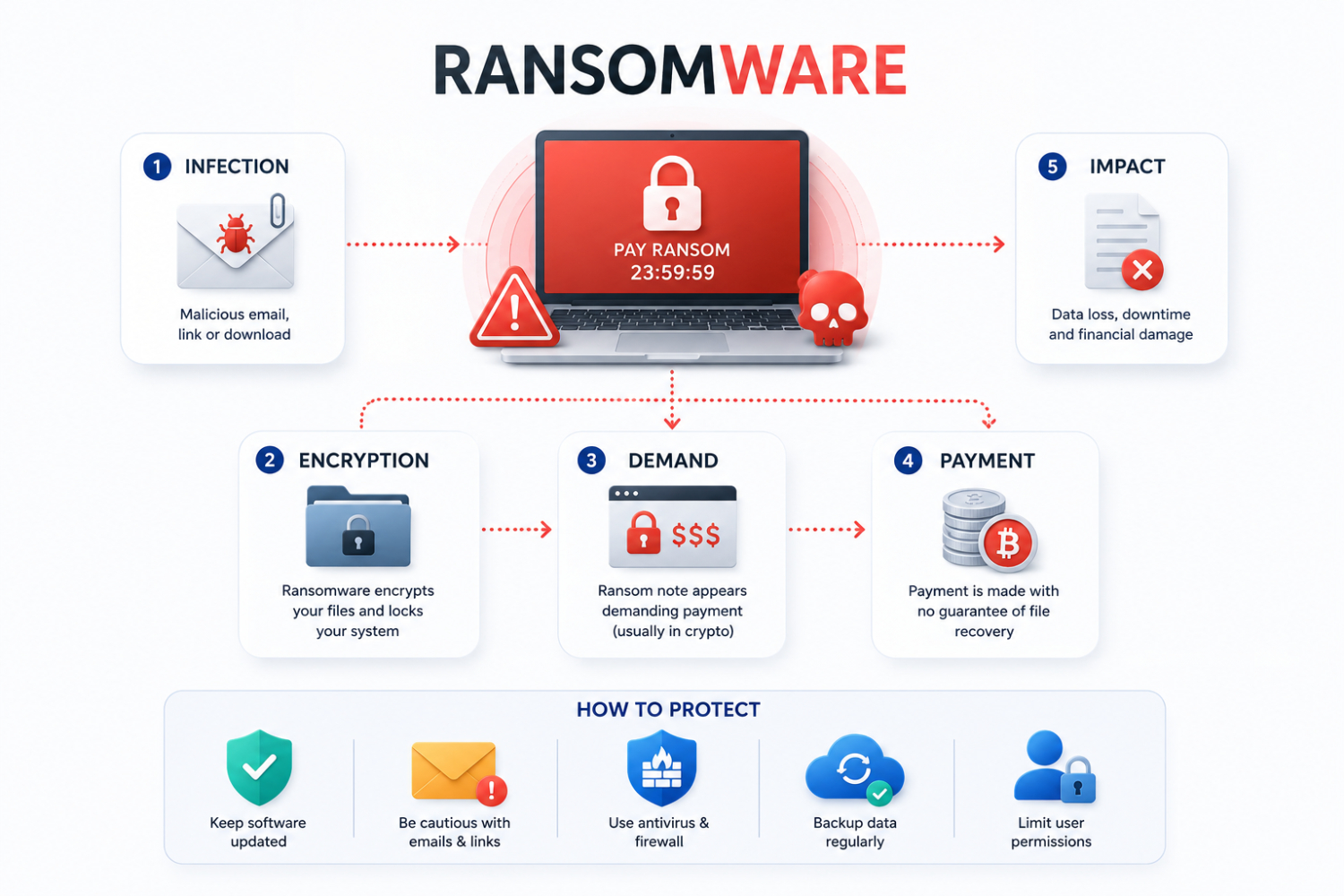
Ransomware is a type of malware that locks or encrypts files and systems, preventing users from accessing their data. Attackers then demand a ransom, usually in the form of cryptocurrency, in exchange for a decryption key or to prevent the stolen data from being disclosed.
Modern ransomware attacks don't just encrypt files; they also steal sensitive data and spread to multiple devices, making them one of the most serious cyber threats to organizations today.
Why are the first few minutes so important?
Ransomware attacks are often not limited to a single machine. Once files start being encrypted, attackers may have already accessed multiple parts of the system or stolen user account information.
The security team needs to answer key questions quickly, including:
- Which device was the starting point of the attack?
- Which user accounts have been compromised?
- How widespread has the attack spread?
- Is the backup system still secure?
- Does the attacker still have access to the system?
Finding answers to these questions quickly is crucial for minimizing damage and safely restoring the system.
Early warning signs of a Ransomware Incident
Organizations should be vigilant for signs such as unusual file extension changes, ransom messages, suspicious encryption processes, Shadow Copy deletion, unusual file share access, or multiple machines exhibiting abnormal behavior simultaneously.
Alerts related to data encryption, credential theft, or internal system manipulation should be taken seriously.
Waiting until you are 100% certain before acting may allow the attack to spread further. Therefore, controlling the situation and conducting investigations should occur simultaneously, with priority given to controlling the spread first.
Controlling the spread must come before recovery
According to Microsoft's recommendations, the attack control process should be initiated as soon as possible to limit the impact to only the affected users and devices.
With Microsoft Defender XDR, security teams can analyze events and identify what caused them.
- Which user accounts may have been compromised?
- What device was the source of the attack?
- What malware or payload was used?
- Which applications and systems were affected?
- Is there any suspicious network communication?
Defender XDR links all the data together into a single event view, providing a clearer overall understanding of the attack.
How does Microsoft Defender help manage ransomware incidents?
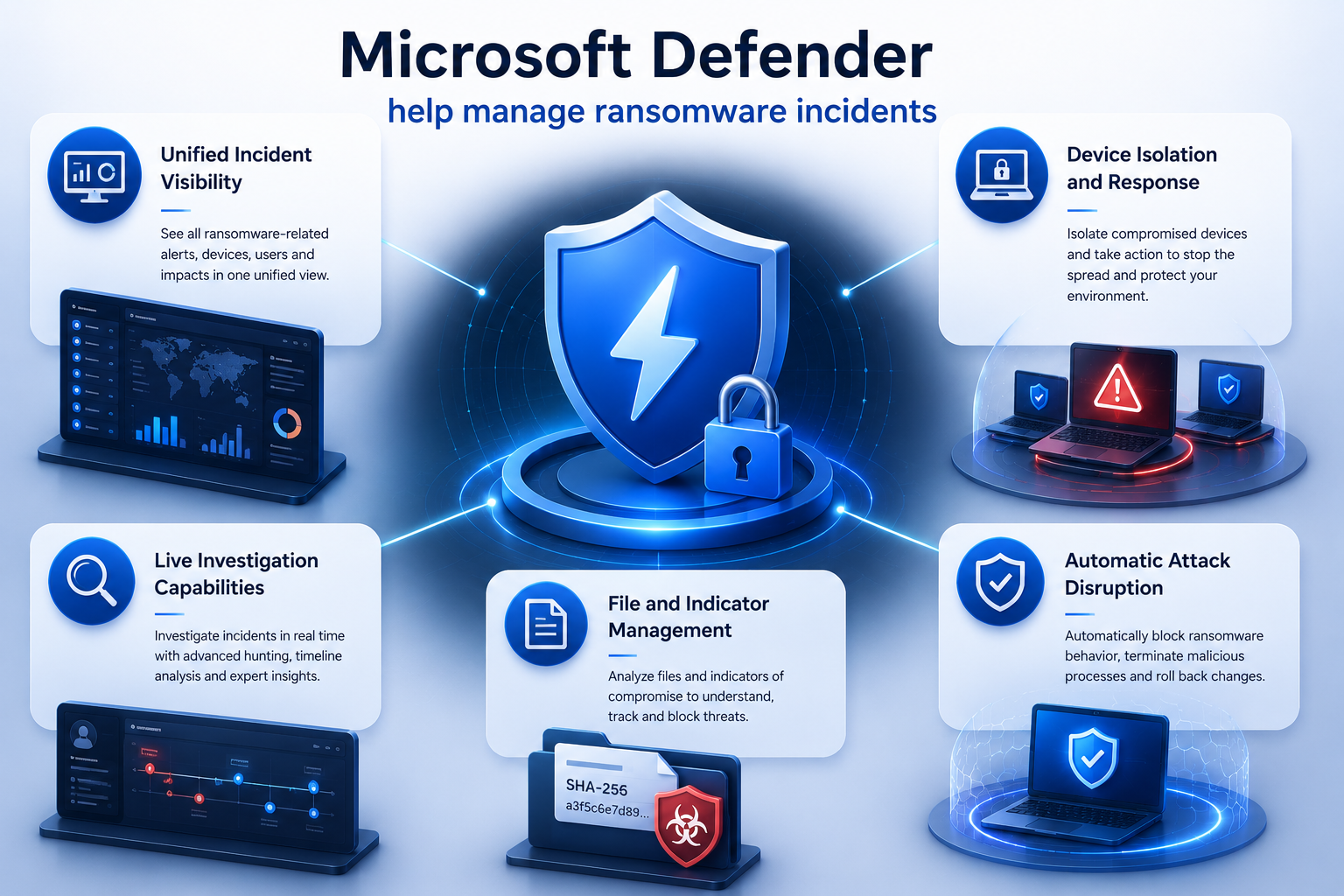
Microsoft Defender doesn't just offer alert capabilities; it also supports investigation and response throughout the entire event lifecycle.
Centralized view of events
Microsoft Defender Portal aggregates alerts, devices, users, evidence, and investigations into a single event. Features like Attack Story and Incident Graph help security teams understand the sequence of events and the systems affected.
Device isolation and event response
Microsoft Defender for Endpoint helps isolate compromised devices from the network while still maintaining access to the devices for investigation and troubleshooting.
The team can also store the Investigation Package, enable Live Response, run Antivirus Scan, and restrict the application's functionality.
The ability to conduct live investigations
Live Response allows analysts to remotely monitor devices via the command line, enabling them to gather evidence, examine suspicious files, and execute Incident Response procedures without direct access to the device.
File management and indicators
Security teams can quarantine malicious files and block Indicators of Compromise such as IP addresses, domains, URLs, and file hashes to prevent other devices from being infected with further malware.
Automatic Attack Disruption
Microsoft Defender XDR includes Automatic Attack Disruption, which uses information from endpoints, identities, emails, collaboration tools, and SaaS applications to help automatically stop attacks.
This capability helps limit the impact of ransomware and gives security teams more time to investigate and recover systems.
The attack usually begins before the files are encrypted
Many ransomware attacks begin before files are encrypted. Attackers may access systems through stolen VPN credentials, insecure Remote Desktop Services, server vulnerabilities, web shells, or misused remote management tools.
Therefore, organizations should review potentially compromised accounts and sessions, reset passwords when necessary, and block suspicious network endpoints to prevent attackers from regaining access.
Protect your backup system before beginning the recovery process
Backups are extremely important, but restoring too quickly could lead to reinfection with malware if the root cause of the problem hasn't been eliminated.
Before initiating the recovery process, organizations should verify that backups are complete, that snapshots have not been deleted, and ensure that attackers cannot reaccess the backup system.
In some cases, Microsoft recommends disconnecting the online backup system from the network until the event is fully under control.
System recovery should begin only after it has been ensured that all threats have been eliminated.
Common Mistakes to Avoid
During the Ransomware Incident organizations should avoid actions that may destroy evidence or increase risk, such as:
- Delete the file immediately without investigation.
- Restore the system before identifying the root cause.
- Turn off all devices immediately.
- Paying the ransom without assessing the legal and business consequences.
Isolating just one machine doesn't mean the incident is over, as the attacker may still have access to other parts of the system.
Summary
A ransomware incident is not just an IT problem; it's a business continuity issue that impacts the security, operations, and overall resilience of an organization. When a ransomware attack occurs, the first question an organization should focus on isn't recovering encrypted files, but rather understanding where the attack originated, how widespread it has become, which user accounts or systems have been affected, and whether the attackers have any remaining avenues to re-enter the organizational environment. While system and data recovery are crucial, controlling the spread of the attack and analyzing the root cause should always be prioritized. The faster an organization can halt an attack, the greater the chance of minimizing damage and safely restoring operations.
Source: Microsoft Learn
- Responding to ransomware attacks – Microsoft Defender XDR
https://learn.microsoft.com/…/playbook-responding… - Take response actions on a device in Microsoft Defender for Endpoint
https://learn.microsoft.com/…/respond-machine-alerts - Investigate incidents in the Microsoft Defender portal
https://learn.microsoft.com/…/def…/investigate-incidents - Automatic attack disruption in Microsoft Defender
https://learn.microsoft.com/…/automatic-attack-disruption - Details and results of an automatic attack disruption action
https://learn.microsoft.com/…/defender-xdr/autoad-results - Investigate entities on devices using live response
https://learn.microsoft.com/…/defender…/live-response - Take response actions on a file in Microsoft Defender for Endpoint
https://learn.microsoft.com/…/defen…/respond-file-alerts