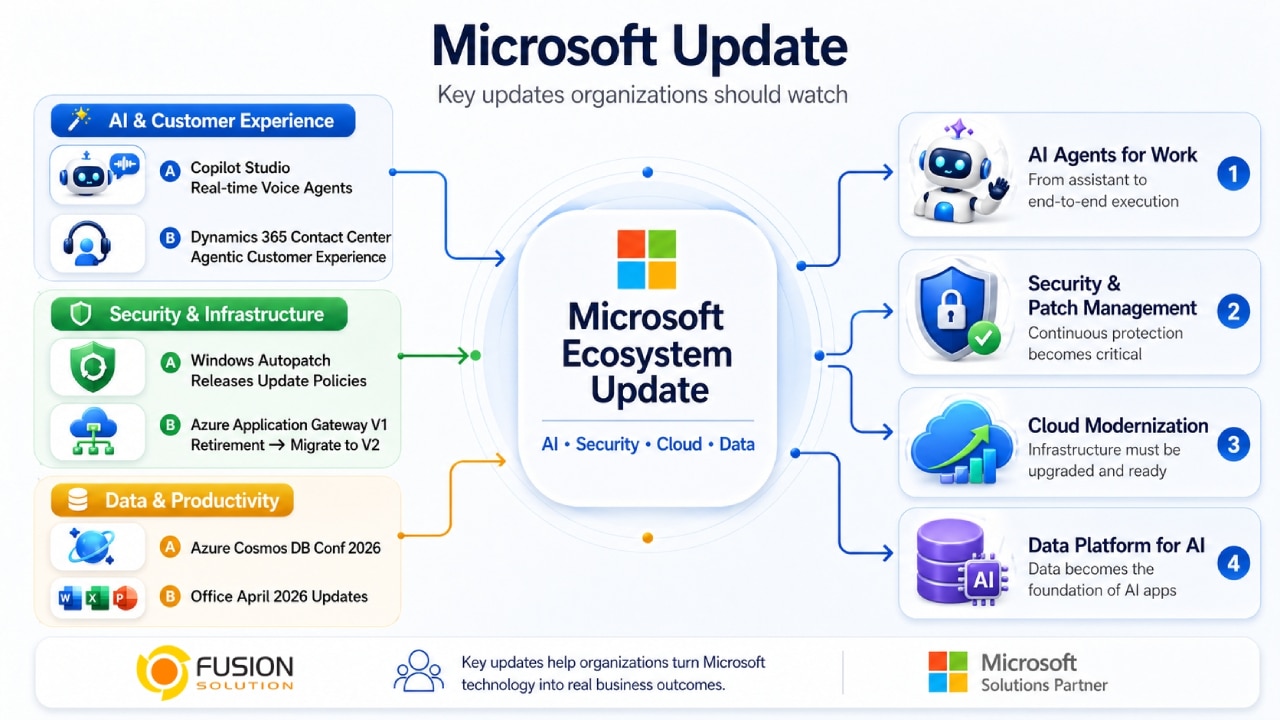
Microsoft's latest update announcements across AI, security, and cloud infrastructure highlight a significant shift in enterprise technology. Organizations are no longer simply adopting AI tools to assist with general tasks; they are beginning to integrate AI as Collaborative Agents , actively participating in workflows.
From real-time voice-controlled devices to transformative cloud infrastructure and enhanced security, these updates reflect a future where AI, data, and systems collaborate more seamlessly than ever before.
The rise of AI collaboration within the Microsoft ecosystem
One of the most important trends from Microsoft's announcement is the shift from AI Assistance to AI Collaboration. Instead of simply supporting users, modern AI systems have the capability to manage end-to-end processes, interact with users in real-time, and integrate deeply into business operations.
This change is evident across multiple Microsoft platforms, particularly in customer experience, automation, and enterprise workflows.
Real-time voice-controlled AI with Microsoft Copilot Studio
Microsoft has launched Real-time Voice Agents enabling organizations to create AI-powered voice assistants that can converse naturally and interact instantly.
Core capabilities
- Human-like voice interaction for customer support.
- Generating real-time responses.
- Reduce the workload for the support team.
- Scalable deployments in contact centers.
Business Impact: These voice agents have a significant impact on businesses, particularly customer service and call center operations that handle a large number of interactions. Automating repetitive voice tasks allows organizations to reduce employee workload while increasing the speed and consistency of response. This capability makes Copilot Studio a powerful platform for building advanced conversational AI that transcends text-based interaction, enabling businesses to create more natural, voice-driven customer experiences.
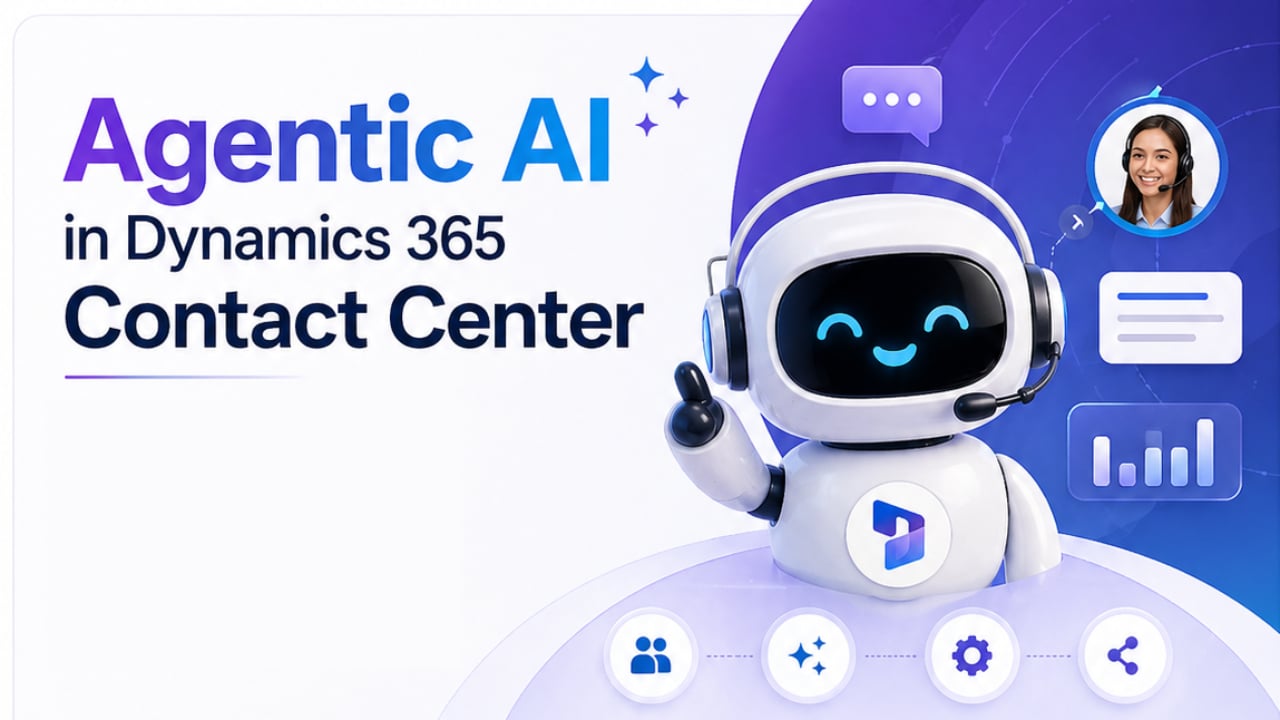
Agent-level customer experience in Dynamics 365 Contact Center
Microsoft is developing Agentic Customer Experience (CX) system within Dynamics 365 Contact Center by embedding AI agents directly into customer service workflows. These enhancements allow AI to handle customer inquiries independently, while simultaneously providing real-time assistance to human employees. As a result, support teams benefit from improved collaboration between AI and human expertise, creating a seamless and efficient service environment.
This evolution is significant because it enables faster responses and ensures consistent customer interactions across all channels. At the same time, it improves the efficiency of support teams by reducing redundant tasks and allowing employees to focus on more complex issues. AI is not designed to replace humans, but rather to act as a collaborating partner that enhances capabilities and elevates the overall quality of customer service.
Strengthen security with Windows Autopatch
Security remains a top priority, and Microsoft is encouraging organizations to review their Windows update policies to address evolving risks, particularly those associated with AI-driven environments.
Important update
- New reporting feature in Windows Autopatch.
- Enhance visibility into patch compliance policies.
- Enhanced risk monitoring at the device level.
Significance to the organization: Maintaining a robust security system requires a proactive approach, including regular system updates, aligning patch policies with security best practices, and continuous vulnerability monitoring. Implementing these measures helps organizations reduce the likelihood of facing threats and respond more effectively to emerging risks. This reinforces the idea that patch management is no longer optional, but a necessary operational requirement for maintaining the security and resilience of the IT environment indefinitely.
Important Announcement Regarding System Migration: End of Support for Azure Application Gateway V1
Microsoft has officially announced that Azure Application Gateway V1 will reach the End of Support on April 28, 2026.
What the organization needs to do?
- Plan the system migration from V1 to V2.
- Update existing installations before the due date.
The risk of not taking action
- Service may be disrupted.
- Lack of security updates.
- Compatibility issues with other systems.
This update underscores the importance of keeping cloud infrastructure modern and proactively planning for changes throughout the product lifecycle.
Innovative data platform at Azure Cosmos DB Conf 2026
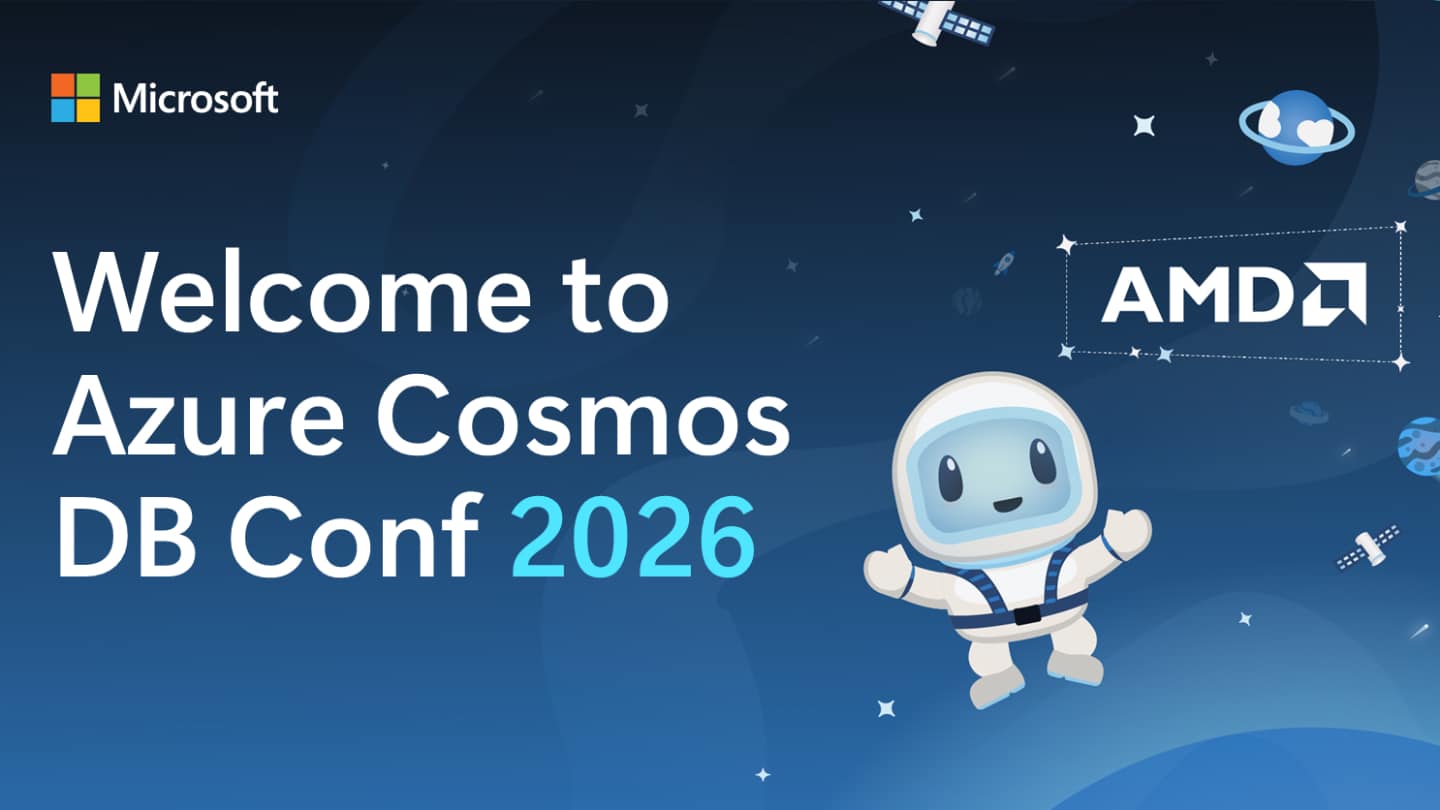
On April 28, 2026, Microsoft held the Azure Cosmos DB Conf 2026 focusing on the future of AI-driven data applications.
Key topics covered
- Building applications powered by AI.
- Globally distributed systems
- The memory capacity of the AI Agent.
- Hybrid and vector search
- Performance optimization techniques
Strategic importance Data platforms like Cosmos DB are becoming:
- The backbone of AI applications.
- The key component for systems requiring real-time, world-class speed.
- A key element in helping you search for information intelligently.
This event underscores the increasing role of data infrastructure in supporting advanced AI workloads.
Security and stability in the Microsoft Office April 2026 update
Microsoft released updates for Office in April 2026, covering both security and general aspects.
Key features of the update:
- Enhance protection against various vulnerabilities.
- Improve system stability.
- Maintaining equipment ensures continuous operational efficiency.
Why is this important? Regular updates will help ensure the following:
- Secure document management.
- Reliable performance across all applications.
- Adhering to enterprise-level safety standards.
Key strategic summary
Microsoft's updates highlight several key trends that are shaping the future of enterprise technology:
AI agents are becoming a core part of operations
AI is evolving into a collaborative partner capable of performing tasks, interacting with users, and supporting entire workflows.
Safety is an ongoing responsibility
Organizations must regularly manage updates, monitor risks, and maintain regulatory compliance across all systems.
Cloud infrastructure must be kept up-to-date
When services like Application Gateway V1 reach end of their lifespan, modernization is essential to avoid business disruption.
Data platforms are the foundation of AI
Technologies like Cosmos DB enable intelligent and scalable applications to run through advanced data processing.
Final conclusion
Microsoft's 2026 update is more than just a minor improvement; it signals a broader shift in how organizations operate. AI, security, and cloud infrastructure are no longer separate domains, but deeply interconnected components within the modern digital ecosystem.
Organizations that adapt to these changes—by embracing AI agents, strengthening security practices, modernizing infrastructure, and investing in data platforms—will be better prepared to compete in an increasingly intelligent and automated world.