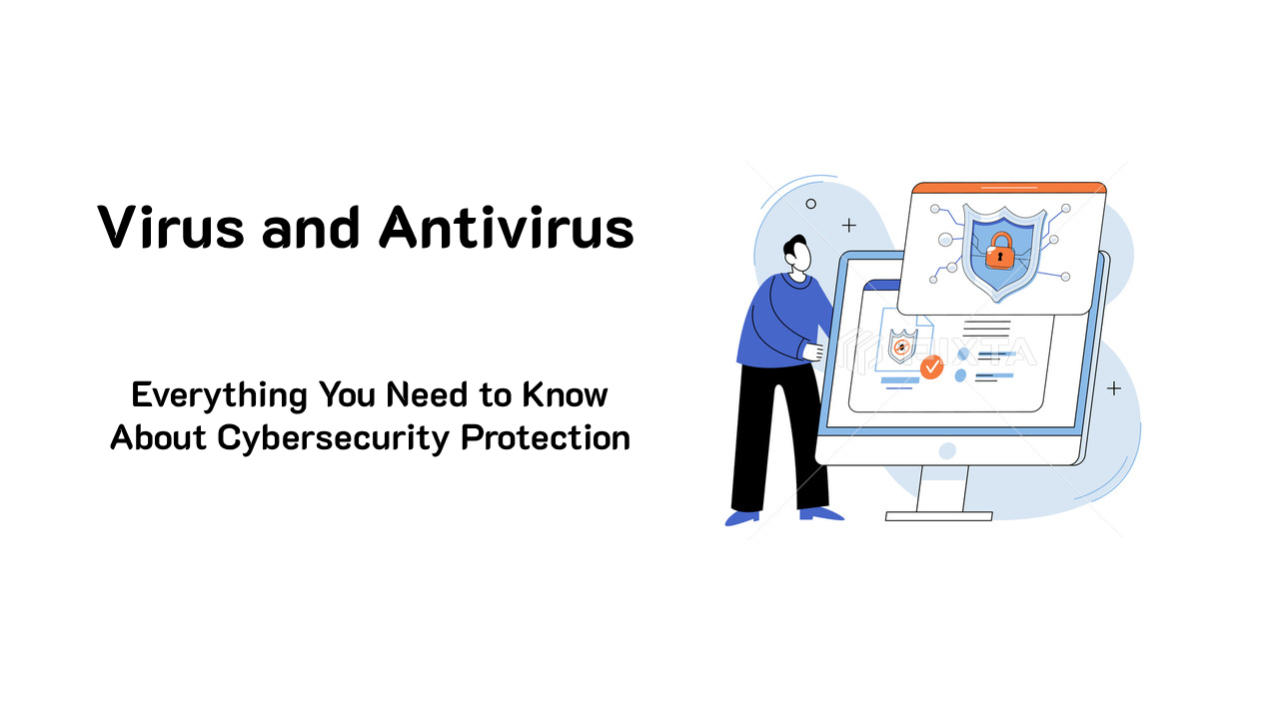
In an era of escalating cyber threats, having robust security defenses is more important than ever. The battle between... Antivirus and Virus This continues as hackers develop increasingly sophisticated malware to steal data, disrupt systems, and demand ransom from victims. Antivirus programs act as a digital shield, protecting devices from both known and emerging threats.
In this article, we'll explore how viruses work, how antivirus programs protect devices, best security techniques, and how to choose the most suitable antivirus solution.
Antivirus and Virus
What is a computer virus?
computer virus Malware is a type of malicious software designed to spread to other computers, steal data, and damage systems. Like real-world viruses, computer viruses can spread from one host to another without the user's knowledge. They can embed themselves in seemingly harmless software, emails, or files, but when executed, can cause significant system damage.
How do viruses enter computers?
Viruses and other forms of malware can enter a system through various channels, such as:
- Phishing emails – Fake emails that trick users into downloading virus-infected attachments.
- Malicious Websites – Fake or hacked websites that can install malware on your device.
- Downloading software infected with a virus. – Free software that may contain viruses.
- External storage devices (USBs, External Drives) – Transferring files infected with a virus from one device to another.
- Unprotected Wi-Fi network – Public or compromised networks may put users at risk of attacks.
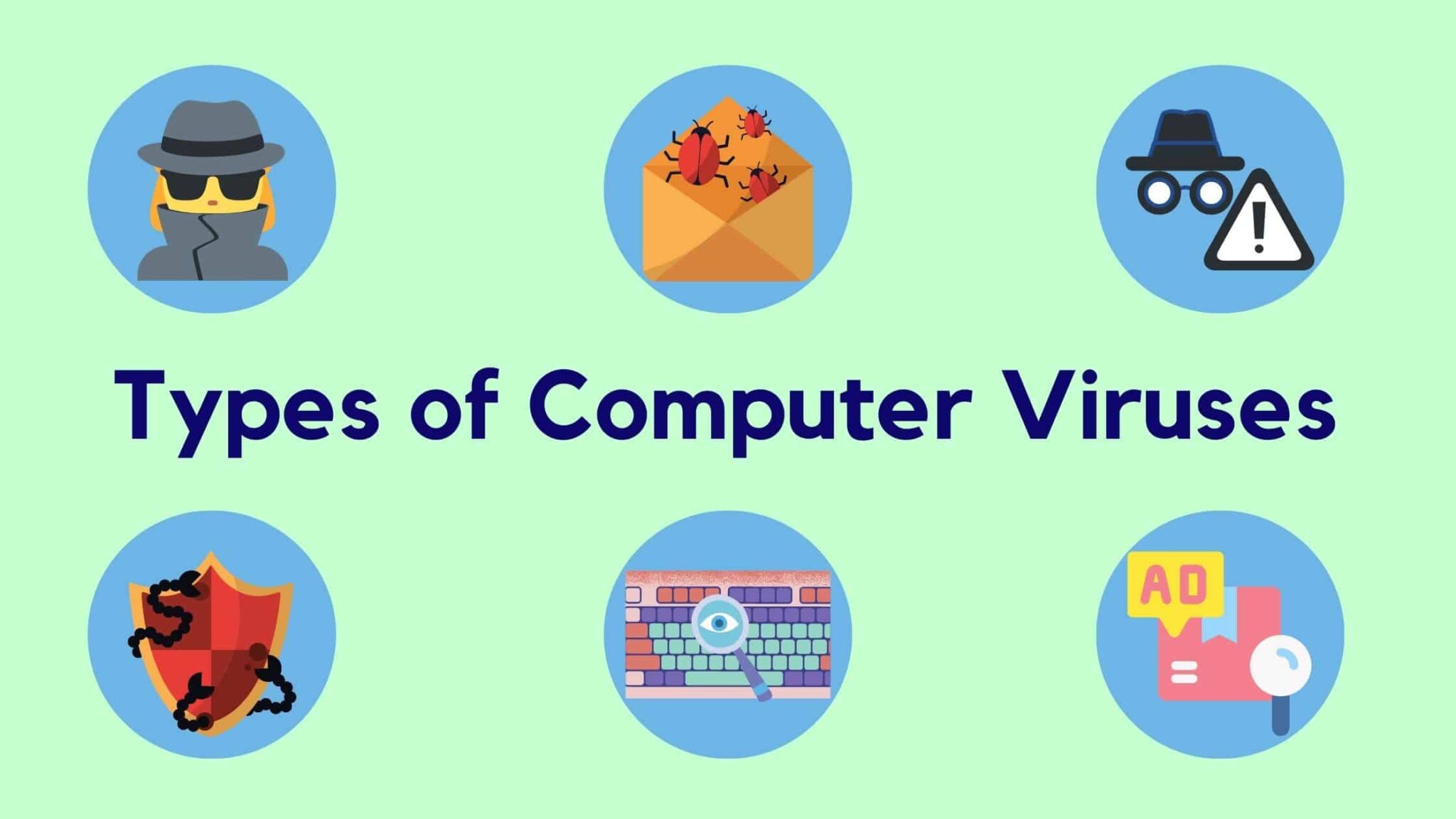
Types of computer viruses commonly found.
Cybercriminals use various types of viruses to attack devices, such as:
- Trojan Horse – It hides itself in the form of seemingly normal software, but contains embedded malicious code.
- Worms – It spreads to other devices on the network without user interaction.
- Ransomware – Encrypts user files and demands a ransom in exchange for unlocking them.
- Spyware - Intercepting personal information such as passwords or browsing history.
- Adware - Displays unwanted advertisements and may slow down the system.
- Rootkits – They are hidden deep within the system, making them difficult to detect and remove.
How do antivirus programs work to protect devices?
To combat these threats, antivirus programs detect and remove malware from the system before it can cause damage. Effective protection systems utilize advanced security techniques such as:
- Real-Time Threat Detection
Antivirus programs scan files, emails, and downloads in real-time. If anything unusual is detected, the system will immediately block or quarantine the virus.
- Heuristic and Behavioral Analysis
Traditional antivirus relies on databases of known viruses, but modern antivirus programs use... Behavioral Analysis To detect unknown viruses by analyzing file behavior and blocking threats before they can cause damage.
- Cloud-Based Security & AI Protection
Advanced antivirus software, such as: Microsoft Defender use AI and cloud technology To detect new threats by comparing data from users worldwide.
- Ransomware Protection
Modern antivirus software can protect against ransomware by:
✔ Blocks unauthorized file encryption.
✔ Automatically back up important data.
✔ Use behavioral detection to prevent malware from starting its operation.
- Network Firewall and Web Protection
Antivirus programs with a built-in firewall will help monitor and prevent malicious network access. They can also... Anti-Phishing Protection To prevent access to fake websites designed to steal personal information.
Choosing the Right Antivirus Program: Free and Paid Solutions
Each antivirus program offers a different level of protection. Below is a comparison of popular antivirus programs.
Feature | Microsoft Defender (Windows) | Norton 360 | McAfee Total Protection | Bitdefender |
Real-time protection | ✅ Yes | ✅ Yes | ✅ Yes | ✅ Yes |
AI-powered and cloud-based protection. | ✅ Yes | ✅ Yes | ✅ Yes | ✅ Yes |
Ransomware protection | ✅ Yes | ✅ Yes | ✅ Yes | ✅ Yes |
Protecting against websites and phishing. | ✅ Yes | ✅ Yes | ✅ Yes | ✅ Yes |
VPN and personal data protection | ❌ No | ✅ Yes | ✅ Yes | ✅ Yes |
Membership cost | Free | Payment required | Payment required | Payment required |
If you want basic protection Microsoft Defender (Included with Windows) provides free AI-powered security. However, for businesses or high-risk users, premium antivirus such as... Norton 360 or McAfee Total Protection There will be additional features such as VPN, privacy protection, and password management.
Best practices for virus prevention.
In addition to using antivirus software, you should follow these cybersecurity guidelines:
1. Update your software and antivirus regularly.
Hackers often exploit vulnerabilities in outdated software to attack systems. Windows, browsers, and antivirus programs should be updated regularly.
2. Avoid clicking on suspicious links.
Do not click on email attachments or unknown websites, as they may be sources of malware and phishing.
3. Use a strong password and enable multi-factor authentication (MFA).
Enable MFA on important accounts and use complex passwords to reduce the risk of hacking.
4. Back up important data regularly.
Use cloud services like OneDrive, Google Drive, or an external hard drive to ensure that important data can be recovered in the event of an attack.
5. Protect your network and Wi-Fi.
- Use a strong password for your Wi-Fi network and enable data encryption.
- Avoid conducting financial transactions on public Wi-Fi.
- Use a VPN to add an extra layer of security when using the internet.
Summary: Antivirus and Virus Protection in 2025
Cyber threats remain a significant concern as cybercriminals constantly develop new techniques. Investing in reliable antivirus software is therefore essential for protecting sensitive data, preventing financial losses, and avoiding identity theft.
Important points:
✔ Viruses can spread through email, websites, software downloads, and network vulnerabilities.
✔ The antivirus program provides real-time, cloud-based AI protection and ransomware protection.
✔ Microsoft Defender is a free antivirus solution that comes pre-installed with Windows and provides reliable protection.
✔ Premium antivirus programs like Norton 360 and McAfee offer additional features such as VPN and privacy protection.
✔ Following cybersecurity guidelines helps reduce risks and enhance protection.
Whether you're a general user, a small business, or a large organization, using the right antivirus software and following security measures can effectively help keep you safe from cyber threats.
Want to learn more about how to use it? Microsoft Defender For added security, please read more details here. This article
Explore our digital tools
If you are interested in implementing a knowledge management system in your organization, contact SeedKM for more information on enterprise knowledge management systems, or explore other products such as Jarviz for online timekeeping, OPTIMISTIC for workforce management. HRM-Payroll, Veracity for digital document signing, and CloudAccount for online accounting.
Read more articles about knowledge management systems and other management tools at Fusionsol Blog, IP Phone Blog, Chat Framework Blog, and OpenAI Blog.