One of the most exciting aspects of modern image generation tools is the ability to experiment across a wide spectrum of visual expression. With Microsoft Copilot, you can explore countless AI art genres and styles—from hyper-realistic photography to expressive oil paintings, immersive 3D renders, dynamic animation, and detailed illustrations.
Whether you're a designer, content creator, marketer, or hobbyist, understanding different creative categories will dramatically improve the results you generate.
Understanding AI Art Genres and Styles
AI-powered visualization tools can mimic and interpret virtually any type of art form. The key is how to explain the desired result.
By including style references, technical terminology, and visual details in the prompt, you can guide Copilot to create work that aligns with the desired artistic direction.
The broader your vocabulary in terms of style, the more control you have over the final result.
Start Simple, Then Add Detail
An effective way to experiment is to begin with a simple idea and gradually enrich it.
Basic prompt:
“A mountain landscape.”
Refined prompt:
“Create a cinematic mountain landscape at sunrise, golden light, soft mist, ultra-detailed textures, wide-angle composition.”
Adding specific ingredients—lighting, detail level, mood, and composition—transforms a generic result into something visually compelling.
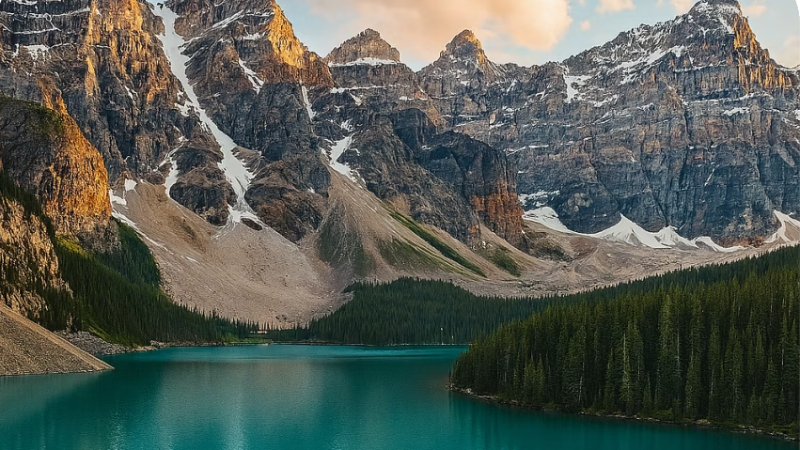
Photography: Hyper-Realistic AI Images
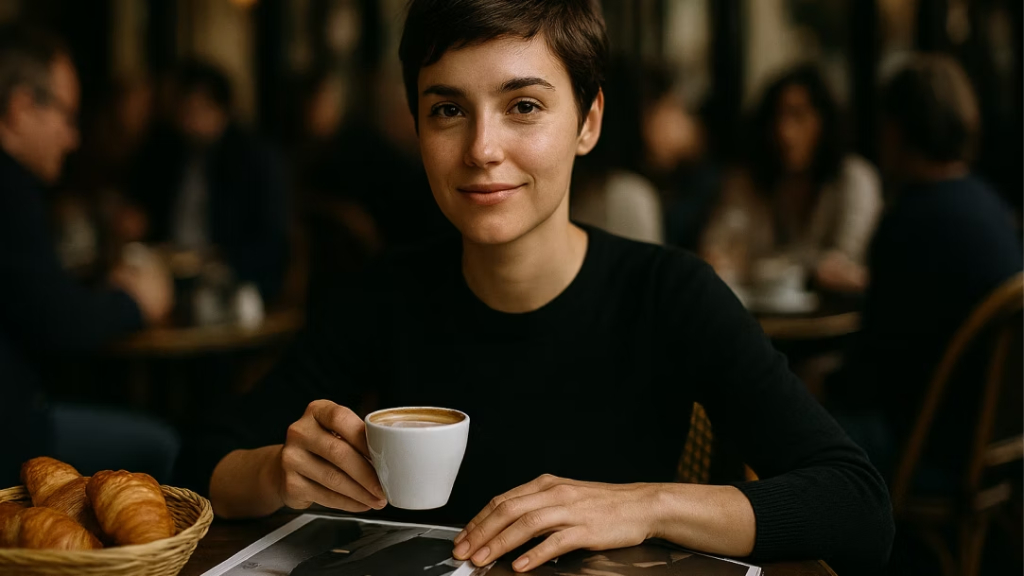
Photography is one of the most popular AI art genres and styles because it feels familiar and immersive.
To generate photographic results, use technical terms such as:
- Black and white
- Shallow depth of field
- Soft lighting
- Studio portrait
- Macro lens
- Landscape wide shot
- High resolution
- Golden hour
Example prompt:
“Generate a photo-realistic image of a woman sitting at a café, medium shot, holding a coffee with soft lighting, shallow depth of field, and fisheye lens.”
Photography-based prompts work particularly well for marketing visuals, product mockups, or lifestyle imagery.
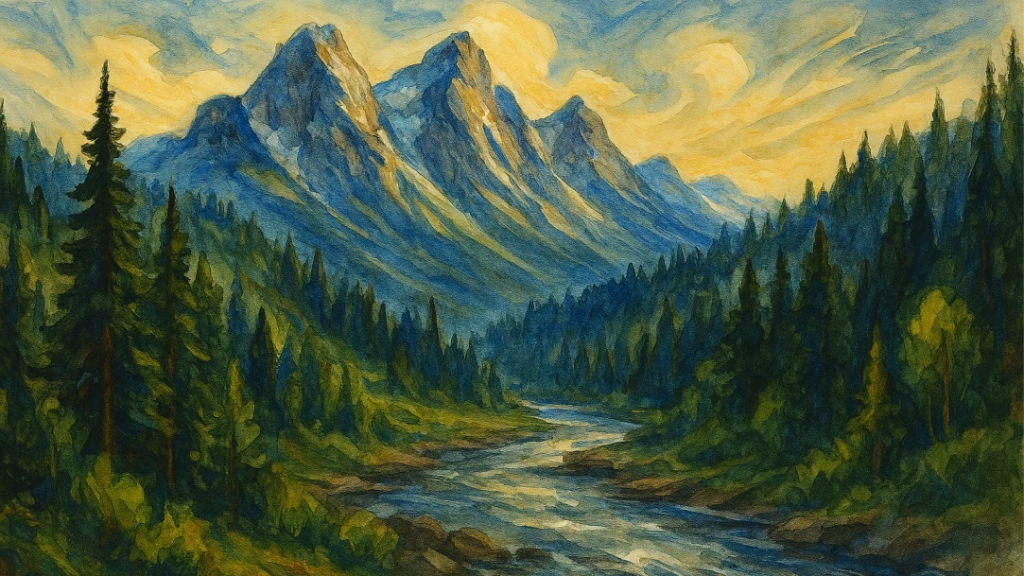
Painting: From Classical to Emotional
The painting style gives you the opportunity to experiment with textures, brushstrokes, and moods.
Add a description such as:
- Oil painting
- Watercolor
- Renaissance style
- Impressionist brush strokes
- Thick texture
- Swirling colors
Example prompt:
“Paint a mountainous landscape with lots of trees and a river, watercolor paint, bright colors, wide swirling strokes, Renaissance style, ultra-wide.”
The illustrated prompts add emotional depth and a handmade feel.
3D Art: Shapes, Textures, and Materials
3D artwork allows you to focus on structure, materials, and physical dimensions.
Try using words like:
- Shiny surface
- Reflective glass
- Matte texture
- Metallic finish
- Diorama scene
- Sculpture
- Volumetric lighting
Example prompt:
“Make an image of a shiny futuristic 3D hourglass, beige background, studio lighting set, ultra-wide 20mm lens.”
3D prompts are ideal for product design, game concepts, or futuristic design.

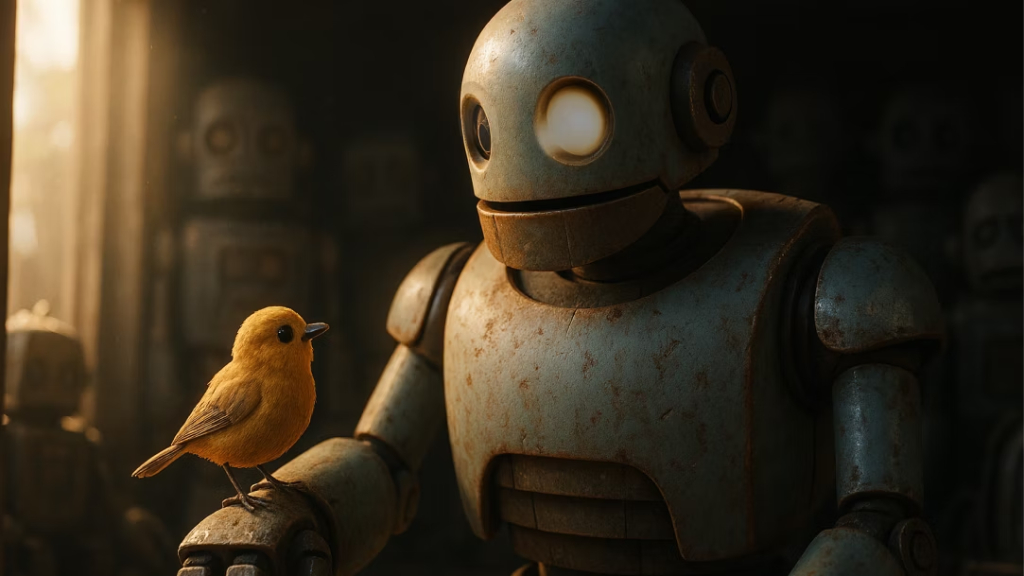
Animation: Story-Driven Visuals
Animation-style prompts emphasize motion, character expression, and narrative elements.
Include descriptors like:
- Animated movie scene
- Expressive character
- Dynamic movement
- Stylized proportions
- 3D animated lighting
- Anime-inspired style
Example prompt:
“Create a 3D scene from an animated movie with a robot and a little bird.”
Animation-based prompts add playfulness and storytelling energy to your images.
Illustrations: Line Work and Medium Variety
Illustration styles give you more control over line quality and texture.
Use terms such as:
- Pencil sketch
- Charcoal drawing
- Fine-line illustration
- Bold marker style
- Watercolor wash
- Ink pen
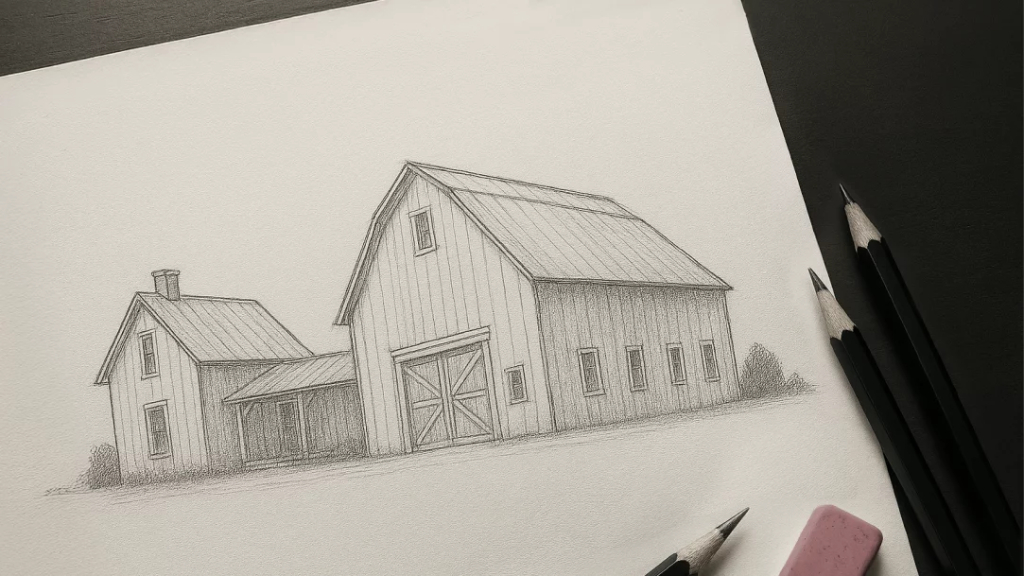
Example prompt:
“Draw a thin, delicate pencil sketch of a farmhouse and large barn, soft shading, light cross-hatching, minimalistic composition.”
Illustration styles are perfect for editorial visuals, concept art, and creative storytelling.
Mix and Match for Hybrid Creativity
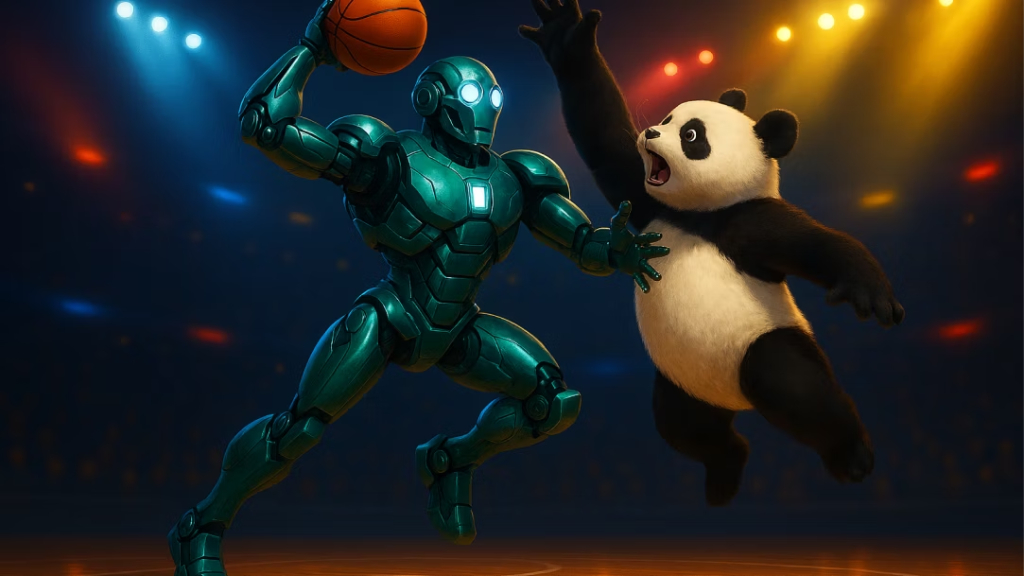
One of the most powerful features of working with AI art genres and styles is the ability to combine them.
Example hybrid prompt:
“Create a 3D brightly colored robot playing basketball with a panda, dramatic lighting, octane render, cinema 4D, closeup shot, retro style.”
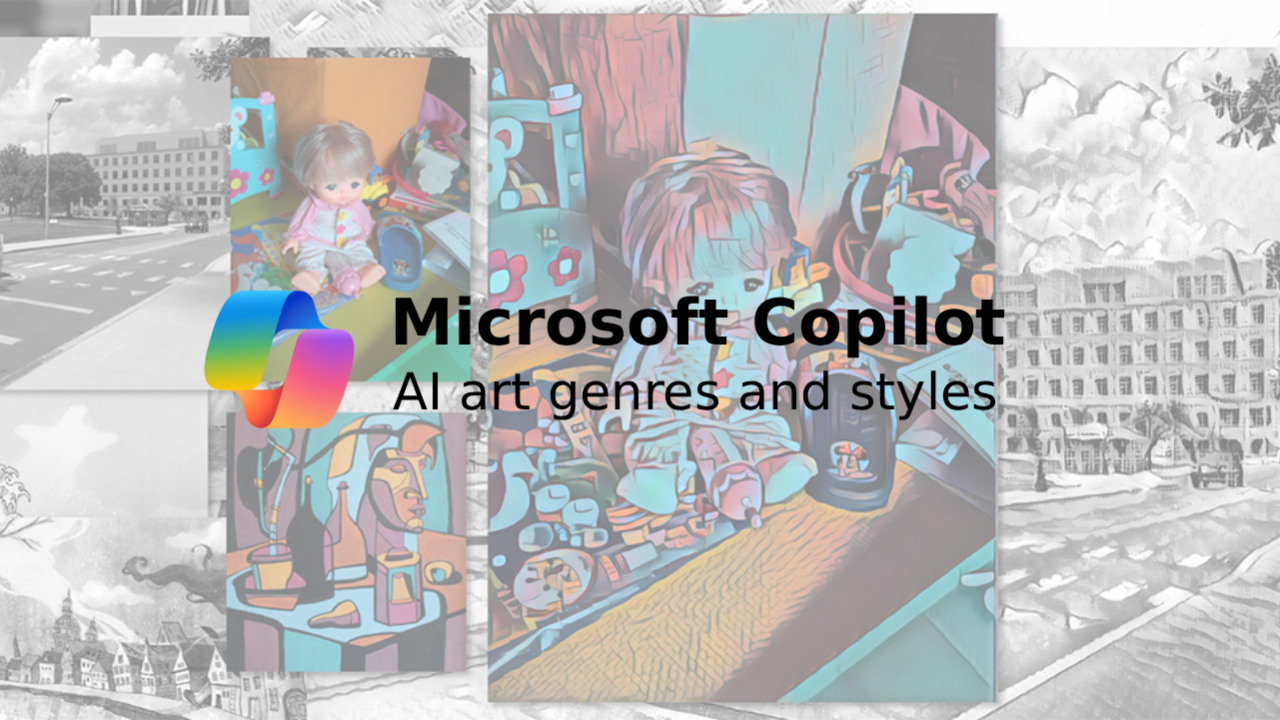
Mixing sculpture with painting, photography with animation, or illustration with 3D elements produces highly original results.
Hybridization allows you to move beyond imitation and create something entirely unique.
Experiment Without Limits
The true power of Copilot lies in experimentation. Try:
- Converting photography into watercolor
- Turning a painting concept into a 3D render
- Rendering illustration with cinematic lighting
- Blending anime elements with realistic textures
Every adjustment introduces new creative possibilities.
Tips for Exploring Styles Effectively
To master stylistic control:
- Use at least six descriptive keywords.
- Define lighting, mood, and perspective.
- Specify texture or medium.
- Combine genres thoughtfully.
- Refine iteratively rather than stopping at the first result.
The more detailed and intentional your prompt, the more satisfying the outcome.
Conclusion
The world of AI art genres and styles is vast, flexible, and endlessly creative. With Microsoft Copilot, you can move fluidly between hyper-realistic photography, expressive paintings, immersive 3D art, dynamic animation, and refined illustrations.
The only real limitation is the clarity and creativity in describing your vision.
Expand your style vocabulary, experiment boldly, and transform AI from a mere tool into a creative partner.
Explore new styles, mix and match, customize, and let your visual imagination come to life.