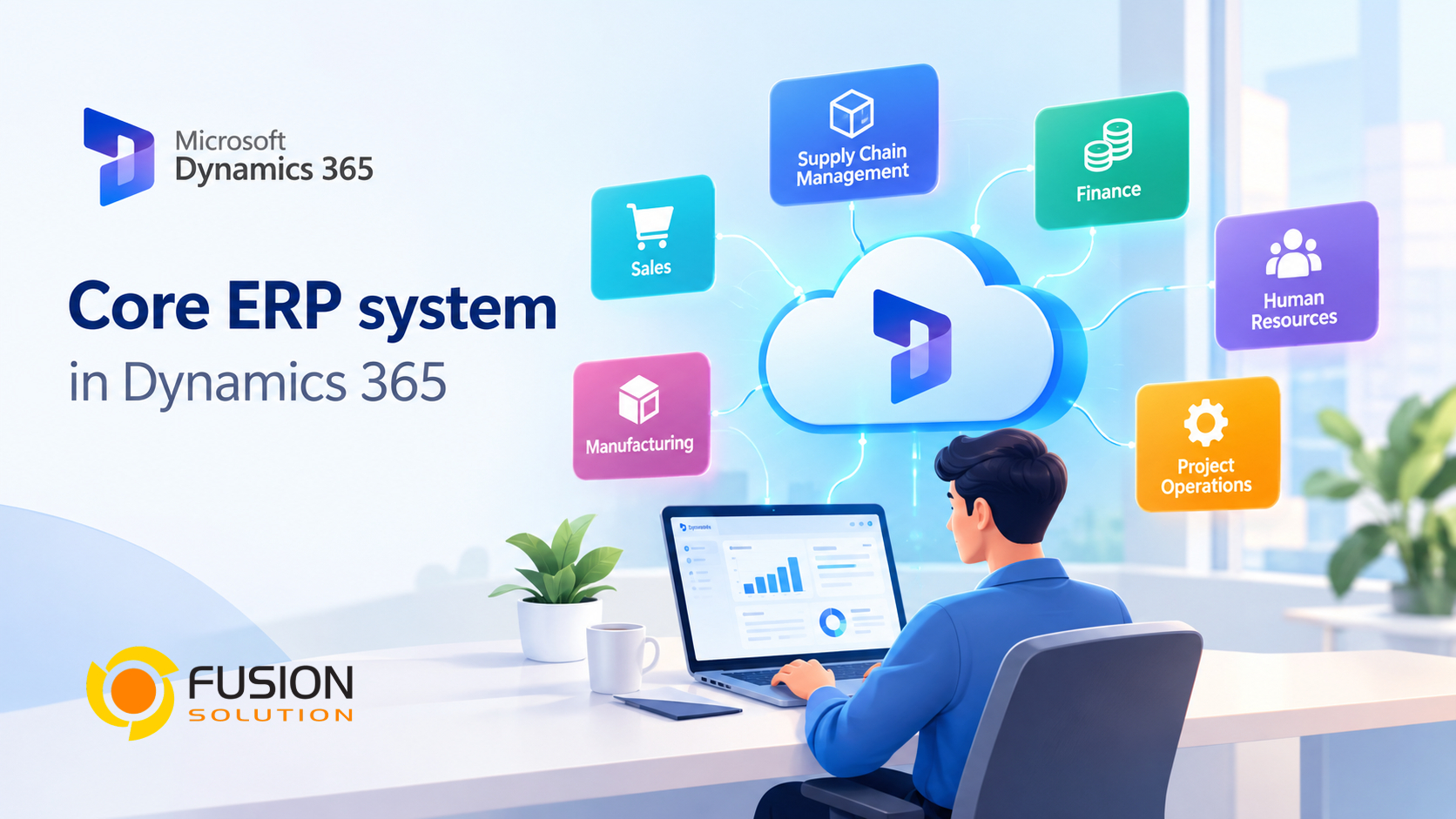
Modern businesses require more than just standalone software for accounting, sales, inventory, and operations. Modern ERP systems integrate these workflows, enabling teams to utilize a unified dataset to make better-informed decisions.
Microsoft Dynamics 365 provides a range of business applications designed to support different parts of an organization. For companies looking for an ERP platform, the most important solutions are Dynamics 365 Business Central and Dynamics 365 Finance and Supply Chain Management.
Understanding the differences between these applications can help businesses choose the right solution based on their size, operations, and business requirements.
What Is an ERP System?
ERP stands for Enterprise Resource Planning. It is a system that connects important business processes within one platform.
Instead of managing financial information, purchasing, inventory, sales, and operations in separate systems, an ERP can bring these processes together.
For example, a purchase order can connect with inventory information and financial records. A sales transaction can also update inventory and financial data without requiring employees to enter the same information multiple times.
This connected approach can help businesses improve visibility, reduce manual work, and make business information easier to manage.
ERP System in Microsoft Dynamics 365
Microsoft Dynamics 365 does not use one single ERP application for every type of organization. Instead, Microsoft provides different ERP solutions for different business needs.
The two major ERP applications are:
Dynamics 365 Business Central
Dynamics 365 Business Central is designed primarily for small and medium-sized businesses.
It brings together areas such as:
- Finance and accounting
- Sales
- Purchasing
- Inventory
- Supply Chain
- Project Management
- Customer Service
- Business Reporting
Business Central can be a practical option for companies that want to replace spreadsheets or multiple disconnected business applications with one integrated system.
It also supports integration with other Microsoft products, including Microsoft 365, Power BI, Power Automate, and Teams.
Dynamics 365 Finance
Dynamics 365 Finance is designed for organizations with more complex financial and operational requirements.
It provides capabilities for areas such as:
- Financial Management
- Accounting
- Budgeting
- Financial Planning
- Tax Management
- Cost Accounting
- Accounts Payable and Accounts Receivable
- Financial Reporting
For large organizations, the finance function can provide greater visibility into data across multiple legal entities, business units, and operations.
Dynamics 365 Supply Chain Management
Dynamics 365 Supply Chain Management focuses on supply chain and operational processes.
It can help organizations manage:
- Inventory
- Procurement
- Manufacturing
- Warehouse Operations
- Supply Planning
- Demand Planning
- Product Information
- Transportation
For manufacturers, distributors, and organizations with complex supply chains, this application can connect operational information with financial and business processes.
ERP Systems for Different Business Sizes
One of the important differences between Dynamics 365 ERP applications is the type of organization they are designed to support.
Business Central is often suitable for small and medium-sized businesses that need an integrated business management platform without the complexity of a large enterprise ERP implementation.
As for Dynamics 365 Finance and Supply Chain Management, they are suitable for organizations with more complex requirements regarding finance, operations, manufacturing, or supply chain management.
Selecting an ERP system should not be based solely on the number of employees. Businesses should also consider transaction volume, organizational structure, the number of legal entities, manufacturing requirements, multi-country operations, and future growth plans.
How Dynamics 365 ERP Applications Work Together
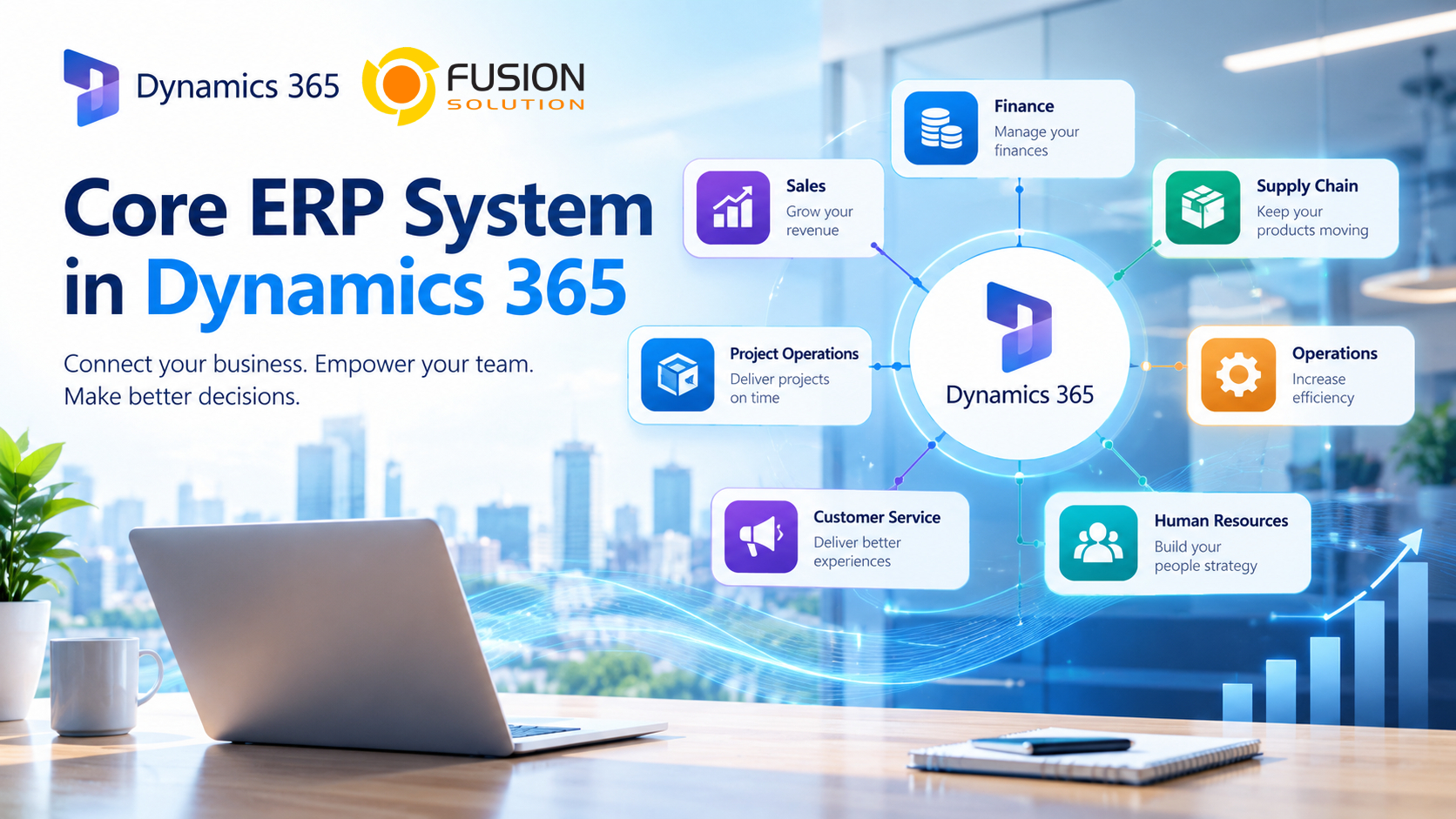
One of the strengths of the Dynamics 365 platform is its ability to connect business applications.
For example, an organization may use Dynamics 365 for its core business processes while connecting it with other Microsoft solutions.
A typical Microsoft business technology environment could include:
Dynamics 365 → Business Operations
Microsoft 365 → Productivity และ Collaboration
Power BI → Data Analysis และ Reporting
Power Automate → Workflow Automation
Microsoft Teams → Communication และ Collaboration
This approach helps create an interconnected business technology environment, rather than viewing ERP merely as a siloed system for business management.
Key benefits of using Dynamics 365 for ERP
- Connected Business Data
Dynamics 365 can bring information from different business processes into a connected environment.
This helps employees work with more consistent information instead of relying on separate spreadsheets and disconnected databases.
- Better Financial Visibility
Finance teams can access financial information alongside operational data.
This can make it easier to monitor revenue, expenses, cash flow, budgets, and business performance.
- Improved Process Automation
Businesses can automate repetitive tasks and approval processes using Dynamics 365 together with tools such as Power Automate.
This can reduce manual data entry and help employees spend more time on higher-value work.
- Business Intelligence
Dynamics 365 can work with Power BI to provide dashboards and business reports.
Instead of looking at raw data, managers can use visual reports to understand trends and monitor important business metrics.
- Microsoft Ecosystem Integration
For organizations already using Microsoft products, Dynamics 365 can connect with tools such as Microsoft 365, Teams, Excel, Power BI, and Power Automate.
This can make it easier for employees to work with familiar Microsoft technologies.
How to Choose the Right Dynamics 365 ERP
Choosing an ERP should begin with business requirements rather than software features.
Start by asking:
What problems are we trying to solve?
For example, a business may have difficulty with:
- Duplicate data entry
- Manual financial processes
- Poor inventory visibility
- Slow purchasing approvals
- Disconnected sales and accounting data
- Limited management reporting
- Complex supply chain operations
Once the problems are clear, businesses can identify which Dynamics 365 application and capabilities are most relevant.
It is also important to consider implementation, data migration, employee training, integrations, customization, security, and ongoing support.
Dynamics 365 Is More Than an ERP
Although ERP is an important part of Dynamics 365, the platform goes beyond core business management.
Organizations can connect ERP processes with customer relationship management, sales, customer service, analytics, automation, and AI capabilities.
This can help businesses build a more connected digital environment as their requirements grow.
For example, a company could connect financial and operational information with Dynamics 365 Sales, use Power BI for analytics, and automate business processes with Power Automate.
The result is a connected technology environment where different teams can work with information from the same broader business platform.
Is Dynamics 365 Right for Your Business?
Dynamics 365 can be considered by businesses that want to move away from spreadsheets, disconnected applications, or outdated business management systems.
However, there is no single ERP solution that is automatically right for every organization.
Small and medium-sized businesses may find Business Central more appropriate for their requirements, while larger organizations with complex finance, manufacturing, or supply chain operations may need Dynamics 365 Finance and Supply Chain Management.
The most important step is to understand your current processes and future business requirements before selecting the solution.
Conclusion
Choosing an ERP is a major business decision because it affects how different departments manage information and work together.
Microsoft Dynamics 365 provides different ERP applications to support businesses with different levels of complexity. Business Central focuses on the needs of small and medium-sized businesses, while Dynamics 365 Finance and Supply Chain Management provide capabilities for larger and more complex organizations.
The right approach is to start with your business requirements, identify the processes that need improvement, and then evaluate which Dynamics 365 solution can support those goals.
For businesses already using Microsoft technologies, Dynamics 365 can also provide an opportunity to connect ERP with Microsoft 365, Power BI, Power Automate, Teams, and other Microsoft business tools.