ChatGPT Images 2.5: AI images are created faster and edited more accurately than before
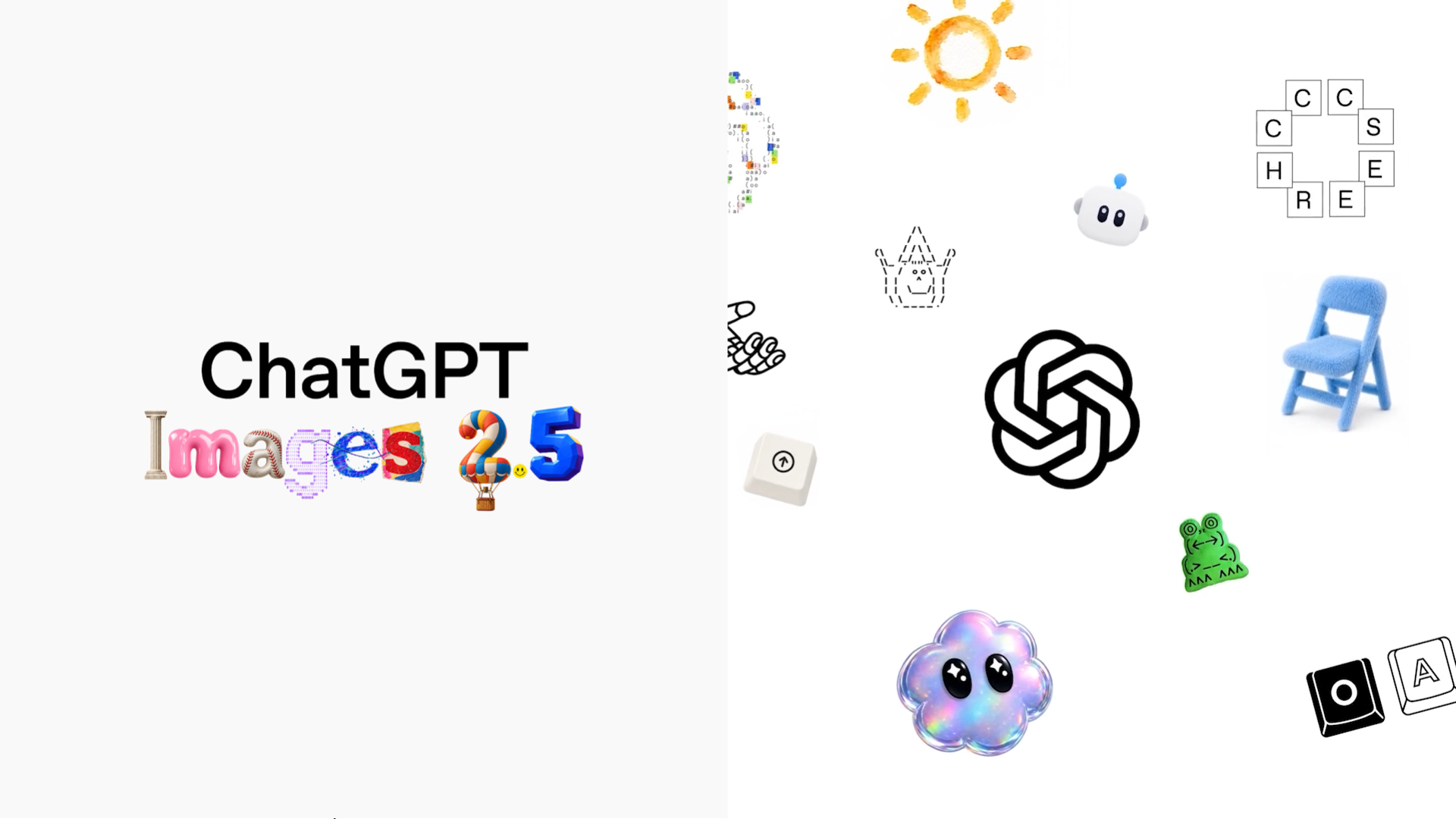
AI image generation is becoming an essential tool for creators, marketers, designers, and businesses. Instead of spending hours manually creating or editing visual content, users can simply describe what they want and let AI transform those ideas into actual images. ChatGPT Images 2.5 introduces improvements designed to make AI image generation faster and more detailed, while offering greater control over the results.
ChatGPT Images 2.5 คืออะไร?
ChatGPT Images 2.5 is the latest image generation model from OpenAI for creating and editing images via natural-language instructions.
This model is designed to help users generate new images, edit existing ones, and preserve key image details, enabling sequential edits without the need to start the generation process over from scratch each time.
Key improvements include:
- Faster image generation
- Image details are sharper.
- Better textures and lighting
- Improved reference-image consistency
- More precise editing
- Better multi-step editing
- Sketch-to-image capabilities
- Templates for common creative tasks
These improvements make AI image generation more useful for everyday creative work.
Faster image generation
One of the biggest improvements is speed.
OpenAI says the new model can generate images up to 50% faster than Images 2.0. Faster generation allows users to experiment with more ideas and make revisions without spending as much time waiting.
This can be especially useful for:
- Social Media Content
- Blog images
- Marketing Campaign
- Product concepts
- Advertisements
- Presentation visuals
A faster workflow means users can go from an idea to a finished visual more efficiently.
Better Image Quality and Detail
ChatGPT Images 2.5 improves the visual quality of generated images, including details, textures, and lighting.
The model is also designed to better preserve important characteristics when using reference images.
For example, users can provide a product image and ask AI to place the product in a different environment while keeping its important visual characteristics consistent.
This can be valuable for businesses that need multiple visuals featuring the same product or subject.
More Precise Image Editing
Another major improvement is editing precision.
Instead of regenerating an entire image when only one element needs to change, Images 2.5 is designed to make more targeted modifications while preserving the rest of the composition.
For example, a user could ask to:
- Change the background
- Replace a product
- Modify clothing
- Add an object
- Remove unwanted elements
- Change specific text
- Adjust a particular visual detail
The goal is to change what the user requests without unnecessarily changing everything else.
This is particularly valuable for commercial creative work, where maintaining composition and brand consistency can be important.
Multi-Turn Editing Becomes More Consistent
Creative projects often require multiple rounds of revisions.
A user might first ask for a background change, then adjust the lighting, then modify an object, and finally change the overall style.
With previous image-generation systems, repeated editing could sometimes cause unrelated details to drift.
Images 2.5 is designed to maintain consistency across multiple editing turns. OpenAI says earlier changes are more likely to remain intact while subsequent edits build on the existing image.
This makes conversational image editing more useful.
Instead of treating every prompt as a completely new generation request, users can gradually develop an image through a sequence of instructions.
Sketch: Turn Rough Ideas into Finished Images
One of the most interesting new features is Sketch
Sometimes explaining a visual idea with words is difficult. A rough drawing, however, can communicate the intended layout or object placement much more effectively.
With Sketch, users can draw directly within ChatGPT and use that drawing as a visual guide for AI image generation.
OpenAI cites examples of use cases such as sketching room layouts, clothing design concepts, or simple doodles, and then transforming them into more polished, complete images.
Users can access the feature by typing @Sketch in ChatGPT
This creates another way to communicate with an image model:
Idea → Sketch → AI Interpretation → Finished Image
The user does not need professional drawing skills. The sketch simply provides additional visual context.
Better understand complex creative Instructions
AI image generation becomes more useful when it can understand multiple requirements at the same time.
A professional creative brief might include:
- Subject
- Composition
- Camera Angle
- Lighting
- Color Palette
- Background
- Typography
- Brand Style
- Image Dimensions
- Specific Objects
Imagen 2.5 is designed to better understand complex visual prompts and generate more consistent results.
OpenAI also emphasizes improvements in Visual Style, Real-World Information, Layout, and Transparent Background visualization.
This allows users to create more structured Visual Assets, instead of relying solely on generic descriptive prompts.
ChatGPT Images 2.5 in API
This update is not limited to ChatGPT only.
OpenAI also introduced two new image models in its API:
- GPT-Image-2.5 Flare
- GPT-Image-2.5 Sunburst
Flare is positioned as the default option for most applications, offering improvements in quality, image correction, and speed.
OpenAI states that Flare is suitable for use cases such as social content, product experience, visual search, prototyping, and large-scale visualization.
Sunburst, on the other hand, is designed for creative workflows that require more detail and precise editing control, and take longer to create images.
These capabilities open up opportunities for developers to directly integrate next-generation image generation technologies into their products and workflows.
ChatGPT Images 2.5 vs. Traditional Image Generation
AI image generation doesn't render traditional creative tools obsolete, but rather transforms how those tools should be used in the creative process.
Creative work | Traditional Workflow | AI-Assisted Workflow |
Initial Concept | Brainstorming ด้วยตนเอง | Generate multiple concepts quickly |
Visual Exploration | It takes a long time | Test out ideas quickly |
Image Variations | Create a new image yourself | Create Variations with AI |
Simple Edits | Edit manually | Use Natural-Language Instructions. |
Rough Concept | Sketch or Mockup | Sketch-to-Image |
Marketing Prototype | Created by Designer | AI-Assisted First Draft |
Iterative Changes | Edit in multiple steps | Conversational Refinement |
The most efficient workflow may be a combination of both approaches.
AI can assist with ideation and iteration, while professional designers can define the final creative direction, ensure brand consistency, control quality, and utilize production expertise.
Safety and Responsible AI Image Generation
As image generation capabilities become more advanced, responsible use of them becomes even more important.
OpenAI states that Images 2.5 includes safeguards related to both prompts and images, including C2PA metadata and invisible watermarking to help identify images created with the company's tools.
However, organizations should establish their own policies for the responsible use of AI-Generated Content.
Businesses should consider issues such as:
- Copyright and Intellectual Property
- Brand Guidelines
- Privacy
- Obtaining Consent when using an image of a person.
- Disclosure of content created with AI should be made when appropriate.
- Content that may be misleading or deceptive.
- Internal approval process
The easier it becomes to create images using AI, the more important it becomes to understand how the content created is used.
How to achieve better results with ChatGPT Images 2.5
While more efficient models can produce better results, a clear creative direction remains crucial.
A helpful prompt can explain various elements such as:
Subject + Composition + Environment + Style + Lighting + Details + Output Requirements
For example, instead of simply asking:
“Create a product image.”
A more useful instruction should specify details of the product, including Environment, Composition, Lighting, Visual Style, Target Audience, and desired Output.
Users can also take advantage of iterative editing instead of trying to explain every possible detail within a single prompt.
A practical workflow is:
- Start with the Core Concept
- Generate the First Version
- Review the image
- Identify what needs to change
- Give a focused editing instruction
- Repeat until the image matches the intended result
The improved multi-turn consistency of Images 2.5 makes this iterative approach particularly useful.
Summary
ChatGPT Images 2.5 makes AI image creation faster, more detailed, and easier to control.
With improved image quality, more accurate editing, better reference consistency, and features such as Sketch, users can move from a simple idea to a finished visual with fewer steps.
The future of AI image creation is not just about generating an image from a prompt. It is about working with AI to create, edit, and refine visuals until they match your vision.
Interested in Microsoft products and services? Send us a message here.
Explore our digital tools
If you are interested in implementing a knowledge management system in your organization, contact SeedKM for more information on enterprise knowledge management systems, or explore other products such as Jarviz for online timekeeping, OPTIMISTIC for workforce management. HRM-Payroll, Veracity for digital document signing, and CloudAccount for online accounting.
Read more articles about knowledge management systems and other management tools at Fusionsol Blog, IP Phone Blog, Chat Framework Blog, and OpenAI Blog.
New Gemini Tools For Educators: Empowering Teaching with AI
If you want to stay up-to-date with the latest technology and AI news, check out this website It's updated daily!
Fusionsol Blog in Vietnamese
- What is Microsoft 365?
- What is Copilot?What is Copilot?
- Sell Goods AI
- What is Power BI?
- What is Chatbot?
- What is cloud storage?
Related Articles
Frequently Asked Questions (FAQ)
What is Microsoft Copilot?
Microsoft Copilot is an AI-powered assistant feature that helps you work within Microsoft 365 apps like Word, Excel, PowerPoint, Outlook, and Teams by summarizing, writing, analyzing, and organizing information.
Which apps does Copilot work with?
Copilot currently supports Microsoft Word, Excel, PowerPoint, Outlook, Teams, OneNote, and others in the Microsoft 365 family.
Do I need an internet connection to use Copilot?
An internet connection is required as Copilot works with cloud-based AI models to provide accurate and up-to-date results.
How can I use Copilot to help me write documents or emails?
Users can type commands like “summarize report in one paragraph” or “write formal email response to client” and Copilot will generate the message accordingly.
Is Copilot safe for personal data?
Yes, Copilot is designed with security and privacy in mind. User data is never used to train AI models, and access rights are strictly controlled.