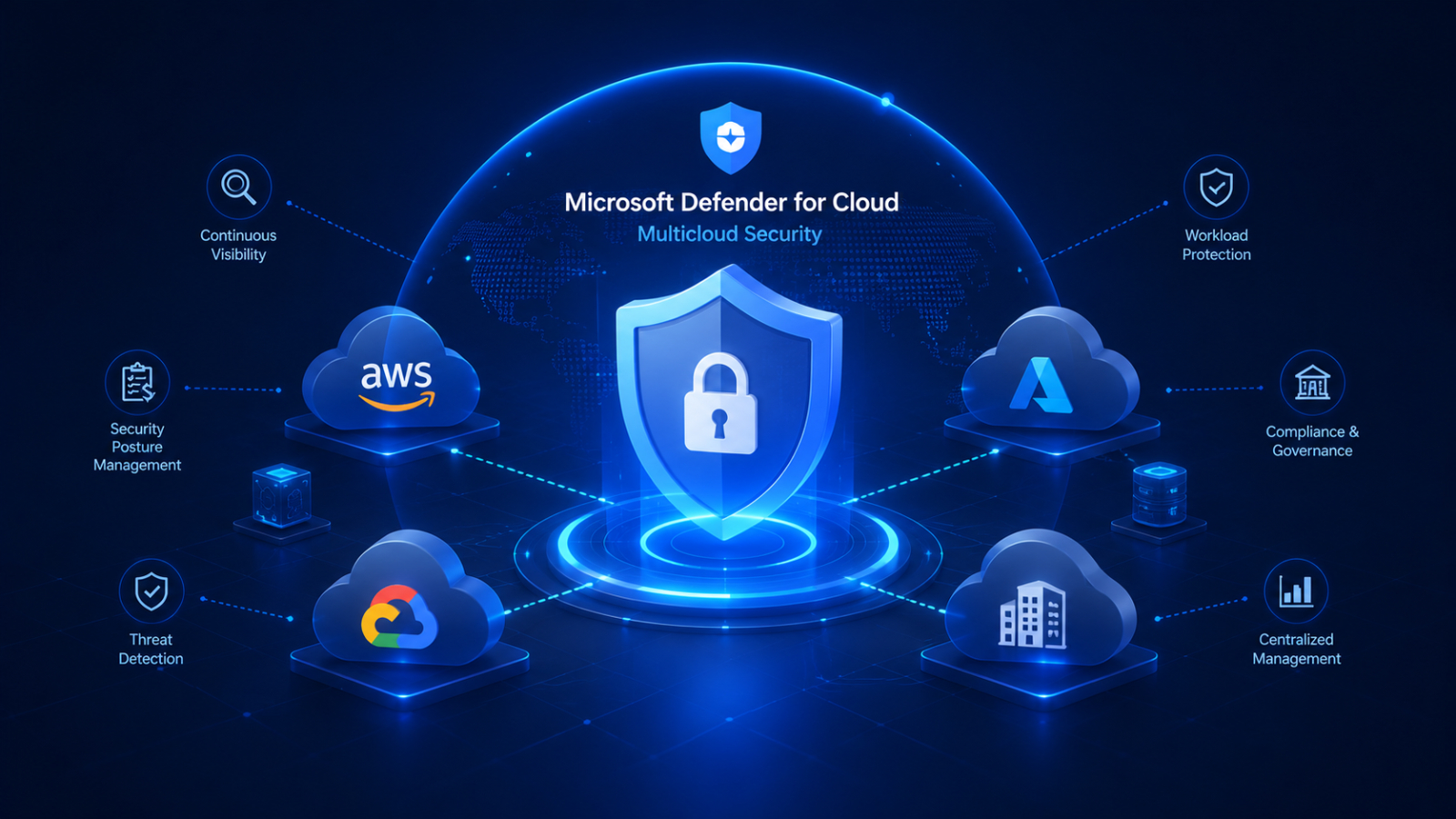
Today, many organizations no longer rely on a single cloud provider but instead utilize services from multiple platforms such as Microsoft Azure, Amazon Web Services (AWS), Google Cloud Platform (GCP) as well as on-premises systems, to increase business flexibility.
However, Multicloud strategies also come with security challenges, including fragmented data visibility, inconsistent security policies, and an expanded attack surface.
Expanded Multicloud Security is Microsoft's approach that enables organizations to protect their entire cloud ecosystem through Microsoft Defender for Cloud , extending protection from Azure to AWS and Google Cloud. This allows organizations to monitor, assess risks, and protect workloads across multiple platforms from a single central location.
Microsoft continues to develop Microsoft Defender for Cloud by adding support for multicloud environments, expanding security recommendations, and enhancing threat detection on AWS and Google Cloud for greater effectiveness.
What is Expanded Multicloud Security?
Expanded Multicloud Security extends the capabilities of Microsoft Defender for Cloud to manage security across multiple cloud providers from a single platform, instead of supporting only Microsoft Azure.
Organizations can secure workloads running on:
- Microsoft Azure
- Amazon Web Services (AWS)
- Google Cloud Platform (GCP)
- Hybrid Infrastructure
- Multi-environment cloud-native applications
Rather than managing separate security tools for each cloud provider, security teams gain centralized visibility into their security posture, vulnerabilities, compliance status, and active threats.
Why Multicloud Security Matters
Modern enterprises rarely rely on a single cloud provider.
Different departments may choose different platforms based on business needs:
- Development teams deploy applications on AWS.
- Data analytics workloads run on Google Cloud.
- Microsoft business applications remain on Azure.
- Legacy systems continue operating on-premises.
While this improves flexibility, it also creates security complexity.
Common challenges include:
- Multiple security dashboards
- Inconsistent security configurations
- Limited visibility across environments
- Identity management complexity
- Difficulty maintaining compliance
- Increased attack paths
Expanded multicloud protection addresses these challenges by bringing cloud security into a unified management experience.
Key Capabilities of Expanded Multicloud Security
Unified Cloud Security Posture Management (CSPM)
Microsoft Defender for Cloud continuously evaluates cloud resources across Azure, AWS, and Google Cloud.
Security teams can:
- Identify misconfigurations
- Prioritize high-risk resources
- Improve Secure Score
- Follow security best practices
Instead of manually reviewing every environment, organizations receive actionable recommendations from one platform.
Cloud-Native Application Protection
Modern applications often span multiple cloud providers.
Microsoft Defender for Cloud helps secure applications throughout their lifecycle by providing protection from development through runtime.
Capabilities include:
- Vulnerability assessment
- Runtime threat detection
- Container security
- Infrastructure protection
- Security recommendations
This enables organizations to implement security earlier in the software development lifecycle.
Expanded Threat Detection
Microsoft Defender for Cloud detects suspicious activity across cloud workloads using Microsoft's threat intelligence and advanced analytics.
For example:
- Suspicious identity activity
- Malware detection
- Unauthorized access attempts
- Vulnerable workloads
- Misconfigured cloud services
Security teams can investigate incidents through a centralized experience instead of switching between multiple vendor tools.
Enhanced Security Recommendations
Microsoft continues expanding built-in recommendations for AWS and Google Cloud resources.
These recommendations help organizations:
- Reduce exposed attack surfaces
- Improve configuration security
- Strengthen identity protection
- Address compliance gaps
- Prioritize remediation based on risk
As multicloud environments grow, automated recommendations become increasingly valuable for maintaining a strong security posture.
Benefits of Expanded Multicloud Security
Single Pane of Glass
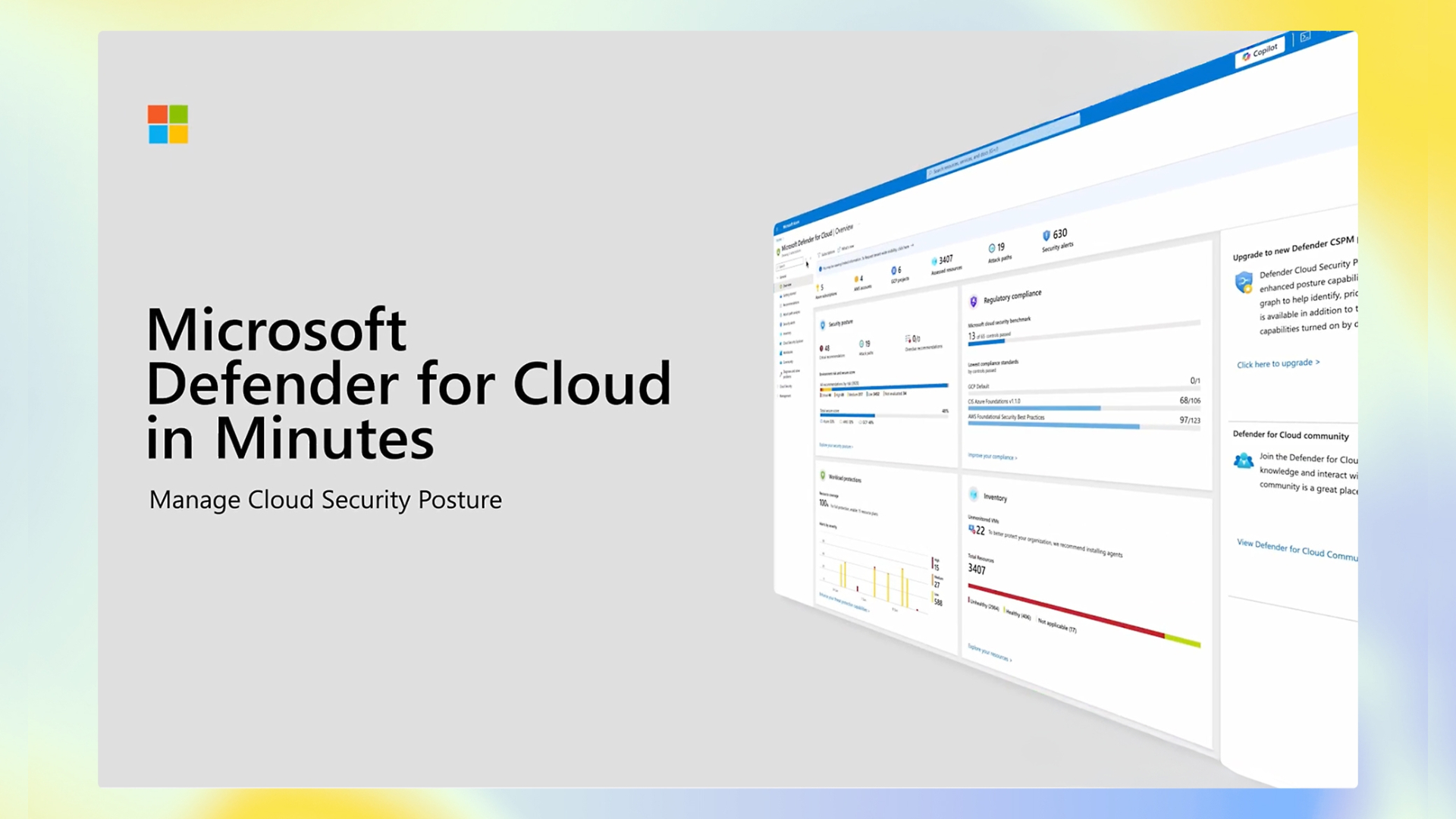
Instead of monitoring Azure, AWS, and Google Cloud separately, administrators gain centralized visibility into security risks across all supported environments.
This simplifies daily operations while reducing management overhead.
Improved Risk Prioritization
Security teams often receive thousands of alerts every day.
Microsoft Defender for Cloud helps prioritize the most critical risks by analyzing attack paths, vulnerabilities, and resource exposure, allowing teams to focus on issues that present the greatest business impact.
Consistent Security Standards
Organizations can apply consistent security policies regardless of where workloads are hosted.
This improves governance while reducing security gaps caused by differing cloud configurations.
Better Compliance Management
Microsoft Defender for Cloud continuously evaluates cloud resources against regulatory and industry standards.
It helps organizations prepare for audits and maintain continuous compliance in hybrid and multicloud environments.
Microsoft also regularly expands support for new compliance standards for Azure, AWS, and GCP.
Expanded Multicloud Security for AWS and Google Cloud
Microsoft continues investing in broader support for non-Azure environments.
The latest update enhances visibility and extends protection for workloads on AWS and Google Cloud, enabling organizations to manage security consistently regardless of which cloud provider they use.
These developments enhance Microsoft Defender for Cloud, transforming it into a more comprehensive Cloud-Native Application Protection Platform (CNAPP) ที่ครอบคลุมมากยิ่งขึ้น
Organizations benefit from:
- Broader workload protection
- Improved security posture assessments
- Better risk visibility
- Consistent governance
- Unified threat detection
Recommended practices
To get the most out of Microsoft Defender for Cloud, organizations should do the following:
Connect All Cloud Environments
Ensure Azure, AWS, and Google Cloud accounts are connected so security insights cover the entire infrastructure.
Enable Continuous Security Assessments
Review recommendations regularly and remediate high-priority findings promptly.
Implement Least Privilege Access
Reduce excessive permissions for both users and workloads to minimize potential attack paths.
Monitor Secure Score
Track Secure Score improvements over time and use recommendations to strengthen cloud security.
Combine with Microsoft Security Solutions
Integrate Microsoft Defender for Cloud with Microsoft Defender XDR, Microsoft Sentinel, Microsoft Entra for a comprehensive security ecosystem that spans identities, endpoints, cloud workloads, and security operations.
Who Should Use Expanded Multicloud Security?
Expanded multicloud protection is particularly valuable for organizations that:
- Operate across Azure, AWS, and Google Cloud
- Have hybrid cloud infrastructure
- Need centralized cloud security management
- Must comply with regulatory requirements
- Want proactive risk management instead of reactive security
As cloud environments become increasingly distributed, unified security management becomes essential for maintaining visibility and reducing operational complexity.
Summary
Managing security across multiple cloud platforms becomes increasingly challenging as organizations adopt hybrid and multicloud strategies. Separate security tools, inconsistent configurations, and an expanded attack surface all contribute to heightened security risks.
Expanded Multicloud Security in Microsoft Defender for Cloud simplifies cloud security management for organizations, providing centralized visibility, continuous security posture assessment, risk analysis, and advanced threat protection across Azure, AWS, and Google Cloud.
With Microsoft's continuous advancements in both multicloud support and compliance standards, organizations can enhance security, reduce management complexity, and respond to threats more effectively.