Gemini in Google Workspace: A New Feature that Helps You Get Work Done Faster
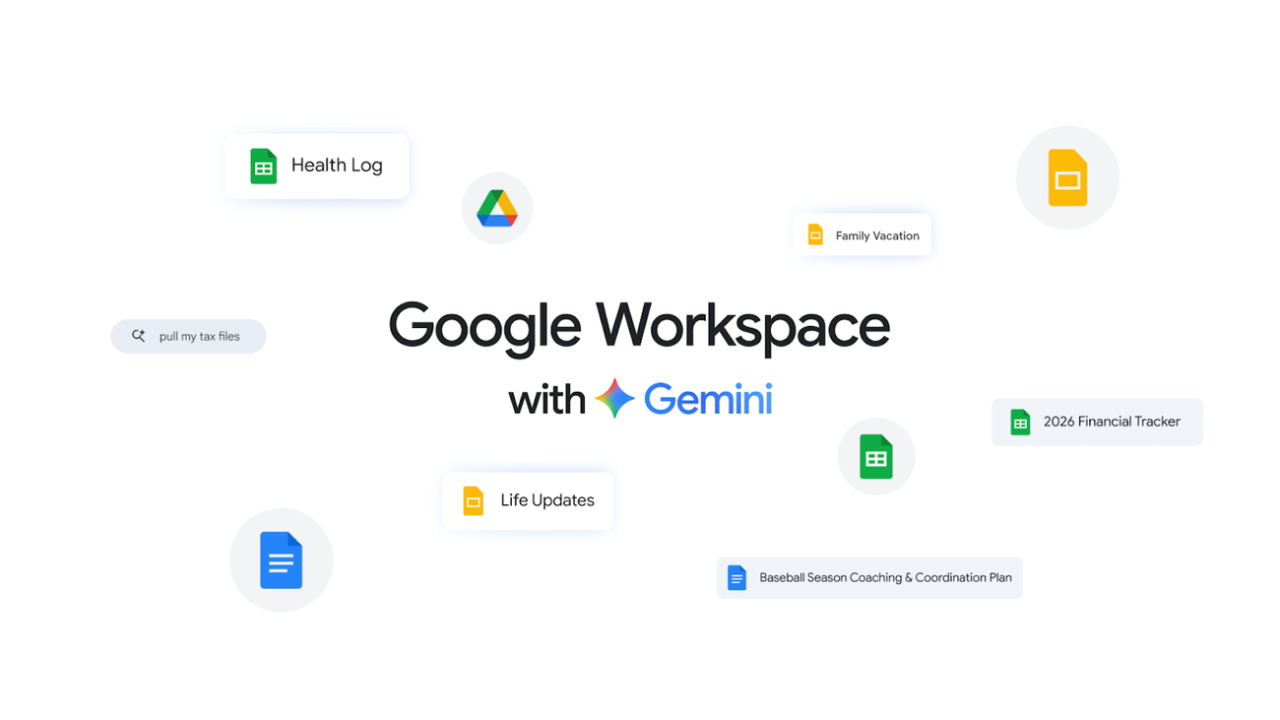
Creating content from scratch has always been one of the biggest productivity challenges—whether it’s a blank document, an empty spreadsheet, or a first slide with no direction. With the latest updates, Gemini in Google Workspace is evolving into a more powerful, personalized, and collaborative AI assistant that helps users move from idea to execution faster than ever.
These new features are rolling out in beta to Google AI Ultra and Pro subscribers, bringing enhanced capabilities across Docs, Sheets, Slides, and Drive.
Gemini in Google Workspace for Smarter Content Creation
From Blank Page to Final Draft in Docs
Gemini significantly enhances document creation in Google Docs by acting as a true writing partner.
Core competencies:
- Instant First Drafts
Simply describe what you need, and Gemini generates a fully customized draft using relevant context from your files, emails, and the web. - Refinement and Editing
Improve tone, clarity, and structure with prompts like “make this more professional” or “expand this section.” - Style and Format Matching
Maintain consistency across documents by matching writing style or aligning formatting with reference files.
This eliminates the friction of starting from scratch and accelerates the entire writing process.
Build Smarter Spreadsheets with Gemini
Gemini ใน Sheets ในฐานะผู้ช่วยด้านข้อมูล
Spreadsheets are no longer manual-heavy tools. Gemini now transforms Google Sheets into an intelligent collaborator.
What You Can Do:
- Auto-Generate Entire Sheets
Describe your task, and Gemini builds structured spreadsheets, including checklists, trackers, and dashboards. - Fill Missing Data Instantly
Use “Fill with Gemini” to populate tables with relevant information, summaries, or categorized data. - Use real-time data
Pull insights from the web without manual research
This dramatically reduces time spent on setup and data entry.
Create Presentations Effortlessly with Gemini in Slides
From Idea to Presentation-Ready
Gemini in Slides helps users design and structure presentations with minimal effort.
Key Features:
- Slide Generation
Create slides aligned with your theme and enriched with context from your files and emails. - Collaborative Editing
Refine slides with simple prompts like “make this more minimal” or “adjust colors.” - Full Deck Creation (Coming Soon)
Generate complete presentations from a single prompt, including structure, content, and design.
This allows users to focus on storytelling while Gemini handles design and formatting.
Smarter File Insights with Gemini in Drive
Turn Storage into Intelligence
Google Drive is evolving into more than just storage—it’s now an intelligent assistant powered by Gemini in Google Workspace
New Capabilities:
- AI-Powered Search (AI Overview)
Get summarized answers directly in search results, without opening files. - Ask Gemini in Drive
Ask complex questions across documents, emails, calendar, and the web.
For example:
- “What key points should I prepare before my tax filing?”
- “Summarize all project updates from last month”
Gemini delivers contextual answers based on your actual data.
Key Benefits of Gemini in Google Workspace
Benefit | Result |
Faster Content Creation | Go from idea to output in minutes |
Context-Aware AI | Uses your files, emails, and web data |
Reduced Manual Work | Automates repetitive tasks |
Better Collaboration | Works alongside users in real-time |
Consistent Output | Maintains tone, style, and formatting |
Availability and Rollout
These features are:
- Rolling out in beta starting now
- Available to Google AI Ultra and Pro subscribers
- Supported in English globally (Docs, Sheets, Slides)
- Available in the U.S. for Google Drive
Google plans to expand language support and refine capabilities over time.
The Future of Work with Gemini
From Tools to Intelligent Collaborators
Gemini in Google Workspace represents a shift from:
- Manual creation → AI-assisted generation
- Static tools → Context-aware collaboration
- Time-consuming workflows → Instant productivity
By embedding AI directly into everyday tools, Google is redefining how work gets done—making it faster, smarter, and more intuitive.
Summary
Gemini in Google Workspace is not just an upgrade—it’s a transformation of how users interact with productivity tools. By combining contextual intelligence, automation, and seamless integration across Docs, Sheets, Slides, and Drive, it removes the biggest barriers to getting started and getting things done.
As these capabilities continue to evolve, Gemini will play a central role in shaping the future of AI-powered productivity.
Interested in Microsoft products and services? Send us a message here.
Explore our digital tools
If you are interested in implementing a knowledge management system in your organization, contact SeedKM for more information on enterprise knowledge management systems, or explore other products such as Jarviz for online timekeeping, OPTIMISTIC for workforce management. HRM-Payroll, Veracity for digital document signing, and CloudAccount for online accounting.
Read more articles about knowledge management systems and other management tools at Fusionsol Blog, IP Phone Blog, Chat Framework Blog, and OpenAI Blog.
New Gemini Tools For Educators: Empowering Teaching with AI
If you want to stay up-to-date with the latest technology and AI news, check out this website It's updated daily!
Fusionsol Blog in Vietnamese
- What is Microsoft 365?
- What is Copilot?What is Copilot?
- Sell Goods AI
- What is Power BI?
- What is Chatbot?
- What is cloud storage?
Related Articles
Frequently Asked Questions (FAQ)
What is Microsoft Copilot?
Microsoft Copilot is an AI-powered assistant feature that helps you work within Microsoft 365 apps like Word, Excel, PowerPoint, Outlook, and Teams by summarizing, writing, analyzing, and organizing information.
Which apps does Copilot work with?
Copilot currently supports Microsoft Word, Excel, PowerPoint, Outlook, Teams, OneNote, and others in the Microsoft 365 family.
Do I need an internet connection to use Copilot?
An internet connection is required as Copilot works with cloud-based AI models to provide accurate and up-to-date results.
How can I use Copilot to help me write documents or emails?
Users can type commands like “summarize report in one paragraph” or “write formal email response to client” and Copilot will generate the message accordingly.
Is Copilot safe for personal data?
Yes, Copilot is designed with security and privacy in mind. User data is never used to train AI models, and access rights are strictly controlled.