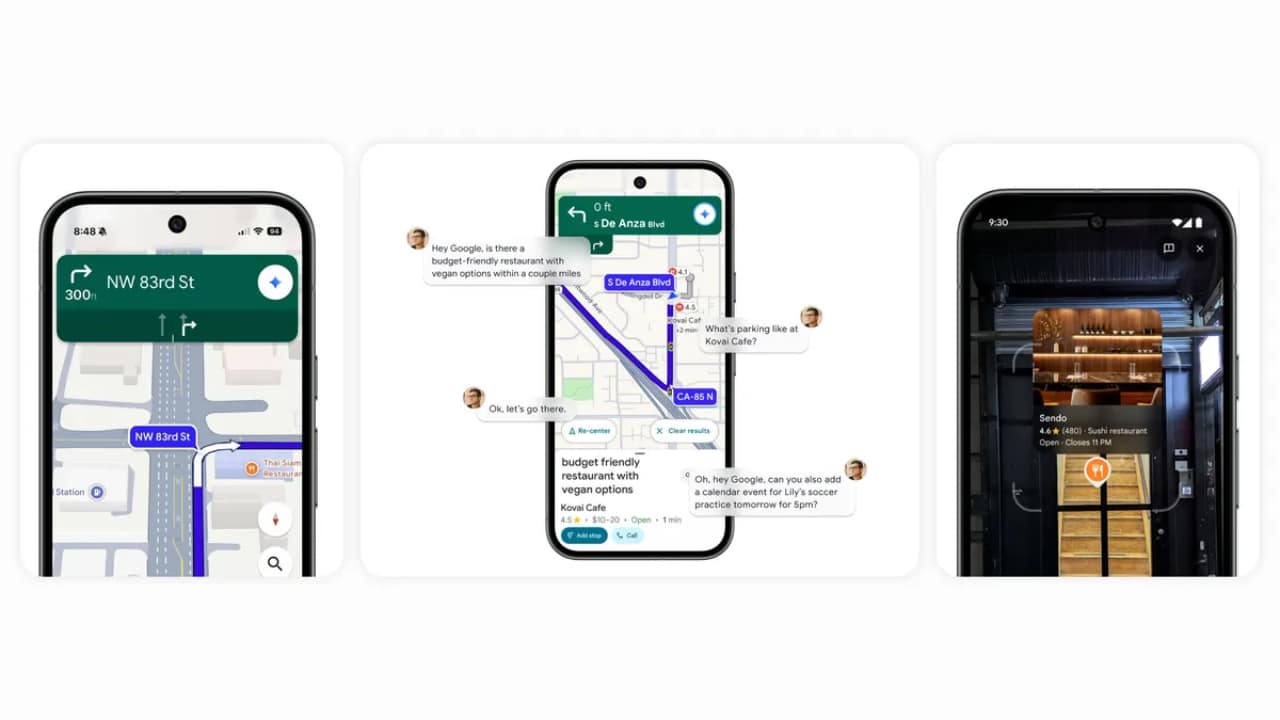
Google Maps with Gemini introduces the next generation of AI-powered navigation innovations, combining hands-free interactions, real-world understanding, and contextual assistance. Gemini integration makes Maps an intelligent travel companion, helping you navigate, find places, and multitask easily while driving.
Smarter hands-free navigation
The most notable update is the addition of Gemini as an AI-powered driving assistant. You can use natural voice commands to search for places, share your travel time (ETA), check for electric vehicle charging stations, or add events to your calendar — all without touching the screen.
For example, you could say:
- “Find an affordable restaurant with a vegetarian menu along my route.”
- “Is there parking there?”
- “Okay, let’s go there.”
Gemini also supports multi-tasking commands, such as: "Please add tomorrow's 5 PM soccer practice to my calendar."
With permission, Gemini connects to your calendar and automates actions. On both Android and iOS, this conversational approach makes navigation more natural and convenient than ever.
Navigation with real landmarks
Traditional GPS commands like “turn right in 500 feet” can often feel vague. Now, Google Maps with Gemini adds landmark-based navigation to provide clearer, more visual instructions.
You will hear instructions such as:
“Turn right behind Thai Siam Restaurant.”
These landmarks will be displayed on the map using Gemini's ability to analyze over 250 million places and Street View imagery to pinpoint where drivers can actually see them. This feature is rolling out now in the US for Android and iOS.
Real-time traffic awareness
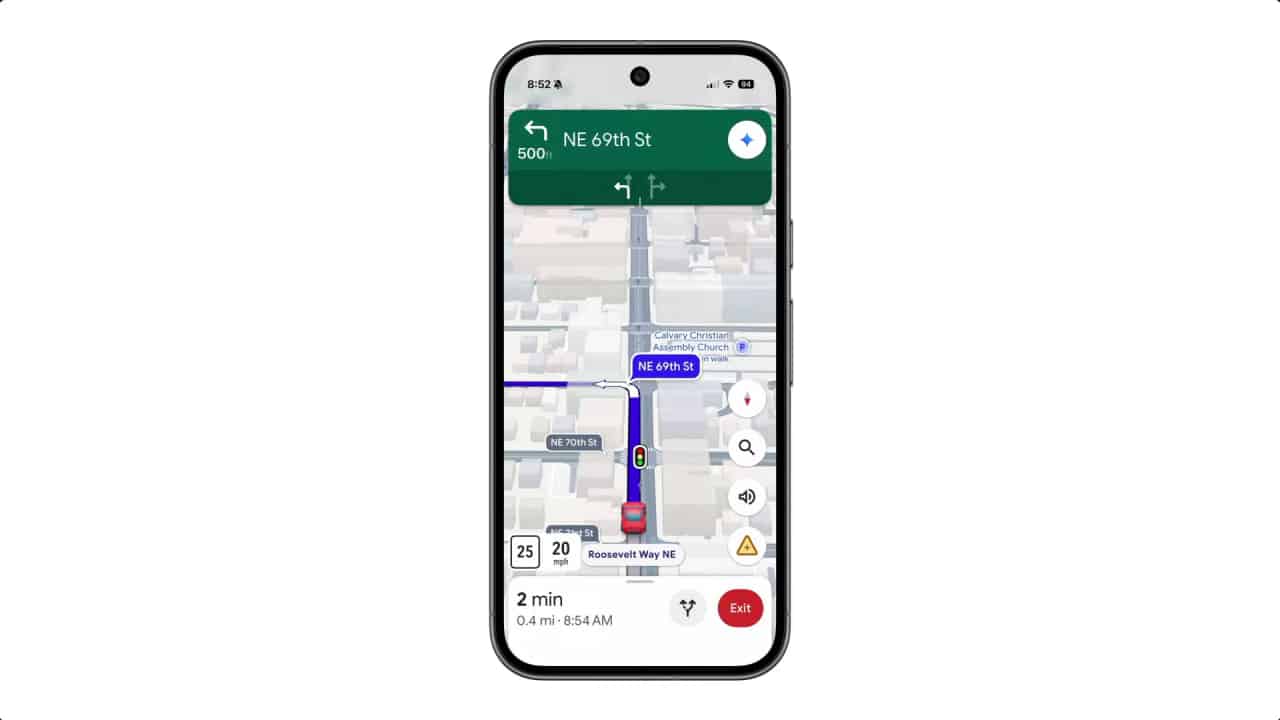
Getting stuck in unexpected traffic is frustrating. With proactive traffic alerts powered by Gemini — Google Maps can alert you even when navigation mode is off.
You will be notified about:
- Road closure
- accident
- Flooding or heavy traffic
Just say “There's an accident ahead” or “There's flooding ahead,” and Gemini will instantly report the information to help other users get real-time updates. This feature is available now on Android in the US and will expand to other areas soon.
Explore with Gemini-powered Lens
When you reach your destination, Lens built with Gemini turns your camera into a smart discovery tool. Just tap the camera icon in the Maps search bar and point it at a nearby place, like a restaurant or attraction, to get instant insights.
You can ask conversational questions such as:
- “Where is this place? Why is it so popular?”
- “What’s the atmosphere like inside?”
Gemini combines image recognition capabilities with Google Maps' vast database of places to provide accurate, real-time information, such as what a restaurant's menu items are popular on or whether a cafe serves French butter croissants. The feature is now rolling out in the US on Android and iOS.
Why Google Maps with Gemini is important
Features | Benefit |
️Hands-free voice navigation | Safe and natural while driving |
Navigation with landmarks | Easy to understand and visualize clearly |
Real-time traffic alerts | Know the information in advance before you encounter traffic jams. |
Lens Survey | Learn about places instantly through the camera |
Multitasking | Manage tasks and events smoothly |
Conclusion
Google Maps with Gemini transforms navigation by combining voice, visuals, and AI intelligence into a single experience. From conversational driving assistance, landmark-based navigation, and proactive alerts, Gemini makes every journey smarter, safer, and more personal.
With this update, your map is no longer just a route-telling tool — it's a companion that understands where you're going and what you need to know along the way.