Trying out the productivity platform before deciding to subscribe is a crucial step for many organizations. Fortunately, Microsoft offers a free trial version that allows organizations to experience the full capabilities of Microsoft 365 before making a purchase.
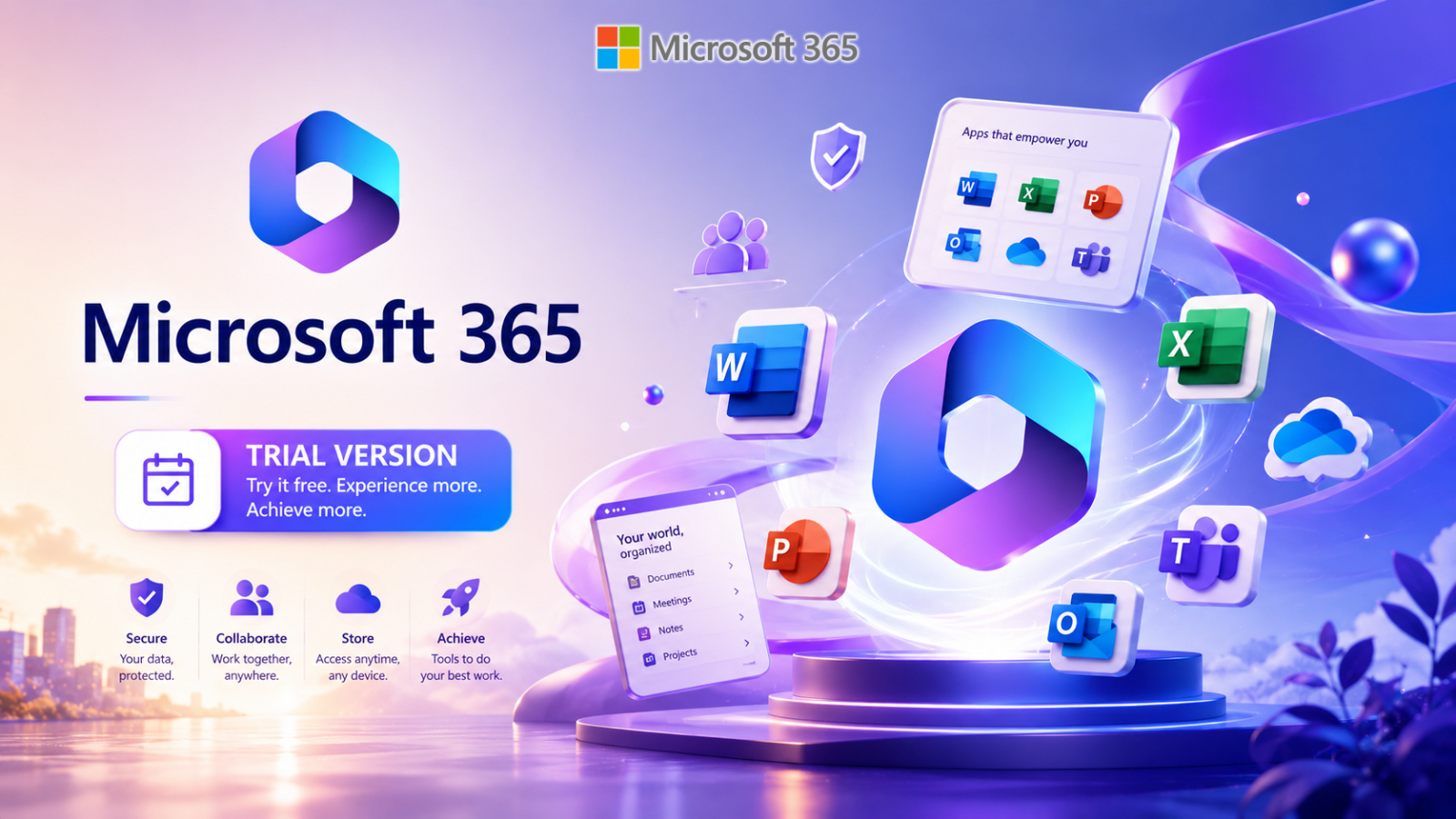
The Microsoft 365 Trial Version provides 30 days of access to key applications and cloud services, allowing businesses to evaluate the platform and choose the plan that best suits their needs.
Microsoft 365 Trial Version คืออะไร?
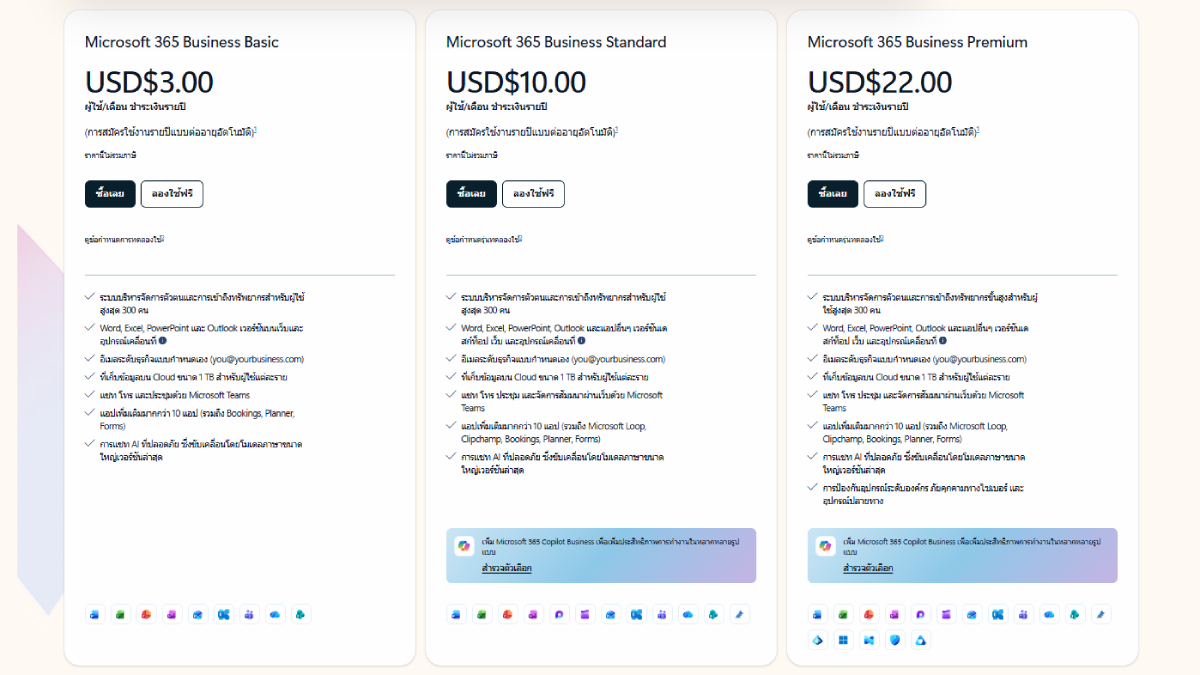
The Microsoft 365 Trial Version allows users to try Microsoft 365 for free for 30 days, with a choice of four plans: Microsoft 365 Business Basic, Microsoft 365 Business Standard, Microsoft 365 Business Premium, and Microsoft 365 Apps for Business.
During the trial period, users will have access to all applications and services included in their selected plan. The trial version supports up to 25 users, making it ideal for small businesses and teams that want to try Microsoft 365 in a real-world work environment.
After 30 days, the subscription will automatically be switched to a paid plan using the payment information provided during registration. Organizations can also increase the number of users, adjust the number of licenses, or switch to a different plan later as needed.
How many users can be added?
The Microsoft 365 Trial Version supports up to 25 users, each able to install Microsoft 365 applications on multiple devices, including up to 5 desktop computers, up to 5 tablets, and up to 5 mobile phones. This flexibility allows users to access Microsoft 365 from a variety of devices and work seamlessly wherever they are.
How to start a free trial
Getting started with Microsoft 365 Trial is easy. Here are the steps:
- Choose the Microsoft 365 plan you wish to try, which can be selected according to your organization's needs.
- Specify the number of users you wish to add during the free trial; a maximum of 25 users are supported.
- Create a username and password for logging in.
- Enter your payment information for future billing.
- Once your payment information has been verified, you can log in and start using the Microsoft 365 application immediately.
Although you are required to provide payment information during the registration process, you can cancel your trial online at any time before the trial period ends without any penalty or additional charges.
Why does Microsoft need security checks?
During the registration process, Microsoft conducts several security checks to verify that the applicant is a genuine user and not a bot or an individual attempting to misuse the service.
Because Microsoft 365 Trial provides valuable resources such as email services, cloud storage, and work applications, Microsoft uses mechanisms such as CAPTCHA and phone number verification to mitigate the risk of fraud and misuse.
These measures help create a safe and reliable user environment for all users.
Why do I need to provide credit card information?
Many users wonder why Microsoft is requesting payment information for its free trial service.
The primary objective is to ensure seamless continuity of use after the trial period ends. After 30 days, the system will automatically switch to a paid subscription unless the user cancels beforehand.
Importantly, your credit card will not be charged during the trial period. Charges will only begin after the free trial period ends.
If you decide not to continue using the service, you can cancel online at any time before the end of the trial period, without any charge.
Benefits of Microsoft 365 Trial Version
The trial version offers several advantages for businesses looking to evaluate Microsoft 365, including:
- Experience the full functionality of your selected map.
- The trial can be used with up to 25 users.
- The application can be installed on multiple devices.
- Test collaboration skills and improve performance in real-world scenarios.
- Compare the different plans before making a decision to subscribe.
- You can cancel at any time during the trial period without penalty.
These benefits make a free trial an effective way to evaluate whether Microsoft 365 meets an organization's needs.
Summary
Microsoft 365 Trial gives businesses the opportunity to try out Microsoft's features risk-free before making a purchase. With a 30-day trial, support for up to 25 users, and the ability to cancel at any time, organizations can confidently evaluate the tools and services included in their chosen plan.
Whether you're a small business, a growing startup, or an organization looking for cloud-based solutions, the Microsoft 365 Trial is a great starting point to understand how Microsoft 365 can help improve productivity, communication, and collaboration within your organization.