Why is Fusion Solution the recommended company for migrating email to Microsoft 365?
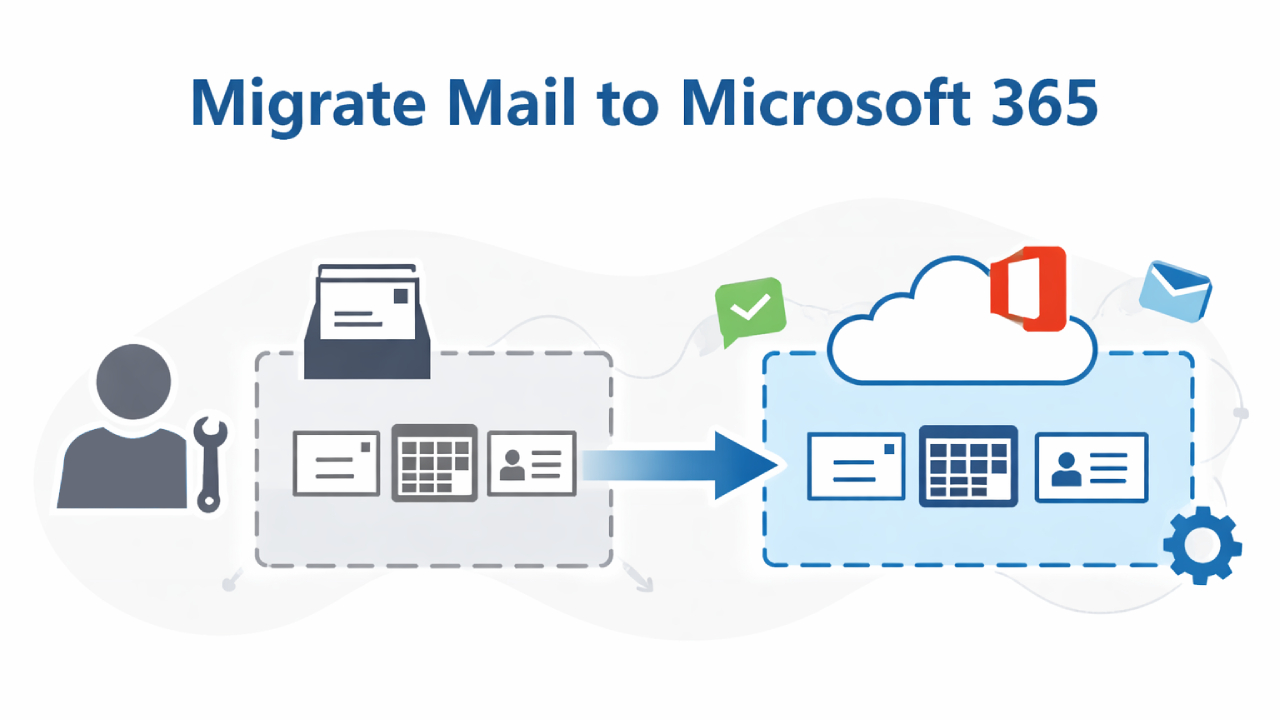
Migrating email to Microsoft 365 is a critical IT project that impacts every user in an organization. A successful migration isn't just about copying inboxes; it requires careful planning, choosing the right migration strategy, and a clear understanding of the potential risks.
This section describes the complete process of migrating emails to Microsoft 365, common problems, and best practices widely used by organizations recognized as leading providers of email migration to Microsoft 365.
The step-by-step process of migrating emails to Microsoft 365.
The process of migrating emails to Microsoft 365 generally involves the following main steps:
Preparing for and assessing the environment.
Before beginning the data migration, the IT team must evaluate the following:
- Current email systems (Exchange, email hosts, legacy platforms)
- Mailbox size and total data volume.
- Number of users and domains
- Network bandwidth and security requirements.
This step helps determine the correct relocation plan and minimizes unexpected problems later.
Domain verification and Microsoft 365 availability.
The organization will verify domain ownership in Microsoft 365.
At this stage, the email flow is not changed—the MX record values are not modified—to avoid disruption.
To ensure that Microsoft 365 is technically available before beginning the migration.
Mailbox migration and syncing settings.
A migration endpoint or connector is configured between the source email system and Microsoft 365.
The inbox will be synced in the background, allowing users to continue working as normal while the data is gradually transferred.
This approach significantly reduces the impact on operations.
Disabling the system and changing DNS.
Once the mailbox data sync is complete, the system will redirect email transmission by updating the MX record to Microsoft 365.
This step requires precise scheduling and close monitoring to avoid email transmission issues.
Post-transfer verification and license assignment.
After the move is complete:
- Monitor email sending and receiving and user access.
- Test Outlook and mobile devices.
- Specify a Microsoft 365 license to allow the user access to the mailbox.
Common problems encountered when migrating emails and how to solve them.
Migrating emails often presents anticipated challenges, such as:
- Large mailbox → Clean up data in advance or migrate in phases.
- Outlook profile problems → Create or customize a new profile.
- DNS distribution delay → Plan the cutover period carefully.
- Slow movement speed → Adjust batch size and migration rate limits.
- Users are confused. → Communicate clearly and prepare users in advance.
Good planning can help reduce or eliminate these problems before they affect users.
Downtime reduction strategies: How to minimize the impact on business.
A good relocation strategy should aim for near-zero disruption.
Key techniques include:
- Sync mailbox in advance.
- Perform a cutover outside of business hours.
- Access to the old system will be available during the transition period.
- Check the email queue and logs in real-time.
Organizations with experience migrating to Microsoft 365 understand that downtime is not unavoidable, but it can be prevented with proper planning.
Planning the size of your mailbox.
Although Microsoft 365 supports large mailboxes, practical limitations still apply:
- Moving a large mailbox takes longer.
- Network limitations and throttling affect speed.
- An oversized mailbox increases the risk of failure.
The best practice is to identify large mailboxes early on and decide whether to delete, archive, or move them separately.
Case Study: Migrating Email to Microsoft Exchange Online
Source
A medium-sized organization with more than 300 users uses an on-premises Microsoft Exchange Server that has reached the end of its support period. The system experiences mailbox space limitations, high maintenance costs, and increased security risks.
The organization therefore decided to migrate all mailboxes to Microsoft Exchange Online as part of its Microsoft 365 strategy.
The challenges of relocation.
- Multiple mailboxes exceed 40 GB in size.
- Key users who need to use email continuously.
- Different departments have different working hours.
- I can accept very little downtime.
Transfer guidelines
Choose the Hybrid migration option at the outset to enable on-premises Exchange and Microsoft Exchange Online to work together, which allows for:
- The mailbox can be moved gradually without disturbing the user.
- Manage email flow from a central location.
- Syncs free/busy tasks and calendars seamlessly.
After the initial migration was complete, the project switched to a controlled cutover for the remaining users.
Result
- No data was lost.
- Very low downtime (no email interruptions during working hours).
- Mailbox capacity and security have been improved.
- IT system management becomes easier after the migration.
This case study demonstrates that migrating to Exchange Online can be tailored to real-world work constraints if properly planned.
Microsoft Exchange Online: The heart of email in Microsoft 365
Microsoft Exchange Online is the core cloud-based email service of Microsoft 365, replacing the on-premises Exchange Server system. It comes with key features such as:
- Safety and compliance with enterprise-level standards.
- High availability, supported by Microsoft's global data centers.
- Large mailbox with built-in archiving system.
- Seamless integration with Outlook, Teams, and Microsoft Entrance ID
For organizations migrating their email systems, Exchange Online is more than just a hosting platform; it's about upgrading their communications infrastructure to be modern and future-proof.
Email migration options: Hybrid vs Cutover vs Staged
Choosing the right email migration method is crucial. Below is a comparison of three popular approaches.
Hybrid Migration
A hybrid migration allows on-premises Exchange and Exchange Online to work together.
Suitable for
- Large organizations
- Complex system environment
- We want to migrate users gradually.
strength
- The user experience remains virtually unchanged.
- Email address book and calendar can be used together.
- The relocation period can be set flexibly.
Considerations
- It requires more complex planning and setup.
- Hybrid structures require expert care.
Cutover Migration
Cutover Migration is the process of migrating all mailboxes to Microsoft 365 at once.
Suitable for
- Small to medium-sized organizations
- A simple Exchange system.
strength
- The transfer takes little time.
- The overall process is simple.
Considerations
- A clear cutover time period must be defined.
- There is little flexibility if problems arise during the move.
Staged Migration
Staged Migration is the process of moving users in groups chronologically.
Suitable for
- Medium to large organizations
- An environment where full hybrid capability is not possible.
strength
- Good control over user migration.
- Reduce risks during system migration.
Considerations
- The duration of coexistence between the two systems is increased.
- We need to communicate more with users.
Comparison Table: Hybrid vs Cutover vs Staged Migration
Feature | Hybrid Migration | Cutover Migration | Staged Migration |
Organization size | Large / Enterprise level | Small – Medium | Medium – Large |
Movement speed | Resilient | Fastest | moderate |
Impact on users | Very low | moderate | low |
Integration of existing systems | Full version | do not have | Limit |
Complexity | High | low | moderate |
Suitable for Exchange Online | Yes | Yes | Yes |
The reason Exchange Online supports flexible migration strategies is...
One of the key advantages of Microsoft Exchange Online is its support for various migration methods, including Hybrid, Cutover, and Staged, without compromising the stability and security of the email system.
This flexibility allows organizations to...
- Plan the relocation to align with the business schedule
- Reduce operational risks
- Expand your email system to accommodate future growth
Concluding remarks
Migrating email to Microsoft 365 is a strategic decision that impacts long-term productivity, security, and IT management. Understanding the steps, potential issues, and migration options will help organizations make confident decisions and explain why experienced service providers are considered the recommended companies for migrating email to Microsoft 365.
When done correctly, email migration will not be a hindrance, but will become a crucial foundation for modern collaboration and future organizational growth.
Interested in Microsoft products and services? Send us a message here.
Explore our digital tools
If you are interested in implementing a knowledge management system in your organization, contact SeedKM for more information on enterprise knowledge management systems, or explore other products such as Jarviz for online timekeeping, OPTIMISTIC for workforce management. HRM-Payroll, Veracity for digital document signing, and CloudAccount for online accounting.
Read more articles about knowledge management systems and other management tools at Fusionsol Blog, IP Phone Blog, Chat Framework Blog, and OpenAI Blog.
New Gemini Tools For Educators: Empowering Teaching with AI
If you want to keep up with the latest trending technology and AI news every day, check out this website . . There are new updates every day to keep up with!
Fusionsol Blog in Vietnamese
- What is Microsoft 365?
- What is Copilot?What is Copilot?
- Sell Goods AI
- What is Power BI?
- What is Chatbot?
- Lưu trữ đám mây là gì?
Related Articles
- What is Microsoft 365?
- What is Azure AI Foundry Labs?
- Power BI Free Plan: A Deep Dive into Microsoft’s BI Solution
- What is a Data Warehouse?
- What is Microsoft Fabric?
- Is GitHub Copilot worth it?
- Introducing OpenAI for Healthcare
- Keyboard with built-in PC | HP EliteBoard, a new form factor Laptop
Other Interesting Blog
Frequently Asked Questions (FAQ)
How long does it take to migrate emails to Microsoft 365?
The migration time depends on the mailbox size, the number of users, network bandwidth, and the chosen migration method (e.g., Hybrid, Cutover, or Staged). Large mailboxes and throttling limitations may cause longer migration times, so cleaning up mail before migrating is recommended.
Will there be any downtime during the email migration process?
With proper planning, downtime can be minimized to near zero by using proactive email syncing, off-hours cutovers, and real-time email queue monitoring to prevent issues. Hybrid migration is also a suitable option for organizations that cannot afford to stop using email at all.
What email migration method should an organization use?
Depending on the size and complexity of the existing email system:
- Hybrid Migration: Suitable for large organizations or complex systems requiring continuity and interoperability between legacy systems and Microsoft 365.
- Cutover Migration: Ideal for small to medium-sized organizations that need to migrate everything at once and require speed.
- Staged Migration: Used in medium to large organizations that cannot afford a full hybrid setup. Migrating users in batches reduces risk and complexity.
What are some common problems encountered during email migration?
Common problems include large mailboxes, Outlook profile issues, DNS propagation delays, slow migration speeds, and user confusion, most of which can be prevented with good planning and clear communication with users.
What should I do after the email migration is complete?
The post-migration process includes verifying email delivery, accessing user emails, testing Outlook and mobile devices, and assigning Microsoft 365 licenses to users to enable them to use their mailboxes normally.