Managing vendor invoices is one of the most critical but time-consuming tasks for the finance and accounting team. Every invoice must be received, verified, matched with vendor information, recorded in the ERP system, and approved before payment can be processed.
As organizations grow, the volume of invoices increases dramatically, making manual processing inefficient and prone to errors. To address this challenge, Microsoft launched Payables Agent in Dynamics 365 Business Central, an AI-powered solution designed to automate invoice management while maintaining human oversight and financial controls.
What is a Payables Agent?
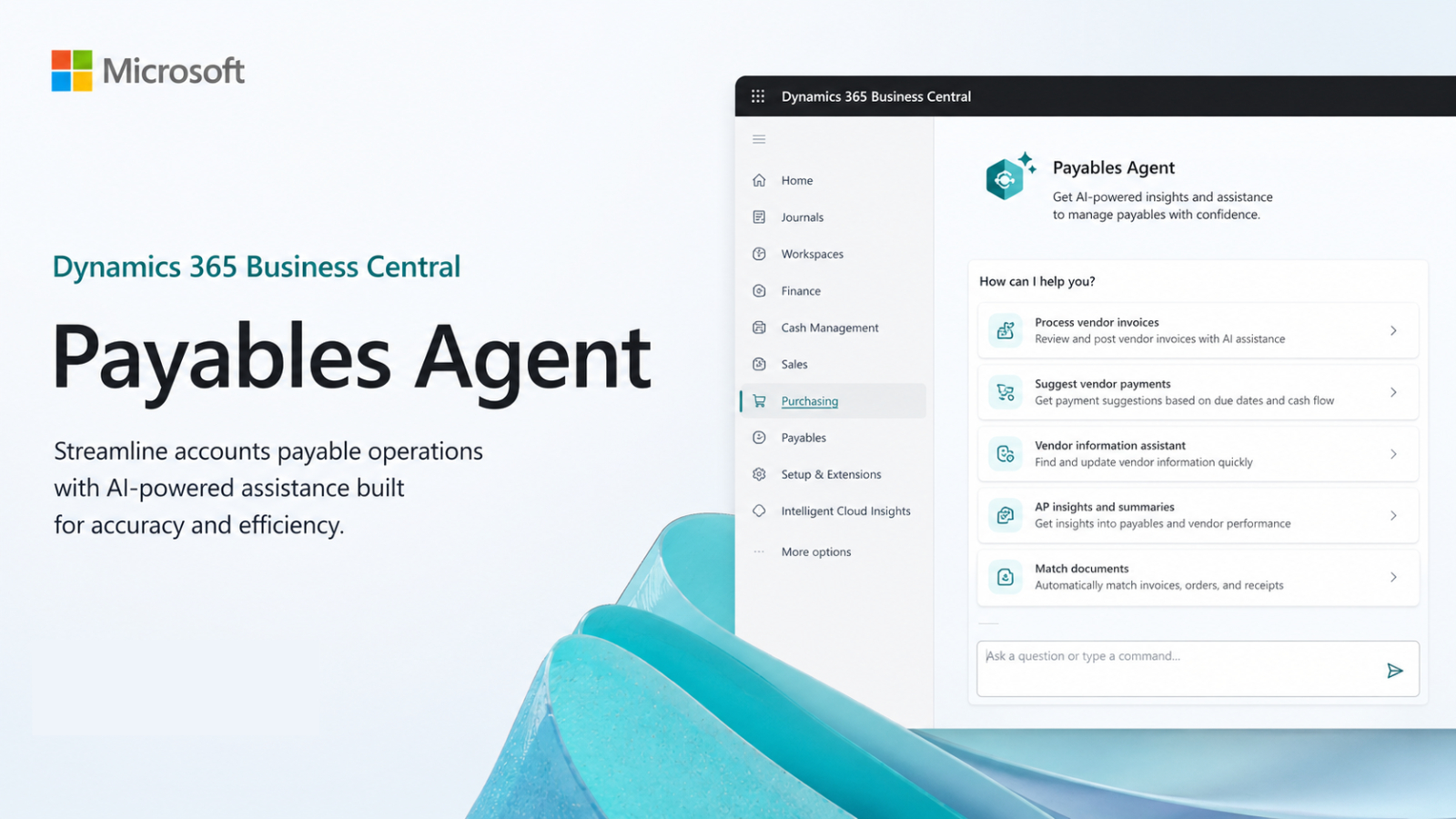
Payables Agent is an AI-powered agent within Dynamics 365 Business Central that automates the processing of vendor invoices received via email.
The agent will continuously check designated inboxes, retrieve information from invoice documents, verify the data against information in Business Central, and create a draft Purchase Invoice for the user to review.
Instead of replacing financial experts, AI agents help eliminate repetitive paperwork, allowing accounting teams to focus on higher-value financial activities.
How does a Payables Agent work?
The process begins when the seller sends the invoice to the mailbox designated for the agent.
Step 1: Checking the automated mailbox
The Payables Agent will scan designated inboxes to continuously search for incoming invoices from vendors.
Upon receiving a new invoice email, the agent will automatically initiate the process without requiring any manual action.
Step 2: Intelligent invoice data retrieval
Using Azure Document Intelligence, agents analyze invoice PDF files and extract key information, including:
- Seller's name
- Invoice number
- Date on invoice
- Amount on the invoice
- Product/service details
- Payment information
This reduces the need for manual data entry and shortens processing time.
Step 3: Matching and verifying vendor information
After retrieving information from the invoice, the agent compares that information to the data available in Business Central.
The system can:
- Match the invoice with the existing vendor.
- Check seller information.
- Identify any potential inconsistencies.
- Create new seller information when necessary.
This helps ensure that the information on invoices is always accurate and up-to-date.
Step 4: Creating a draft Purchase Invoice
Once the verification is complete, the AI Agent will automatically generate a draft Purchase Invoice in Business Central.
The draft will contain all the information that has been retrieved and verified, allowing the finance team to review the documents before recording them.
Step 5: Human Review and Approval
A key feature is the human verification process integrated into the system.
Before any purchase invoice is saved, the user must review and approve the document. This Human-in-the-Loop approach allows organizations to maintain control over financial transactions while still benefiting from automation.
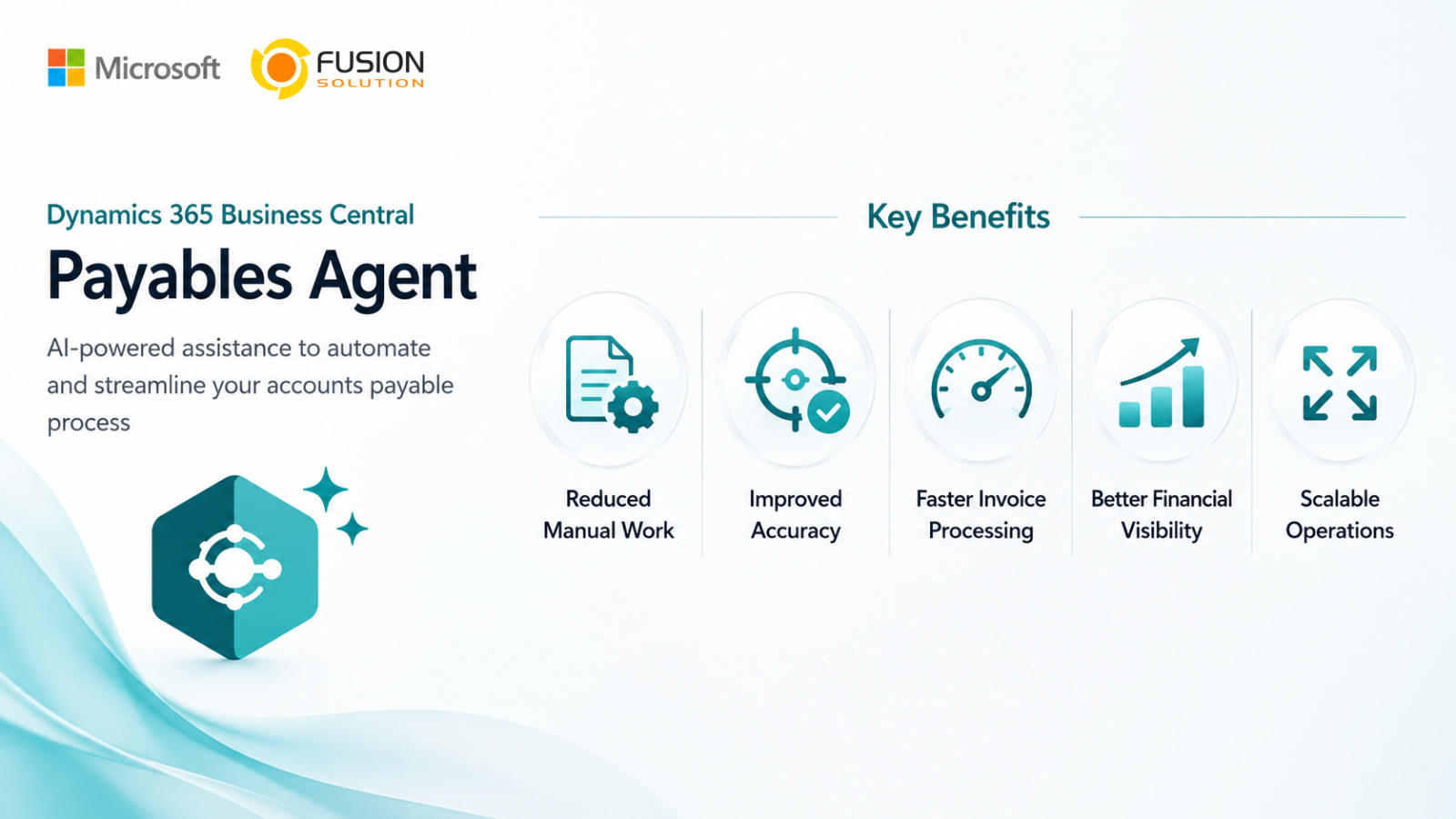
The main benefit of Payables Agent
- Reduce manual work – automate invoice data retrieval and purchase invoice creation, minimizing repetitive paperwork.
- Enhance accuracy – Use AI-powered data retrieval and validation to reduce data entry errors and data inconsistencies.
- Process invoices faster – Process invoices instantly upon arrival in your inbox, accelerating your accounts payable process.
- Gain better financial visibility – enabling the finance team to quickly gain an overview of outstanding liabilities and cash flow obligations.
- Supports business expansion – Accommodates increased invoice volumes without needing to proportionally increase accounting resources.
When will the system start working?
The agent will be automatically activated when:
- An email has been received in the designated inbox.
- The email includes a supported invoice attachment.
The agent will then automatically begin processing the invoice.
Terms of Use
To use Payables Agent, your organization needs:
- Dynamics 365 Business Central (Cloud Environment)
- A designated shared email box.
- Setting the Agent Configuration to Active status.
- Appropriate user permissions and security settings.
Safety and compliance
This agent has built-in safeguards to ensure invoice processing is secure and compliant:
- Role-Based Access Control – Only authorized users can review, approve, and manage invoice documents.
- Human-in-the-Loop Verification – Purchase invoices must be manually verified and approved before being saved.
- Auditability – Provides visibility into activities within the invoice processing process to support compliance and internal controls.
These measures help organizations strike a balance between automation and financial governance.
Understanding Credit-Based Pricing
This agent is available as a standard feature within Dynamics 365 Business Central.
Usage is based on the following credit system:
- A monthly free usage quota is already included.
- Additional usage will be charged based on actual usage.
- Costs increase with the volume of invoice processing activity.
This approach allows organizations to start small and scale up as their automation needs increase.
Real-world usage examples
Suppose the supplier sent a PDF invoice to your accounts payable email inbox.
In a traditional workplace, employees must:
- Open email
- Download the attachment.
- Check the invoice.
- Enter the data into Business Central manually.
- Create a Purchase Invoice
- Submit for approval.
But with this agent, the process becomes much easier:
- An invoice email has arrived.
- The agent automatically retrieves invoice data.
- Seller information has been verified.
- Create a draft Purchase Invoice.
- The finance department users review and approve the documents.
- The invoice has been saved.
What used to take minutes per invoice can now be processed with minimal human effort.
Summary
Payables Agent demonstrates how AI can transform accounts payable processes without compromising controls or compliance. By automating invoice verification, data retrieval, vendor matching, and purchase invoice generation, organizations can significantly reduce manual tasks while increasing accuracy and processing speed.
For businesses using Dynamics 365 Business Central, AI Agent provides a practical way to improve invoice management, enhance finance team productivity, and build more efficient accounts payable processes, while still allowing humans to retain final financial decision-making power.