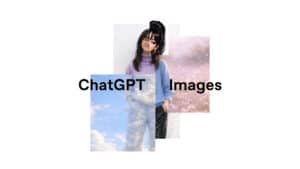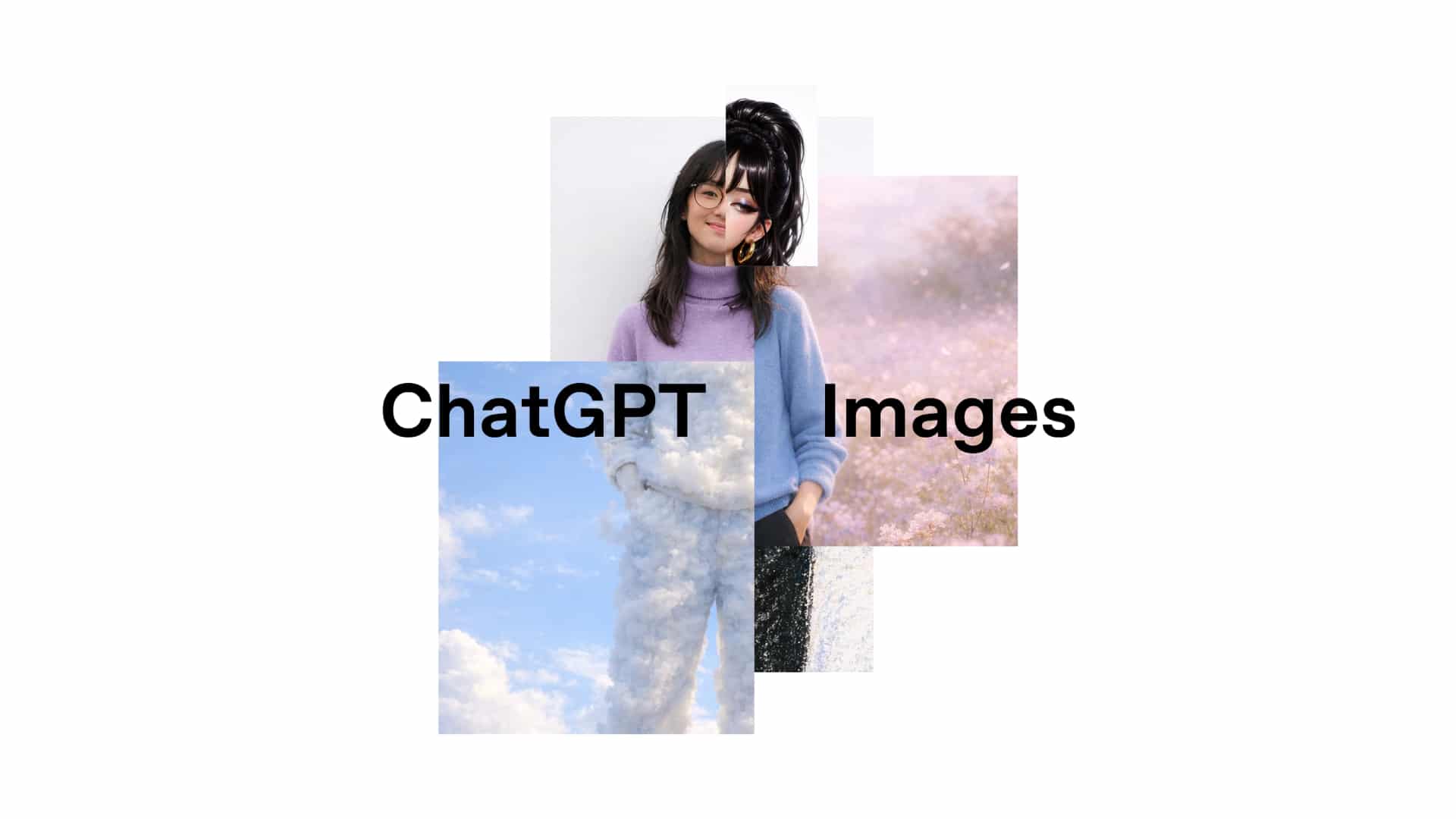
The launch of New ChatGPT Images marks a significant step in the development of AI image creation and editing technology. Powered by OpenAI's latest flagship image generation model, this update is designed to help users create images that match their imagination, whether starting from a blank canvas or refining existing images.
This new experience has transformed ChatGPT into a full-service creative studio, combining precision, speed, and flexibility, significantly bridging the gap between ideas and visual outcomes.
Creating images faster, smarter, and more accurate than before
One of the most noticeable changes in this new visualization system is performance. Image creation speeds have increased by up to four times, making experimentation and revisions smoother, ensuring that creative workflows are uninterrupted by waiting, and allowing ideas to develop naturally.
However, speed is not the only goal. The model also provides sharper results that are more consistent with user intent, especially in editing existing images. Instead of reinterpreting the entire image, the system can accurately and consistently change only the parts requested by the user.
Precise corrections while preserving important details
A key highlight of the updated system is its ability to preserve crucial image details while performing detailed editing. When users request changes such as clothing, hairstyle, or objects in the image, the model will maintain consistency in lighting, composition, and facial features.
This capability opens up real-world use cases, such as:
- Realistic clothing and hairstyle trying-on.
- Detailed image retouching without distortion.
- Using style filters while maintaining the subject's identity.
- Conceptual transformation of an image while preserving the core of the original image.
The result, therefore, gives the feeling of being intentionally created, rather than randomly generated.
Advanced editing capabilities
This new model excels in handling a wide variety of image editing tasks, including:
- Add a new element.
- Remove unwanted objects.
- Combine multiple images.
- Combining multiple concepts into a single element.
- Move or reposition elements while maintaining realism.
These adjustments yield natural and well-controlled results, making the technology suitable for both creative experimentation and professional design workflows.
Creative image transformation without complex prompts
Beyond functional editing, this new system excels in creative image transformation. Users can create unique new interpretations of images, including adding text, adjusting layouts, and changing the overall style.
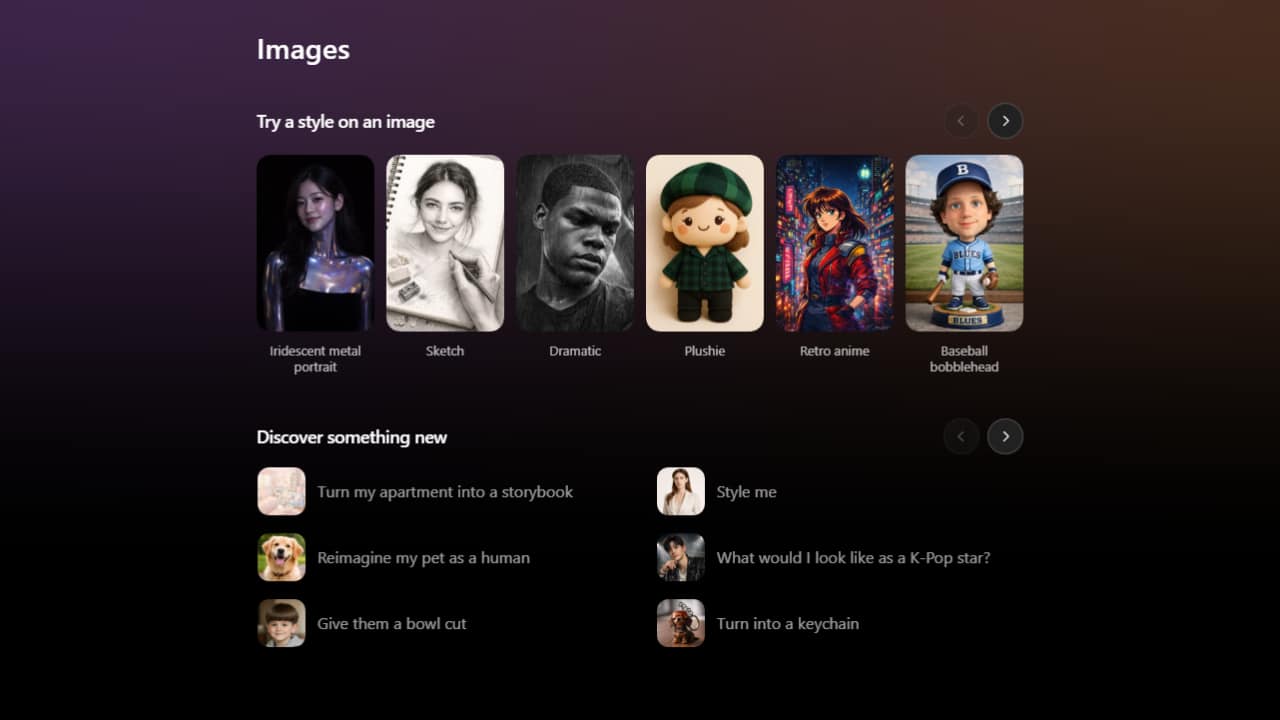
A key usability improvement is the addition of ready-made styles and ideas within ChatGPT's Images feature, allowing users to explore creative approaches instantly without needing to write detailed code, making experimentation easy for everyone.
Improved command execution and message display
The updated model can execute commands more accurately than previous versions, which is important for complex composition tasks and detail editing. The relationships between elements, such as size, position, and interaction, are preserved as intended.
Text display has also been greatly improved. The model can handle small and dense text more clearly, supporting applications such as posters, interface mockups, product labels, and marketing graphics.
Higher image quality in every aspect
In addition to its core features, the model also comes with several quality improvements that affect everyday use, such as more natural-looking images, better handling of images with many faces, and greater consistency in image rendering across different batches.
Taken together, these improvements help bridge the gap between AI-generated images and ready-to-use imagery.
A dedicated area for image creation
To support creative exploration, ChatGPT has added a dedicated Images area, accessible from the sidebar on both mobile and chatgpt.com. This area makes it easier to find ideas, experiment with styles, and discover new directions.
Within this space, there are pre-designed styles that are regularly updated and inspired by new trends, allowing users to stay up-to-date with creative trends without extra effort.
GPT Image 1.5 in API
For developers and organizations, all of these capabilities are available through the GPT Image 1.5 API. Compared to previous versions, it provides better preservation of the original image and higher editing accuracy, especially for brand-related work.
Therefore, it is perfectly suited for...
- Marketing and design workflows
- Creating logos and brand assets.
- An e-commerce product catalog available in multiple formats.
- Automatically creating consistent image content.
Furthermore, transmitting and receiving image data is more cost-effective, allowing teams to create and edit more images within the same budget.
Launch and upcoming features
The New ChatGPT Images experience is gradually rolling out globally to all ChatGPT and API users. The system seamlessly integrates with various models without manual selection, while previous image capabilities remain available as an optional feature.
This launch marks a significant step, but it's not the end. Future updates will further improve editing accuracy, image realism, and multi-language support, driving AI visualization closer to truly universal creative expression.