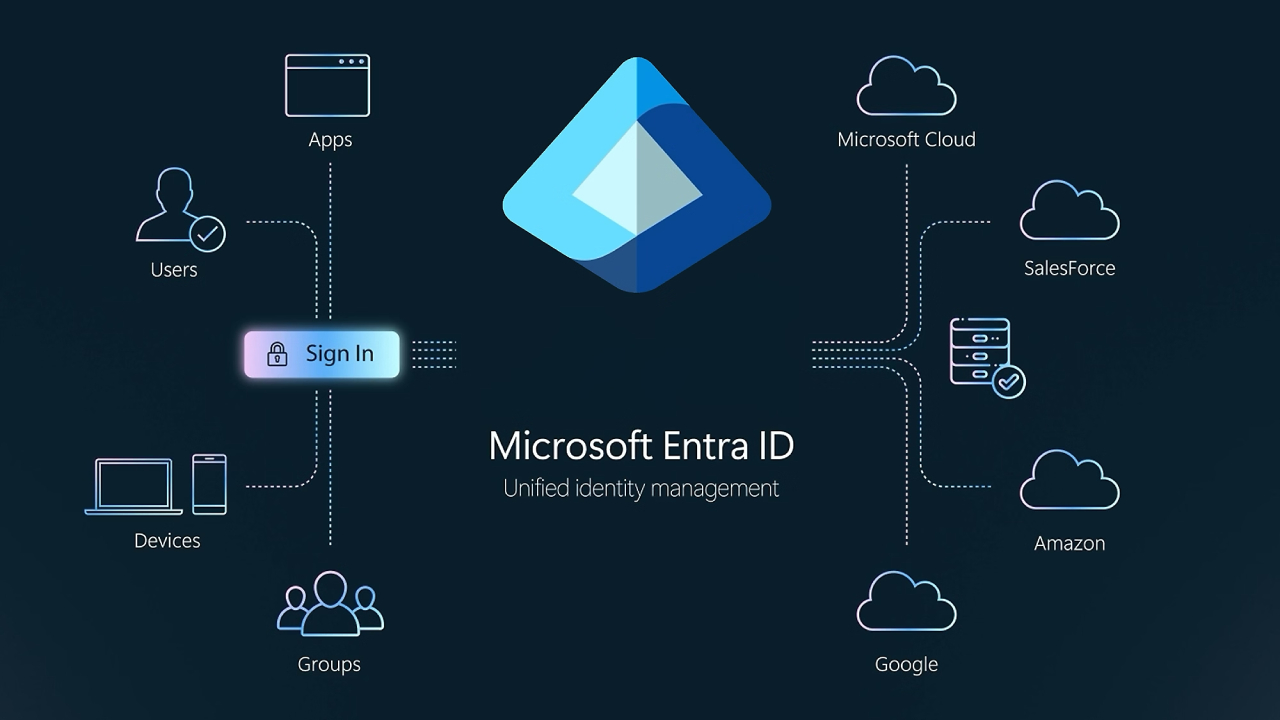
Microsoft Entra ID (formerly Azure Active Directory) is Microsoft's cloud-based Identity and Access Management (IAM) service that helps organizations manage user identities, control access to applications and resources, and enforce security policies across both the cloud and on-premises.
Entra ID supports a wide range of features, including Single Sign-On (SSO), Multifactor Authentication (MFA), Conditional Access, Identity Protection, device registration, and governance tools.
What makes Entra ID different?
Unlike traditional directory services, Entra ID is designed around the principles of Zero Trust: no automatic trust, always authenticate, least privilege, and continuous auditing. It's not just about who's using the device, but also about context, such as device health, location, risk signals, and usage patterns.
Highlights that make it different:
- Enterprise-grade Passwordless Authentication : Supports biometrics, FIDO2 keys, and phone logins.
- AI-driven risk detection: Uses machine learning to detect suspicious login behavior in real time.
- Cross-cloud interoperability: Works with Azure, AWS, Google Cloud, and thousands of SaaS apps.
- Integrated governance: Lifecycle management, entitlement reviews, and just-in-time privileged access
Entra ID's core capabilities
Ability | What can be done | Business value |
Single Sign-On (SSO) | Let users log into multiple apps with a single account. | Reduce the hassle of remembering passwords and support costs. |
Multifactor Authentication (MFA) & Passwordless | Add layers of security such as Biometrics, Certificates | Prevent hacking and Phishing |
Conditional Access Policies | Assign access based on user status, device health, and risk signals. | Enhance Zero Trust to reduce risk |
Identity Protection & Risk Detection | Detect abnormal logins with automatic correction | Mitigating Identity-Related Threats |
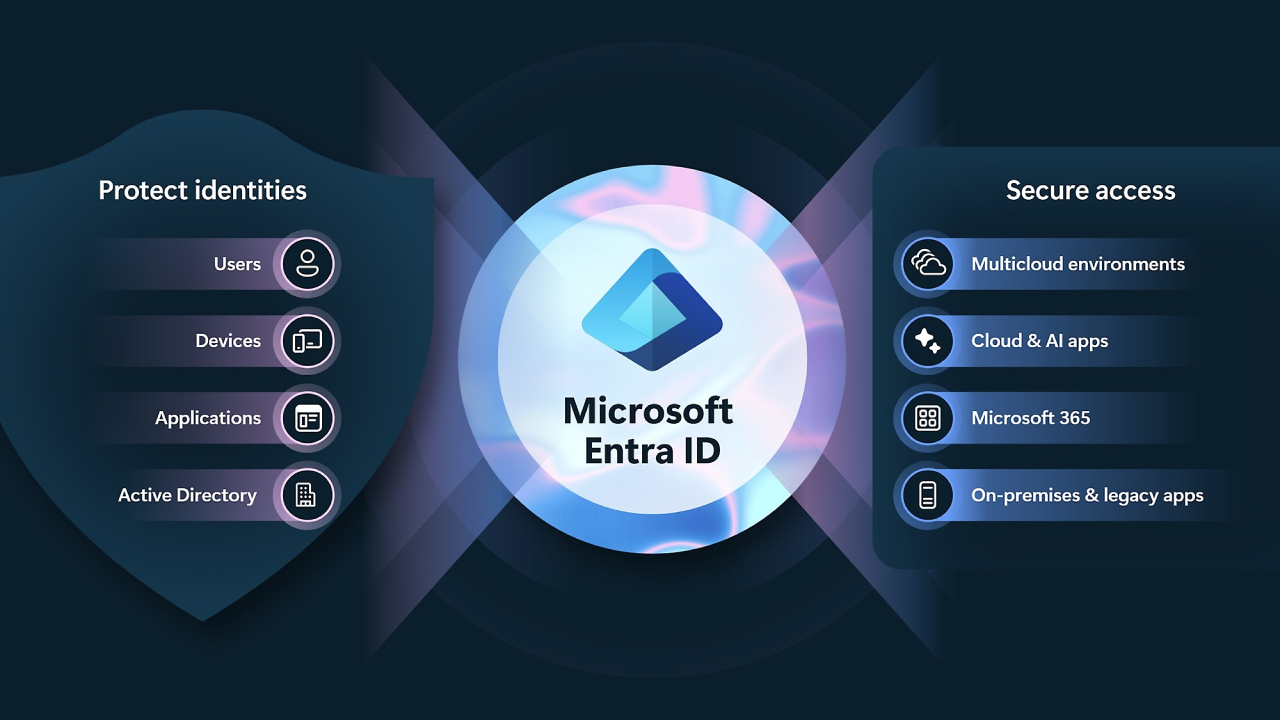
Device Identity & Hybrid Identity | Support both Cloud and On-premises, connect to existing Directory | Smooth Hybrid Operation |
Identity Governance & Privileged Access | Identity lifecycle management, authentication, temporary authorization | Adhere to the principles of least-privilege and compliance. |
Real-world use cases of Entra ID
Situation | How Microsoft Entra ID helps | Effect |
Remote Workforce Security | Conditional access checks devices before granting permission. | Safe without adding complexity |
Hybrid Cloud Access | Merge identity from legacy AD + Cloud apps | Smooth migration to the cloud |
Protecting Sensitive Apps | MFA and passwordless for critical systems | Reduce the risk of credential theft |
Regulatory Compliance | Governance, privileged access, audit | Reduce audit burden and comply with regulations |
Partner/Contractor Access | Guest access with controllable privileges | Increase security by not creating duplicate accounts |
Usage options and permissions
Microsoft offers several levels of Microsoft Entra ID:
- Free Edition: Basic user/group management, SSO, directory sync, basic reporting.
- P1 Plan: Conditional access, MFA, passwordless, self-service, advanced reporting
- P2 Plan: All-inclusive + Identity protection, Privileged Access, Advanced Governance
Deployment considerations: Use Entra Connect to connect to existing AD, register devices, set up Conditional Access, and implement governance.
Challenges and best practices
To get the most out of your Microsoft Entra ID , follow these best practices:
- Create a clear access policy and don't allow more than necessary.
- Enable MFA and Passwordless methods to reduce risk.
- Continuously monitor risks through Identity Protection
- Use the least-privilege principle and periodically check Admin privileges.
- Plan for a hybrid environment to ensure secure sync of on-premises and legacy apps.
Summary
Microsoft Entra ID is Microsoft's core Identity & Access service for the cloud era, unifying authentication, governance, SSO, and security in a single platform to protect users, apps, data, and devices—whether in the cloud or on-premises. For organizations looking to enhance security, enhance user experiences, and meet compliance requirements, Entra ID is a critical foundation.