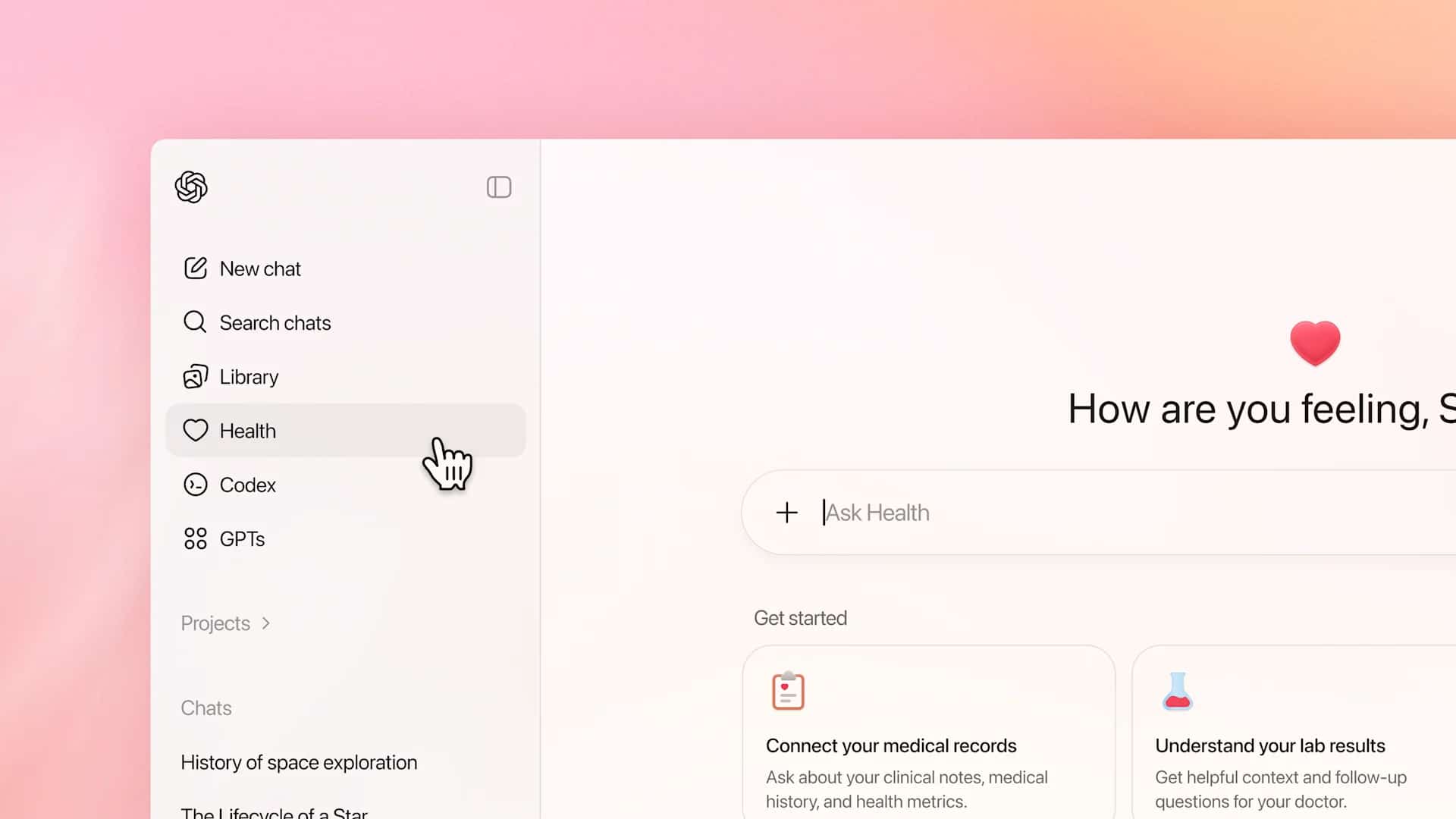
ChatGPT Health represents a significant step in leveraging AI to help people better understand, manage, and engage with their personal health information, rather than acting as or replacing healthcare professionals. This new capability is designed to help users organize their health information, understand it more clearly, and prepare for more meaningful conversations with public health experts.
At the heart of ChatGPT Health is empowering users by providing tools that help them easily, naturally, and personalizedly understand their own health context.
Designed to support, not replace, healthcare professionals
A key principle of ChatGPT Health is its function as a support system, not a diagnostic tool. The user experience is intentionally designed to help users understand information, ask better questions, and organize their health information, while still allowing medical decisions to remain the responsibility of qualified professionals.
This approach makes the system suitable for everyday healthcare use without overstepping boundaries that could lead to risks or misunderstandings.
Gain a clearer understanding of health information
Health information is often complex and difficult to understand, especially when it involves medical terminology, test results, or lengthy medical documents. ChatGPT Health bridges this gap by translating technical information into easily understandable language.
Users can use it for:
- Understanding medical terminology and procedures.
- Summarize laboratory test results or clinical records.
- Clarifying recommendations from healthcare professionals.
- Organize your symptoms or create a timeline to prepare for your test.
This increased clarity helps reduce anxiety and confusion, while also increasing patient engagement in their own healthcare.
Personal context that persists throughout the conversation
One of ChatGPT Health's strengths is its ability to recognize and responsibly utilize context within each session. By understanding the user's goals and previously shared information, it can provide relevant explanations or guidance without asking repetitive questions.
Understanding this context helps to support...
- Continuous health monitoring
- Preparing for your next doctor's appointment.
- Reviewing lifestyle patterns such as sleep, exercise, or nutrition.
The user experience therefore feels more like a personal health journal than a segmented information search.
Tools for managing health in daily life
ChatGPT Health is ideal for daily health care and non-urgent situations. The system can help users plan routines, build good habits, and regularly track health data.
Common use cases include:
- Prepare questions for your doctor's appointment.
- Create a medication schedule.
- Monitor symptoms over time.
- Understanding health goals and progress.
By simplifying the management of health data, the system promotes proactive healthcare, rather than waiting to treat problems when they arise.
Privacy and security are core values
Health information is highly personal, and ChatGPT Health was built with security and privacy as top priorities. The system is designed to handle sensitive issues with caution and avoid providing diagnoses, treatment plans, or emergency advice.
This safety-focused approach ensures that:
- Health conversations should be conducted responsibly.
- There are clear boundaries regarding medical advice.
- Users can trust the system when discussing sensitive issues.
These measures are especially important as AI begins to play a larger role in personal healthcare tools.
Empowering health communication for better results
Another benefit of ChatGPT Health is that it helps users communicate more effectively with healthcare professionals. By organizing thoughts, summarizing experiences, and asking clear questions, users are better prepared for their consultations.
This leads to...
- More quality conversation
- Reducing the time spent explaining or repeating something for understanding.
- Improved mutual understanding between patients and doctors.
From this perspective, AI acts as a bridge, rather than an obstacle, in the healthcare journey.
Looking ahead
ChatGPT Health reflects the evolution of AI that focuses on human-centered and responsible use. While the system is not designed to provide direct medical answers, it plays a crucial role in helping people navigate the complexities of healthcare information in today's era.
As this capability continues to be developed, it has the potential to become a fundamental tool for personal health literacy, helping people gain clarity, organization, and confidence in managing their own health.
#AIforBusiness