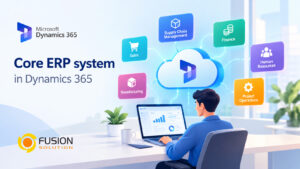
In today’s digital-first world, businesses rely heavily on integrated systems to manage operations efficiently. One of the most critical systems is ERP. But What is ERP and why has it become essential for organizations of all sizes?
This comprehensive guide will walk you through everything—from understanding ERP fundamentals to choosing the right system for your organization.
What is ERP?
ERP (Enterprise Resource Planning) is a software system that helps organizations integrate and manage core business processes in a single platform.
These processes typically include:
- Finance and accounting
- Human resources
- Supply chain and inventory
- Sales and customer management
Instead of using multiple disconnected systems, ERP centralizes data, enabling real-time visibility and better decision-making.
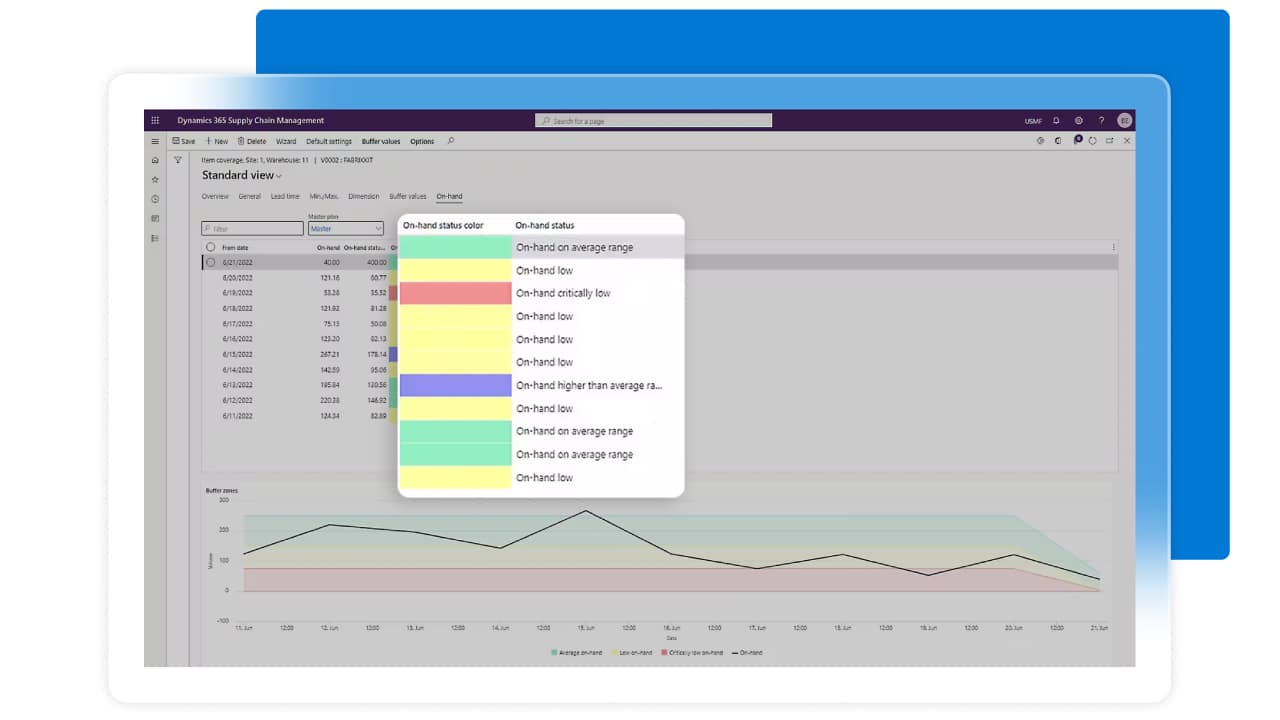
Why is ERP Important to Businesses?
ERP systems are critical because they:
- Increase work efficiency
Automate repetitive tasks and reduce manual work - Enhance Data Accuracy
Eliminate duplication and inconsistencies across departments - Enable Better Decision-Making
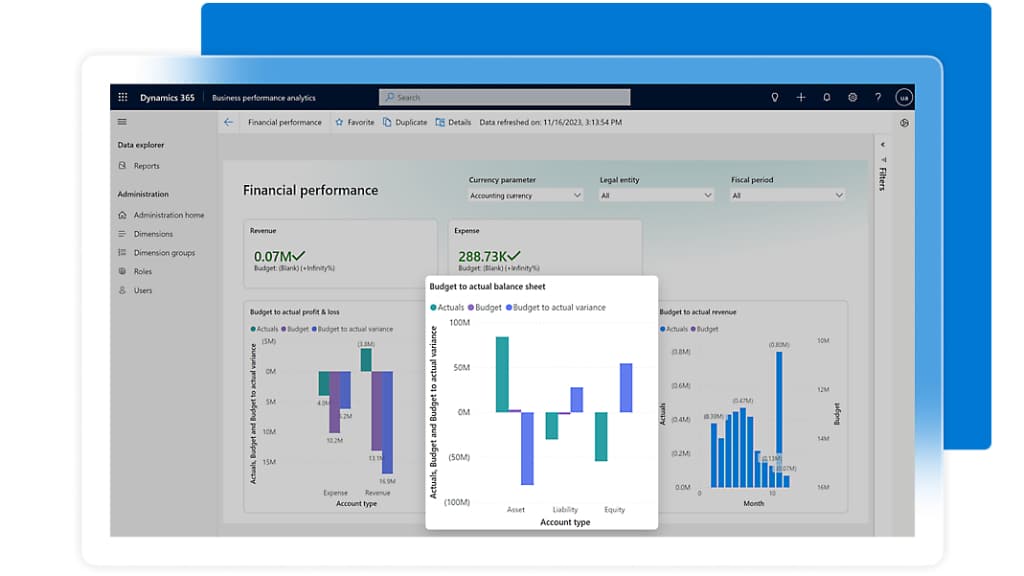
Provide real-time insights and analytics - Support Business Growth
Scale operations without increasing complexity
How to Use ERP Effectively
Using ERP successfully requires more than just installation—it involves strategy and adoption.
Key Steps to Use ERP
- Define Business Goals
Identify what problems you want ERP to solve - Train Your Team
Ensure employees understand how to use the system - Integrate All Departments
Connect finance, HR, operations, and sales - Monitor and Optimize
Continuously improve processes using ERP insights
What is a Company’s ERP System Like?
A company’s ERP system typically acts as a central hub for all business operations.
Common Characteristics
- Unified dashboard for all departments
- Role-based access for employees
- Real-time data updates
- Automated workflows
Example Structure
Module | Function |
Finance | Budgeting, accounting, reporting |
HR | Payroll, recruitment, employee data |
Inventory | Stock tracking, warehouse management |
Sales | CRM, order management |
ERP Usage for Organizations
ERP systems are used across various industries and departments:
Example of use
- Manufacturing: Production planning and supply chain tracking
- Retail: Inventory and sales management
- Healthcare: Patient records and billing
- Finance: Compliance and reporting
ERP ensures all teams work with consistent and accurate data.
Different Types of ERP Systems
Choosing the right type of ERP depends on your business needs.
type | Details | Suitable for |
On-Premise ERP | Installed on company servers | Large enterprises with IT resources |
Cloud ERP | Hosted on the cloud | SMEs and growing businesses |
Hybrid ERP | Combination of cloud and on-premise | Organizations with complex needs |
Industry-Specific ERP | Tailored for specific industries | Specialized sectors (e.g., healthcare, manufacturing) |
How to Choose an ERP System
Selecting the right ERP system is a critical decision.
Key Factors to Consider
- Business Requirements
Does it meet your operational needs? - expandability
Can it grow with your business? - User Experience
Is it easy for employees to use? - Integration Capabilities
Can it connect with existing tools? - Cost and ROI
Does it provide long-term value?
Checklist for Selecting an ERP System
Use this checklist to evaluate ERP solutions effectively:
ERP Selection Checklist
- Define clear business objectives
- Identify required features and modules
- Evaluate vendor reputation and support
- Check system scalability and flexibility
- Ensure data security and compliance
- Assess implementation timeline
- Calculate total cost of ownership (TCO)
- Request demos and trial versions
Summary
Understanding What is ERP is the first step toward transforming your business operations. ERP systems are no longer optional—they are essential tools for organizations aiming to improve efficiency, scalability, and decision-making.
By choosing the right ERP system and implementing it effectively, businesses can unlock new levels of productivity and gain a competitive edge in today’s fast-moving digital landscape.